... Search Here ...

Top Build Ideas This Month For Minecraft

CONTACT US

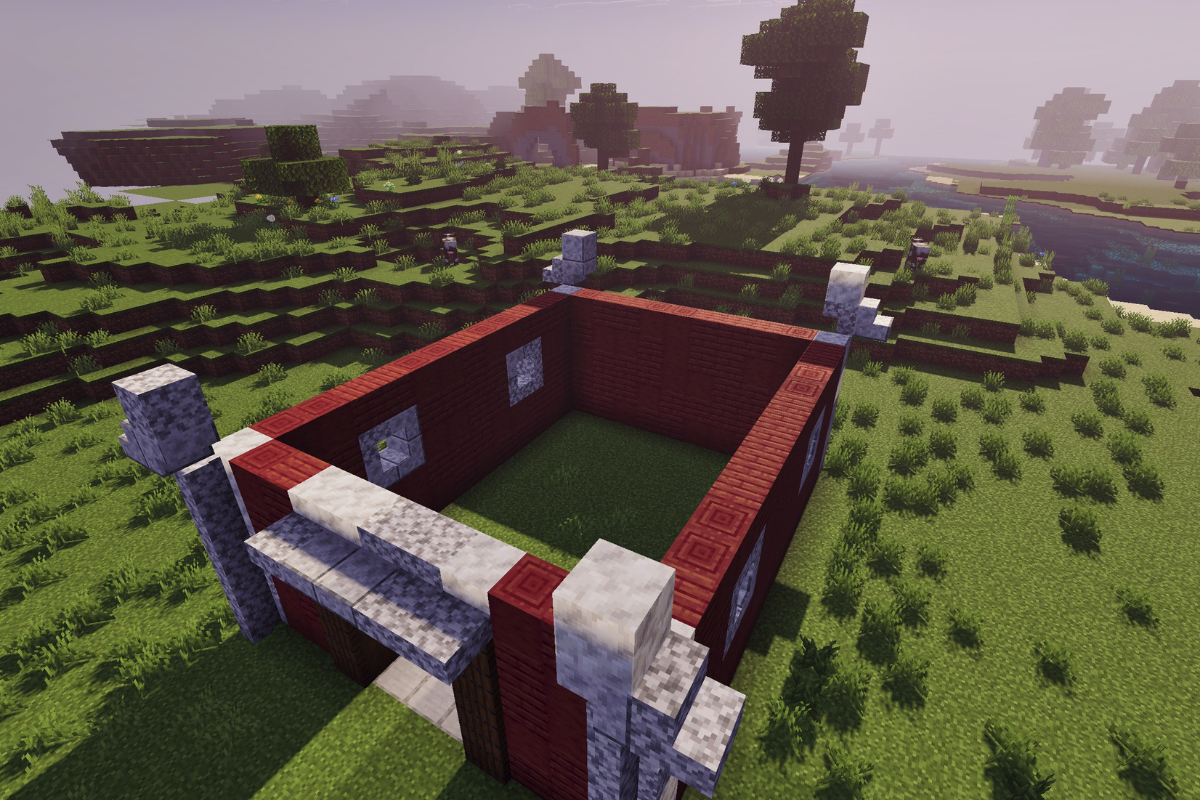
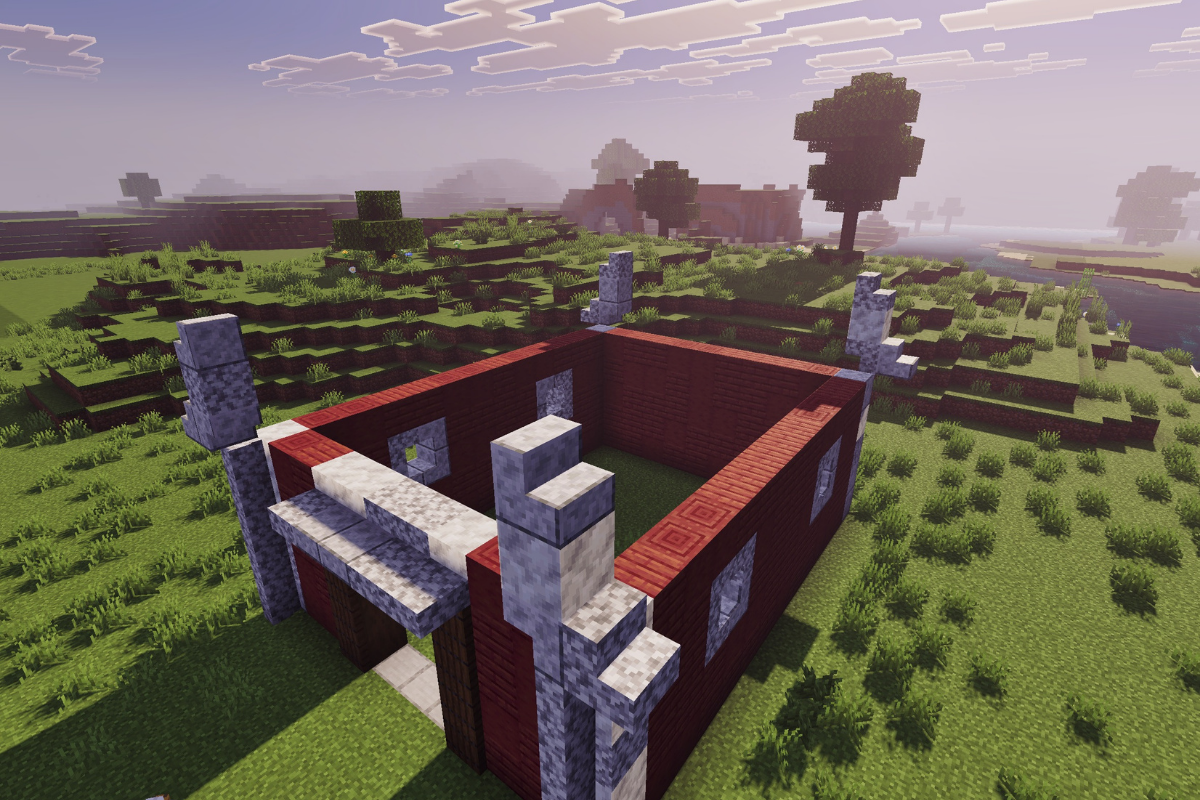
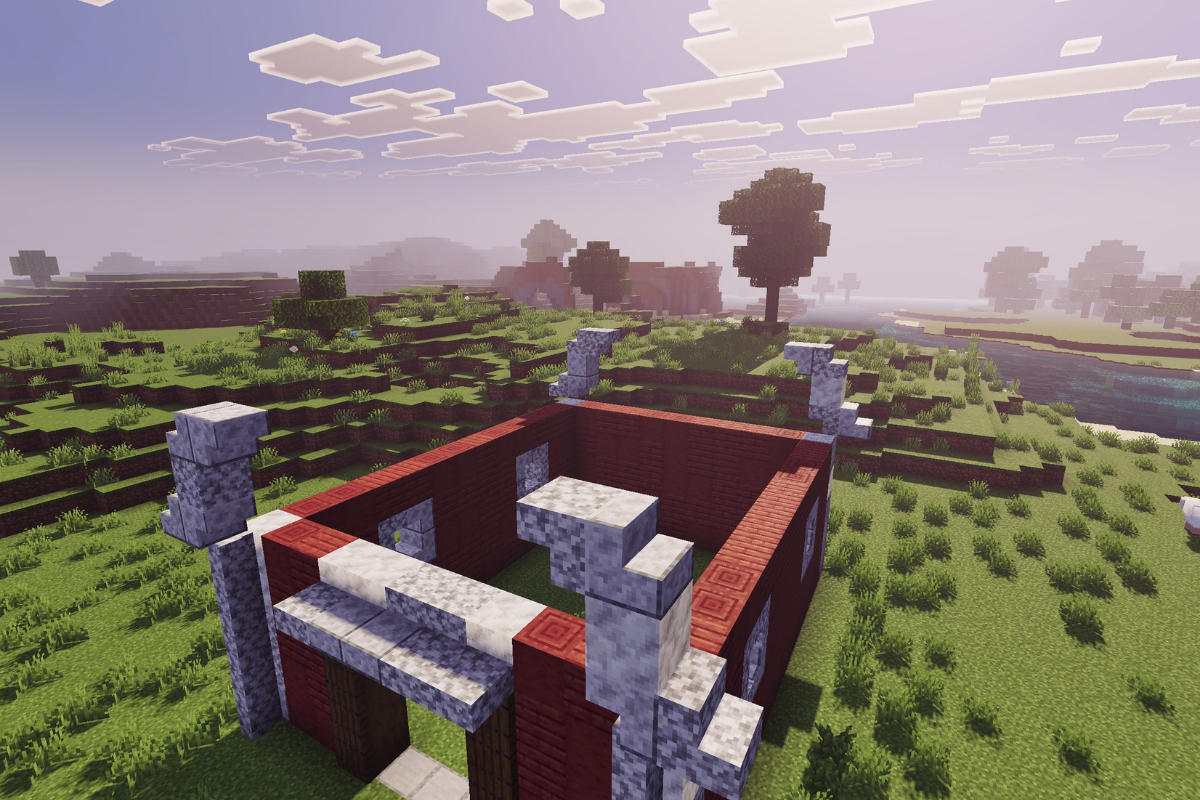
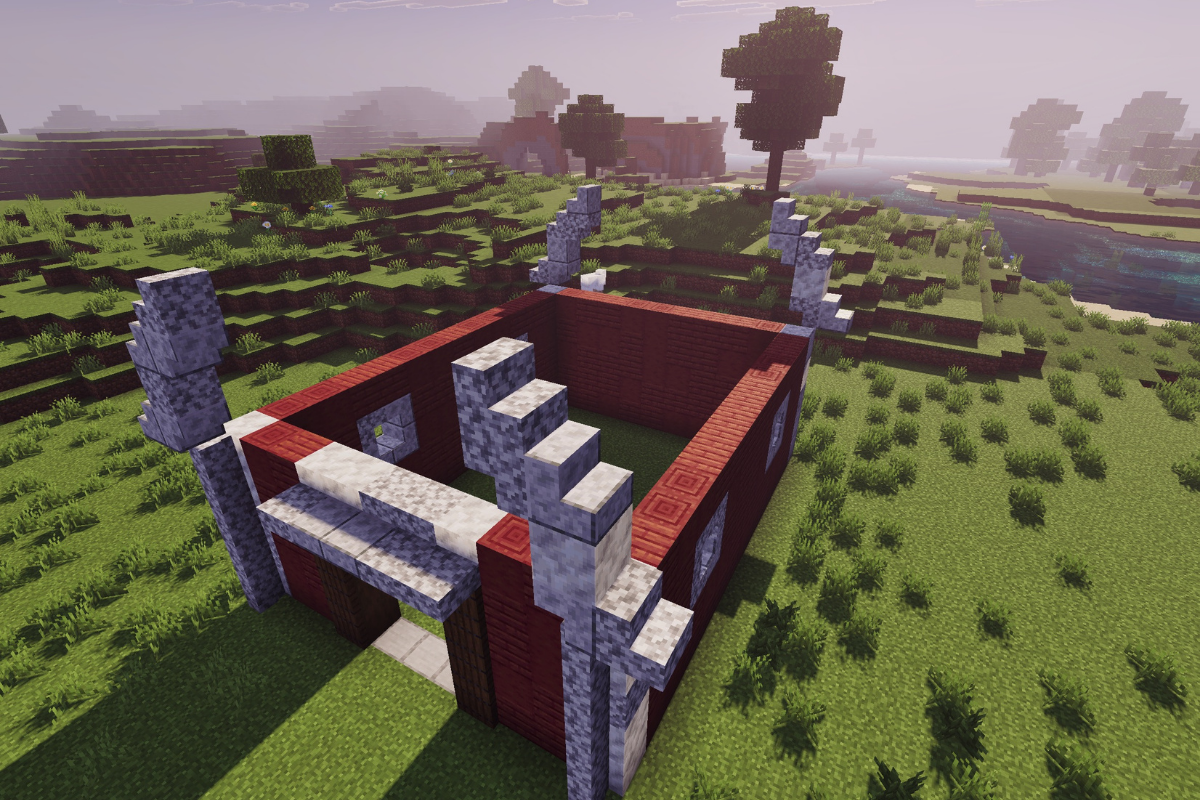
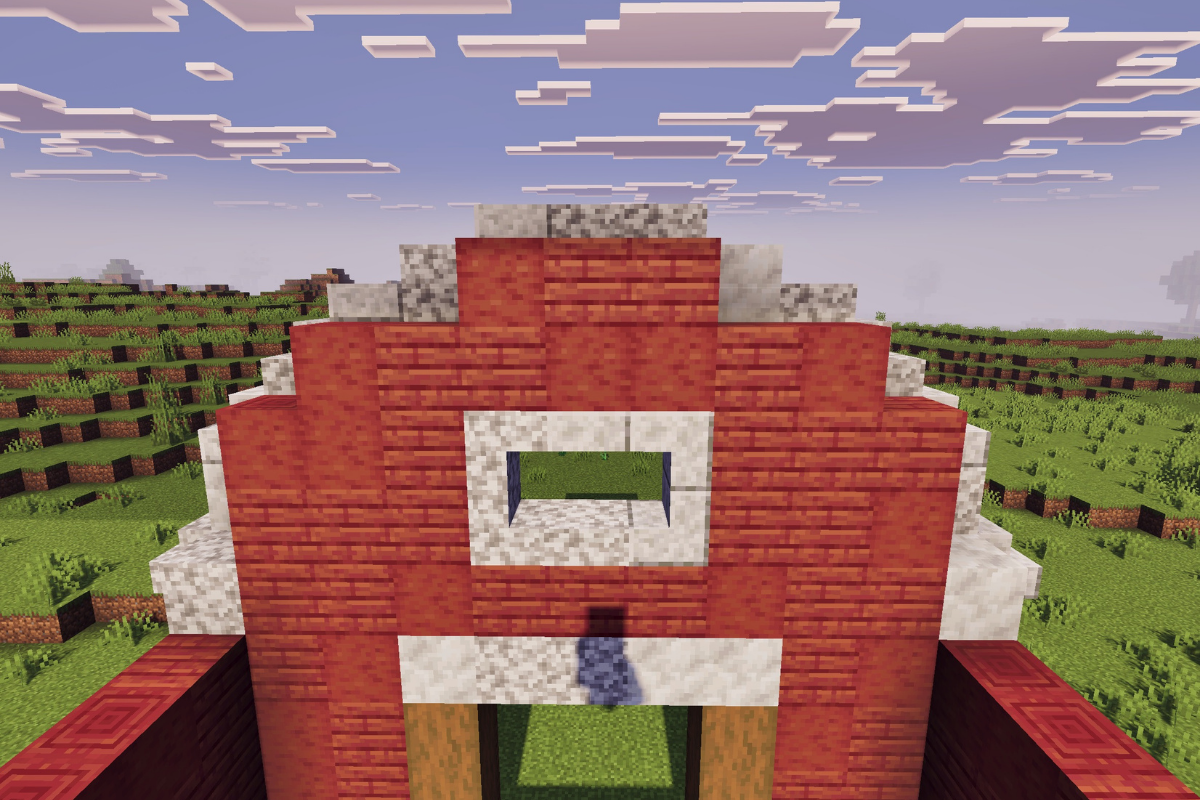
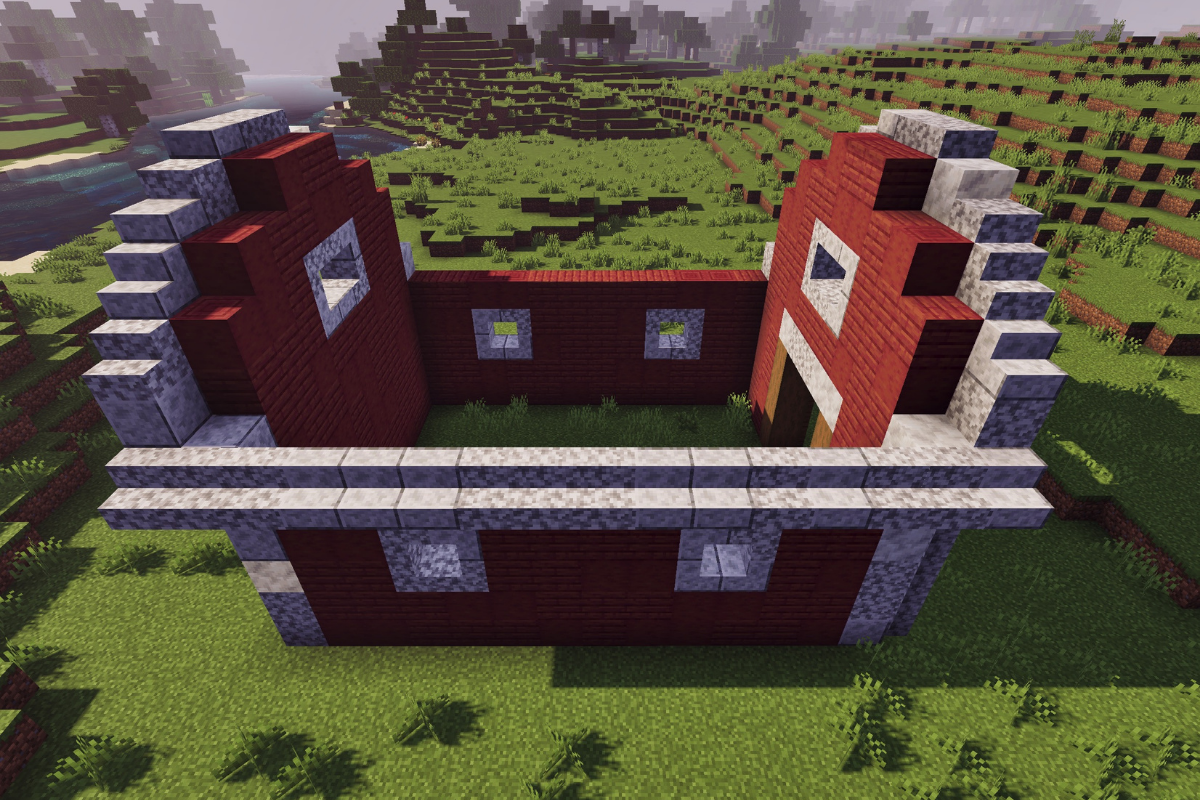
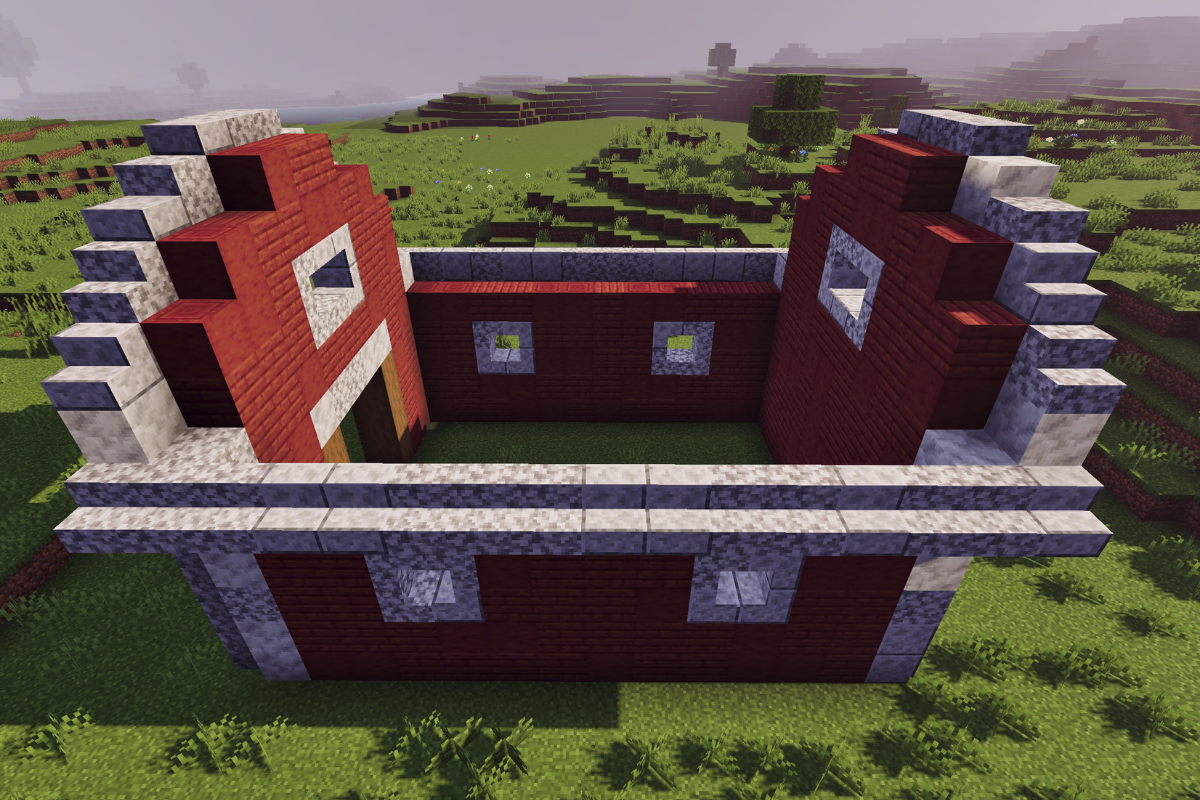
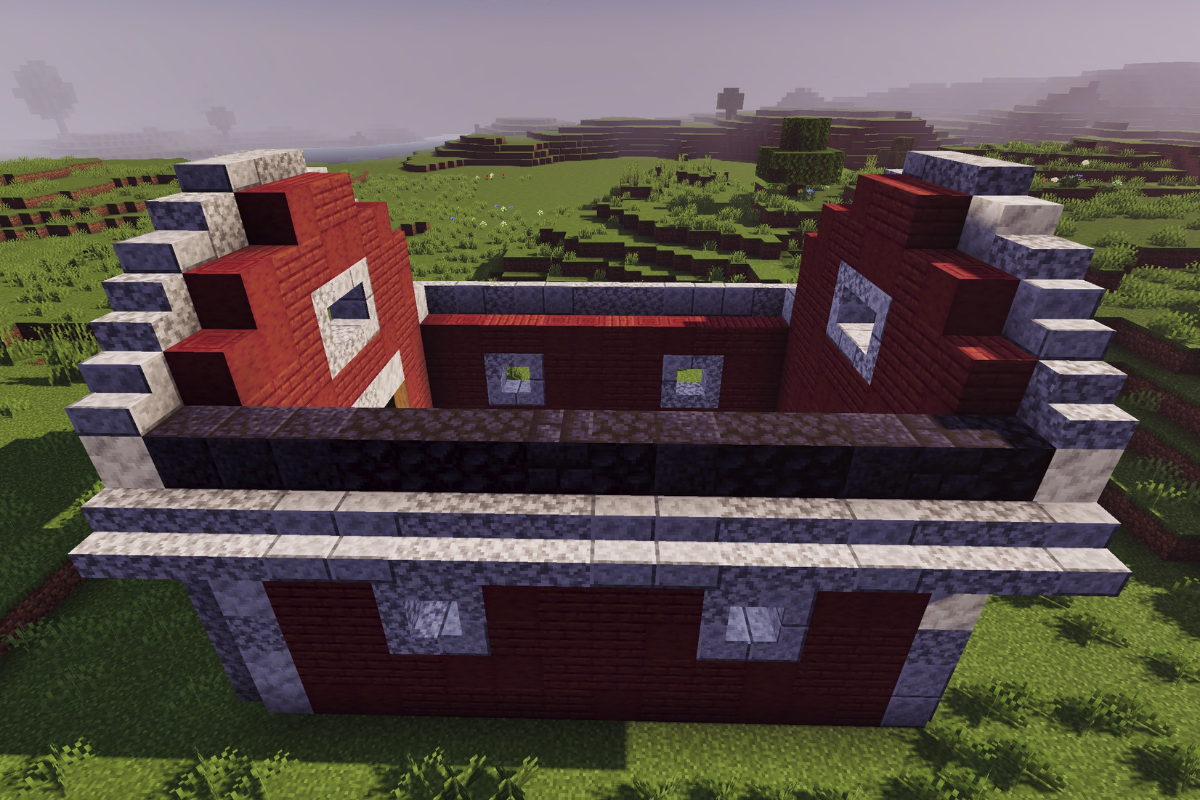
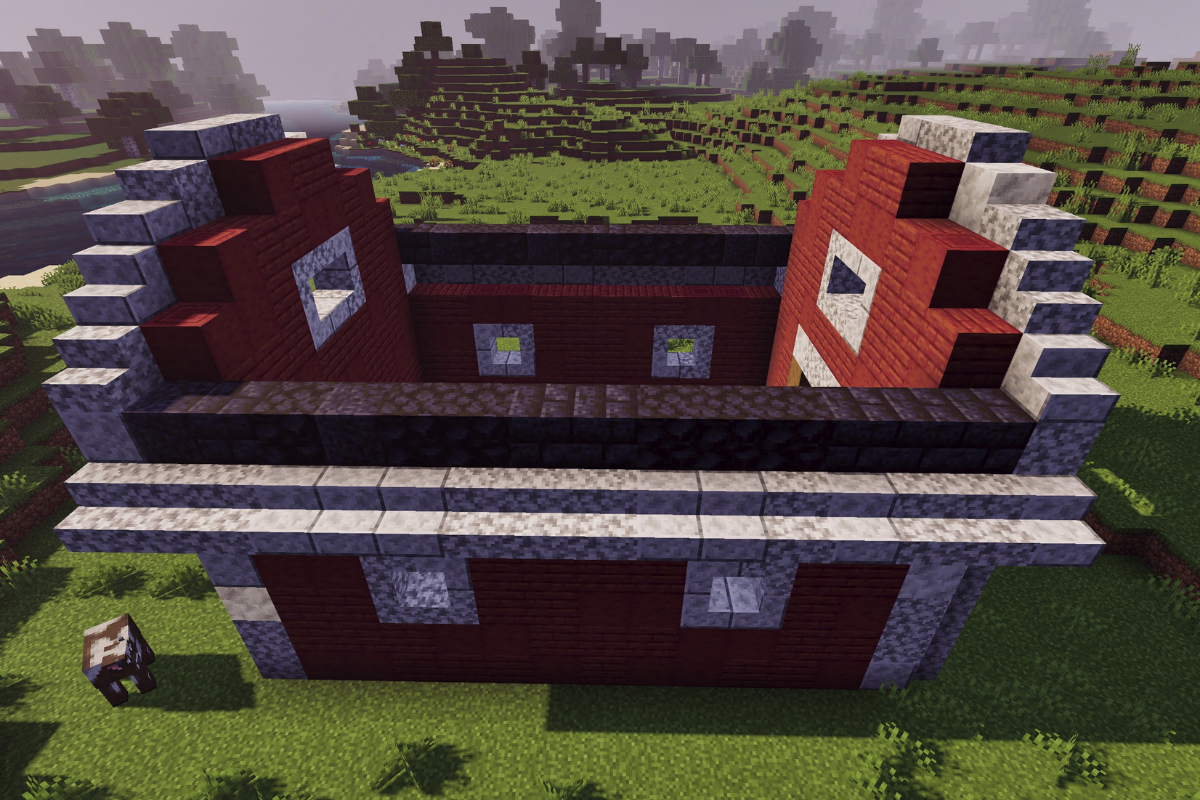
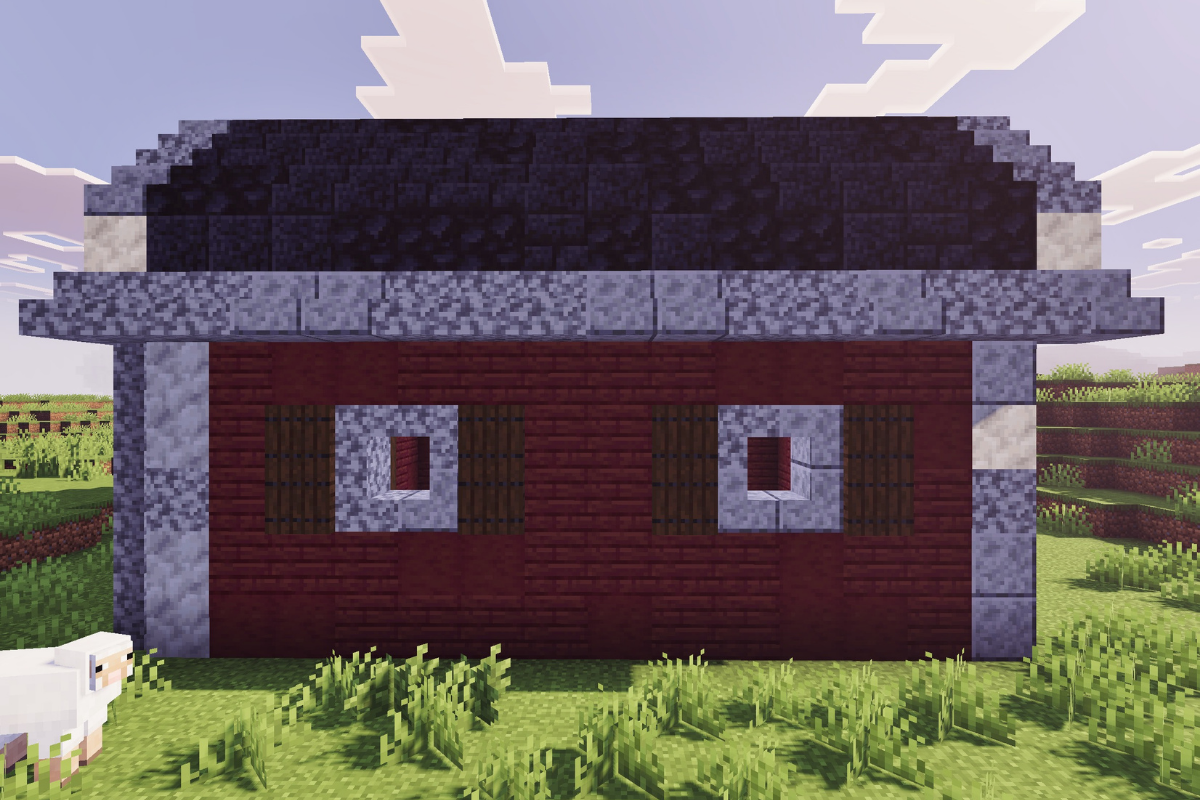
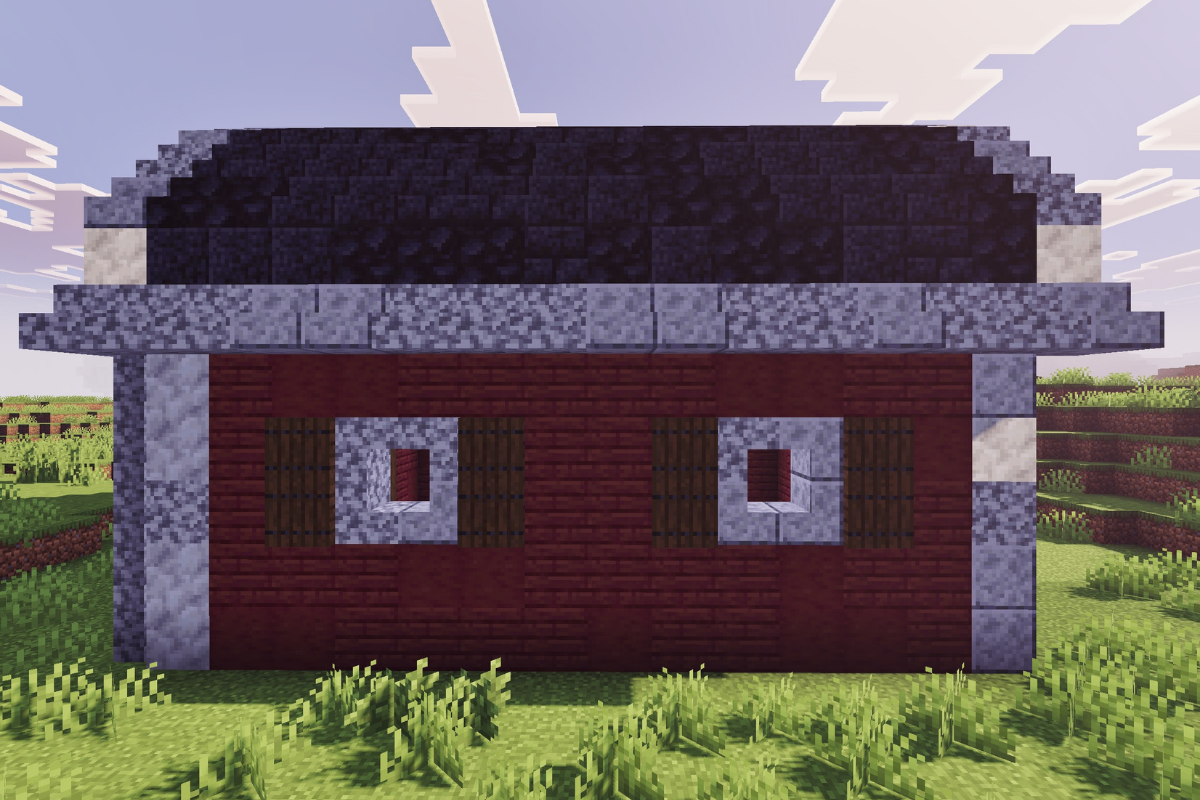
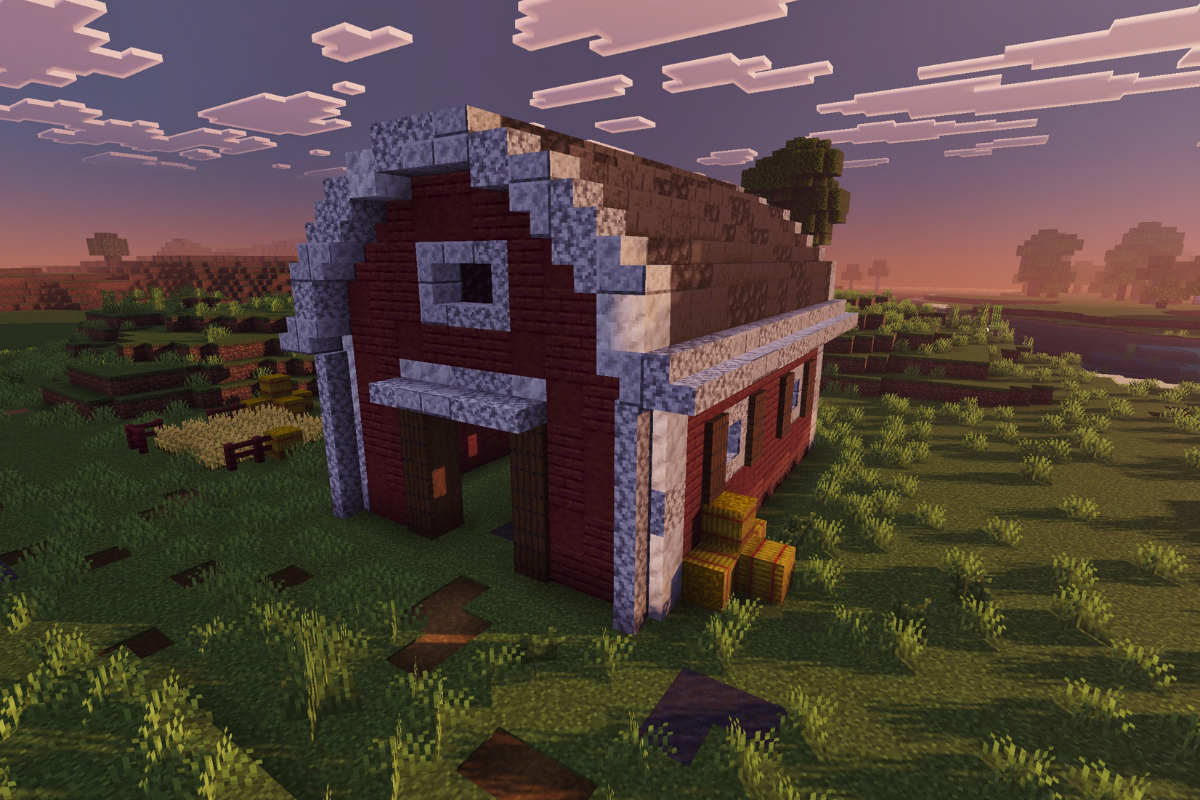
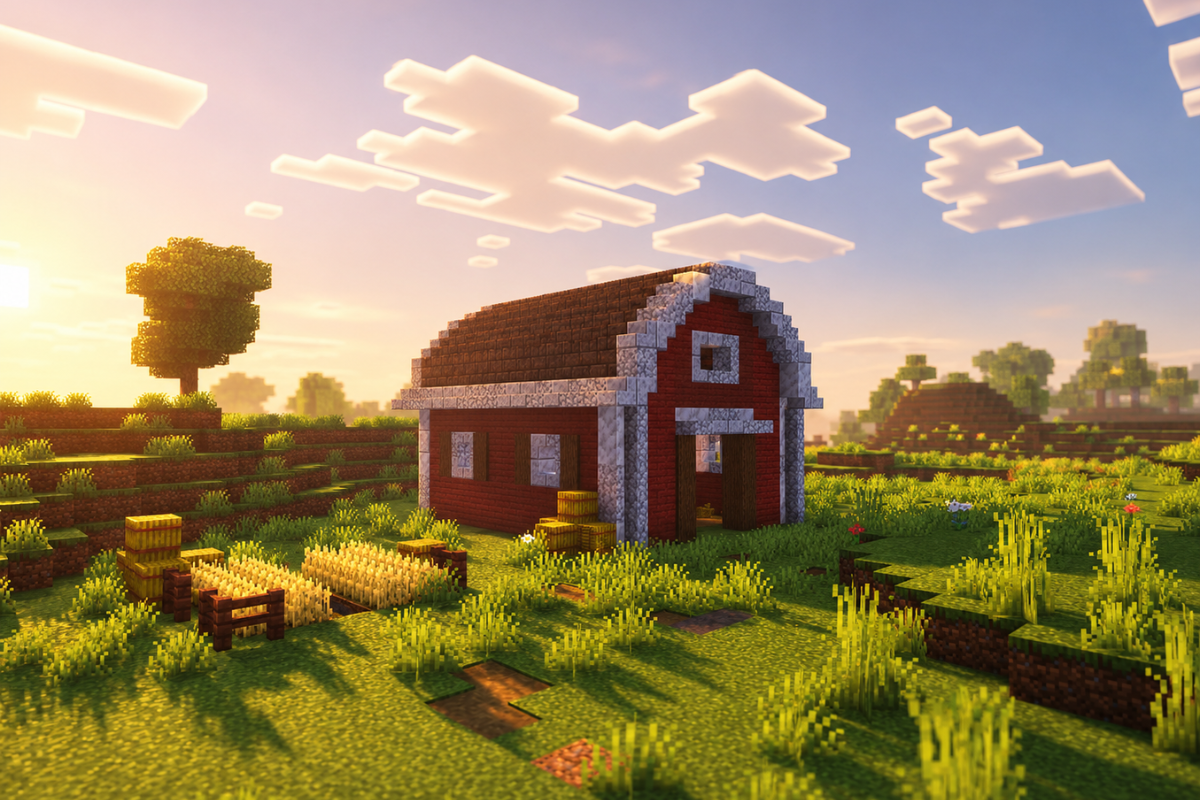
Minecraft red barn build inspired by a classic American barn design in a peaceful survival farm landscape

If you’re looking to add a bold, iconic centerpiece to your survival world, this red classic American barn is the perfect build to bring your farm to life.

With its timeless design, bright red exterior, and spacious interior, this barn isn’t just about looks—it’s built to be fully functional for your animals, storage, and overall farm setup.

Whether you’re expanding your survival farm or starting fresh, this build strikes the perfect balance between aesthetic and practicality.

If you haven’t already, you might want to check out my Rustic Medieval Barn Build for a more old-world style farm setup before diving into this one.

Material List
Click each material to check them off
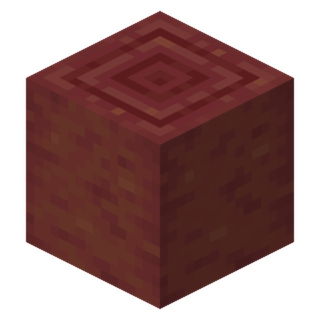
Mangrove Planks
Mangrove Planks
2 stacks + 20
Stripped Mangrove Logs
1 stack + 19
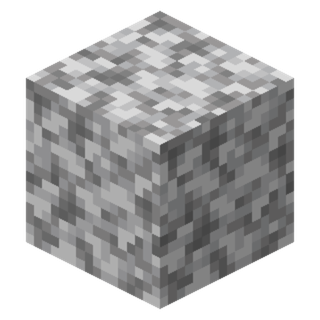
Diorites
Diorites
46
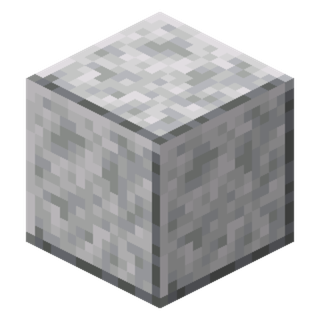
Polished Diorites
Polished Diorites
6
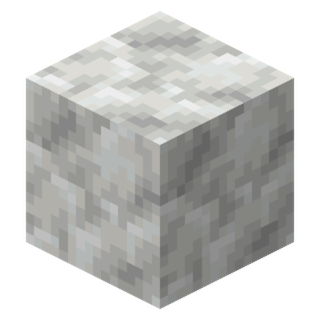
Calcites
Calcites
17
Diorite Stairs
Diorite Stairs
45
Polished Diorite Stairs
30
Diorite Slabs
Diorite Slabs
11
Polished Diorite Slabs
10
Blackstones
Blackstones
36
Polished Blackstones
11
Polished Blackstone Bricks
17
Blackstone Stairs
Blackstone Stairs
20
Polished Blackstone Stairs
26
Polished Blackstone Brick Stairs
10
Blackstone Slabs
Blackstone Slabs
23
Polished Blackstone Slabs
19
Polished Blackstone Brick Slabs
24
Stripped Spruce Logs
8
Spruce Trapdoors
Spruce Trapdoors
24

Build Sizing

The sizing to use for your build

Step-by-Step Tutorial

STEP 1 / 44

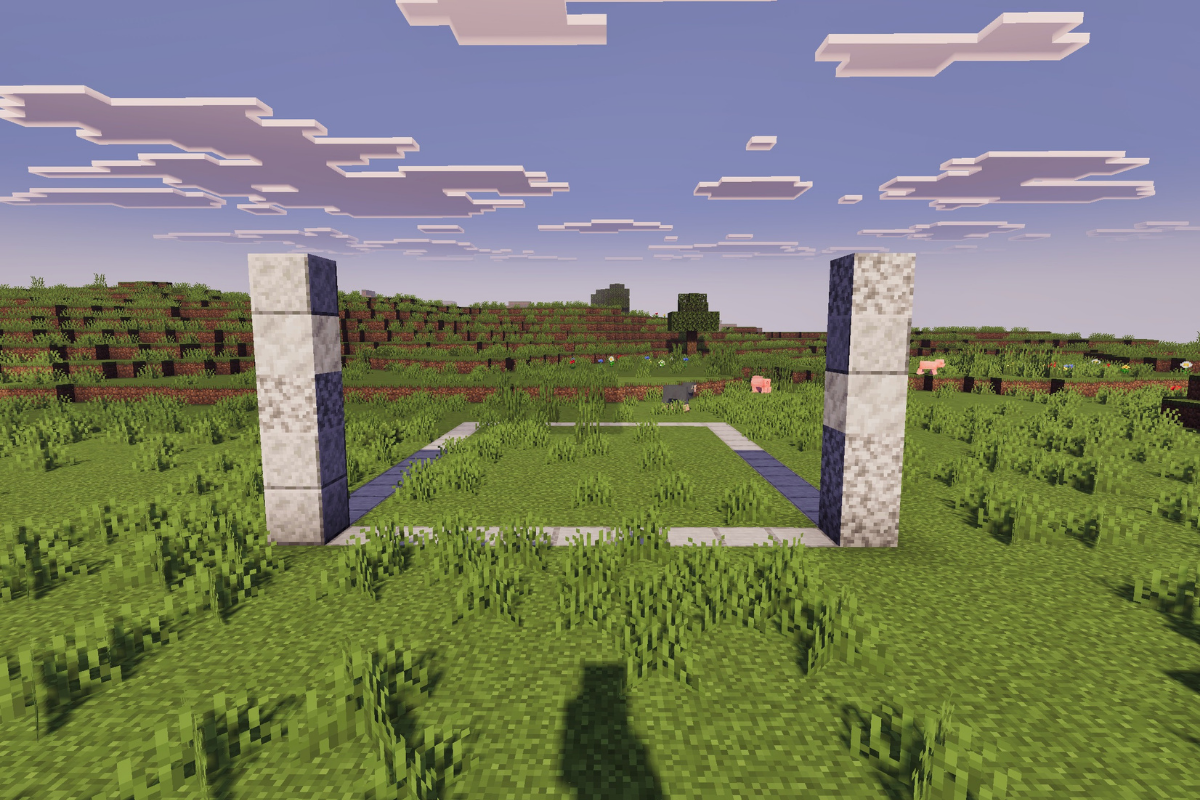
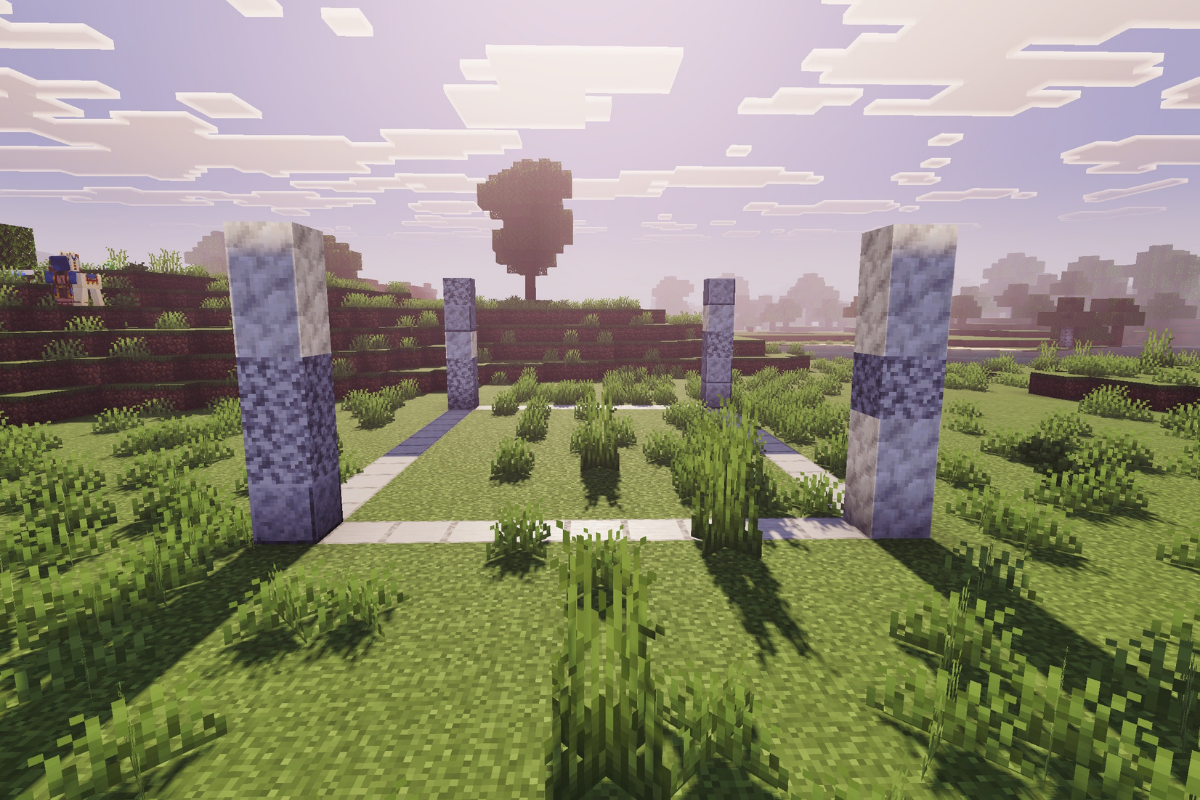
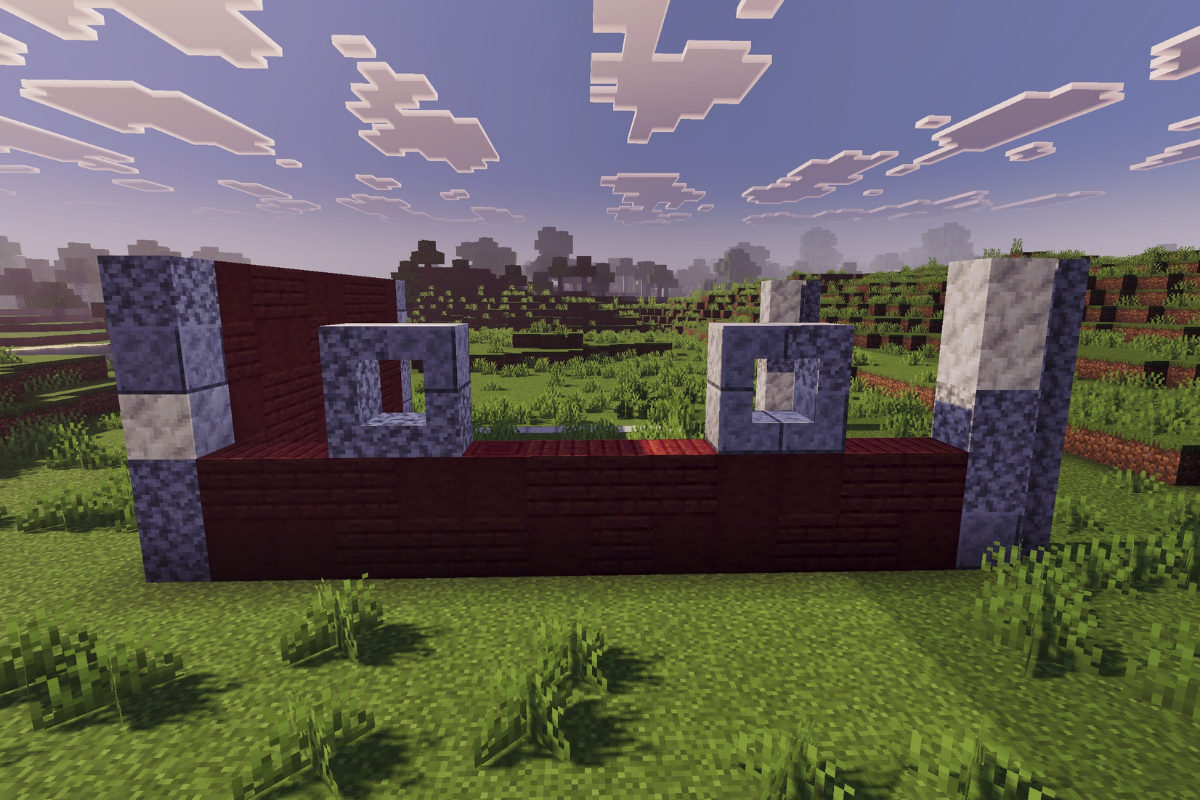
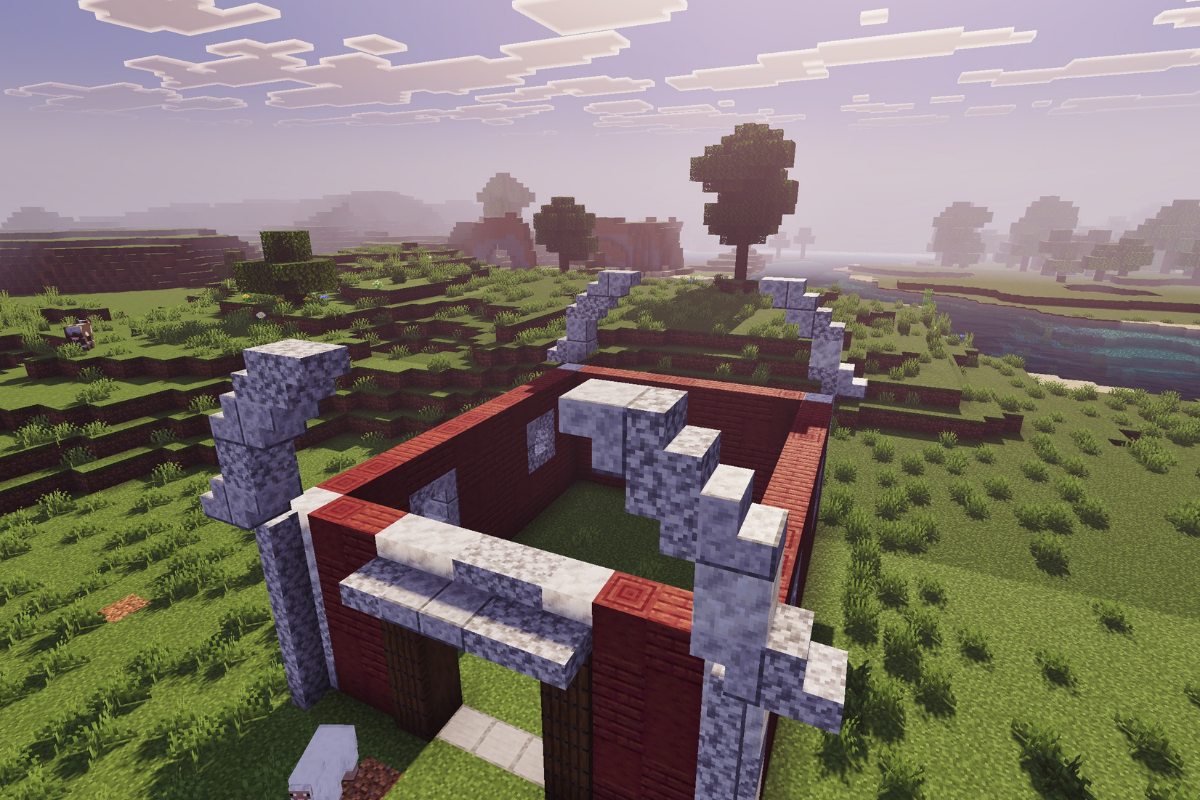
Start your minecraft red barn by creating two textured pillars at the back, each 5 blocks tall.

  • Icon
    x 4
  • Icon
    x 2
  • Icon
    x 4
STEP 2 / 44

 Create 2 textured pillars at the front at the barn, each 5 blocks tall.

  • Icon
    x 1
  • Icon
    x 2
  • Icon
    x 2
STEP 3 / 44

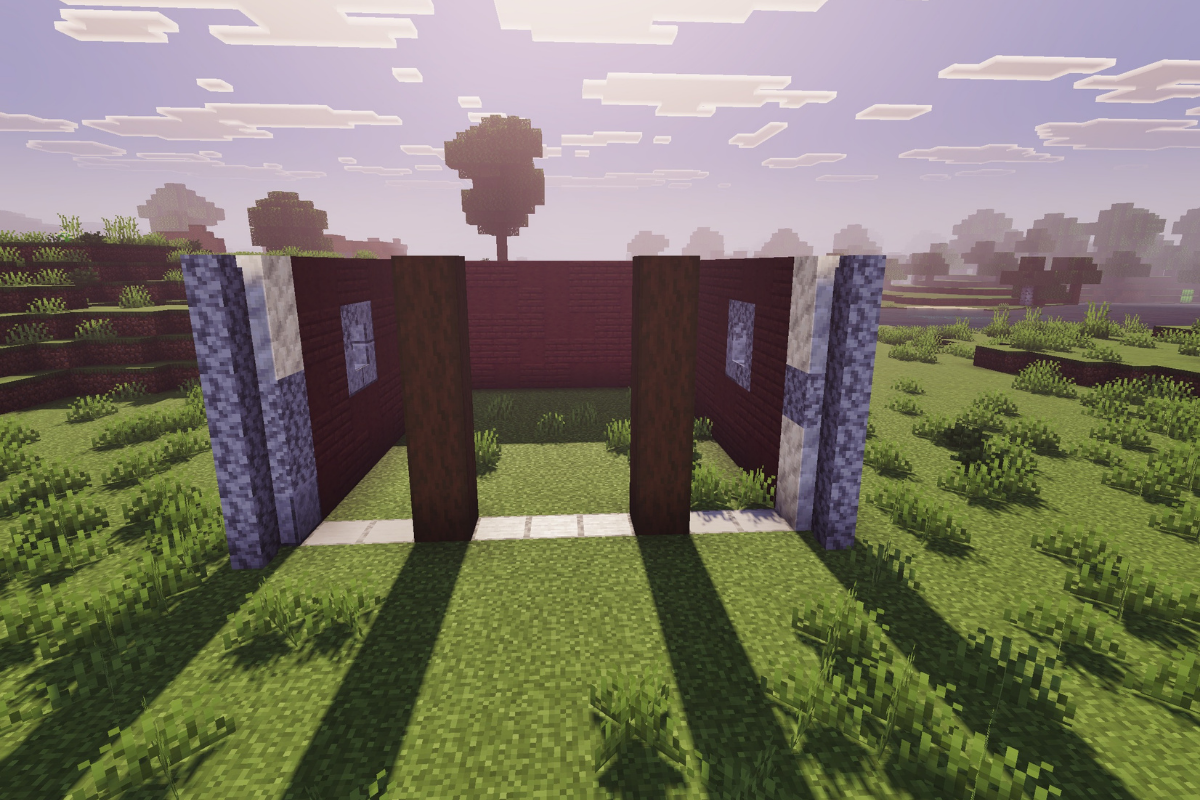
Add 2 columns of diorite wall at the front of the pillars.

  • Icon
    x 10
STEP 4 / 44

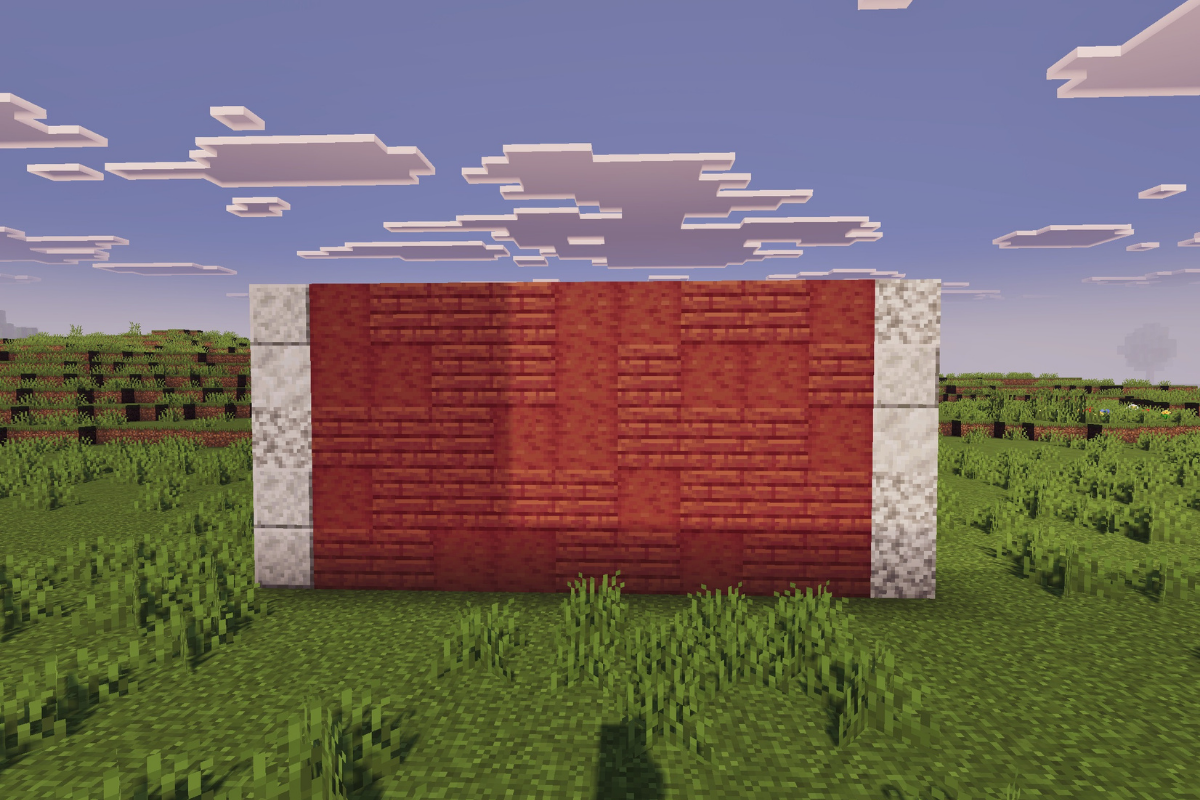
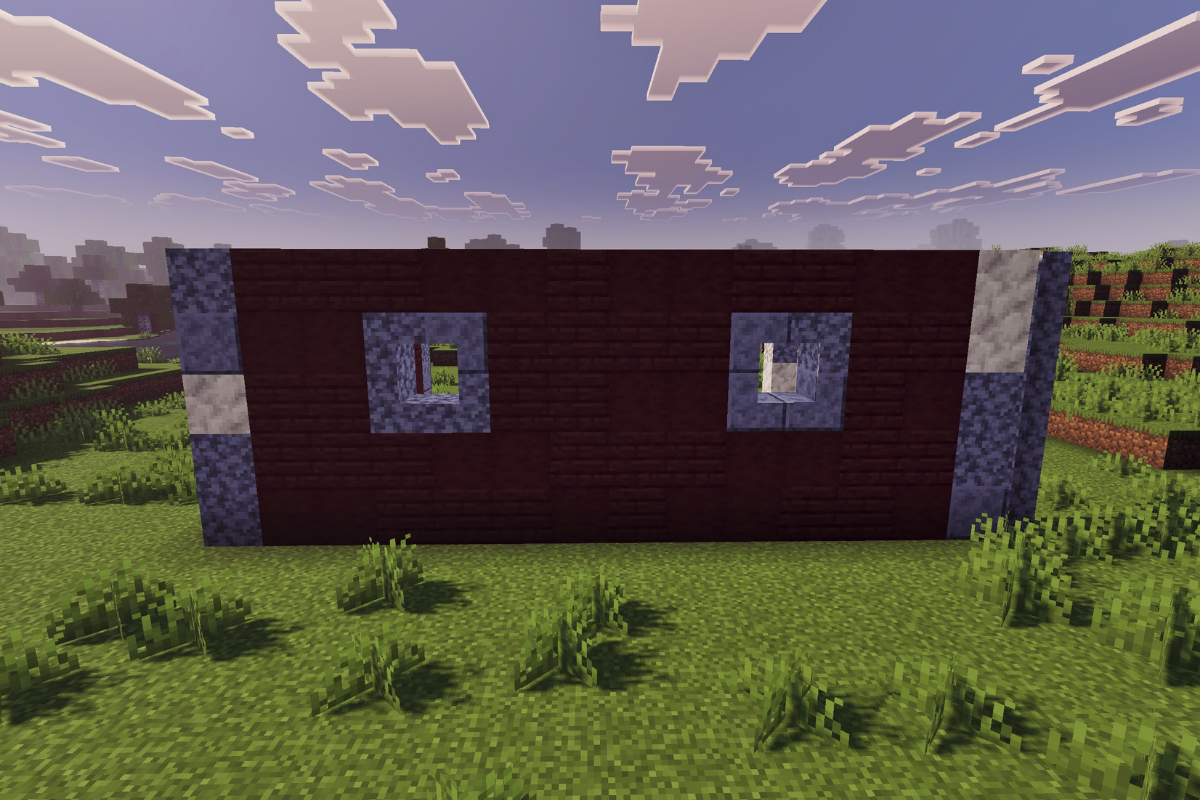
Create a textured back wall for your Minecraft red barn.

  • Icon
    x 28
  • Icon
    x 17
STEP 5 / 44

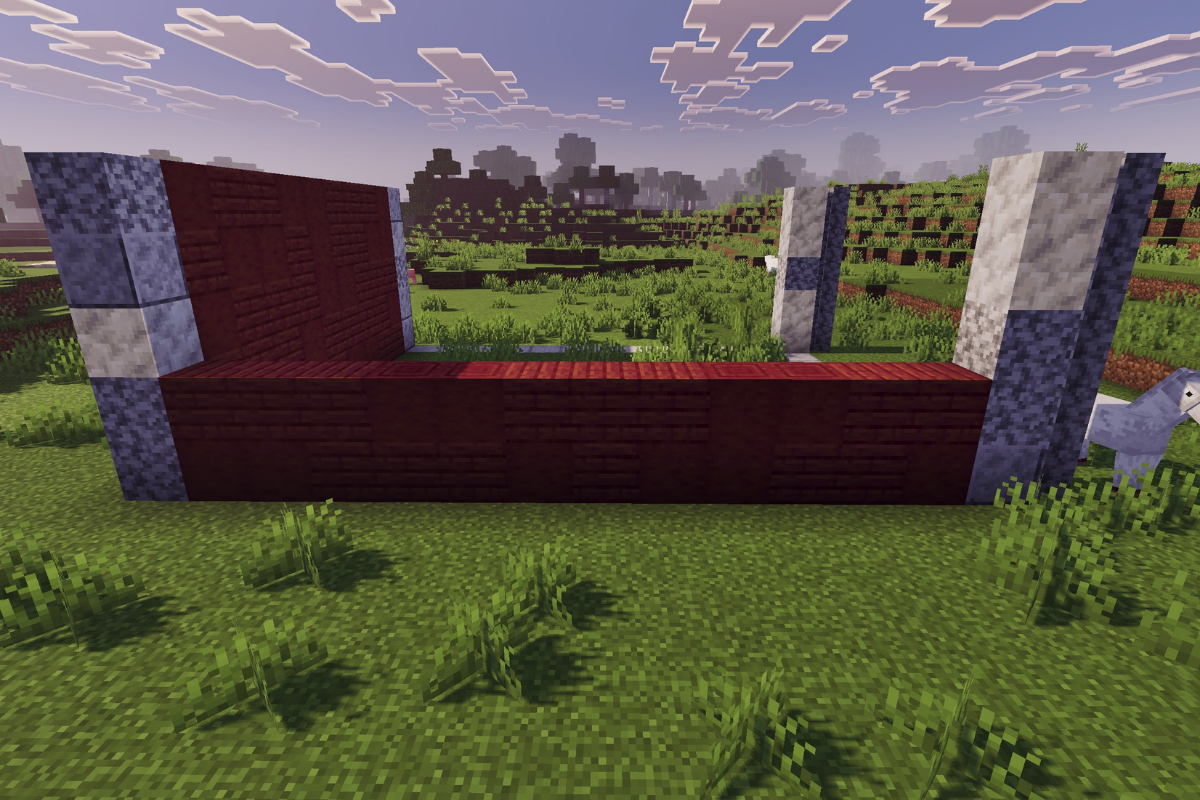
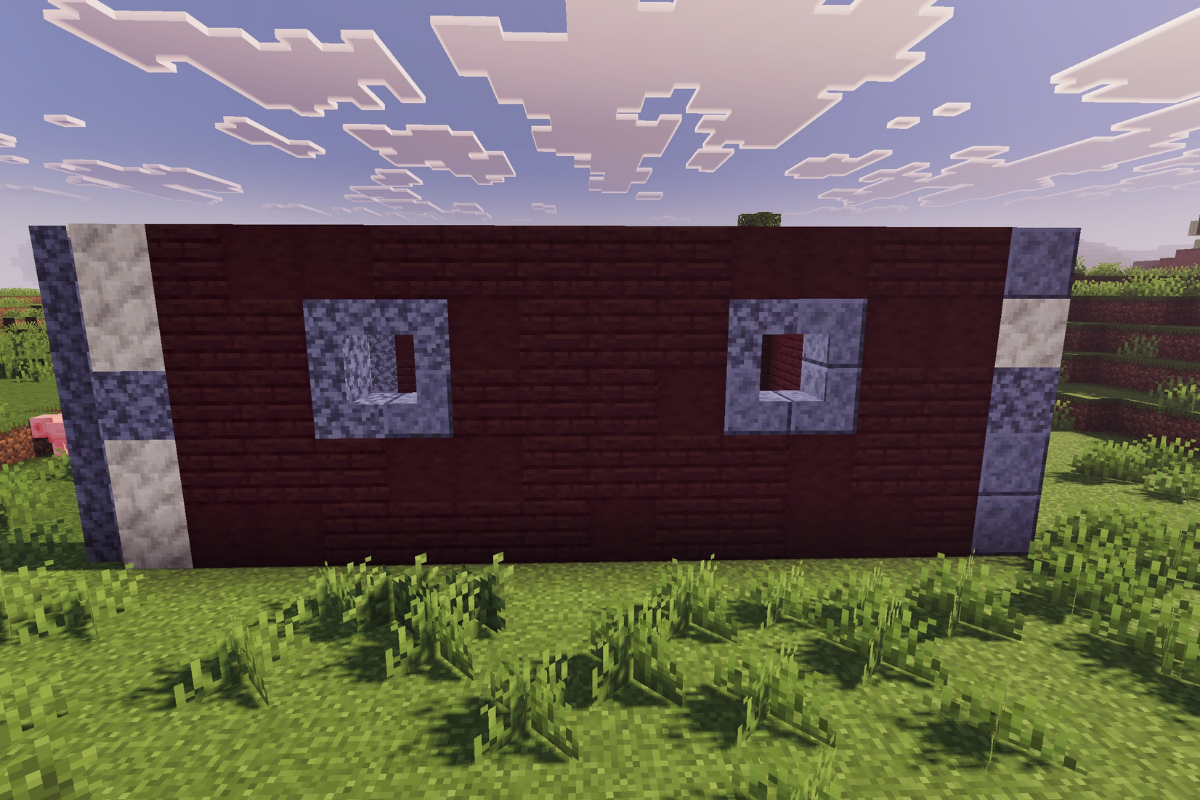
Create a textured wall, 2 blocks tall at the left side of the barn.

  • Icon
    x 14
  • Icon
    x 10
STEP 6 / 44

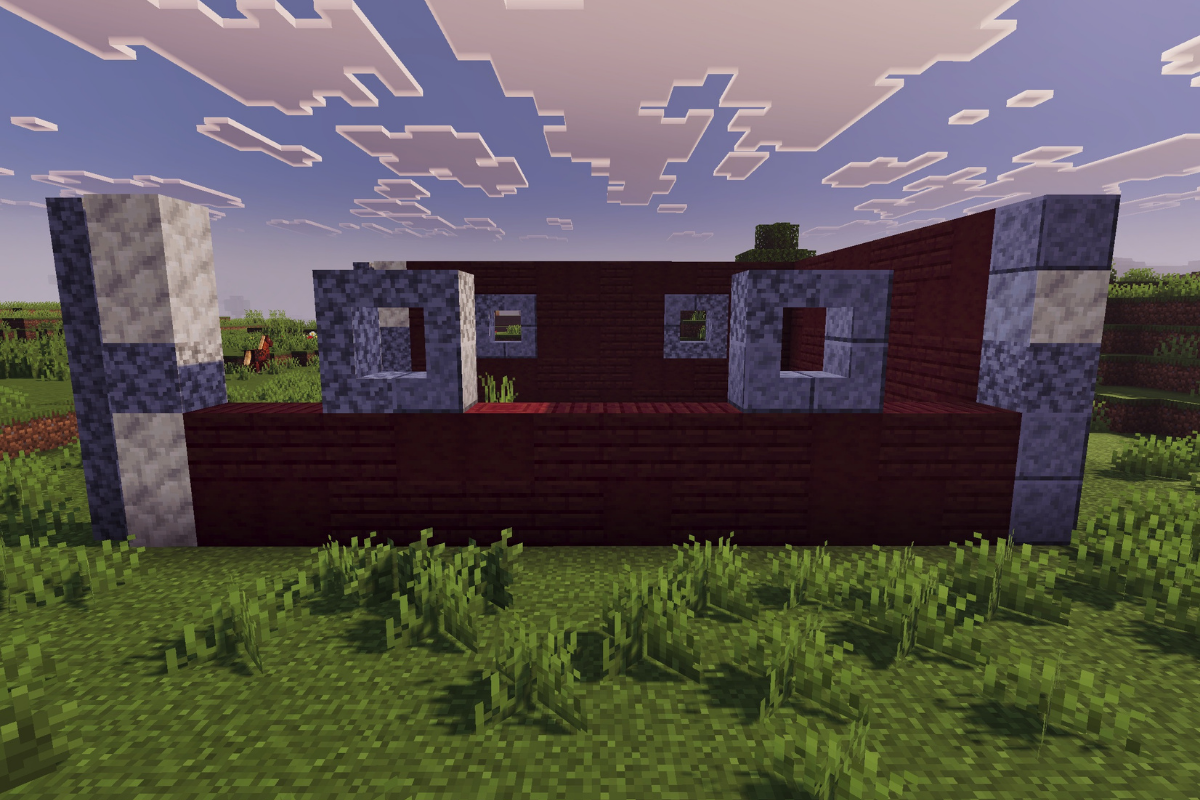
Create 2 windows on the left side of the barn, using stairs.

  • Icon
    x 4
  • Icon
    x 4
STEP 7 / 44

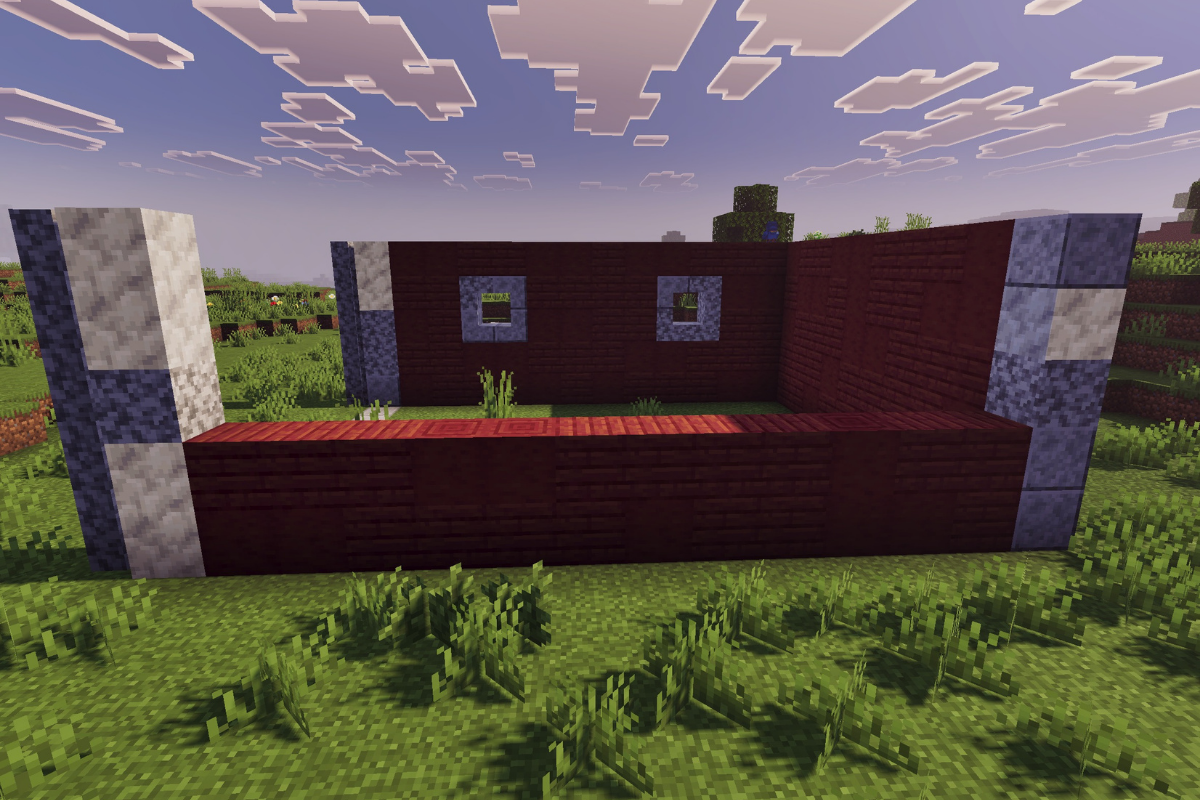
Create a textured wall 3 blocks tall.

  • Icon
    x 17
  • Icon
    x 11
STEP 8 / 44

Create a textured wall, 2 blocks tall at the right side of the barn.

  • Icon
    x 16
  • Icon
    x 8
STEP 9 / 44

Add an upside-down stair behind each stair on top of the block.

  • Icon
    x 4
  • Icon
    x 4
STEP 10 / 44

Create a textured wall 3 blocks tall.

  • Icon
    x 20
  • Icon
    x 8
STEP 11 / 44

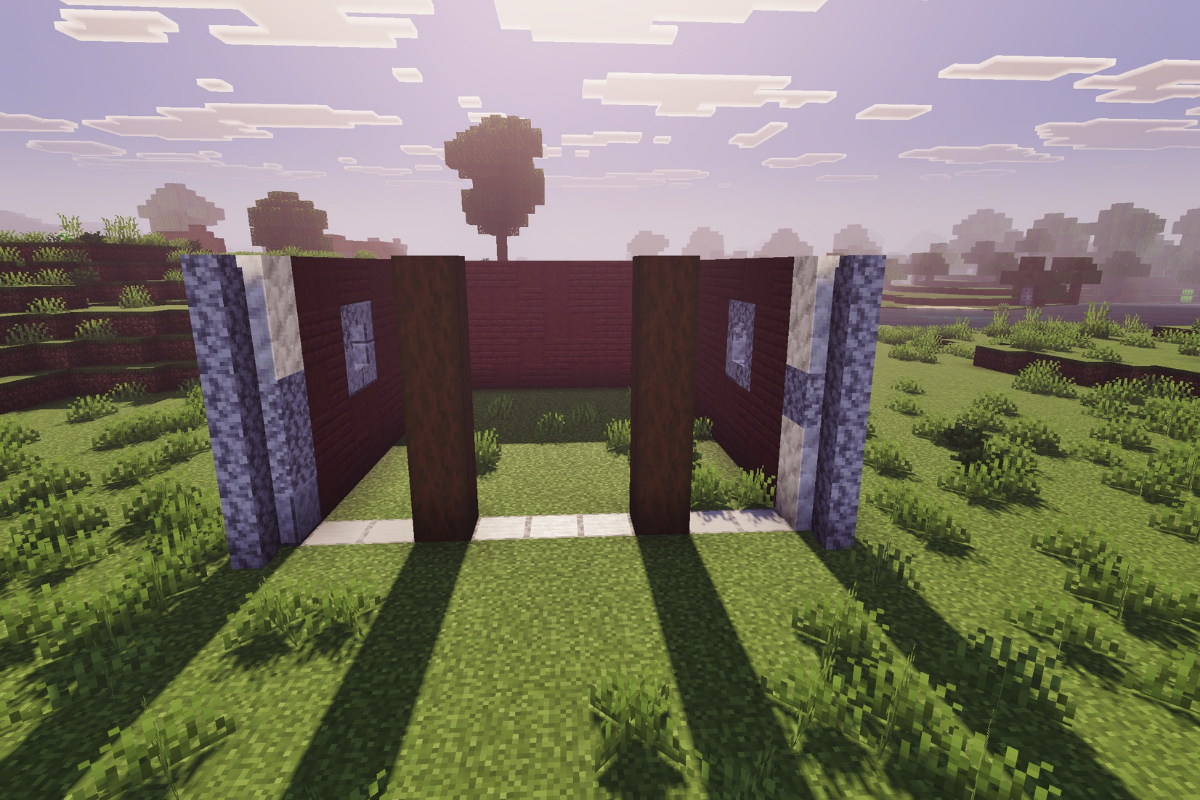
At the front of the red barn in Minecraft, build two 4-block-tall pillars using stripped spruce logs.

  • Icon
    x 8
STEP 12 / 44

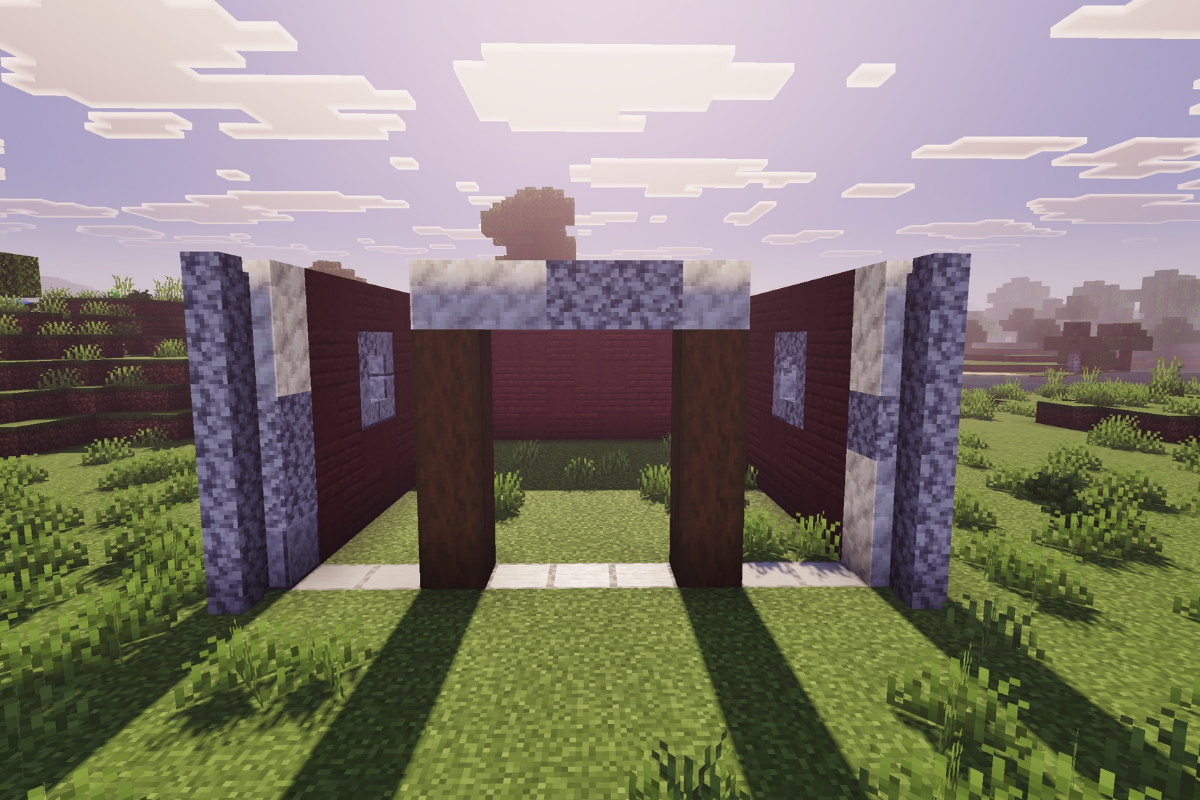
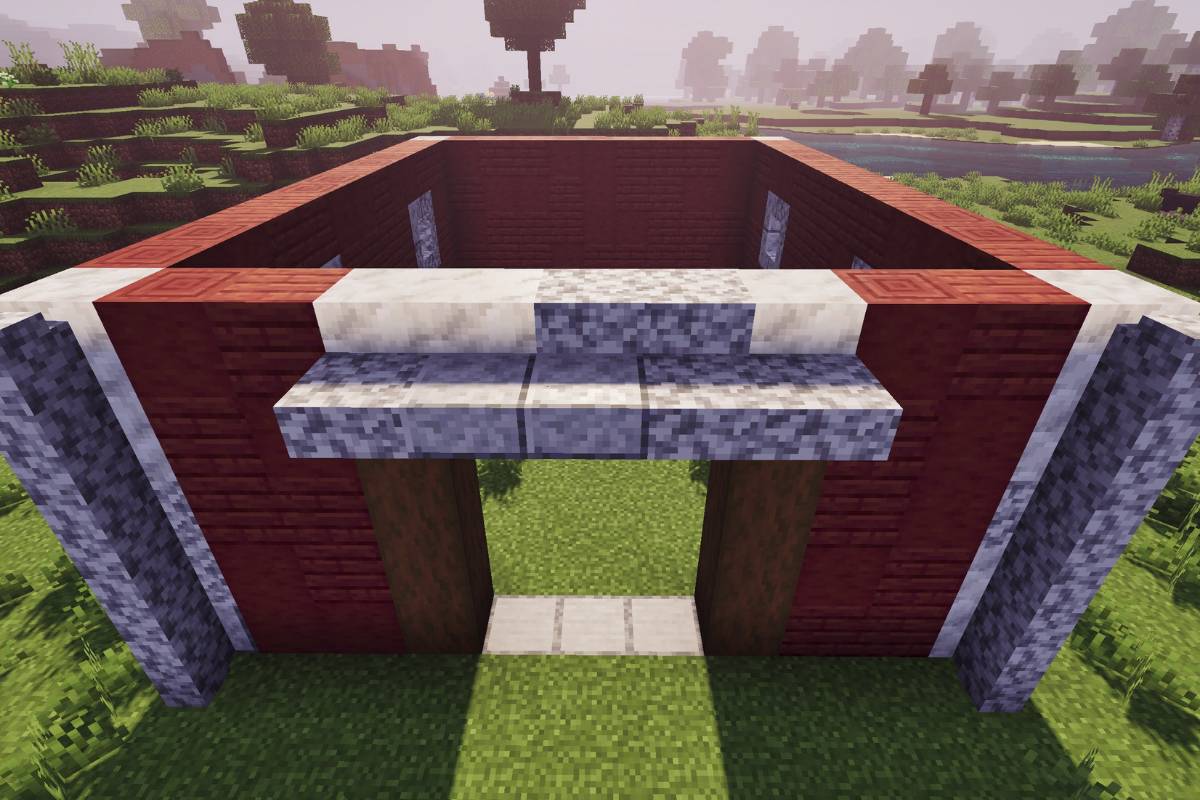
Create a beam above both spruce pillars.

  • Icon
    x 3
  • Icon
    x 2
STEP 13 / 44

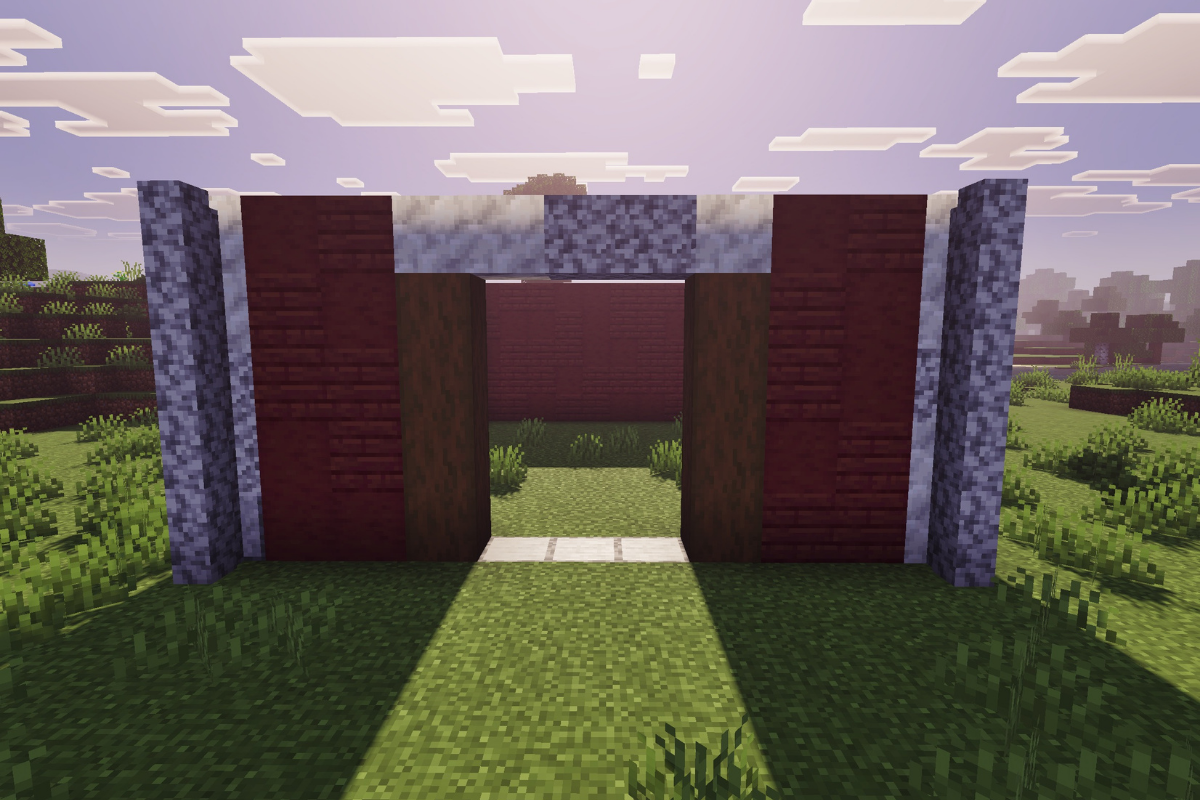
Fill in the walls between the 2 entrance pillars.

  • Icon
    x 11
  • Icon
    x 9
STEP 14 / 44

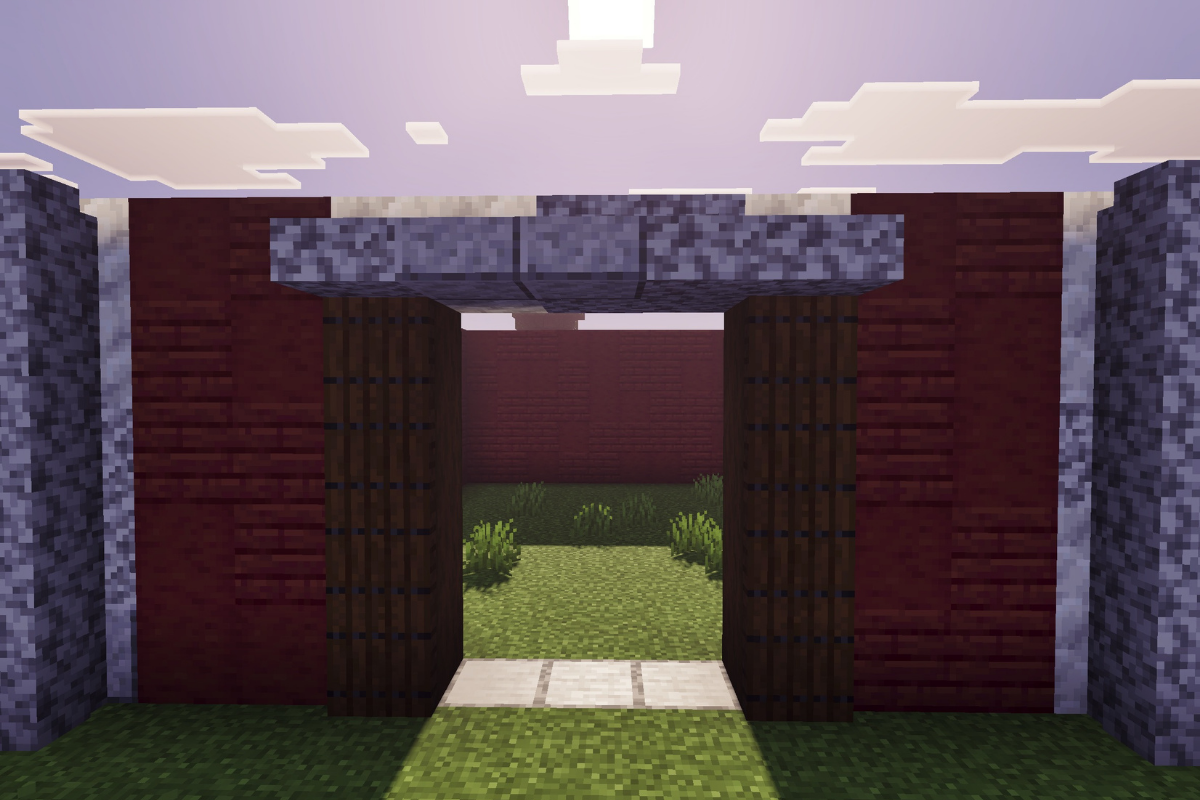
Add a slab awning above the entrance of the minecraft red barn.

  • Icon
    x 2
  • Icon
    x 3
STEP 15 / 44

Add spruce trap doors to the pillars at the entrance of the barn.

  • Icon
    x 8
STEP 16 / 44

Add 2 stairs to each edge to start the roof.

  • Icon
    x 5
  • Icon
    x 3
STEP 17 / 44

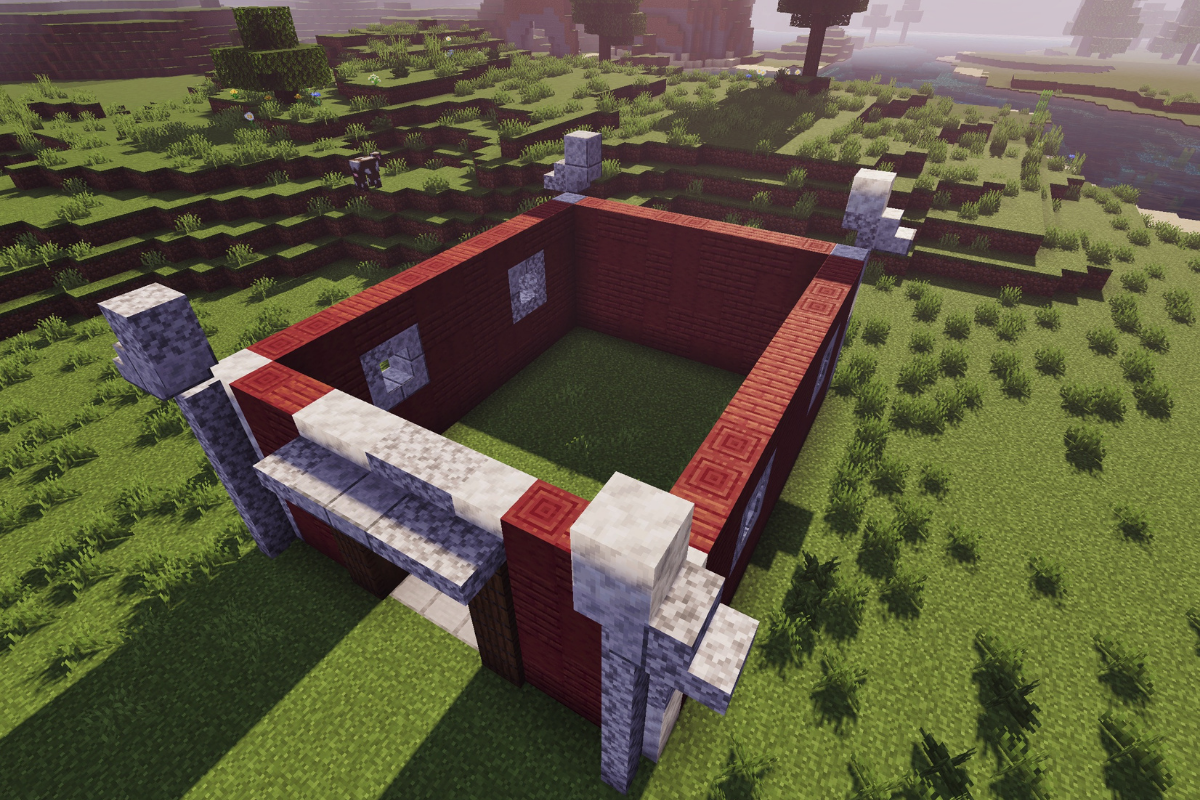
Add a block to each corner of the roof.

  • Icon
    x 2
  • Icon
    x 1
  • Icon
    x 1
STEP 18 / 44

Add a stair to the top of each block.

  • Icon
    x 2
  • Icon
    x 2
STEP 19 / 44

Add an upside-down stair behind each stair on top of the block.

  • Icon
    x 2
  • Icon
    x 2
STEP 20 / 44

Add stairs to each of the 4 upside-down stairs.

  • Icon
    x 2
  • Icon
    x 2
STEP 21 / 44

Add an upside-down stair behind each stair.

  • Icon
    x 3
  • Icon
    x 1
STEP 22 / 44

Add a slab on each of the 4 upside-down stairs.

  • Icon
    x 2
  • Icon
    x 2
STEP 23 / 44

Add a block beside each of the 4 slabs.

  • Icon
    x 2
  • Icon
    x 2
STEP 24 / 44

Connect both ends of the roof with three slabs at the front and back of the red barn in minecraft.

  • Icon
    x 6
  • Icon
    x 6
STEP 25 / 44

Place a block on each of the corners of the wall.

  • Icon
    x 2
  • Icon
    x 1
  • Icon
    x 1
STEP 26 / 44

Create a textured wall at 1 block tall at the back of the barn with a window.

  • Icon
    x 7
  • Icon
    x 2
STEP 27 / 44

Create a textured wall at 1 block tall at the front of the barn with a window.

  • Icon
    x 7
  • Icon
    x 2
STEP 28 / 44

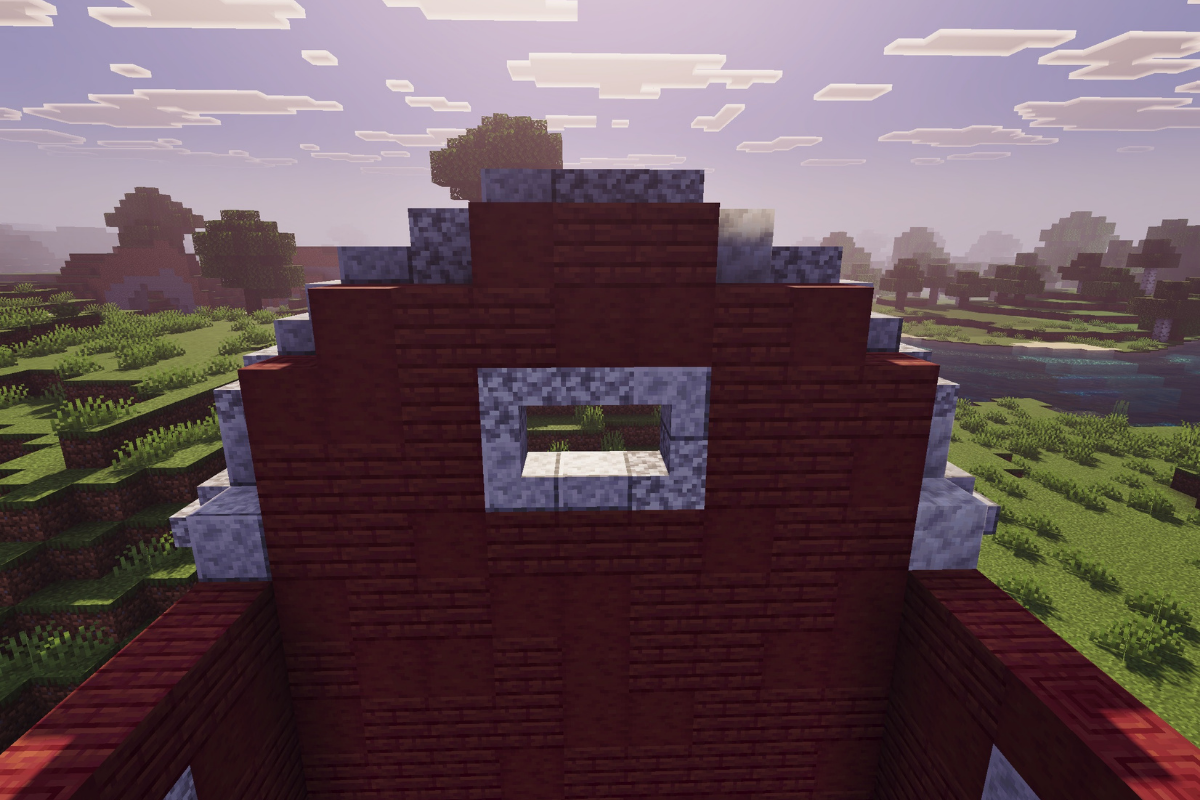
Complete the upper back wall of your minecraft red barn using the same textured block palette.

  • Icon
    x 14
  • Icon
    x 8
STEP 29 / 44

Create a textured wall at the front of the barn.

  • Icon
    x 14
  • Icon
    x 8
STEP 30 / 44

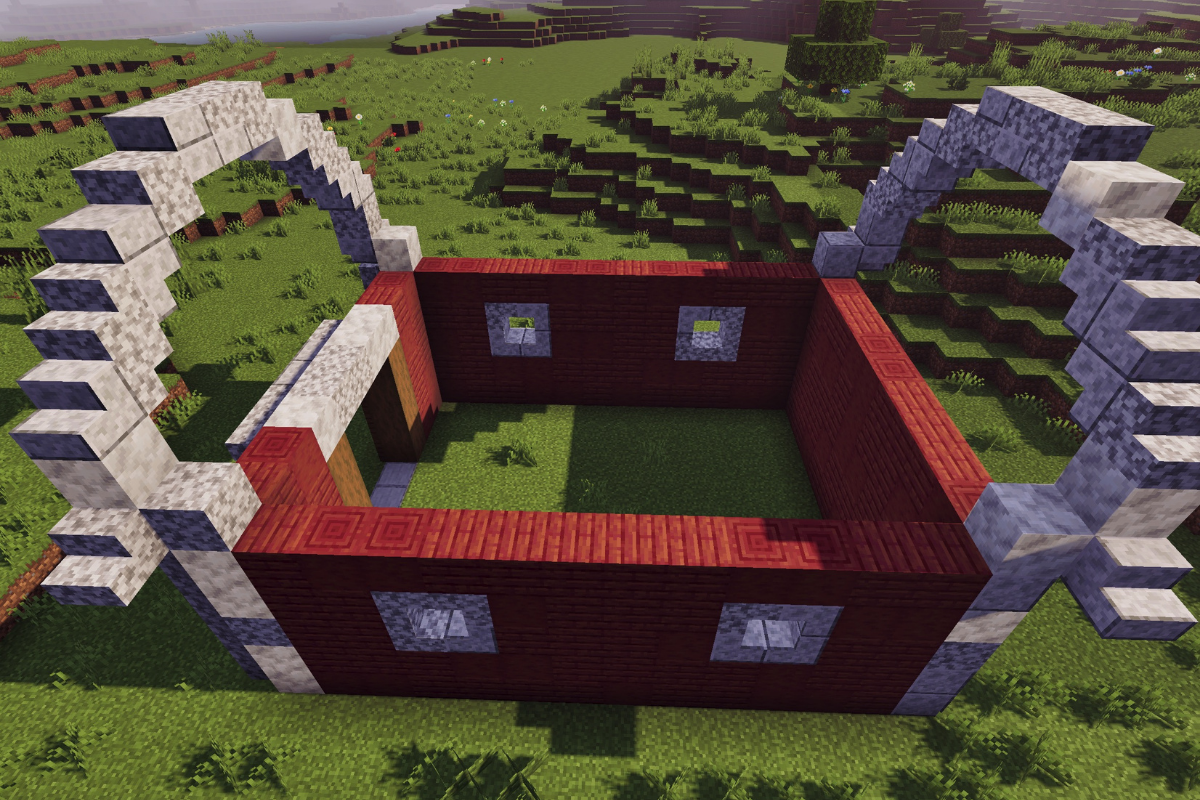
Place a row of stairs on the left roof.

  • Icon
    x 6
  • Icon
    x 8
STEP 31 / 44

Place a row of stairs on the right roof.

  • Icon
    x 6
  • Icon
    x 8
STEP 32 / 44

Create row various black stone blocks on the right roof.

  • Icon
    x 5
  • Icon
    x 2
  • Icon
    x 7
STEP 33 / 44

Create row various black stone blocks on the left roof.

  • Icon
    x 2
  • Icon
    x 5
  • Icon
    x 7
STEP 34 / 44

Create 2 row of various black stone stairs blocks on the right roof.

  • Icon
    x 13
  • Icon
    x 5
  • Icon
    x 10
STEP 35 / 44

Create 2 row of various black stone stairs blocks on the left roof.

  • Icon
    x 13
  • Icon
    x 5
  • Icon
    x 10
STEP 36 / 44

Create a row of various black stone slabs blocks on the right roof.

  • Icon
    x 4
  • Icon
    x 4
  • Icon
    x 6
STEP 37 / 44

Create a row of various black stone slabs blocks on the left roof.

  • Icon
    x 4
  • Icon
    x 4
  • Icon
    x 6
STEP 38 / 44

Create a row of various black stone blocks on the right roof.

  • Icon
    x 4
  • Icon
    x 5
  • Icon
    x 5
STEP 39 / 44

Create a row of various black stone blocks on the left roof.

  • Icon
    x 4
  • Icon
    x 5
  • Icon
    x 5
STEP 40 / 44

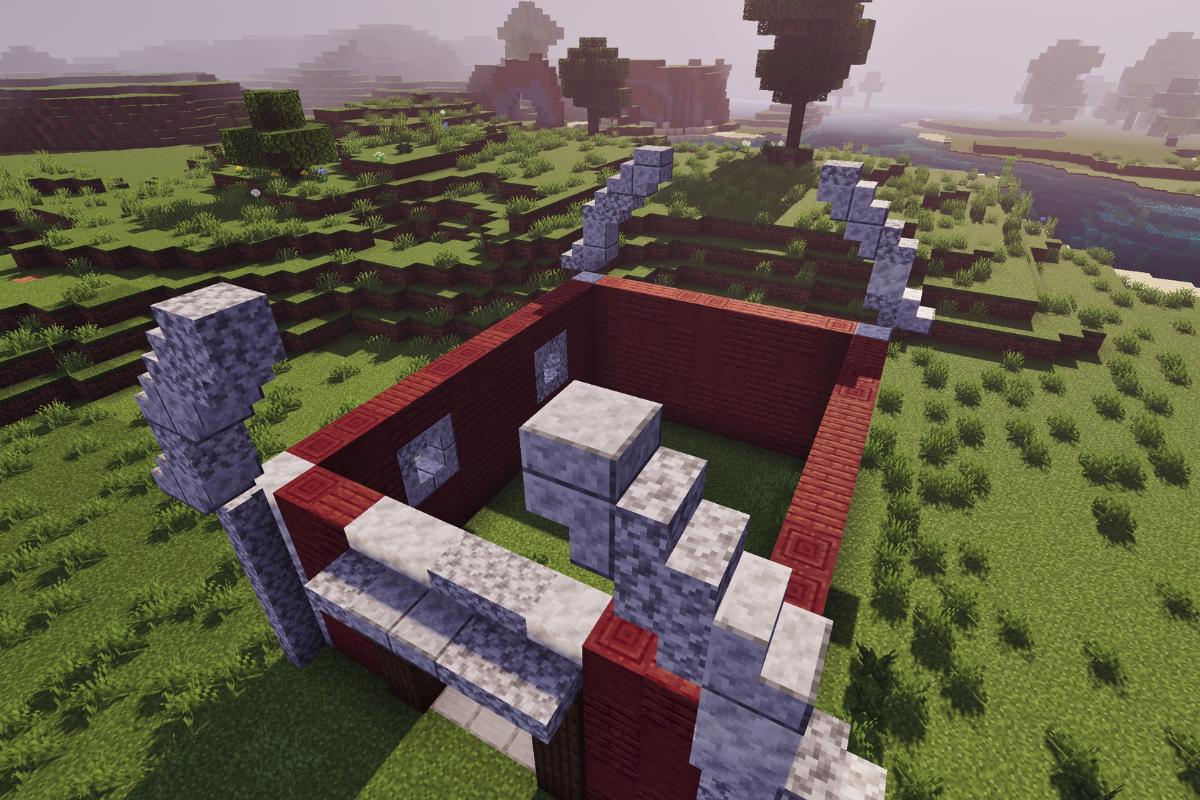
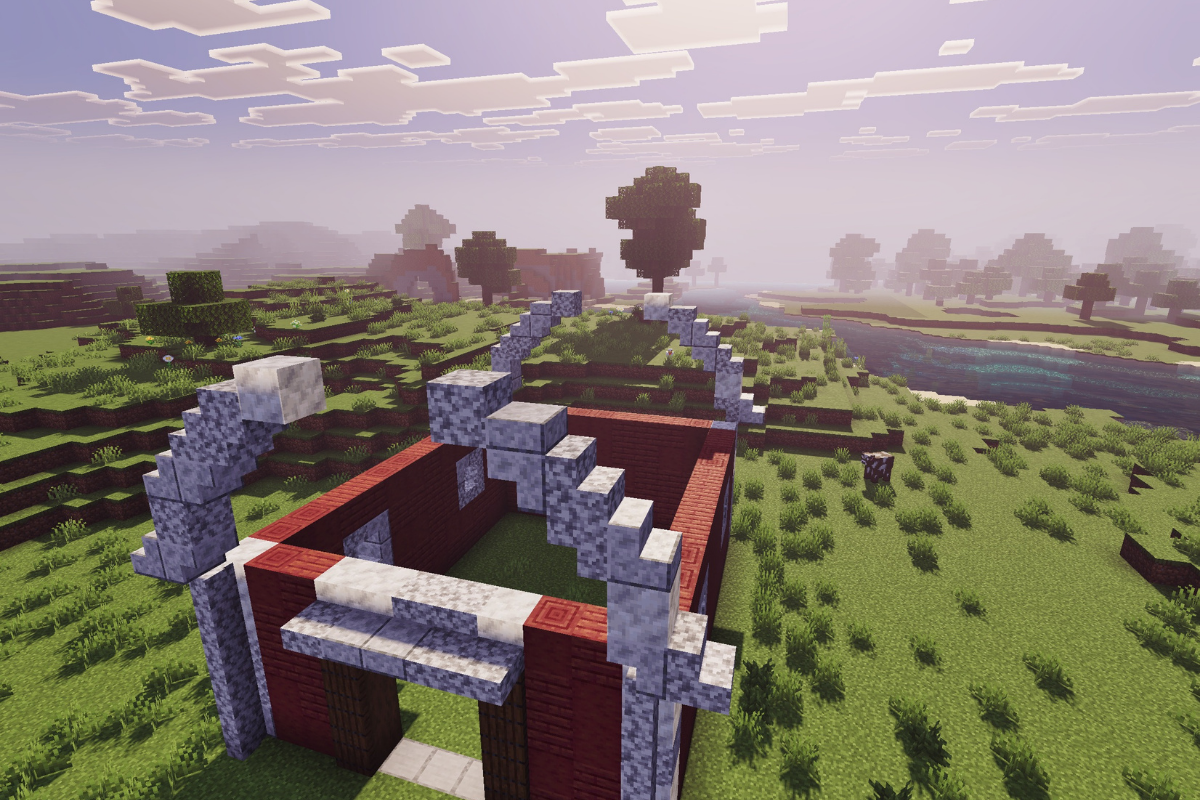
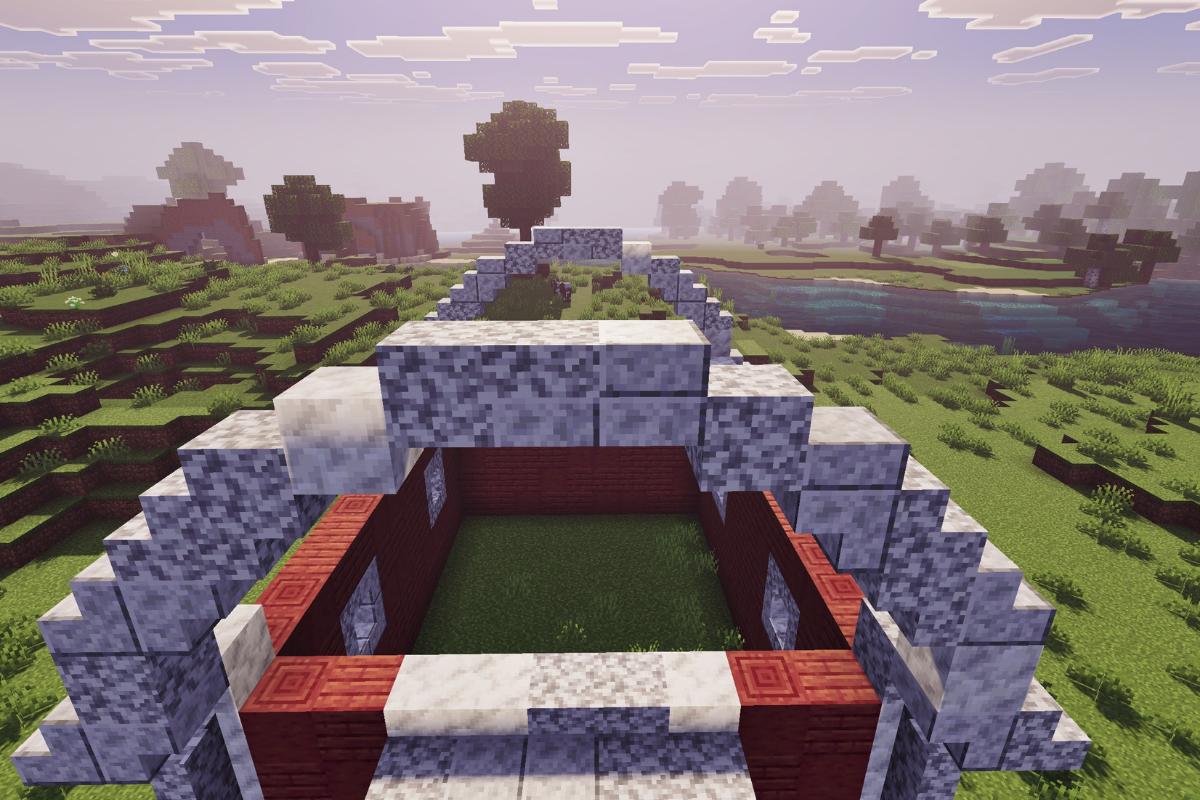
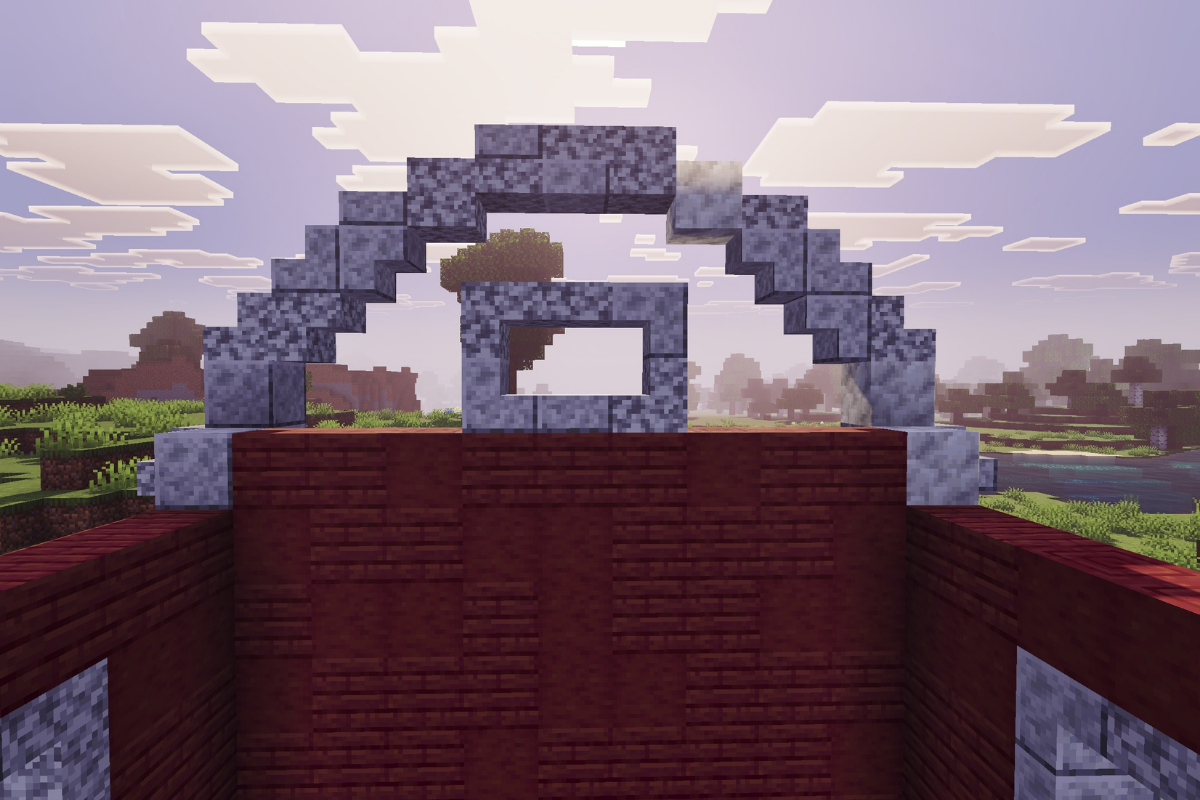
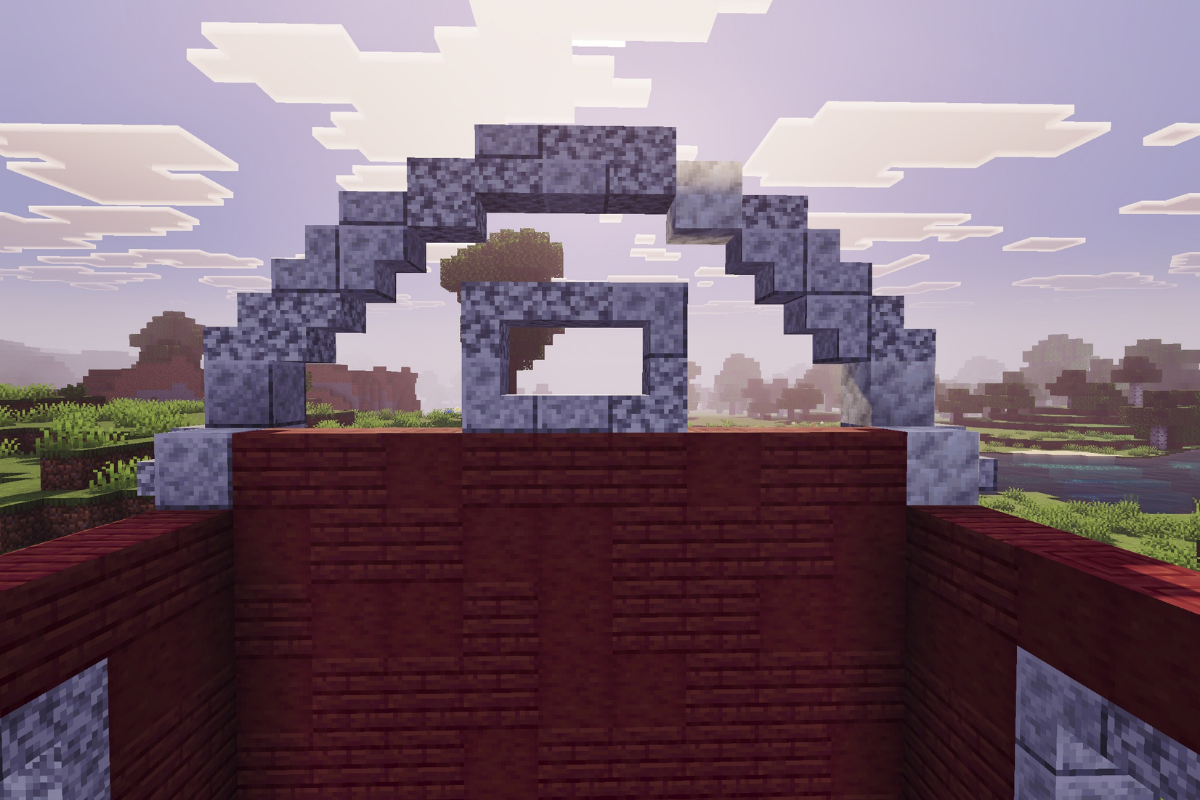
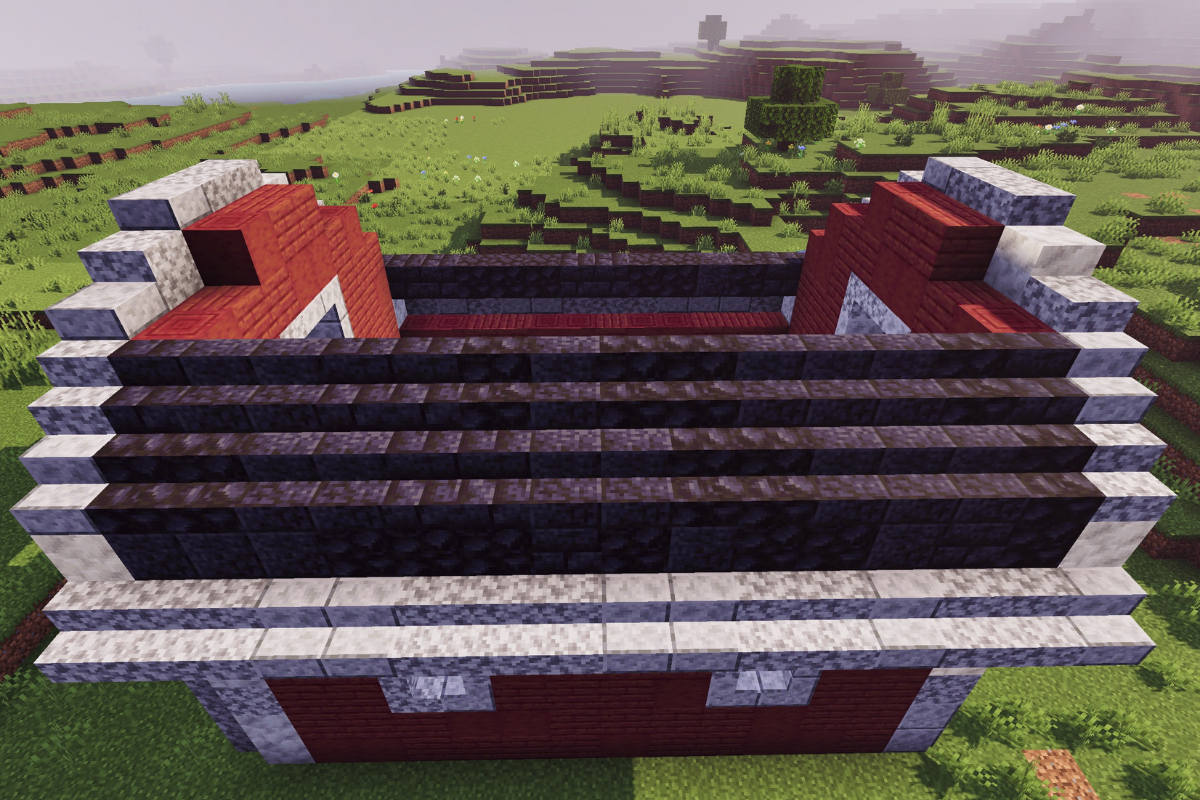
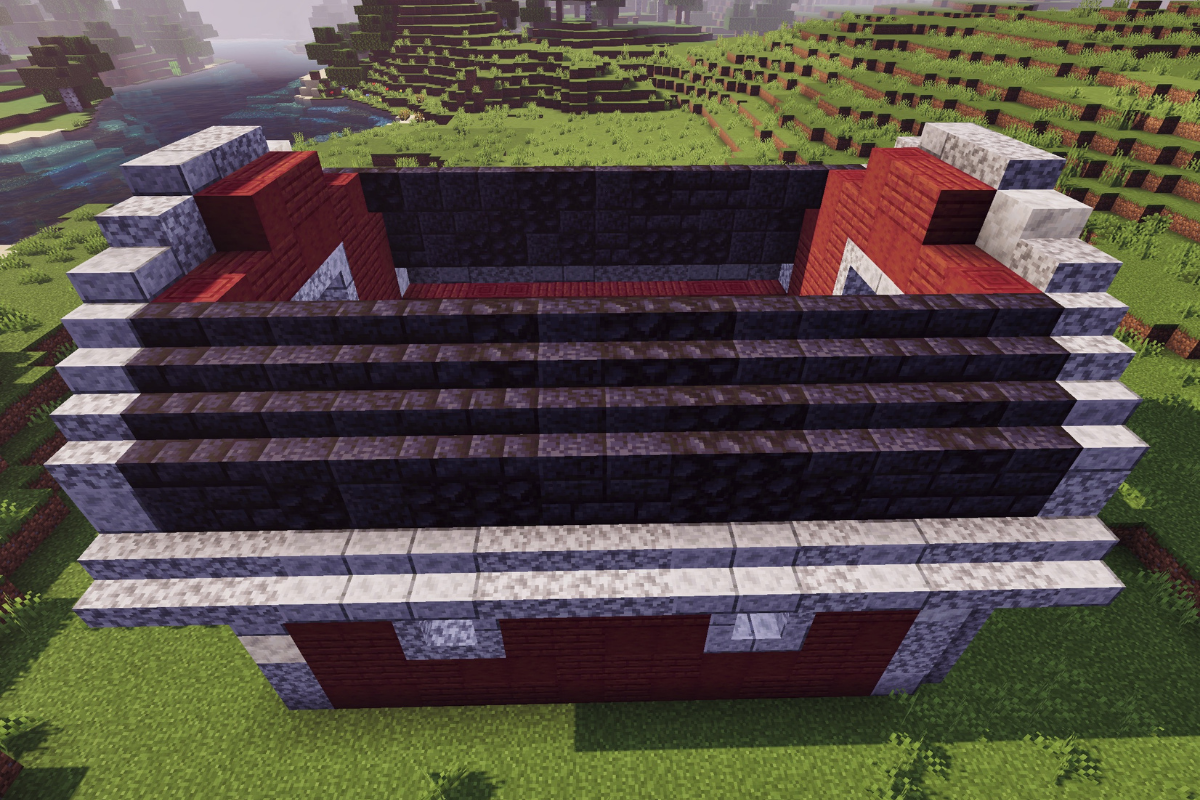
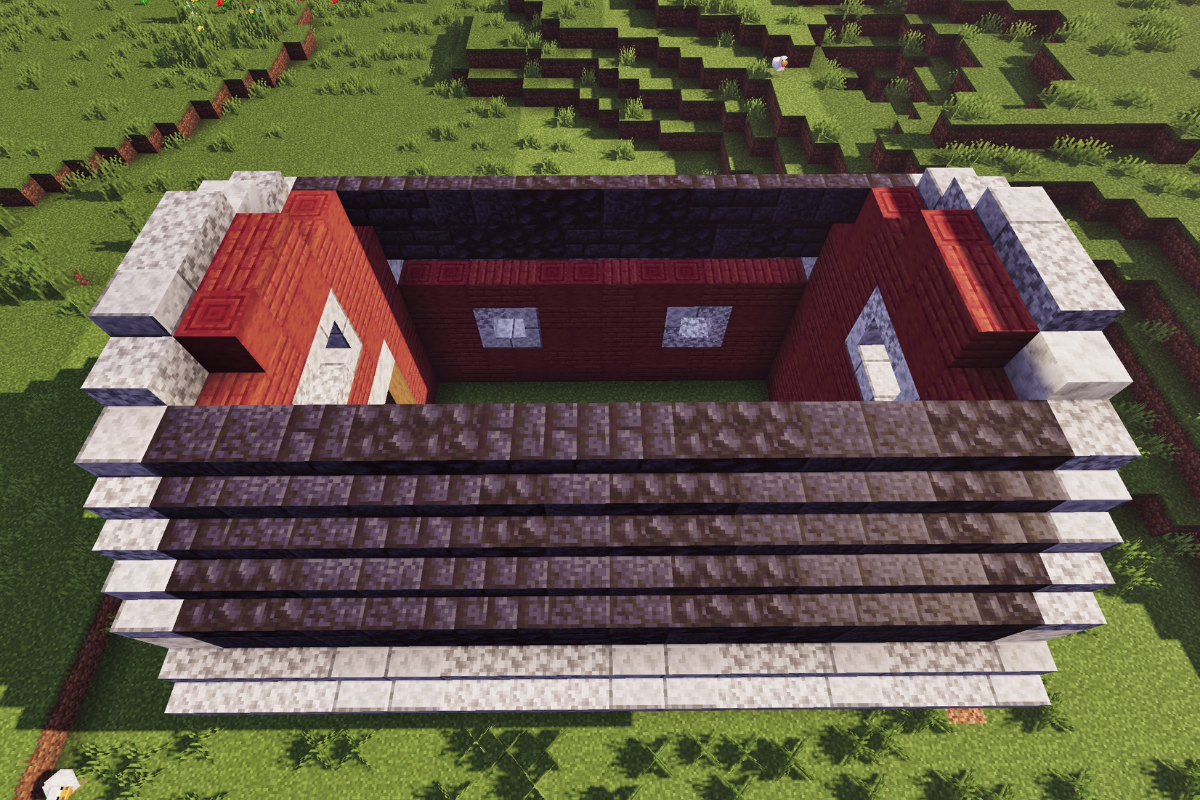
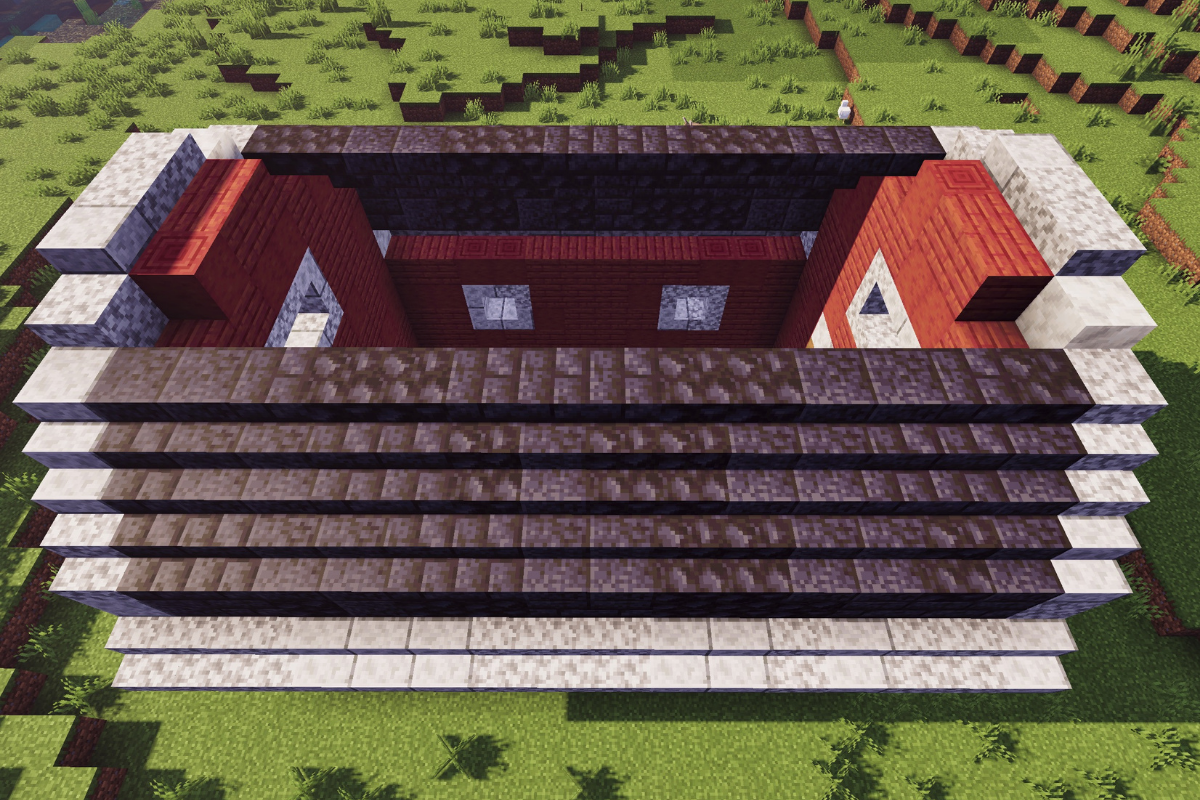
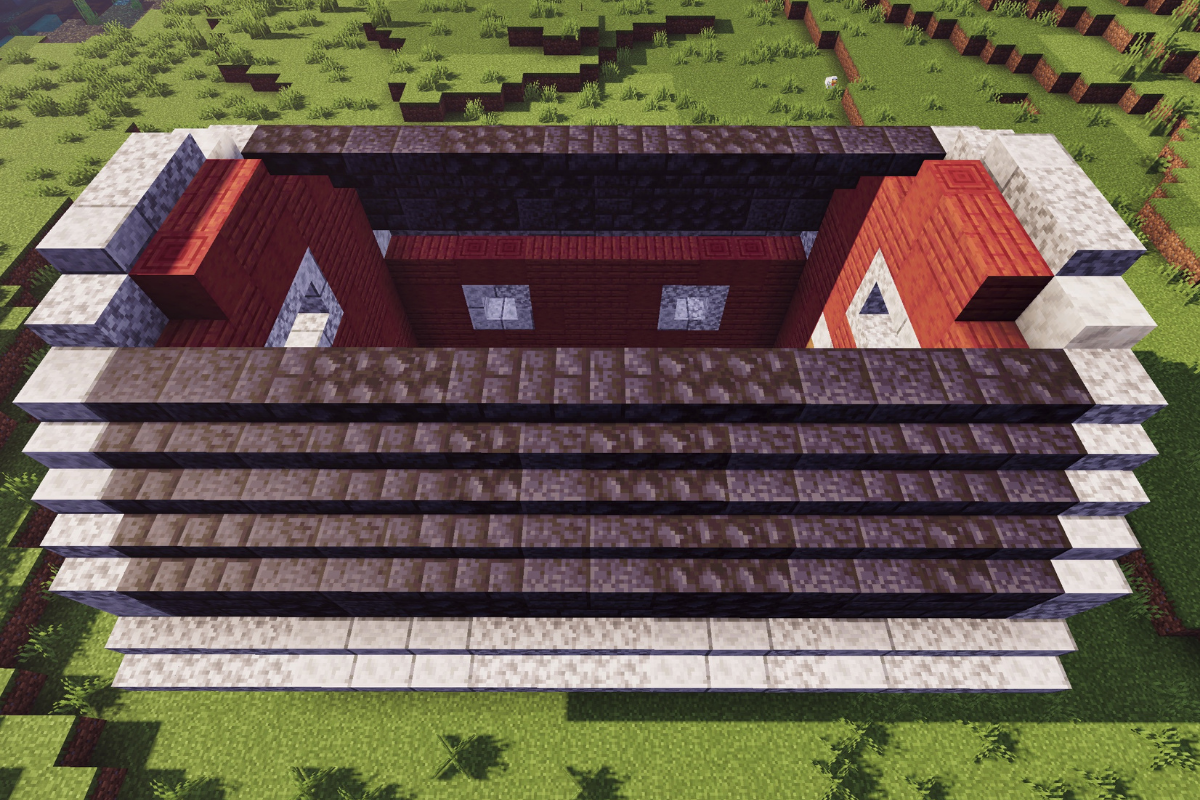
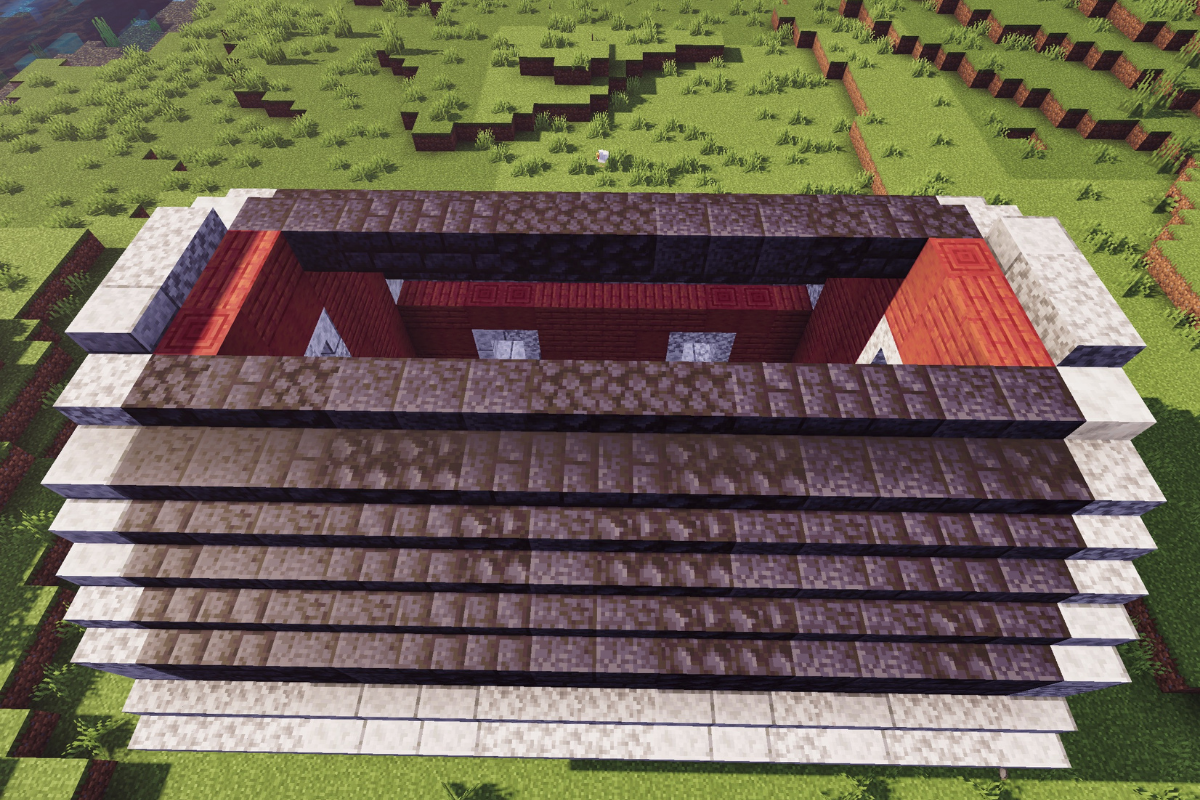
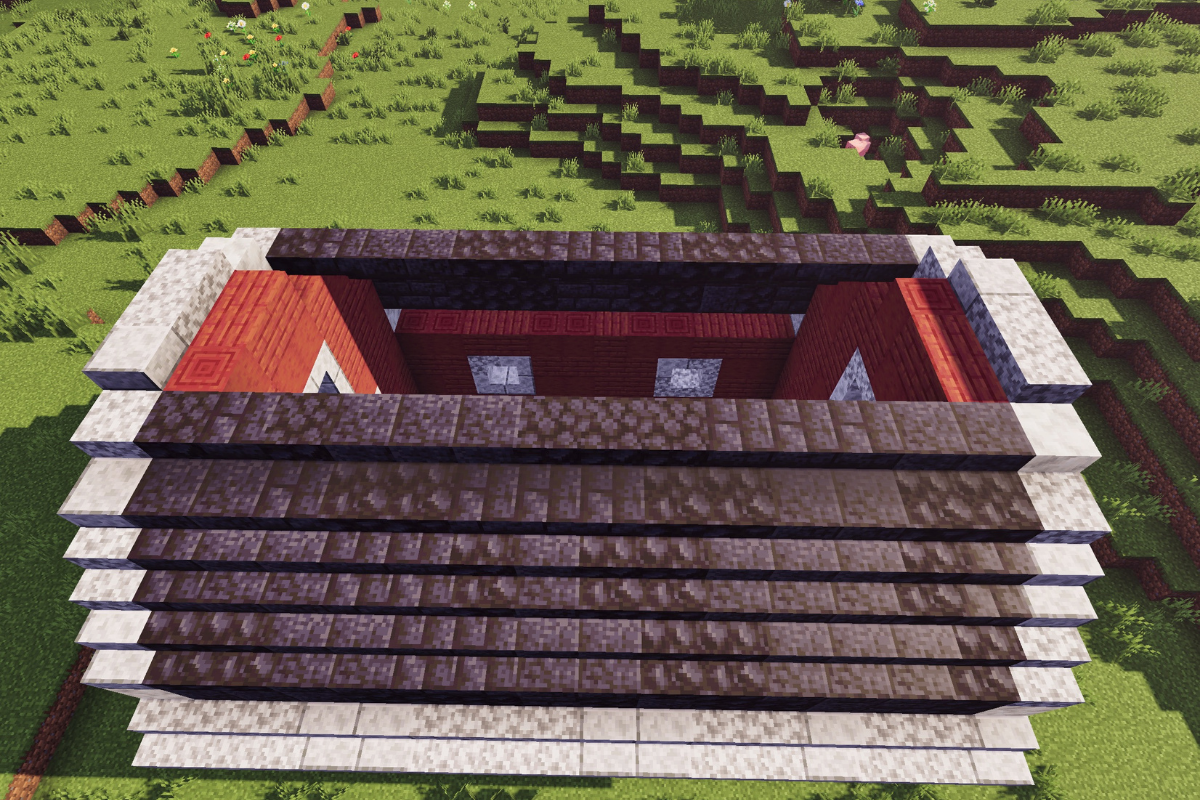
Finish the roof with three rows of mixed blackstone slabs to complete your minecraft red barn.

  • Icon
    x 11
  • Icon
    x 16
  • Icon
    x 11
STEP 41 / 44

Add 8 spruce trap doors to the windows on the right side of the barn.

  • Icon
    x 8
STEP 42 / 44

Add 8 spruce trap doors to the windows on the left side of the barn.

  • Icon
    x 8
STEP 43 / 44

Remove the outline blocks.

STEP 44 / 44

 Finish your red barn in minecraft by adding foliage and decorations around the build.

Conclusion

And just like that, your red classic American barn is complete! 

You now have a standout structure that not only upgrades your farm visually, but also gives you plenty of space to manage animals and resources efficiently.

Feel free to customize the interior, expand your farm around it, or even combine it with other builds to create a full farming village.

If you’re ready to keep building, don’t miss my Large Spruce Survival Barn—it’s perfect if you want something bigger and more detailed for your world.

Leave a Reply

Your email address will not be published. Required fields are marked *