... Search Here ...

Top Build Ideas This Month For Minecraft

CONTACT US

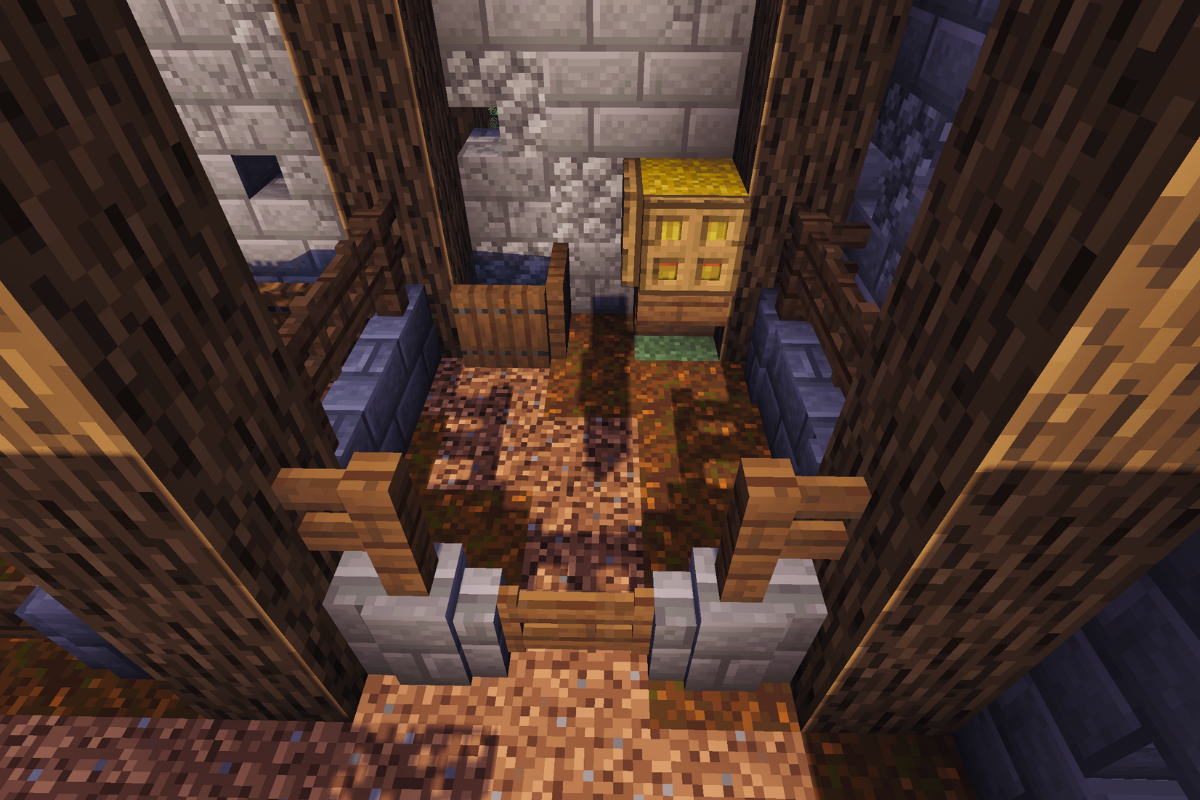
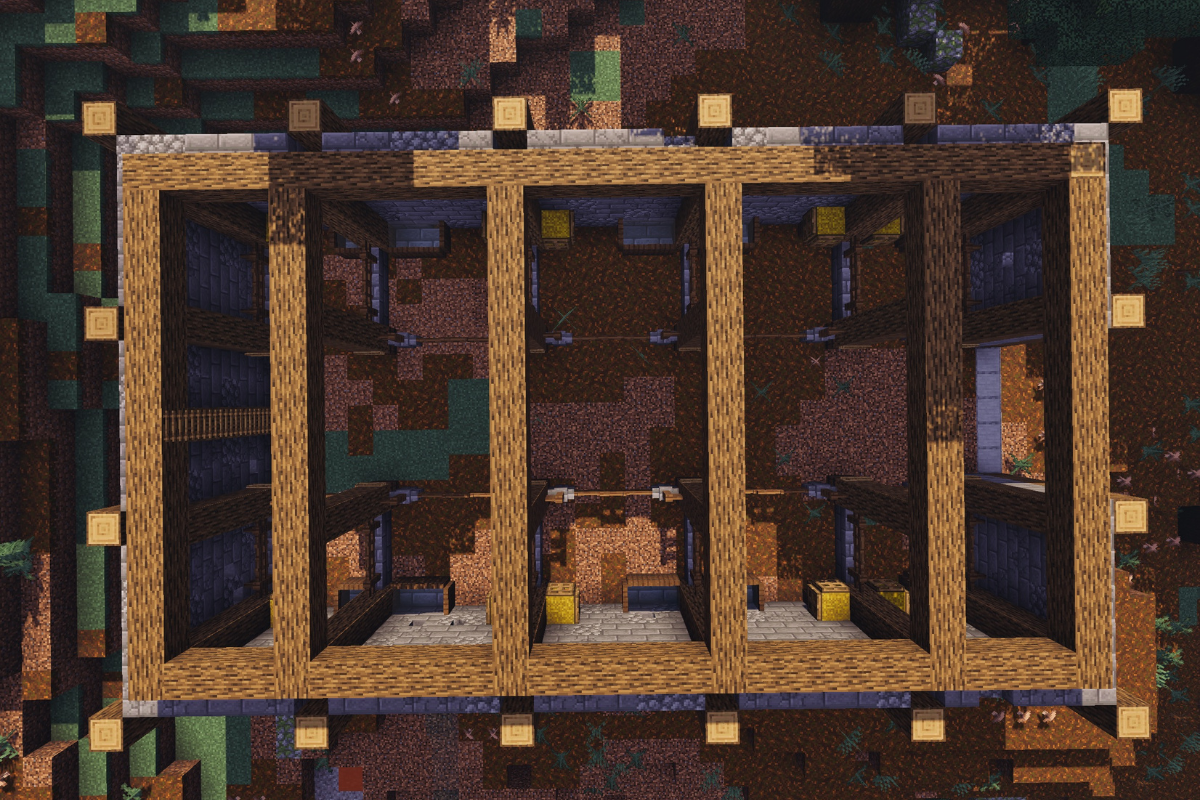
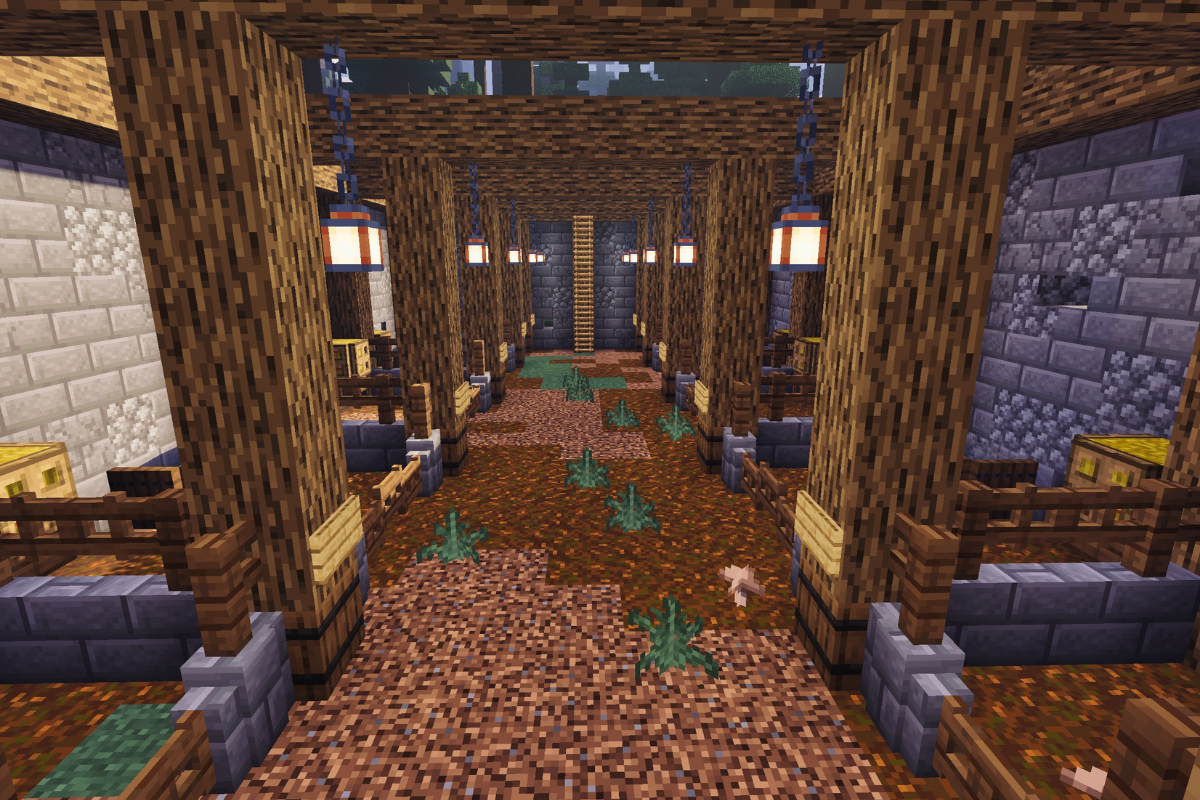
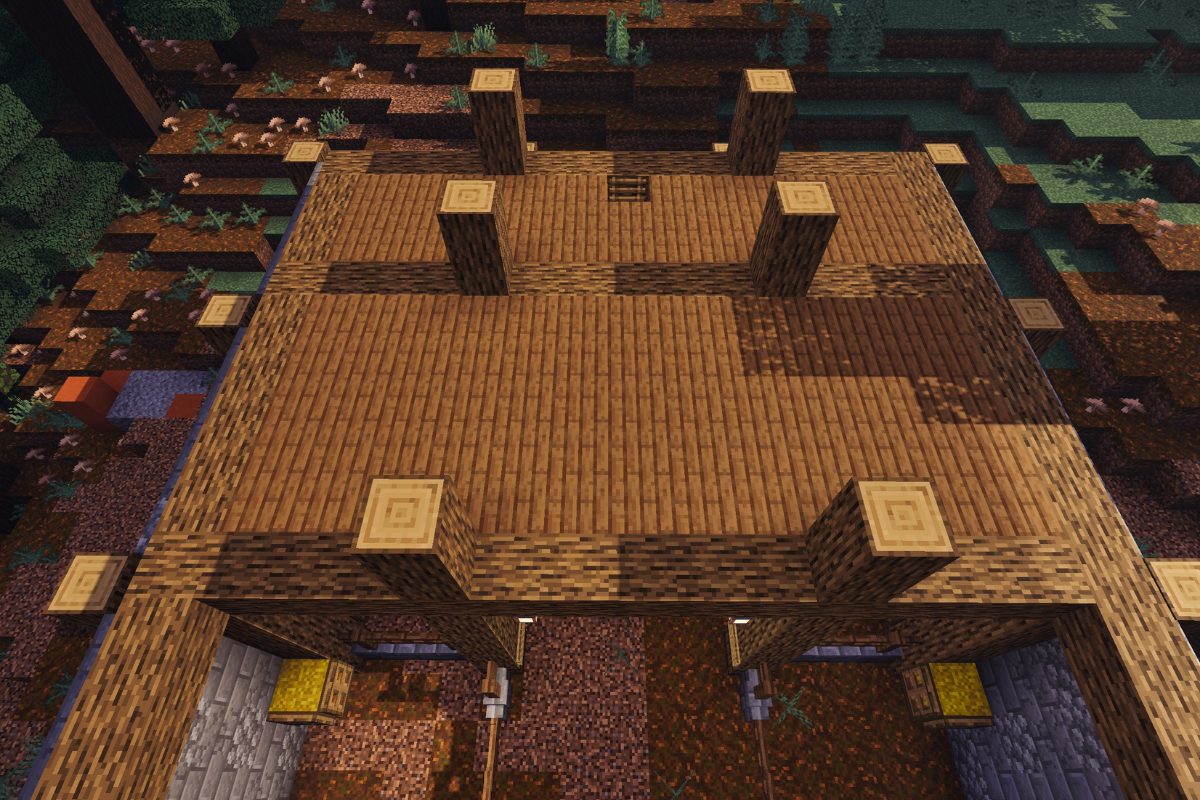
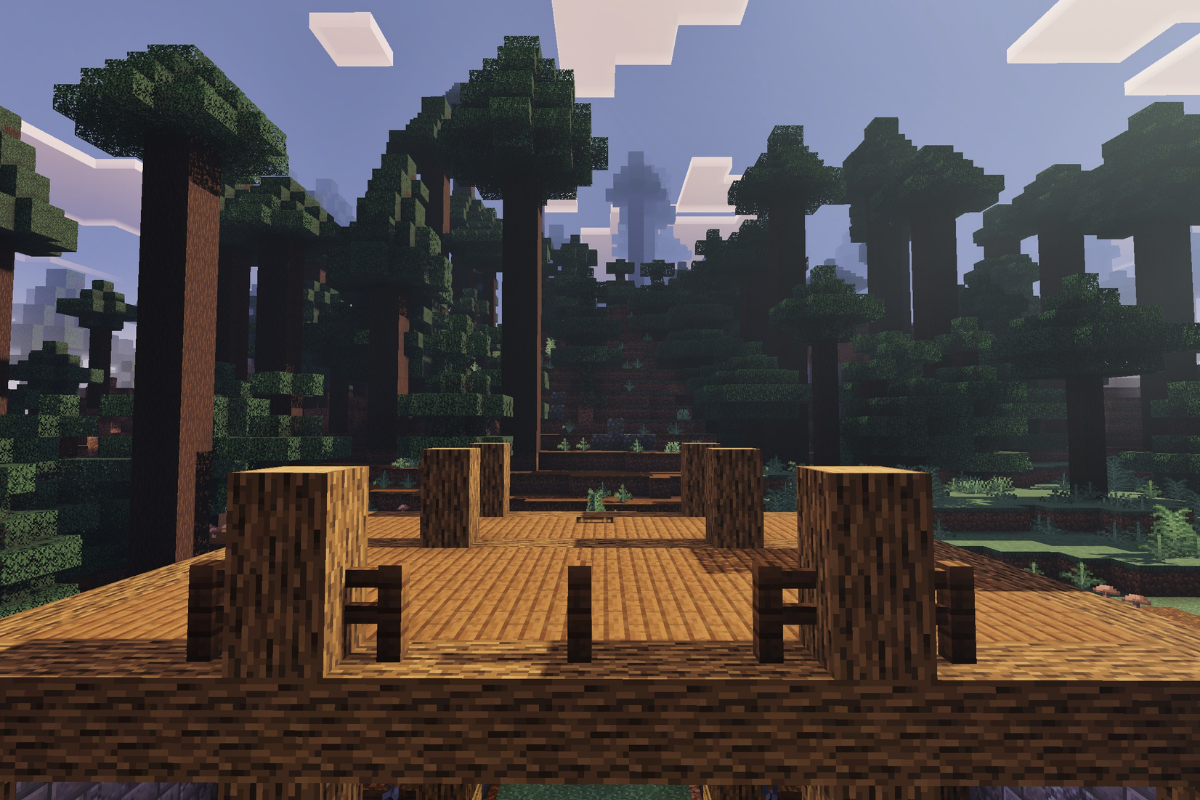
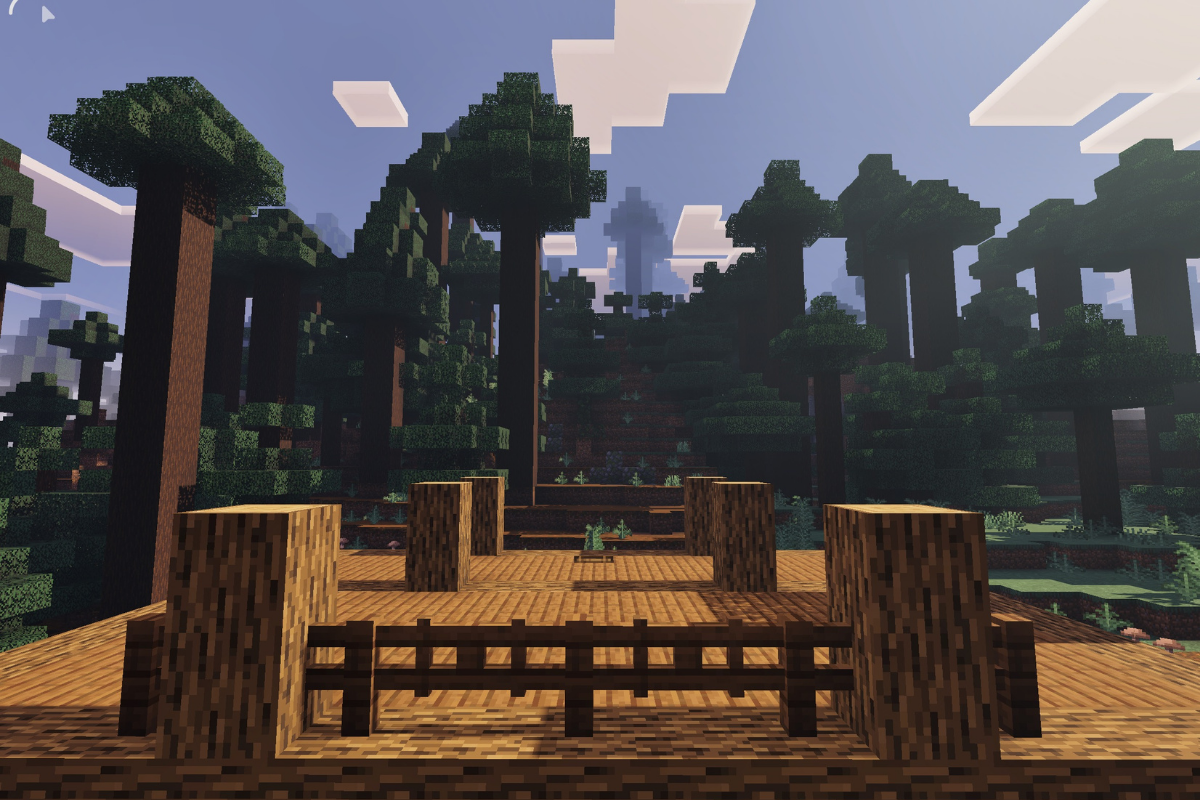
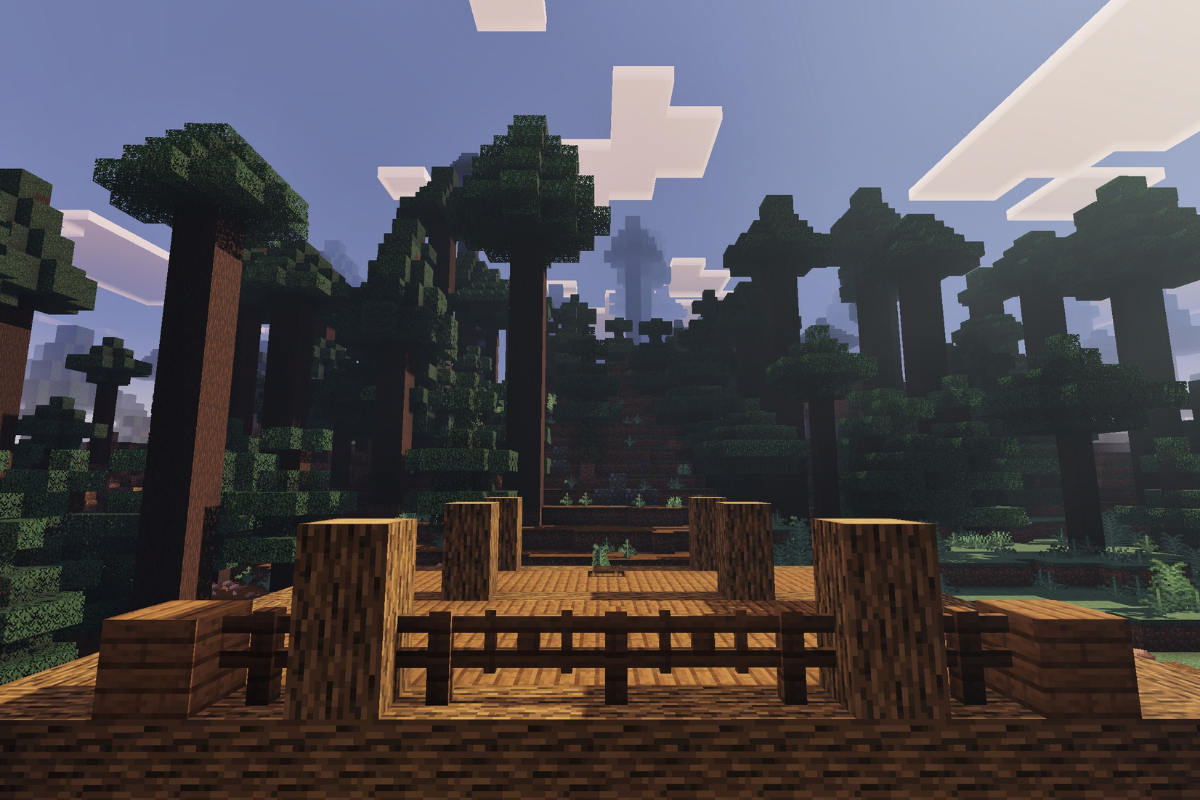
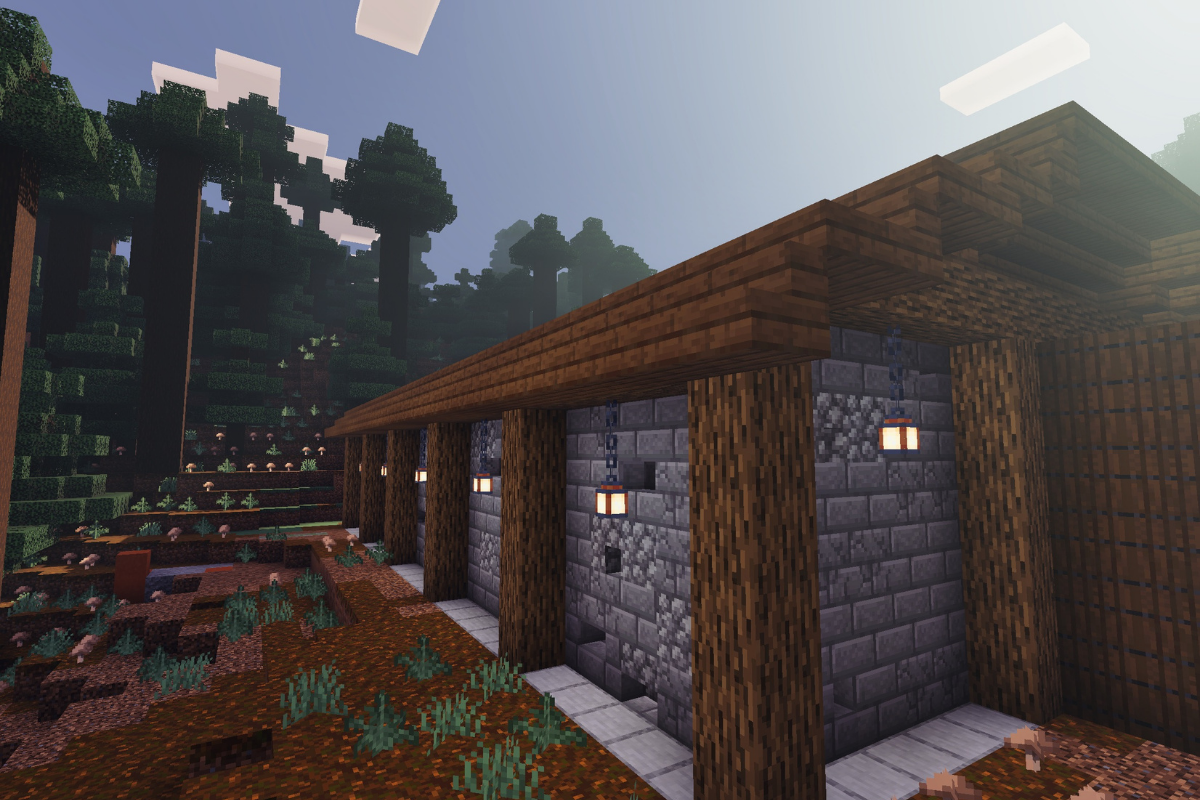
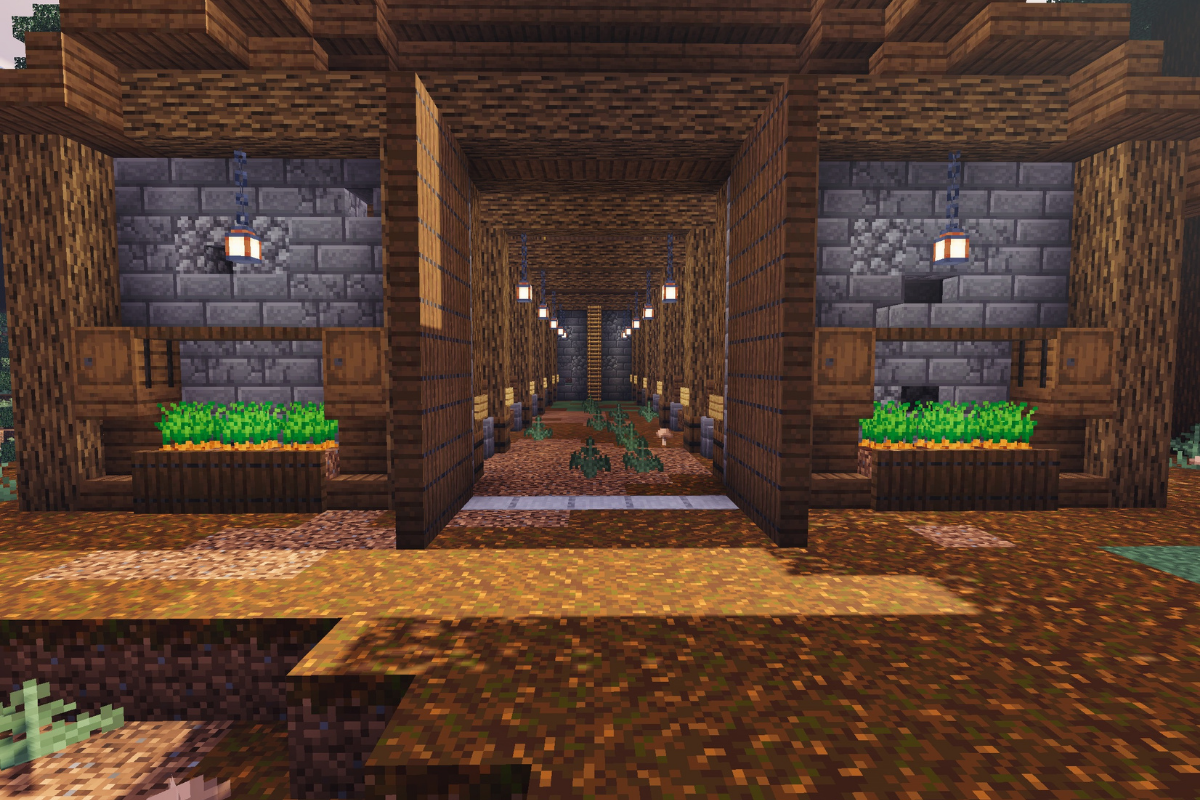
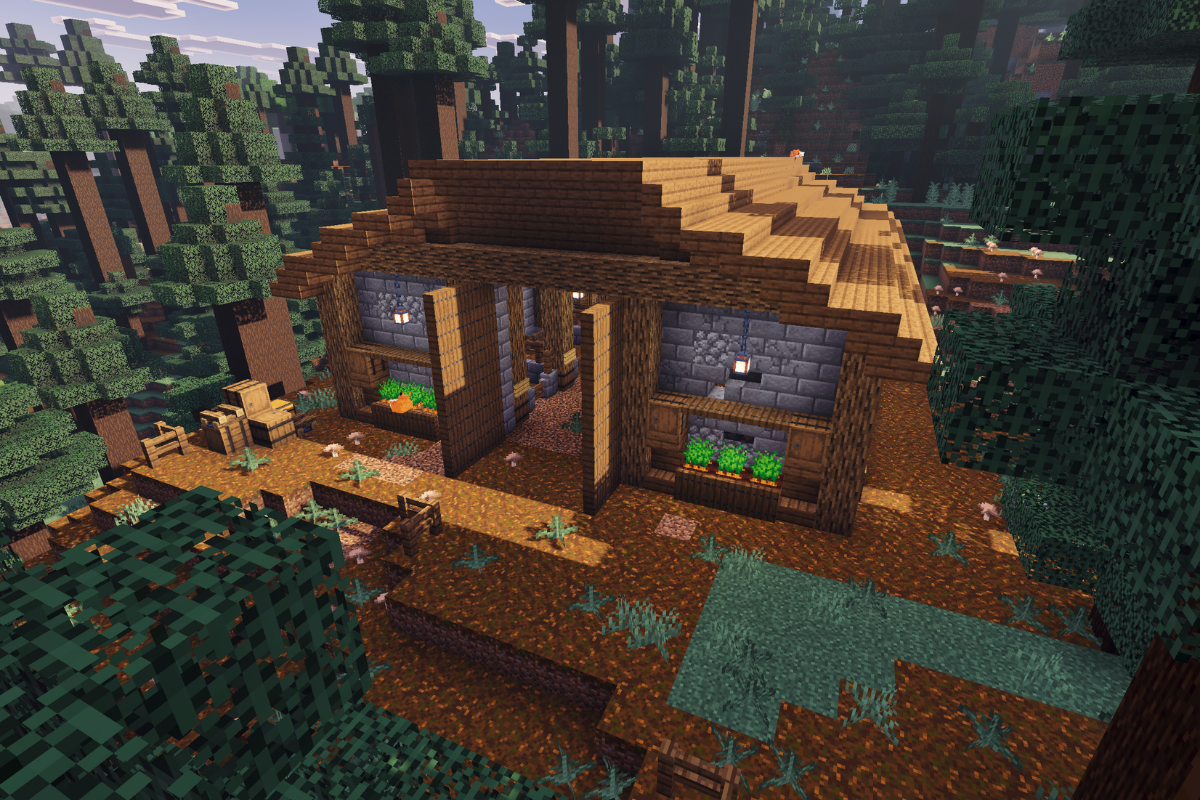
If you’re looking to upgrade your survival farm, this rustic medieval barn is the perfect addition to your world. Designed with both function and style in mind, this build features 10 separate animal pens, giving you plenty of space to organize all your livestock.

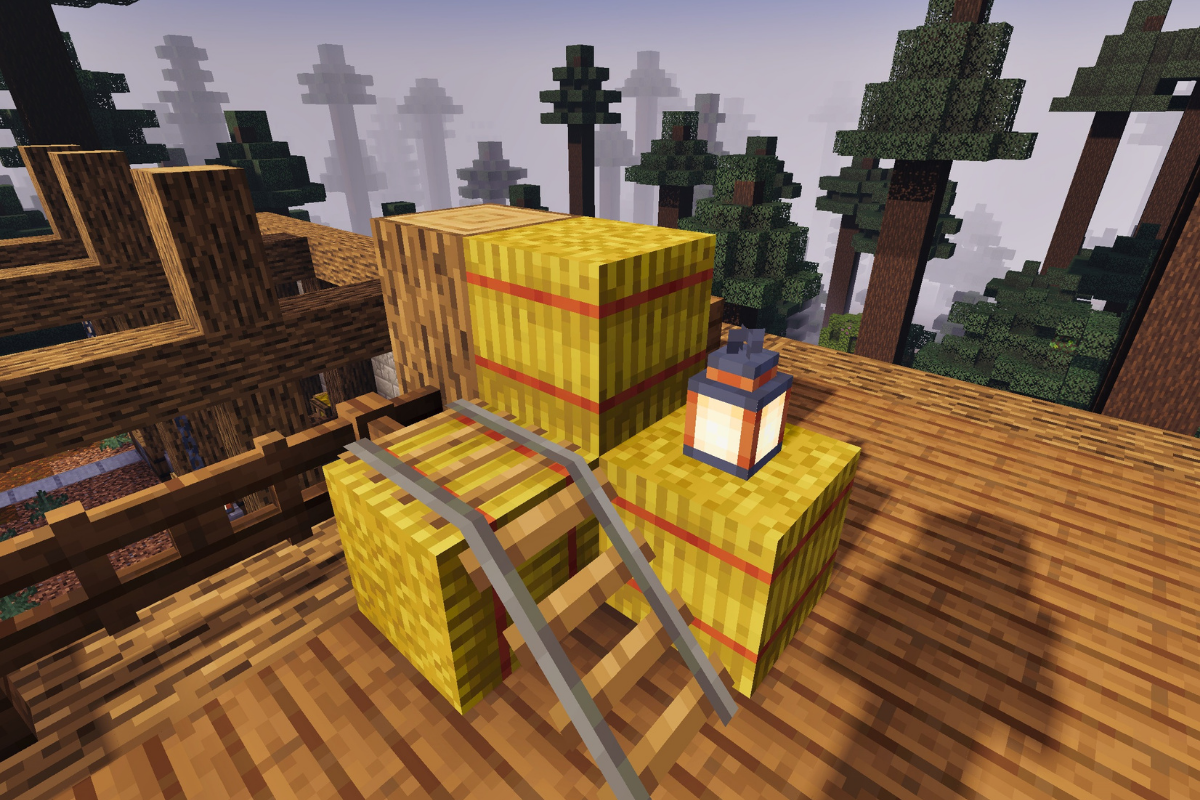
The barn also includes a detailed loft area, perfect for extra storage or adding that authentic medieval feel. Whether you’re focused on efficiency or aesthetics, this build will bring your survival farm to life while keeping everything neatly in one place.

STEP 1 / 56

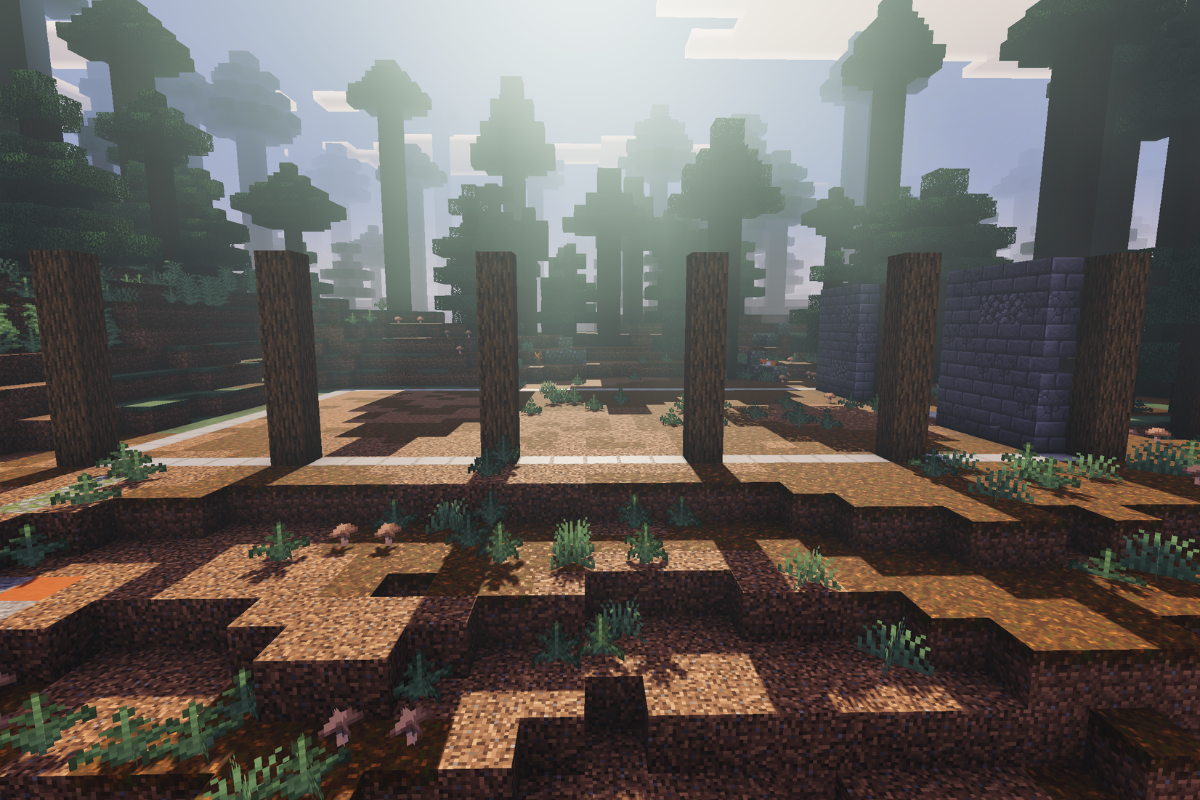
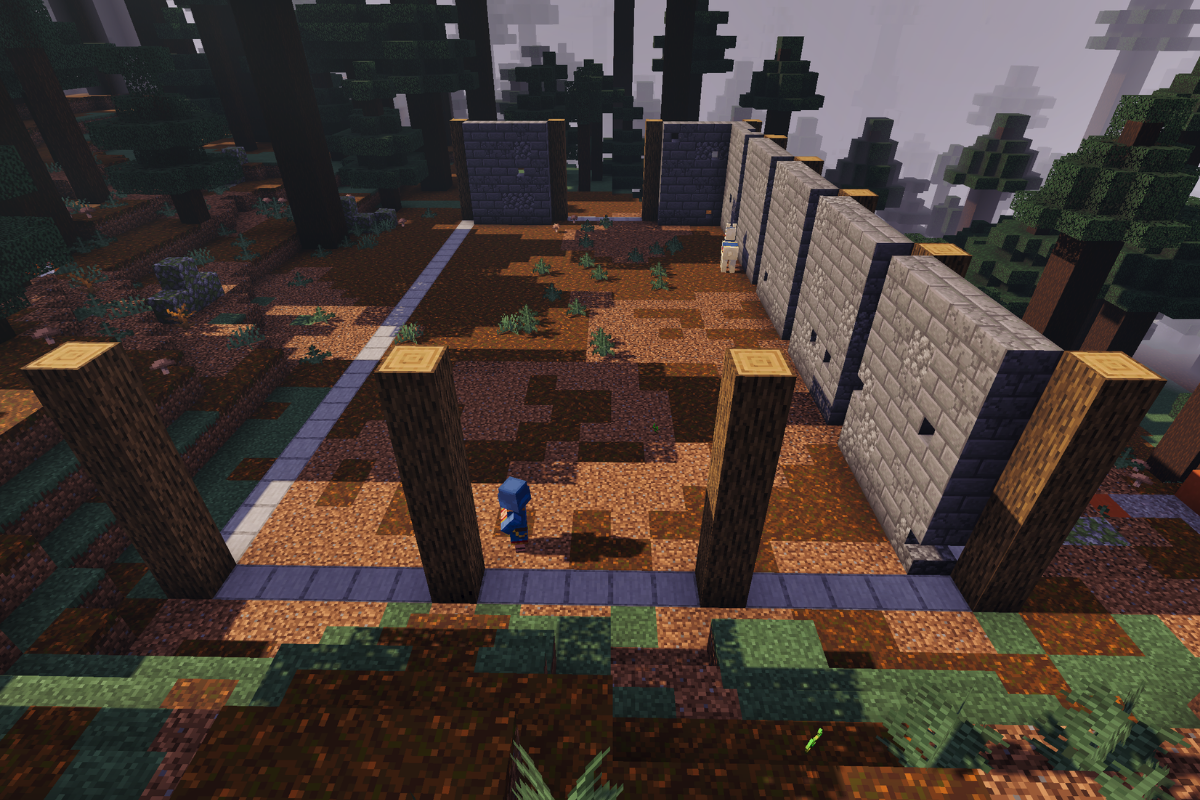
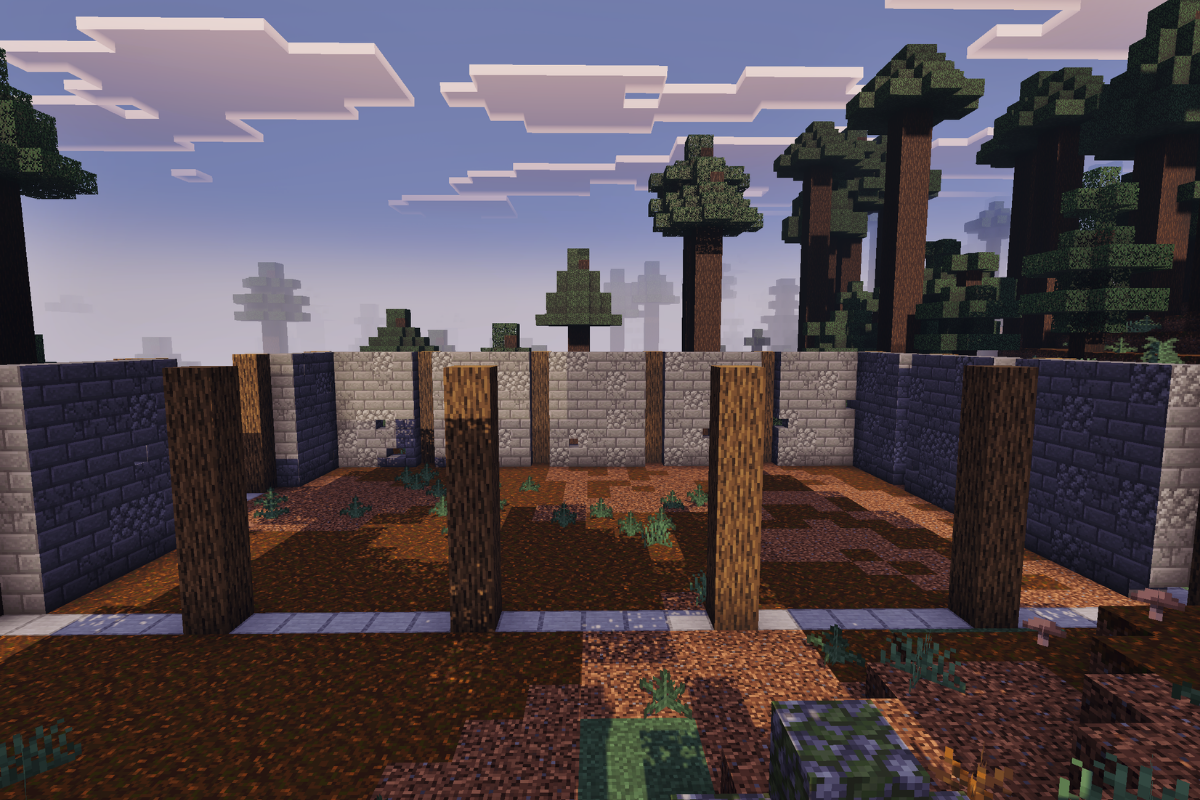
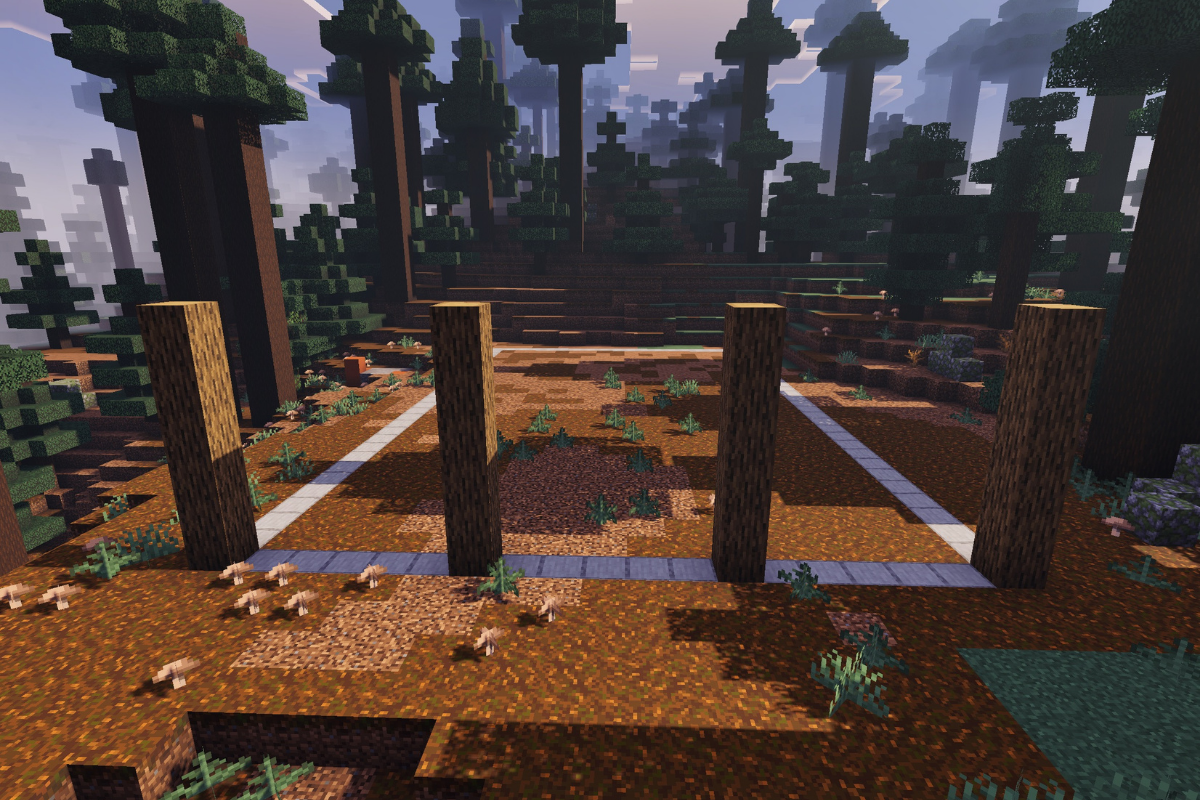
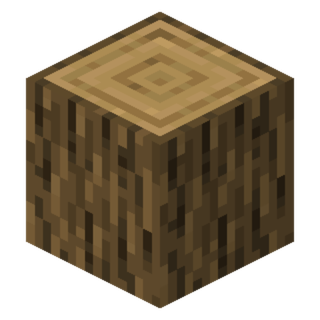
Create 4 Pillars each 6 blocks tall at the front of the barn with 5 blocks space between each.

  • Icon
    x 24
STEP 2 / 56

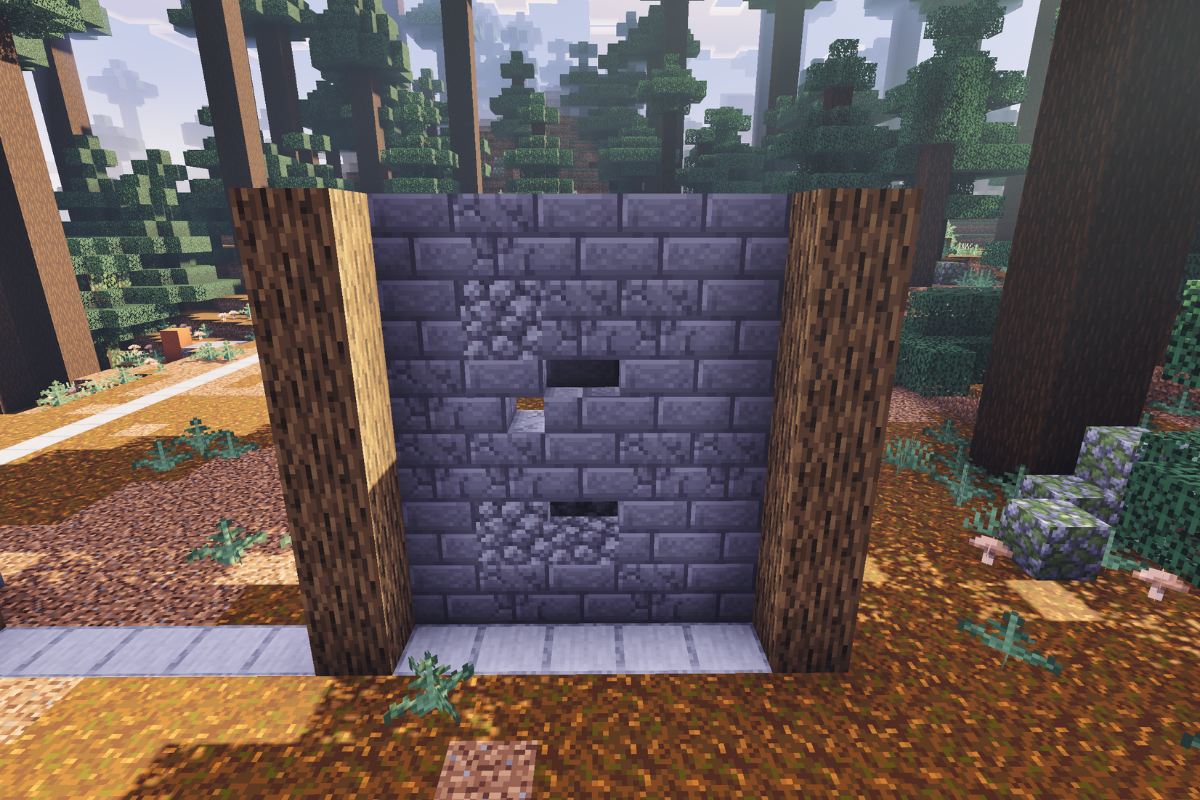
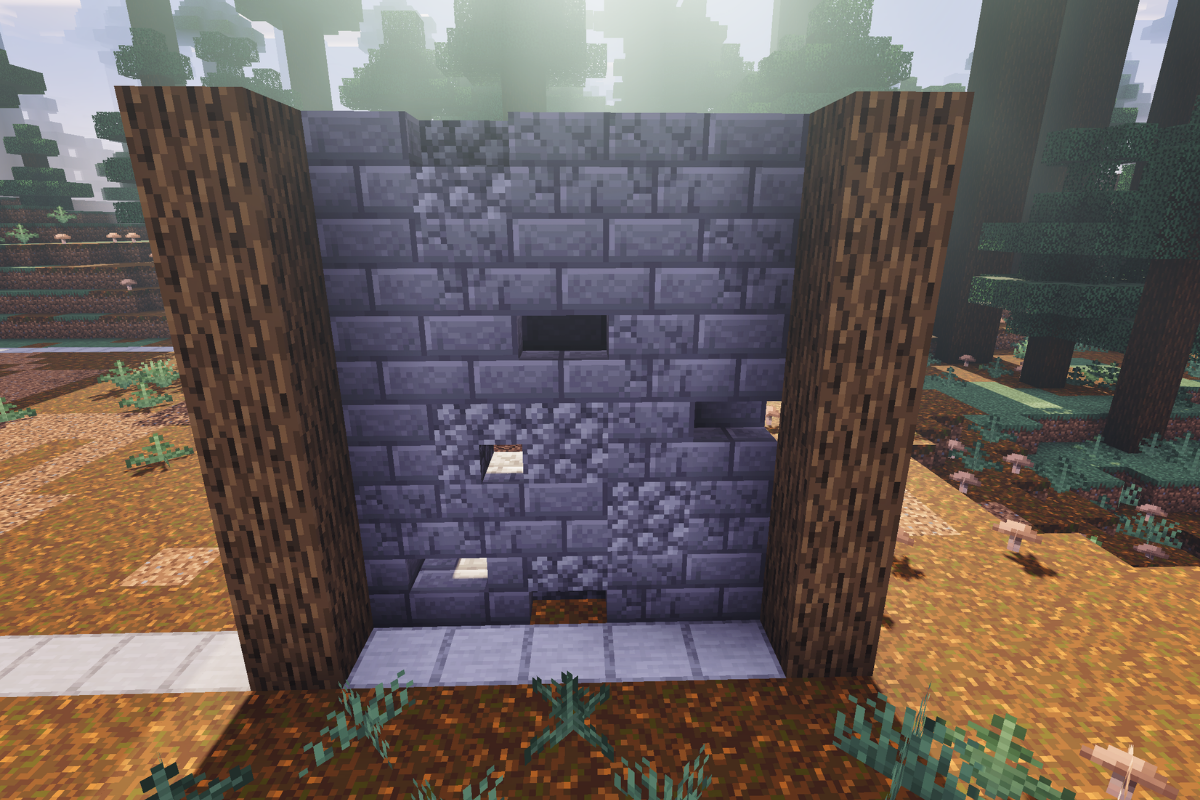
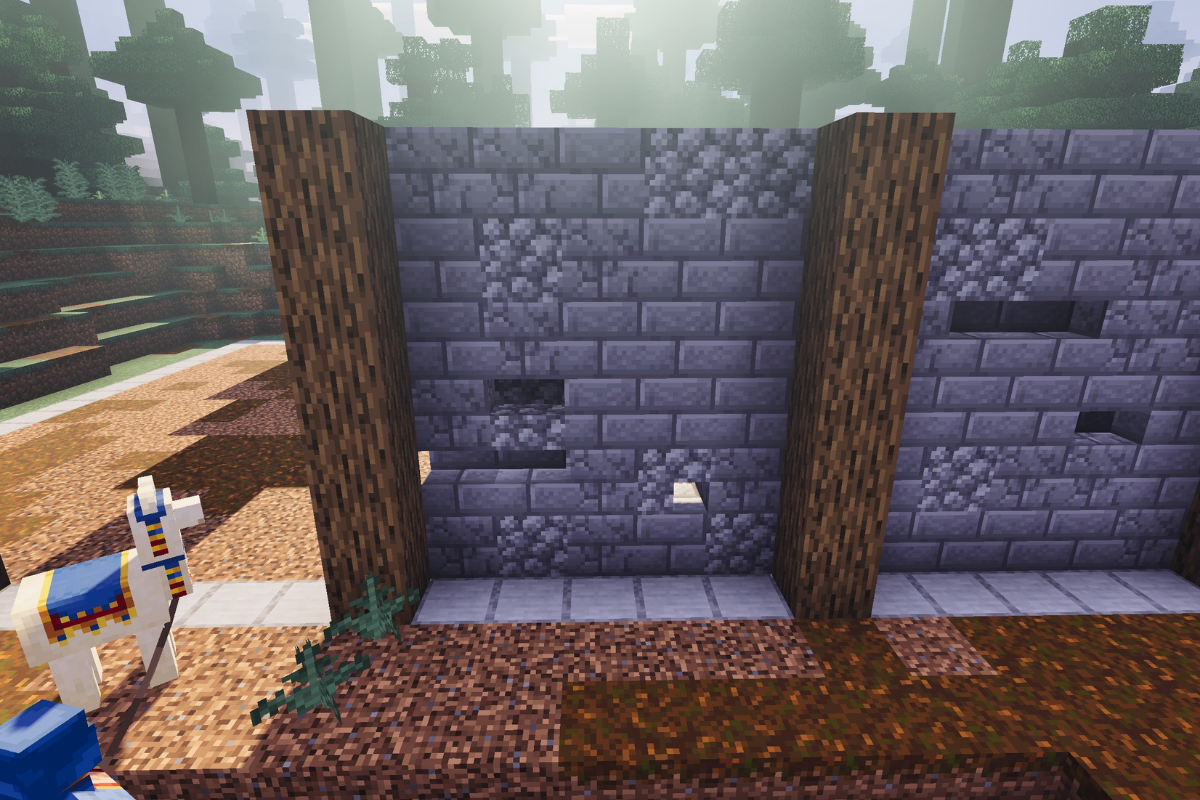
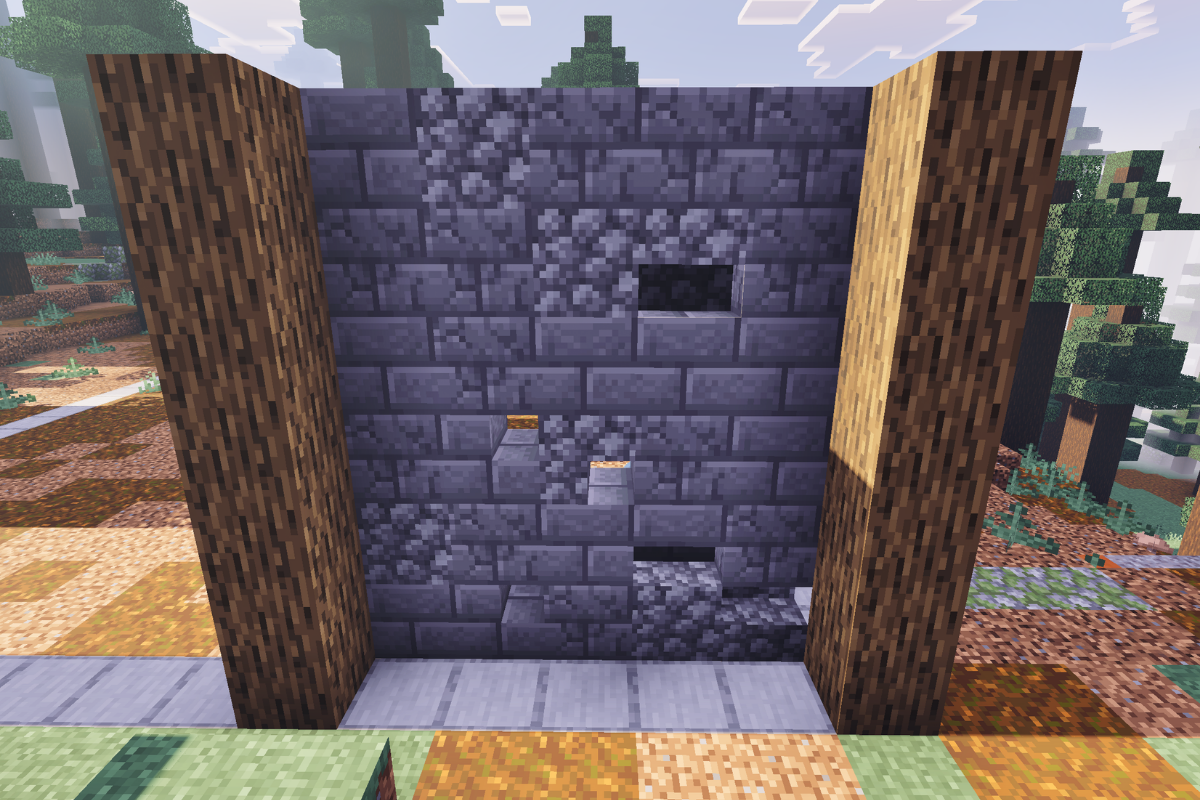
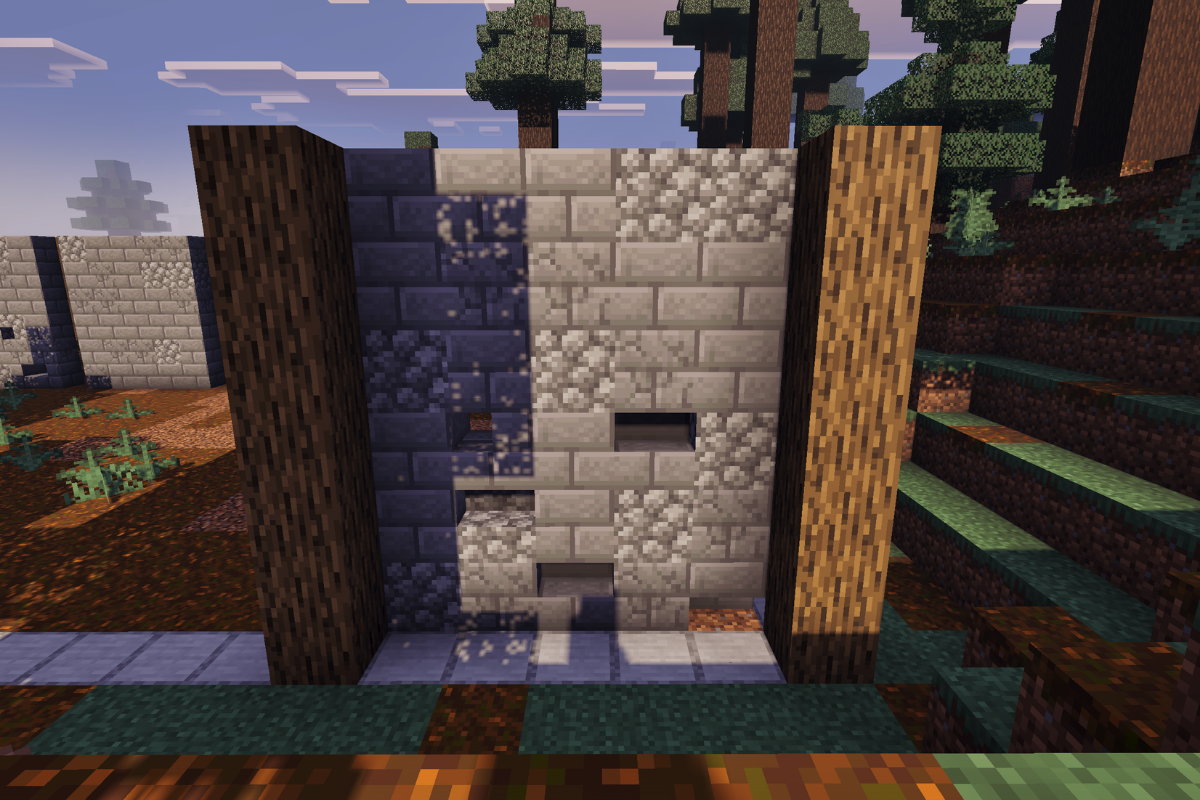
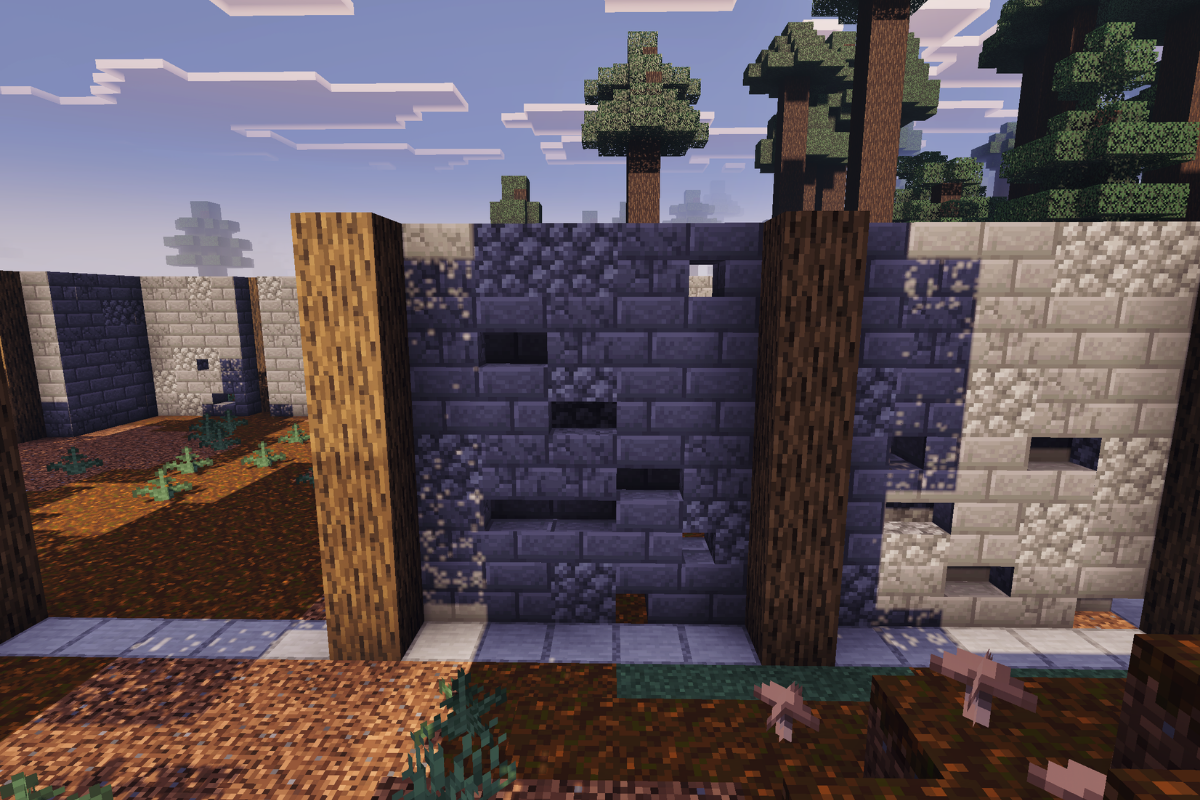
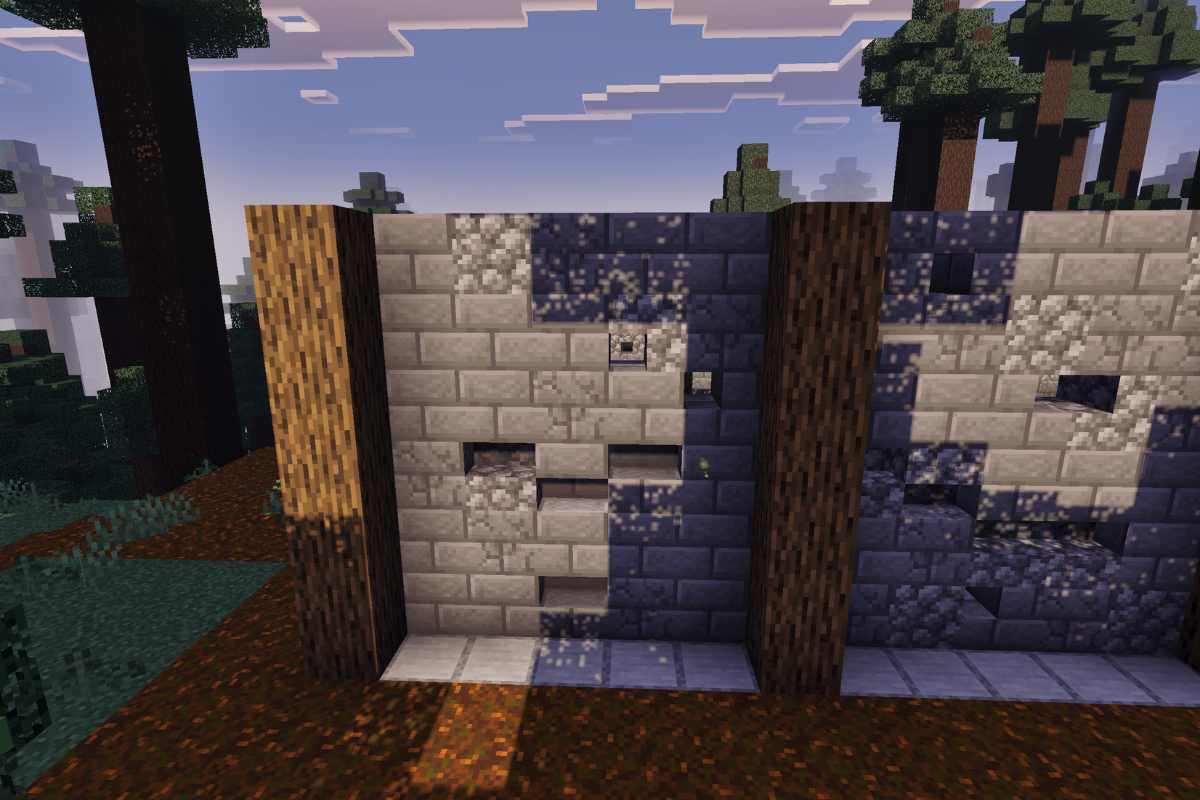
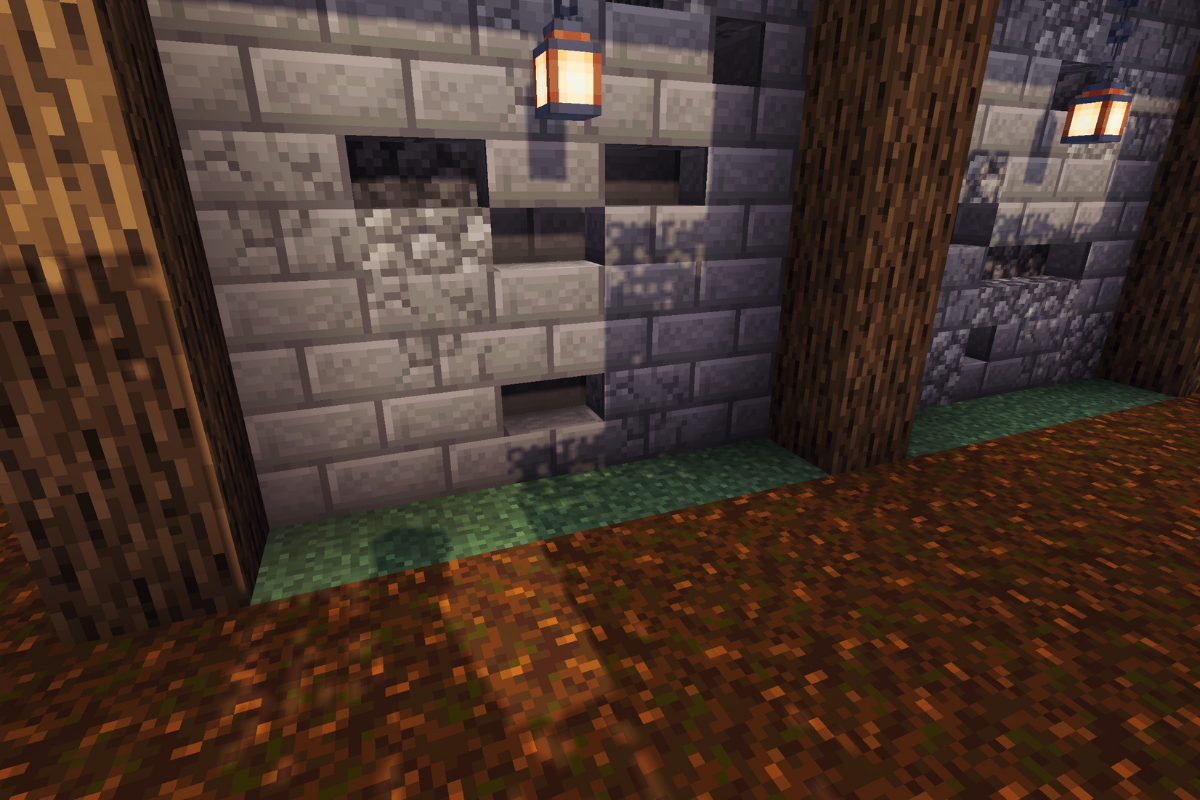
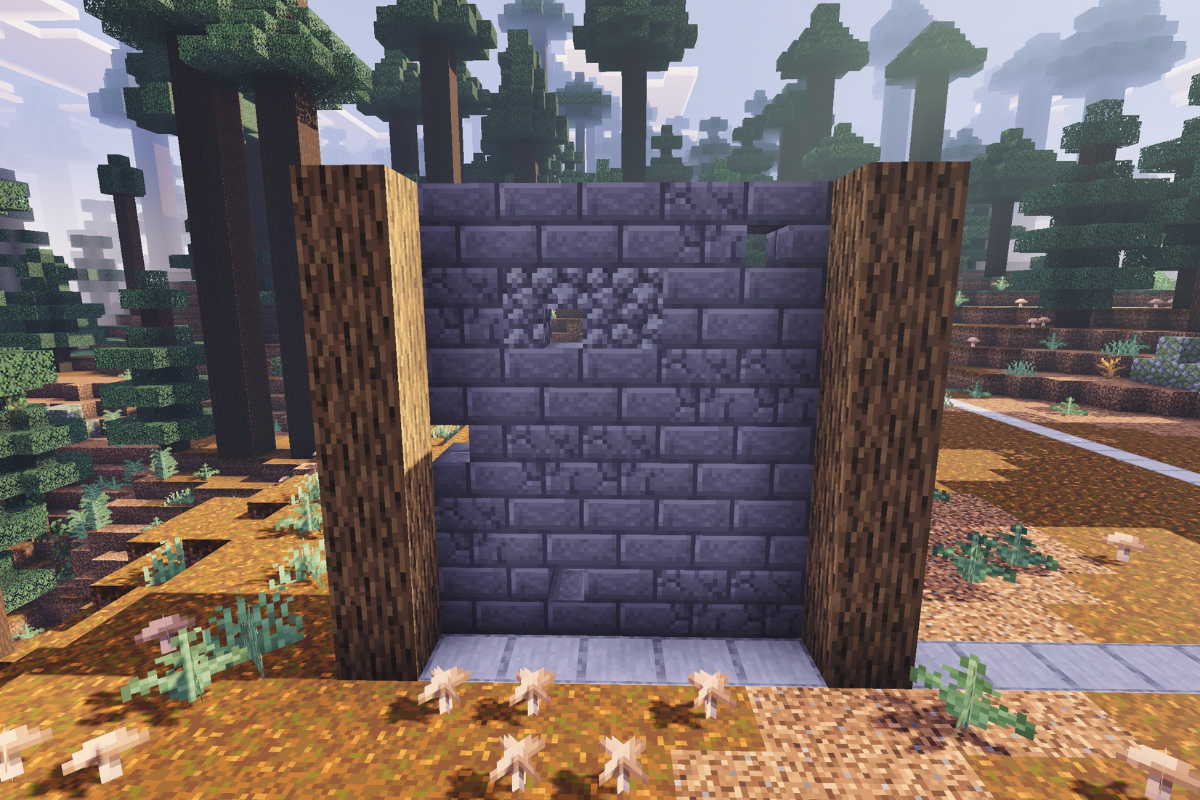
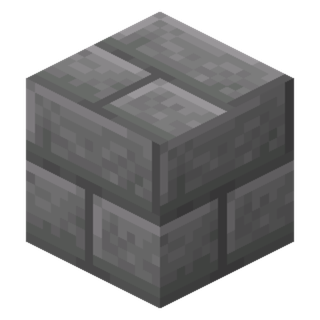
Create a textured wall between both pillars on the left side of the front of the barn.

  • Icon
    x 17
  • Icon
    x 2
  • Icon
    x 1
  • Icon
    x 1
  • Icon
    x 9
STEP 3 / 56

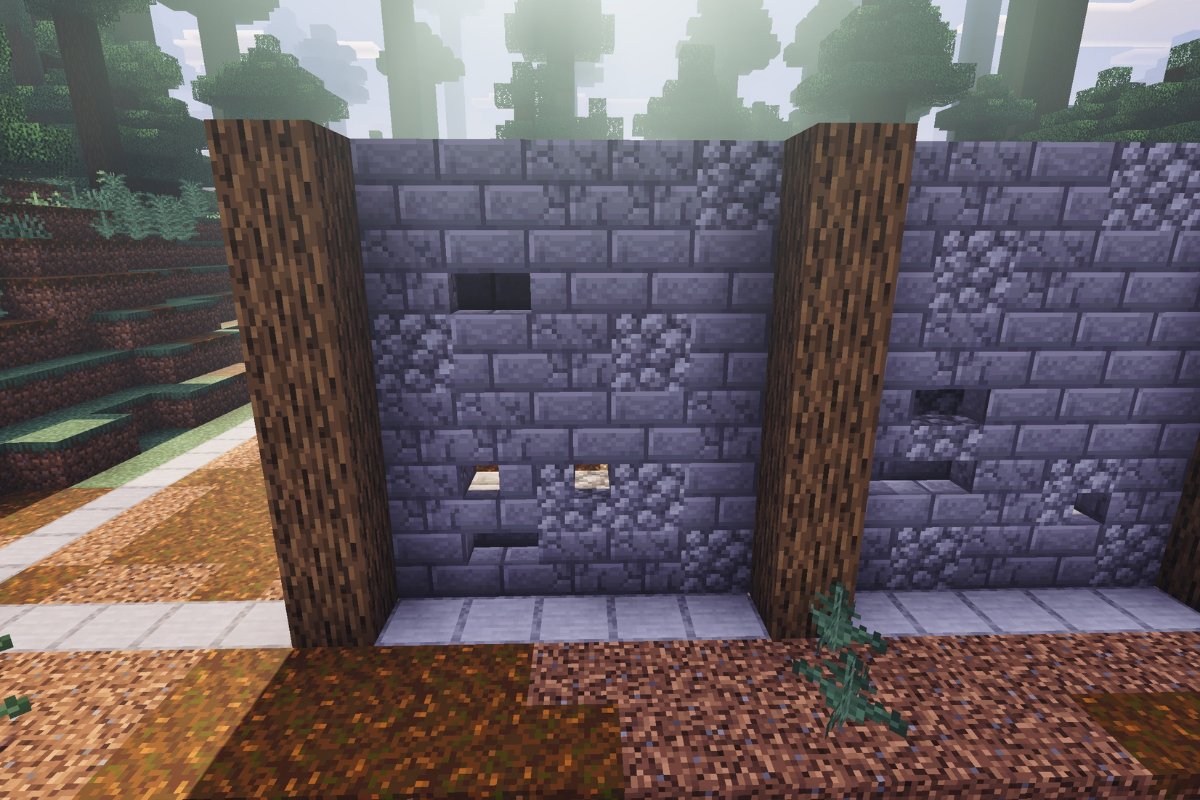
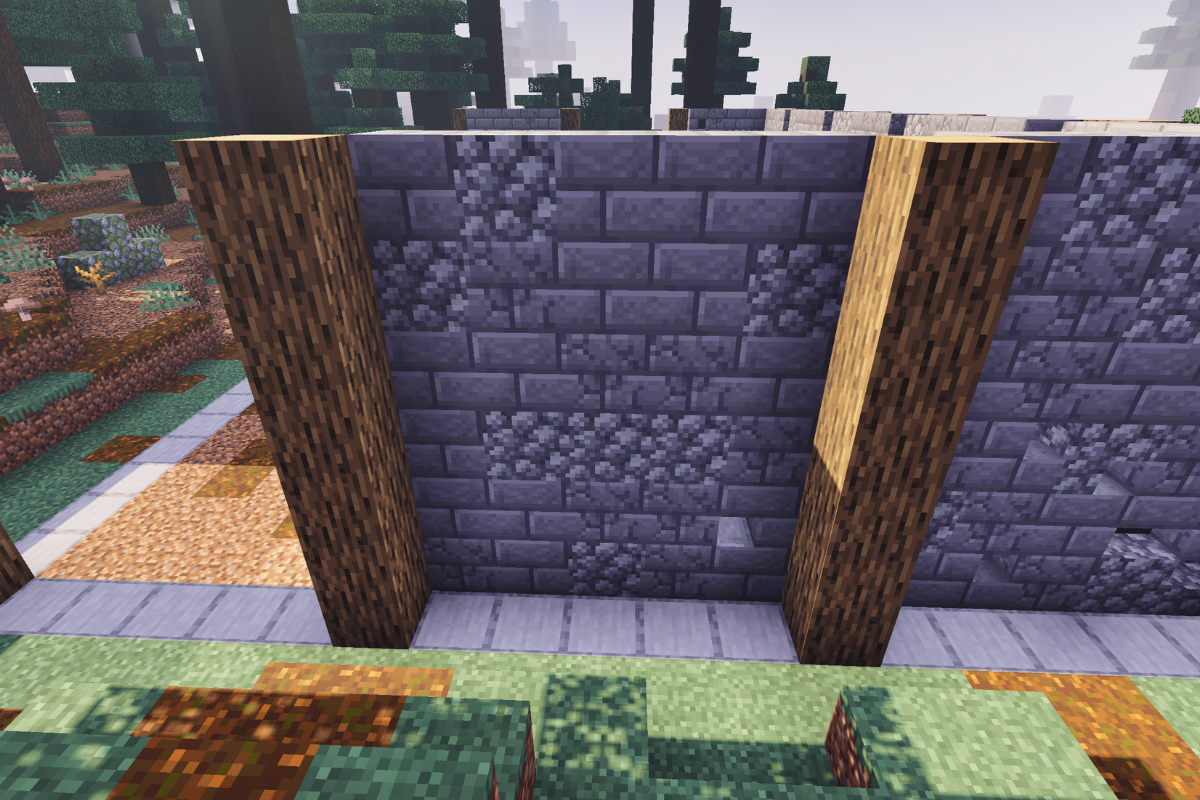
Create textured wall between both pillars on the right side of the barn.

  • Icon
    x 15
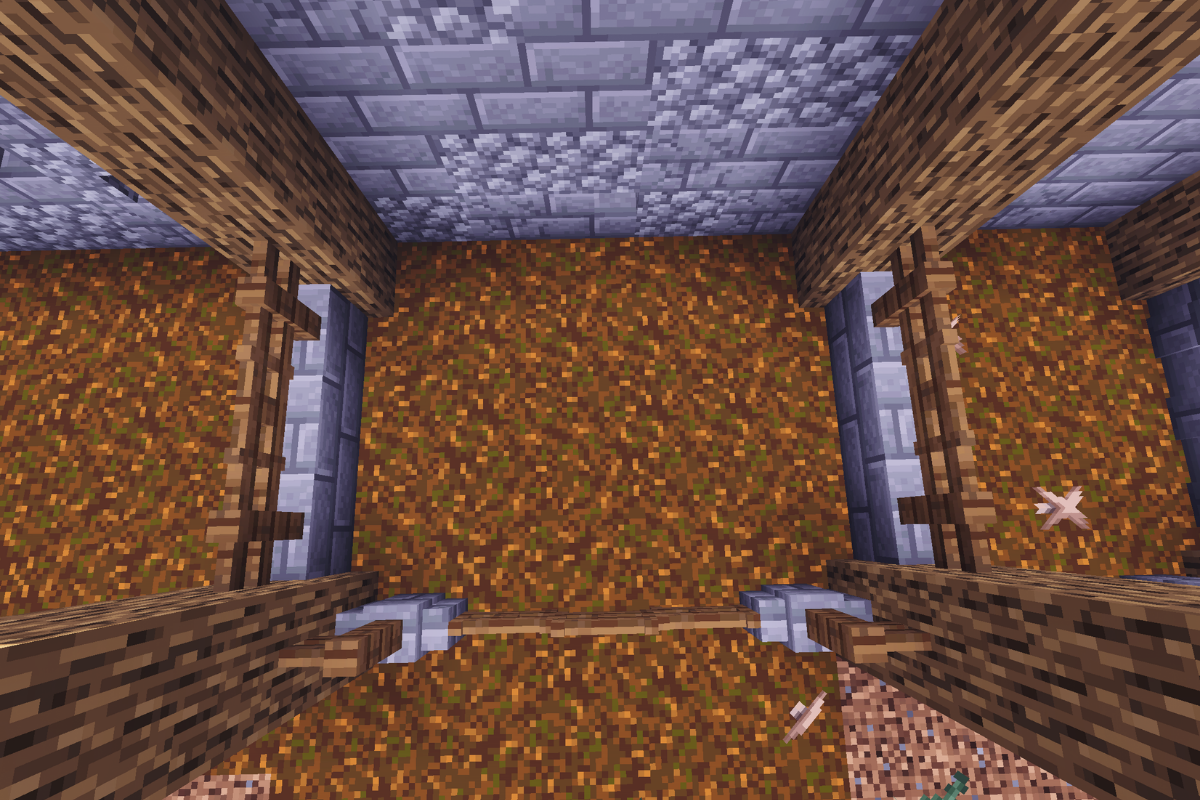
  • Icon
    x 2
  • Icon
    x 2
  • Icon
    x 1
  • Icon
    x 10
STEP 4 / 56

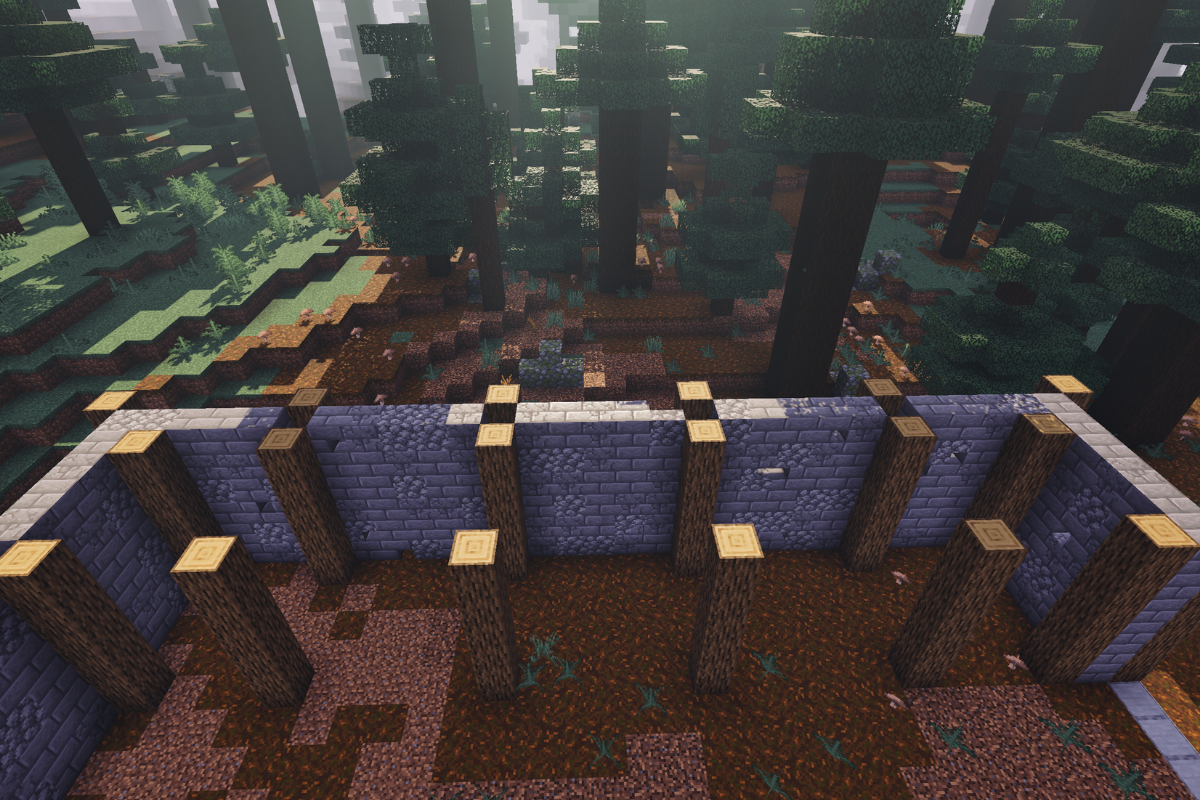
Create 5 pillars each 6 blocks tall on the left side of the barn.

  • Icon
    x 30
STEP 5 / 56

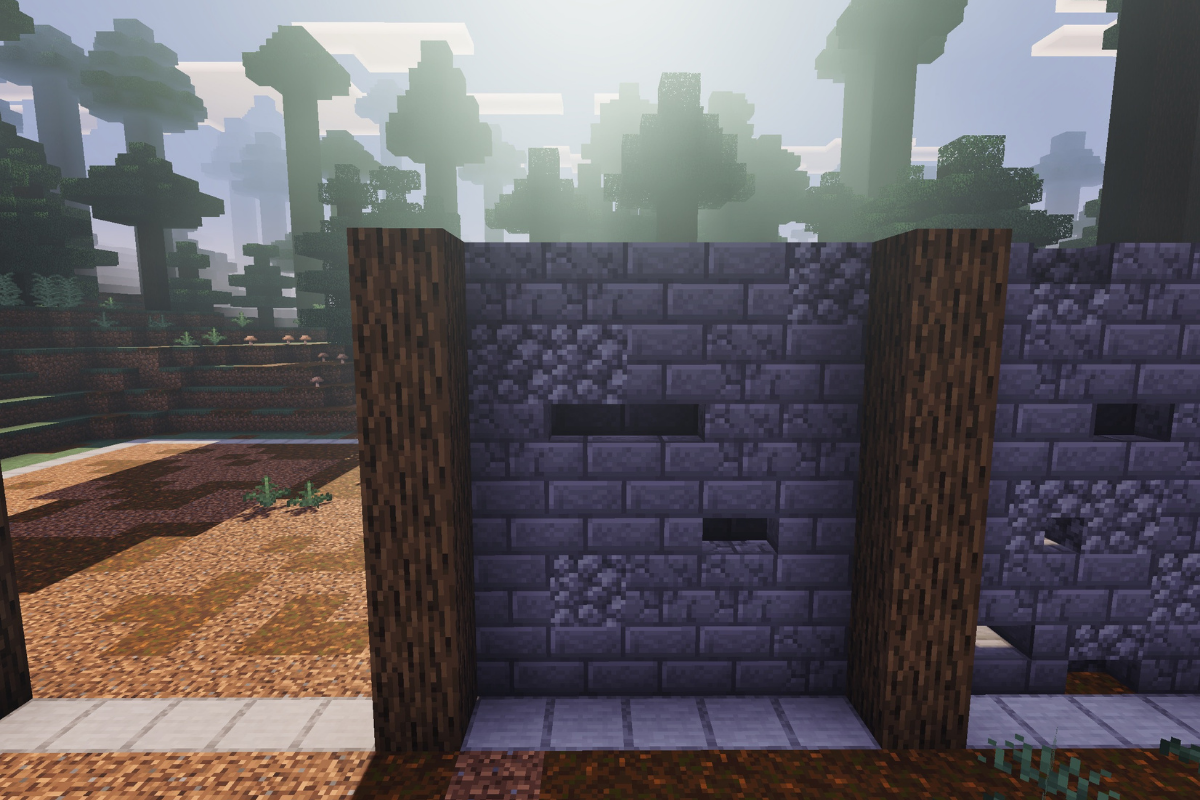
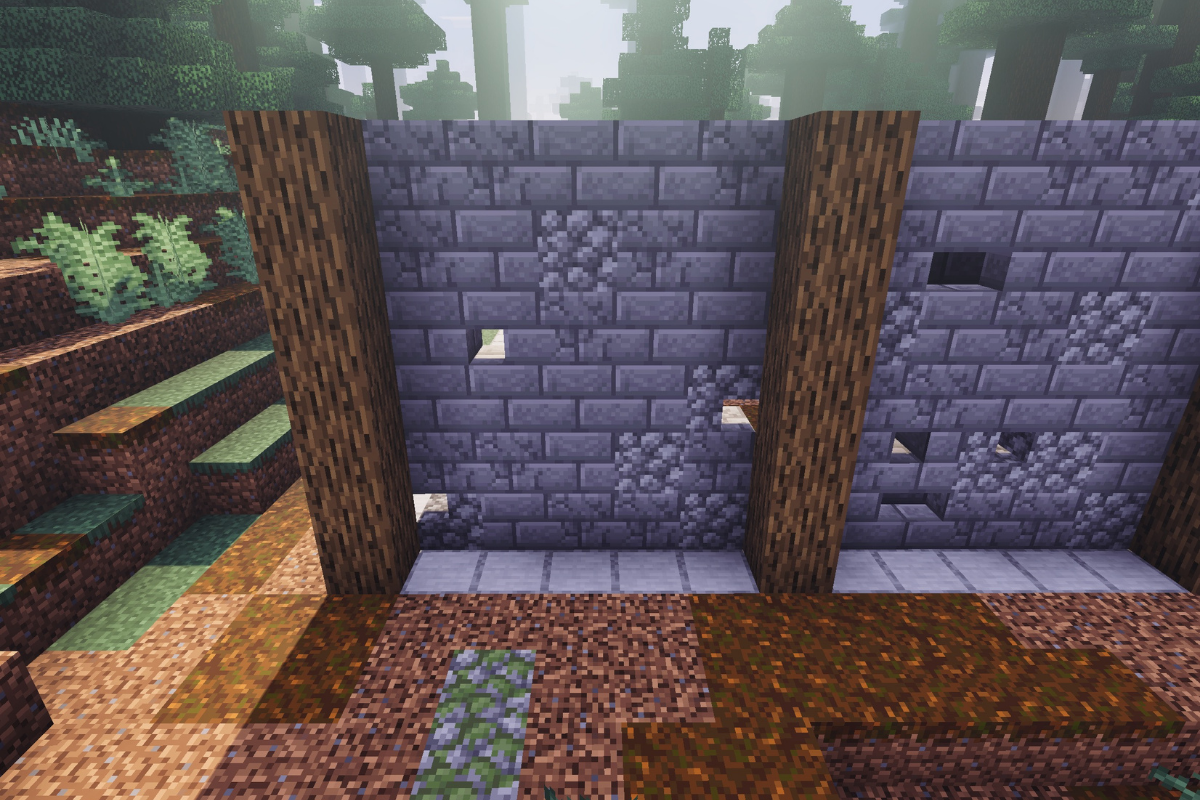
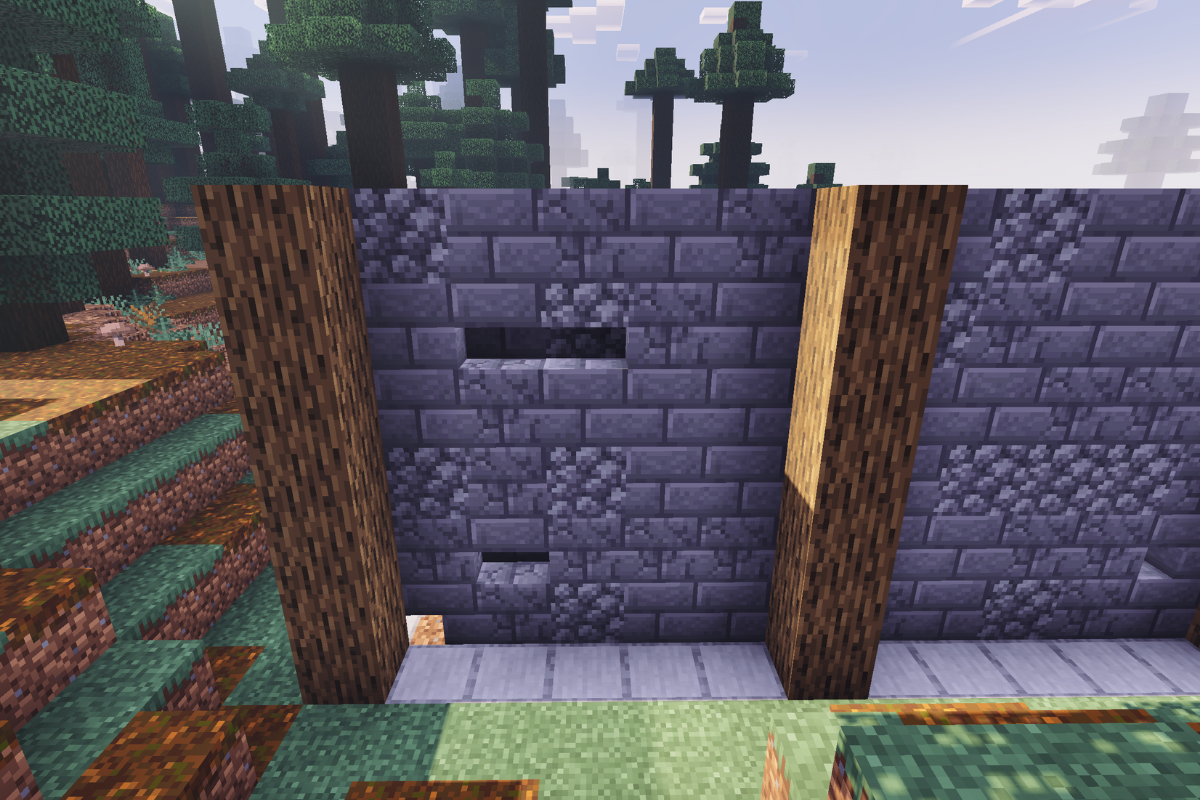
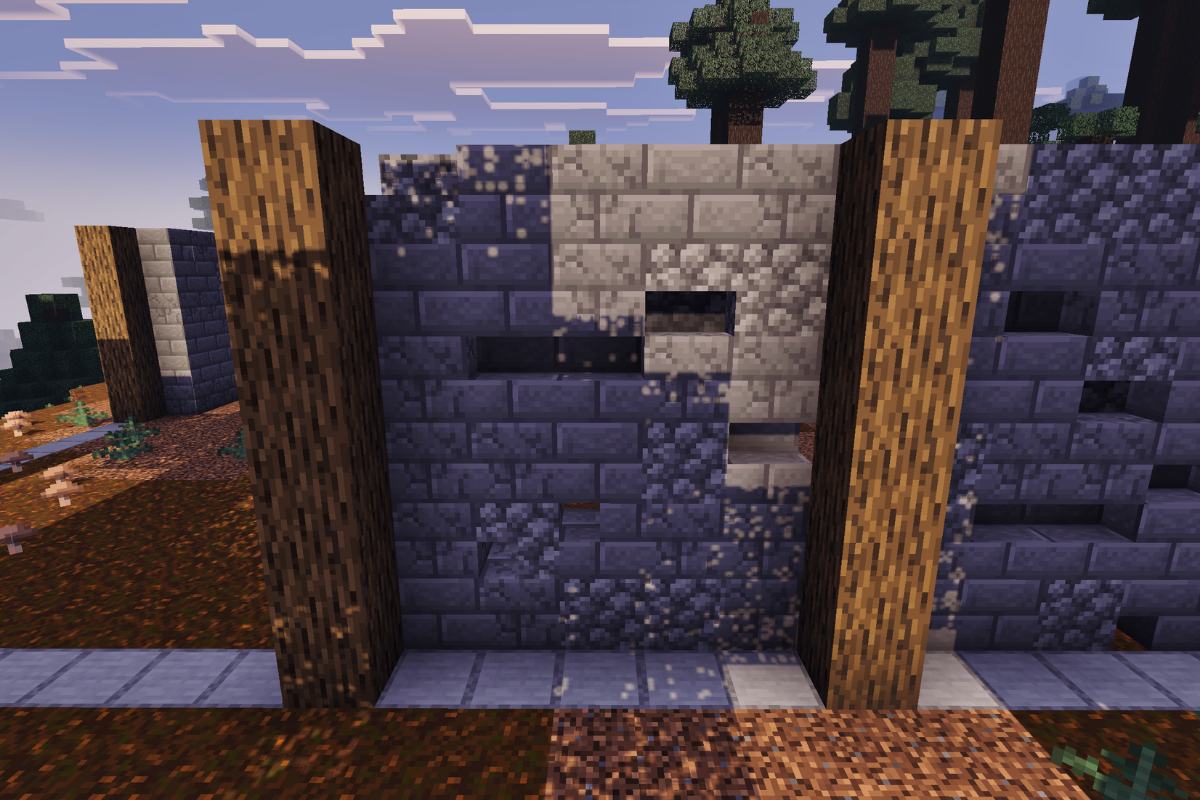
Create a textured wall between the first two post on the left side of the barn.

  • Icon
    x 11
  • Icon
    x 4
  • Icon
    x 2
  • Icon
    x 3
  • Icon
    x 10
STEP 6 / 56

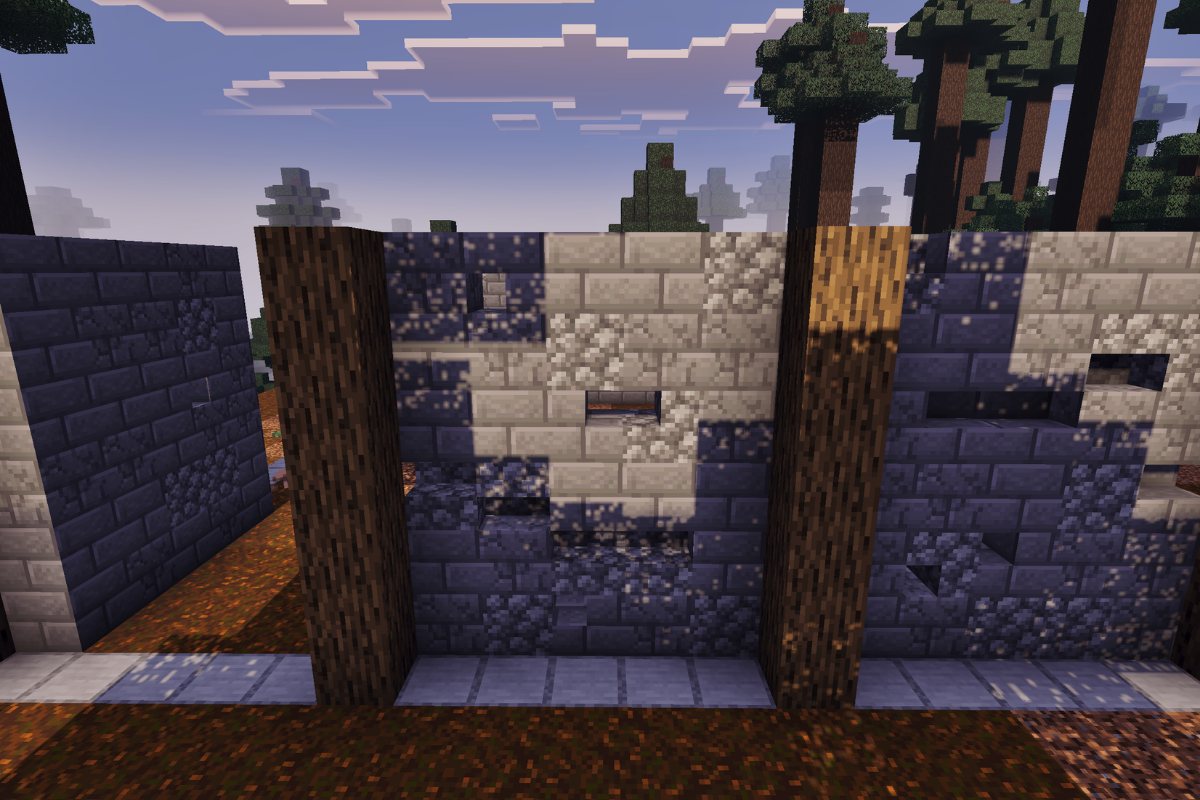
Create a textures wall between the second gap on the left side of the barn.

  • Icon
    x 14
  • Icon
    x 3
  • Icon
    x 4
  • Icon
    x 9
STEP 7 / 56

Create a textures wall between the third gap on the left side of the barn.

  • Icon
    x 12
  • Icon
    x 2
  • Icon
    x 5
  • Icon
    x 2
  • Icon
    x 9
STEP 8 / 56

Create a textures wall between the fourth gap on the left side of the barn.

  • Icon
    x 11
  • Icon
    x 3
  • Icon
    x 5
  • Icon
    x 1
  • Icon
    x 10
STEP 9 / 56

Create a textures wall between the fifth gap on the left side of the barn.

  • Icon
    x 14
  • Icon
    x 1
  • Icon
    x 3
  • Icon
    x 2
  • Icon
    x 10
STEP 10 / 56

Create 3 pillars each 6 blocks tall at the front of the barn with 5 blocks space between each.

  • Icon
    x 18
STEP 11 / 56

Create a textured wall between the first gap on the left side of the back of the barn.

  • Icon
    x 6
  • Icon
    x 3
  • Icon
    x 4
  • Icon
    x 2
  • Icon
    x 9
STEP 12 / 56

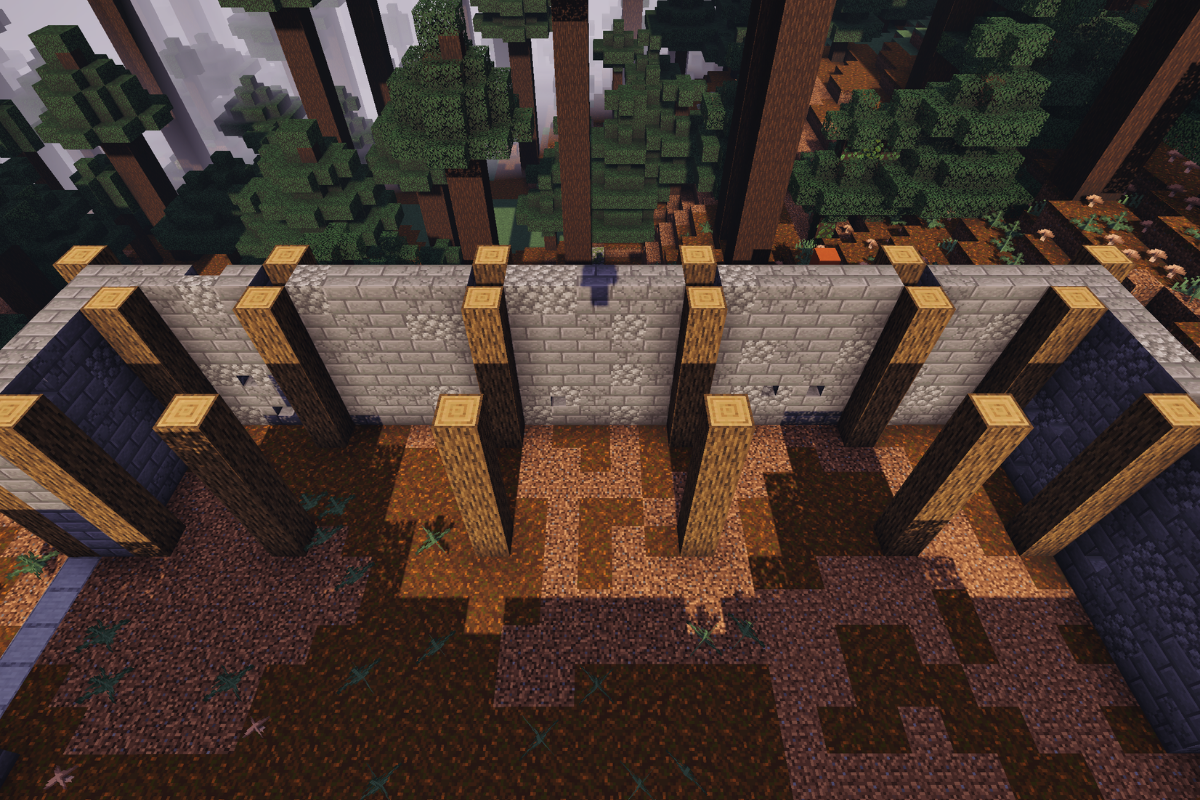
Create a textured wall between the second gap in the middle of the back of the barn.

  • Icon
    x 14
  • Icon
    x 1
  • Icon
    x 7
  • Icon
    x 8
STEP 13 / 56

Create a textured wall between the third gap on the right side of the back of the barn.

  • Icon
    x 13
  • Icon
    x 3
  • Icon
    x 4
  • Icon
    x 1
  • Icon
    x 9
STEP 14 / 56

Create 4 pillars each 6 blocks tall at the right side of the barn with 5 blocks space between each.

  • Icon
    x 24
STEP 15 / 56

Create a textured wall between the first gap on the right side of the barn.

  • Icon
    x 11
  • Icon
    x 3
  • Icon
    x 5
  • Icon
    x 1
  • Icon
    x 4
STEP 16 / 56

Create a textured wall between the second gap on the right side of the barn.

  • Icon
    x 11
  • Icon
    x 6
  • Icon
    x 4
  • Icon
    x 2
  • Icon
    x 7
STEP 17 / 56

Create a textured wall between the third gap on the right side of the barn.

  • Icon
    x 6
  • Icon
    x 4
  • Icon
    x 4
  • Icon
    x 3
  • Icon
    x 13
STEP 18 / 56

Create a textured wall between the fourth gap on the right side of the barn.

  • Icon
    x 10
  • Icon
    x 3
  • Icon
    x 4
  • Icon
    x 5
  • Icon
    x 8
STEP 19 / 56

Create a textured wall between the fifth gap on the right side of the barn.

  • Icon
    x 11
  • Icon
    x 4
  • Icon
    x 1
  • Icon
    x 2
  • Icon
    x 5
STEP 20 / 56

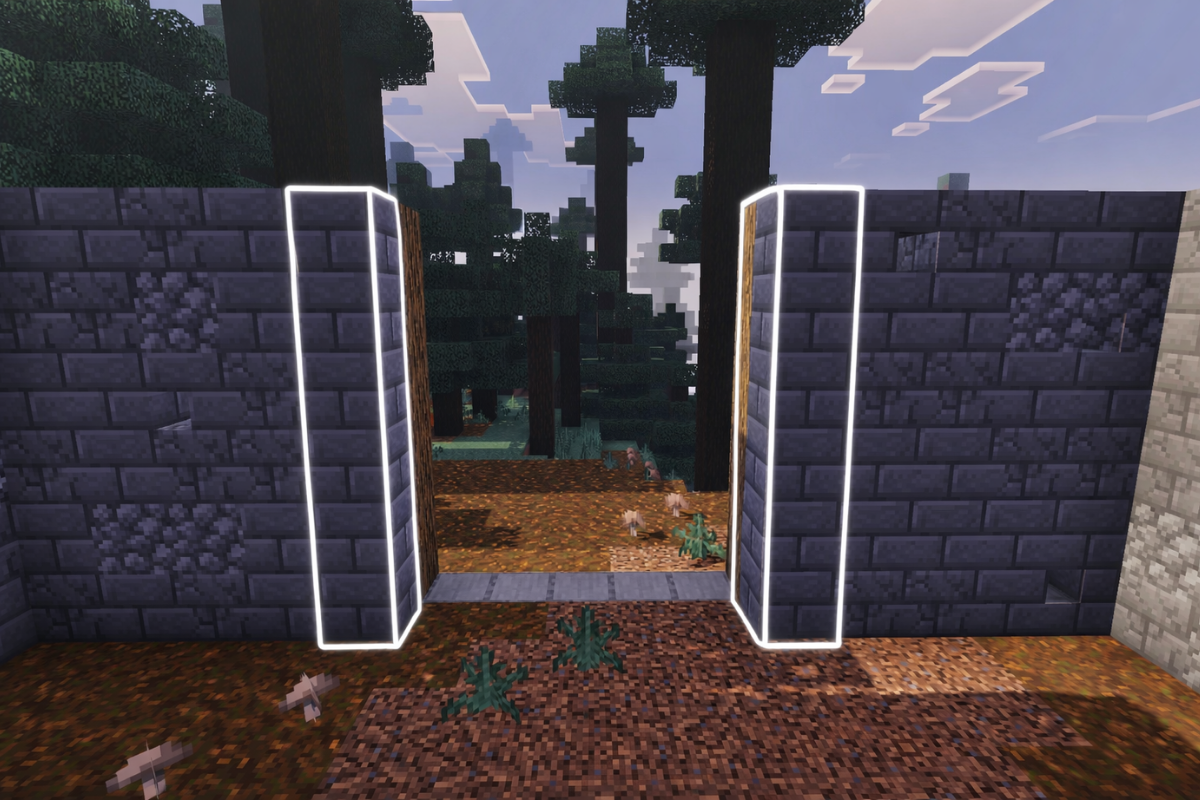
Add pillars of stone bricks behind the oak logs at the entrance of the barn.

  • Icon
    x 12
STEP 21 / 56

Add 12 oak log pillars on the left side of the inside of the barn.

  • Icon
    x 72
STEP 22 / 56

Add 12 oak log pillars on the right side of the inside of the barn.

  • Icon
    x 72
STEP 23 / 56

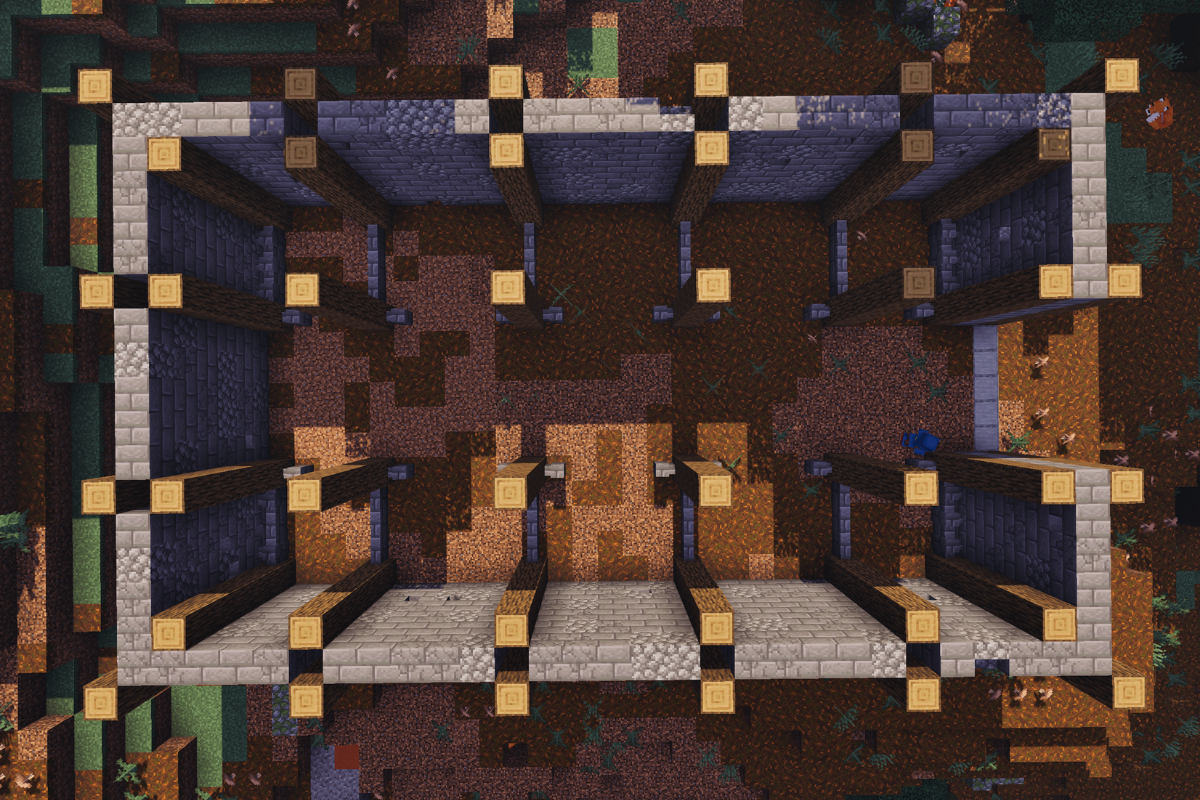
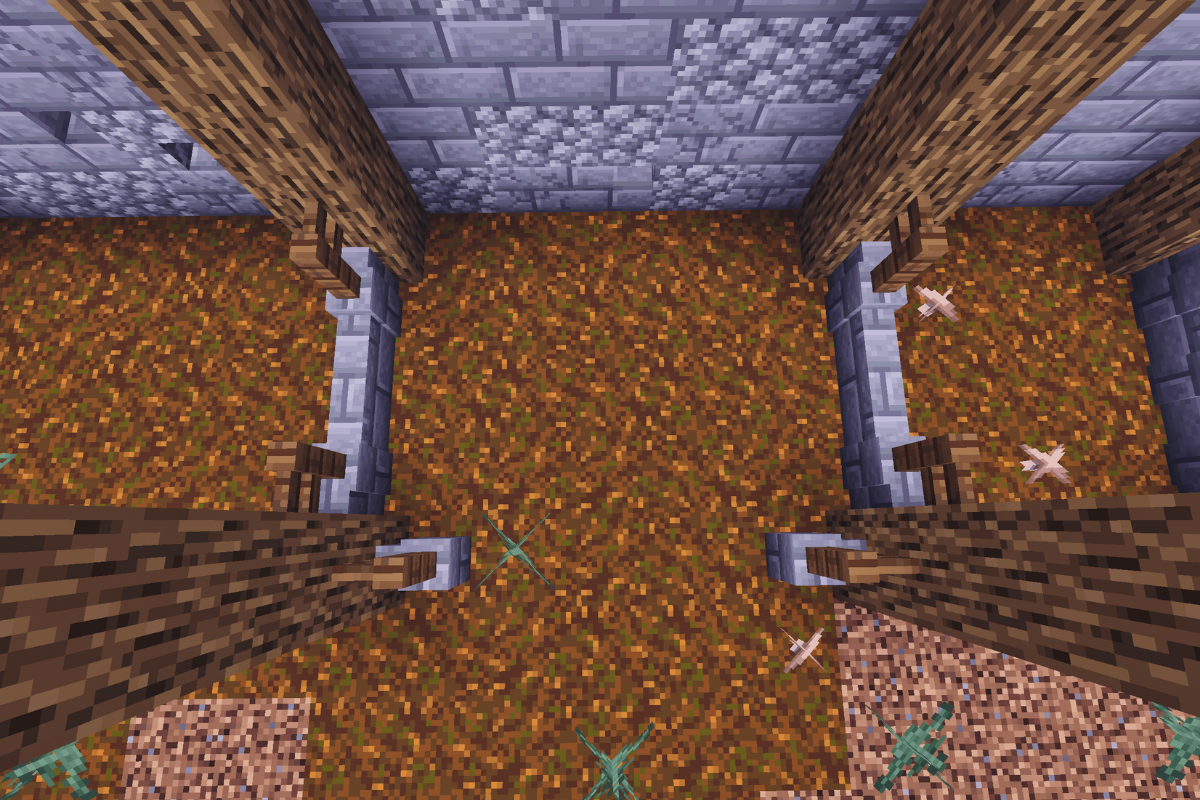
Add 3 stone brick wall between each pillar on both side and two at the entrance of each animal pen.

  • Icon
    x 56
STEP 24 / 56

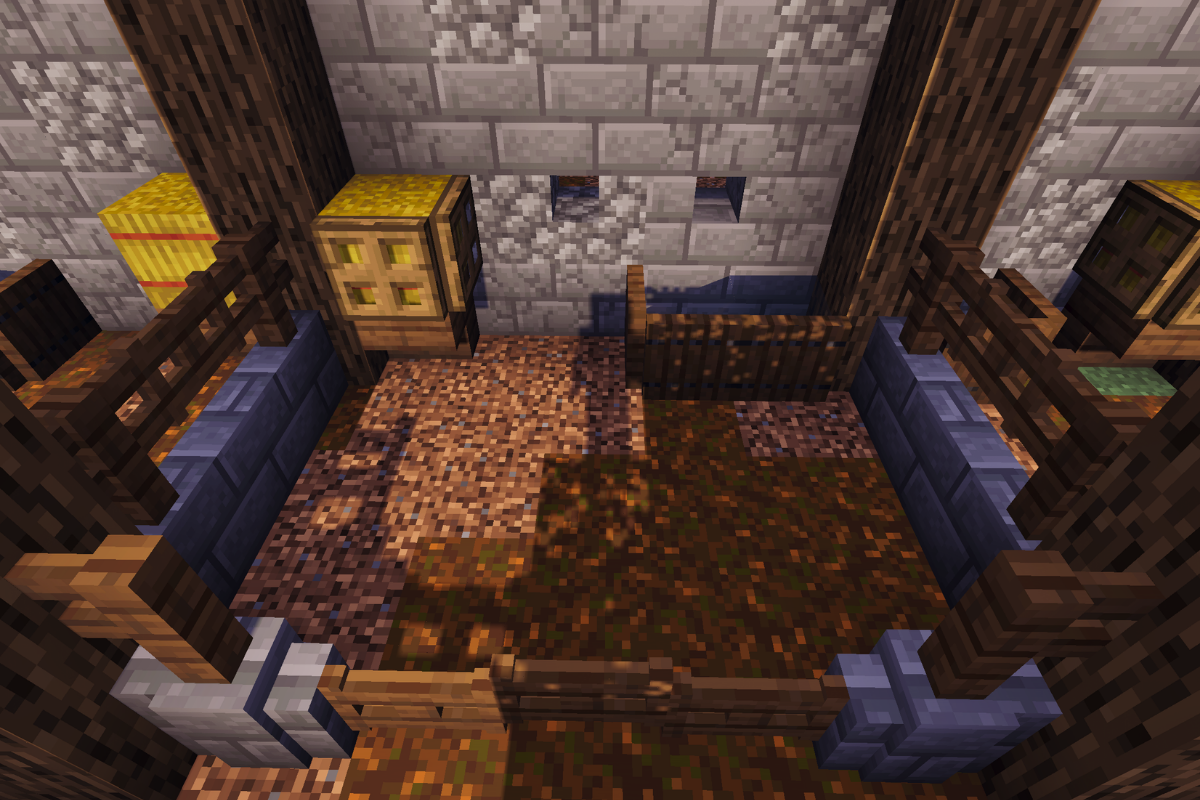
Add spruce fences to each animal pen in these positions.

  • Icon
    x 44
STEP 25 / 56

Add spruce fence gates to each animal pen in these positions.

  • Icon
    x 34
STEP 26 / 56

Add these decors to the 6 larger animal pens.

  • Icon
    x 6
  • Icon
    x 12
  • Icon
    x 6
  • Icon
    x 18
  • Icon
    x 12
  • Icon
    x 12
STEP 27 / 56

Add these decors to the 4 smaller animal pens.

  • Icon
    x 4
  • Icon
    x 8
  • Icon
    x 4
  • Icon
    x 8
  • Icon
    x 4
STEP 28 / 56

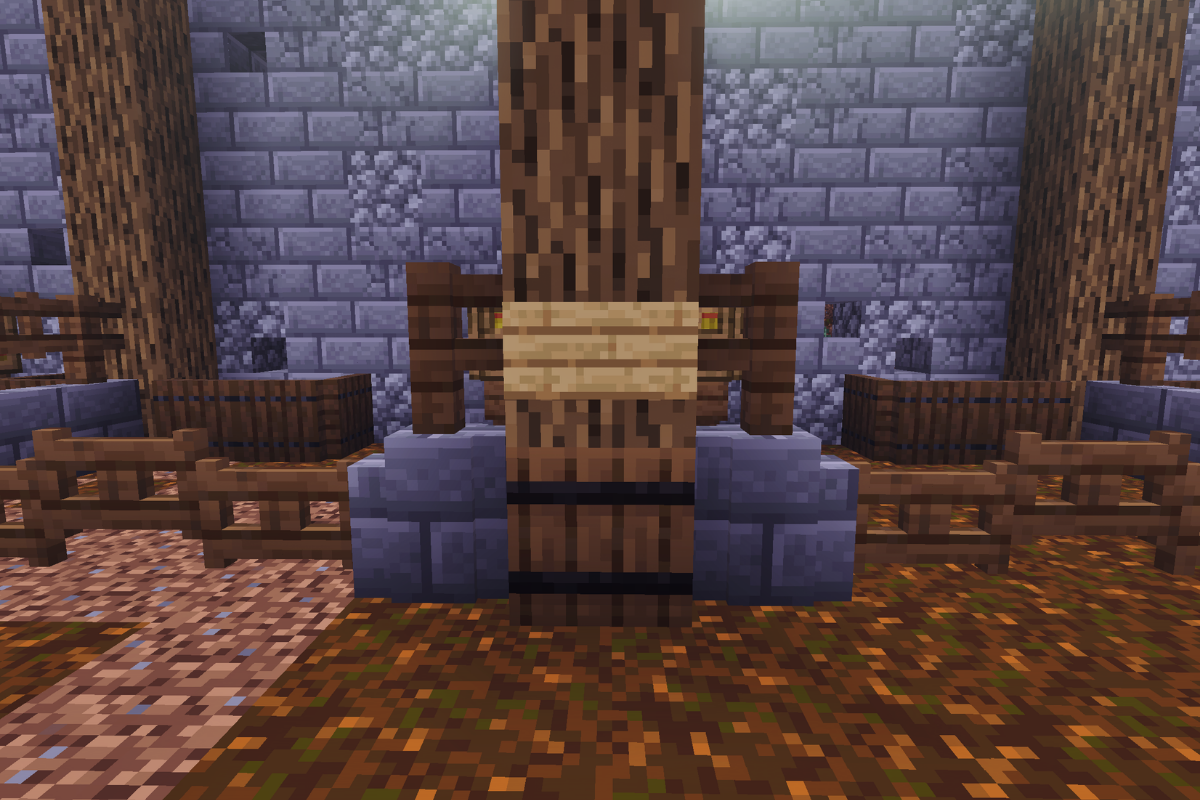
Replace the lowest block of each post with a barrel and add an oak sign above each barrel.

  • Icon
    x 12
  • Icon
    x 12
STEP 29 / 56

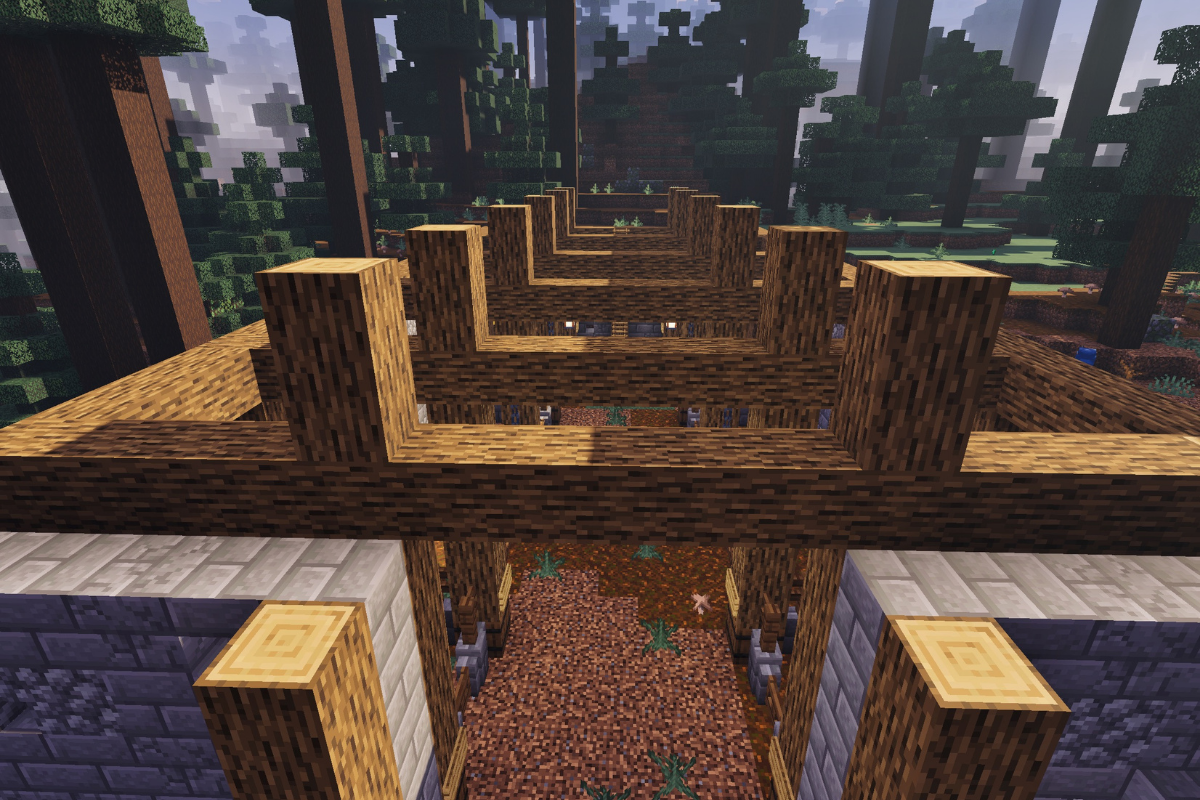
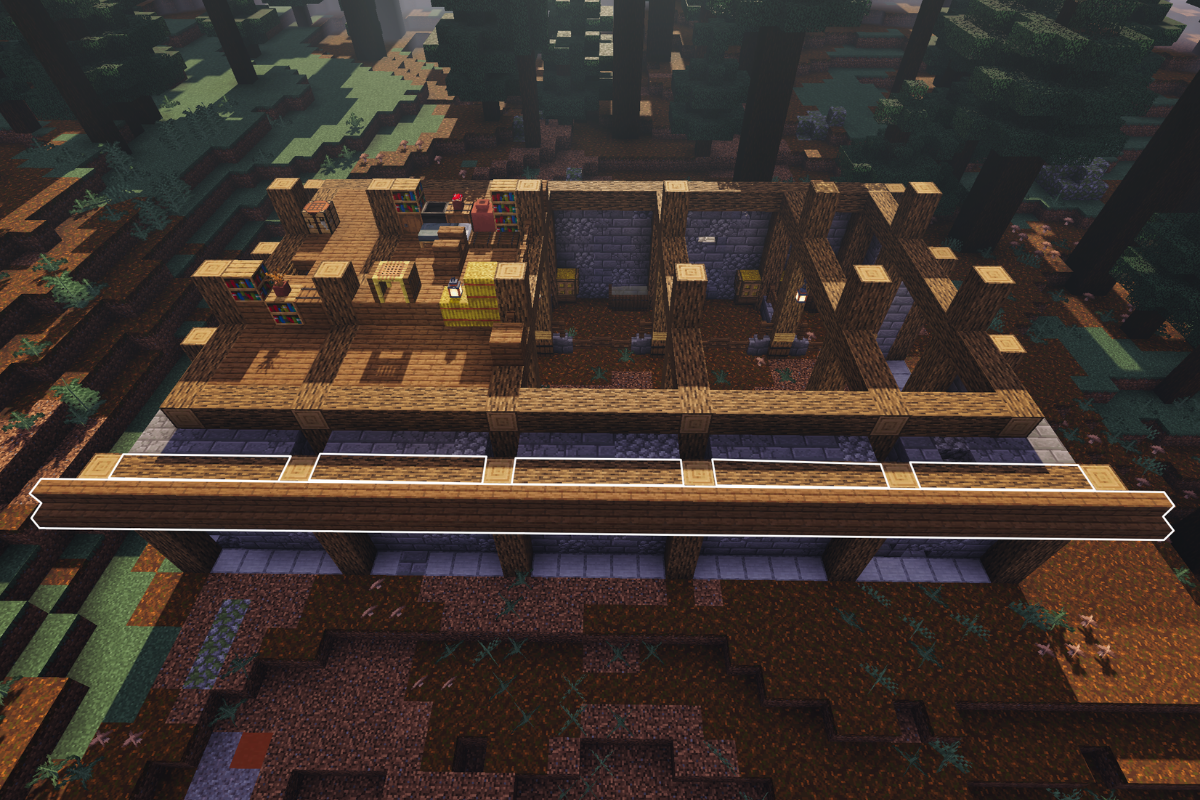
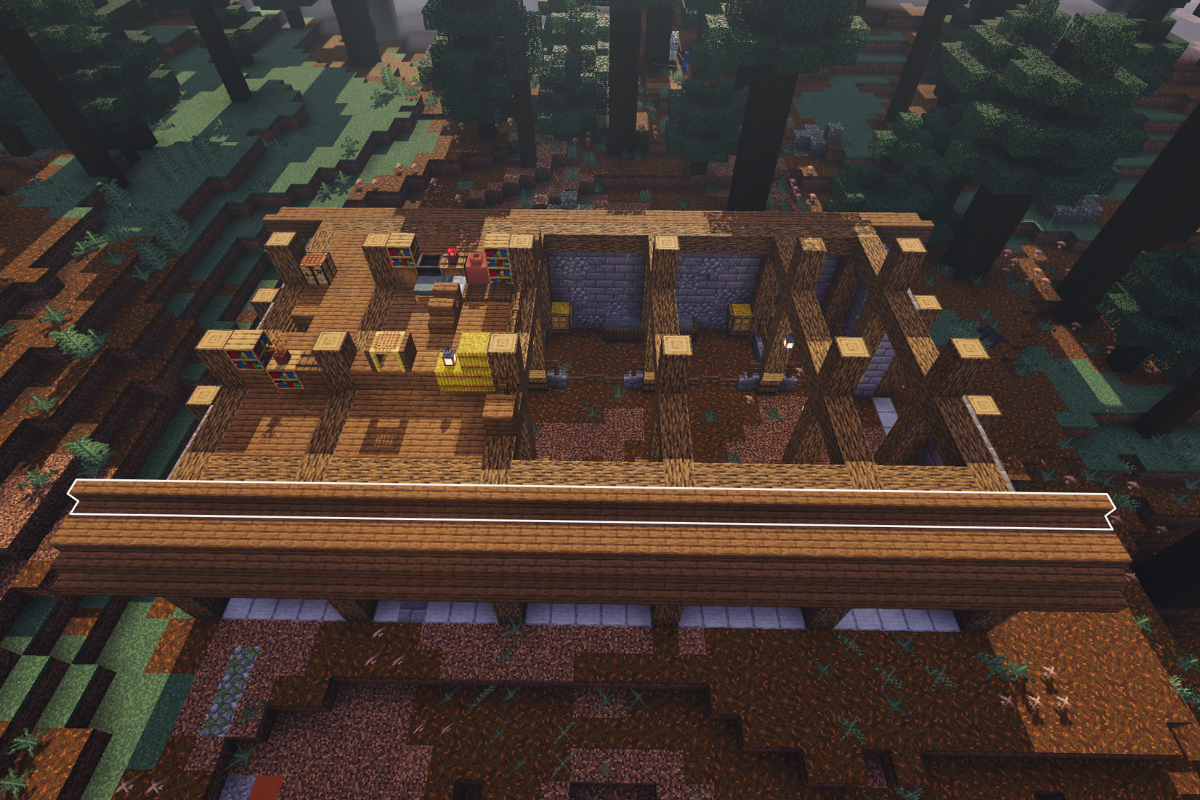
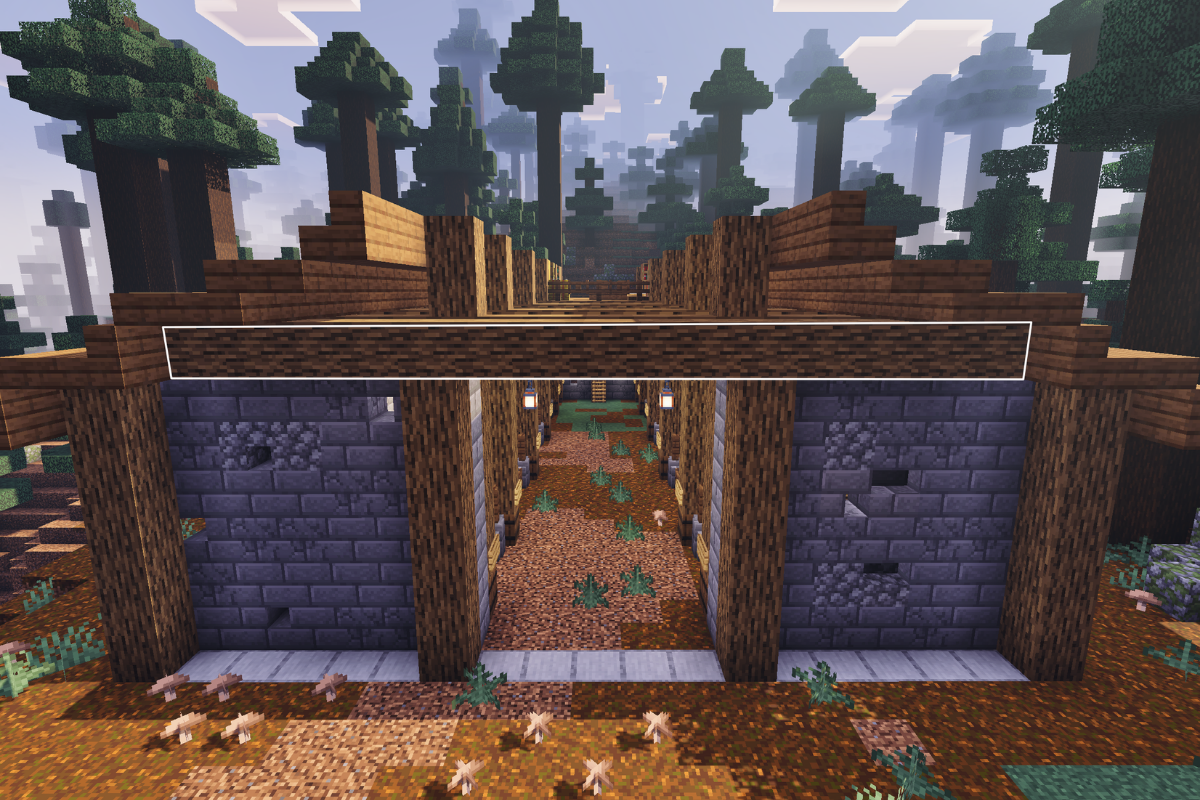
Add supporting beams above the pillars, connecting them.

  • Icon
    x 132
STEP 30 / 56

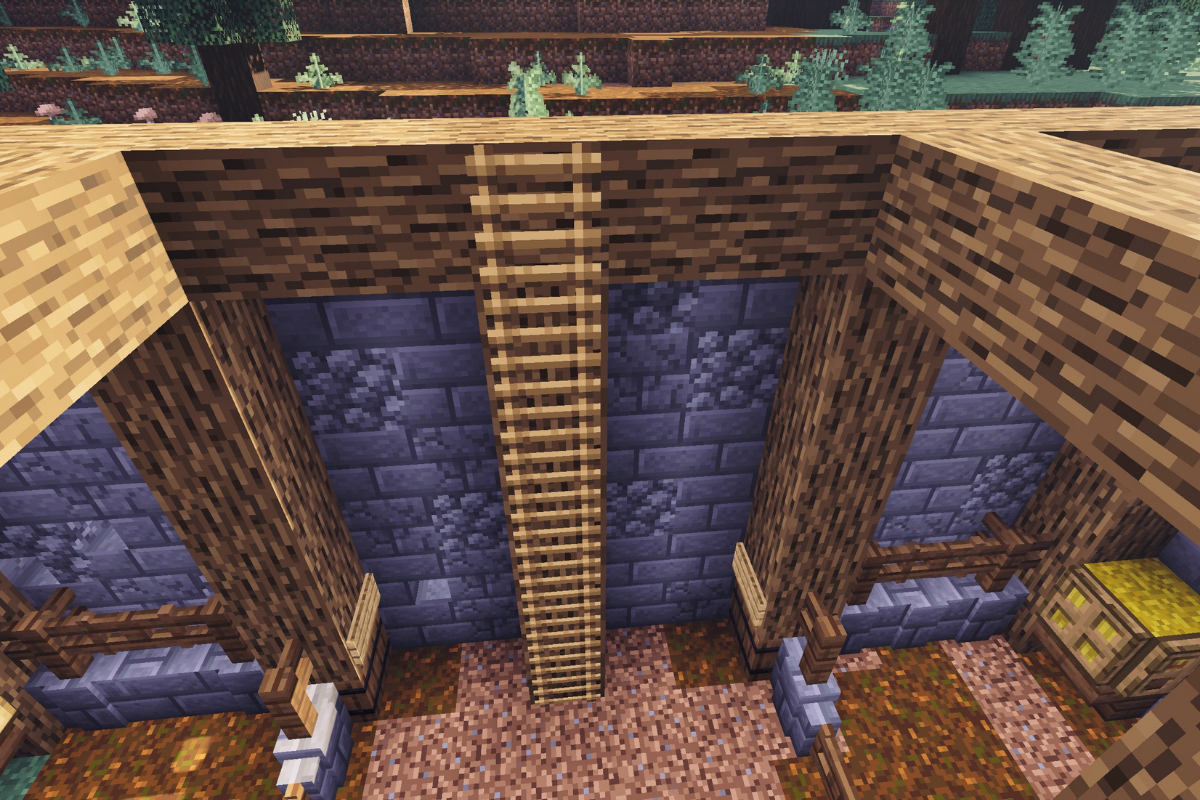
Add an oak pillar to the center of the back of the barn and to it add 7 ladders.

  • Icon
    x 6
  • Icon
    x 7
STEP 31 / 56

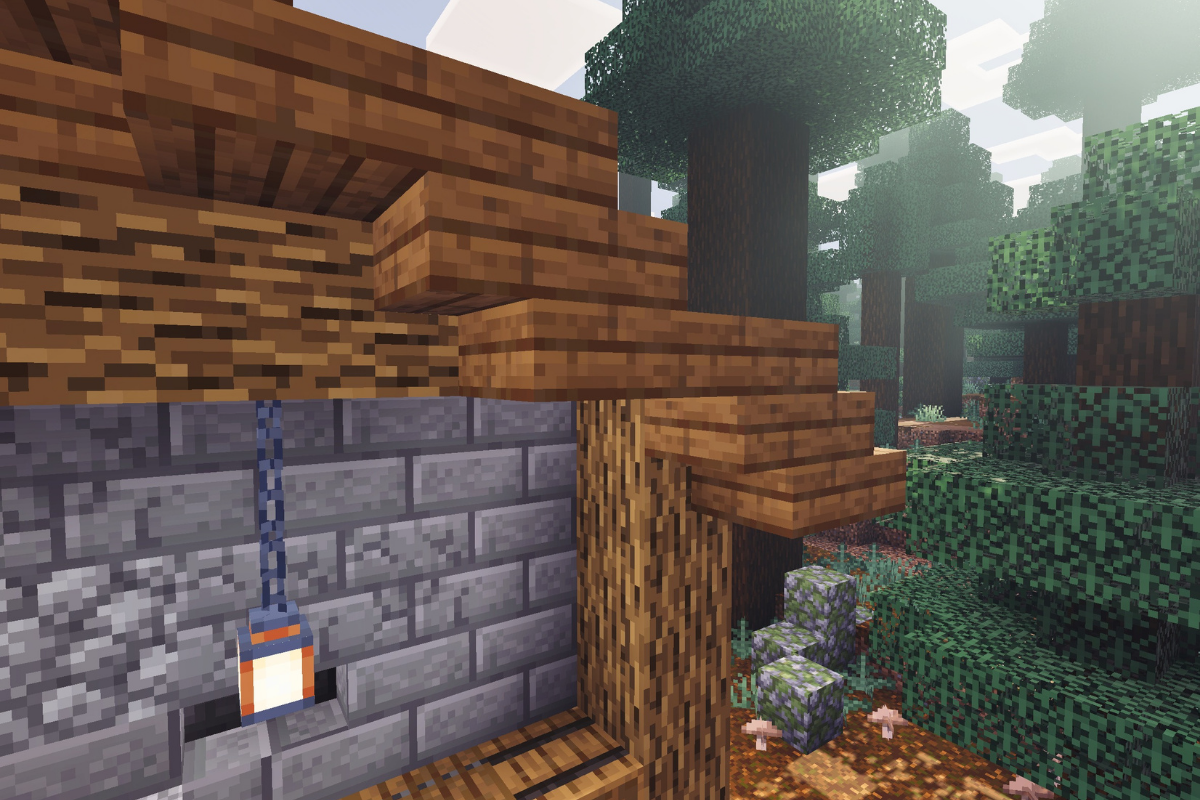
Add an iron chain and a lantern under each supporting beams on both sides.

  • Icon
    x 10
  • Icon
    x 10
STEP 32 / 56

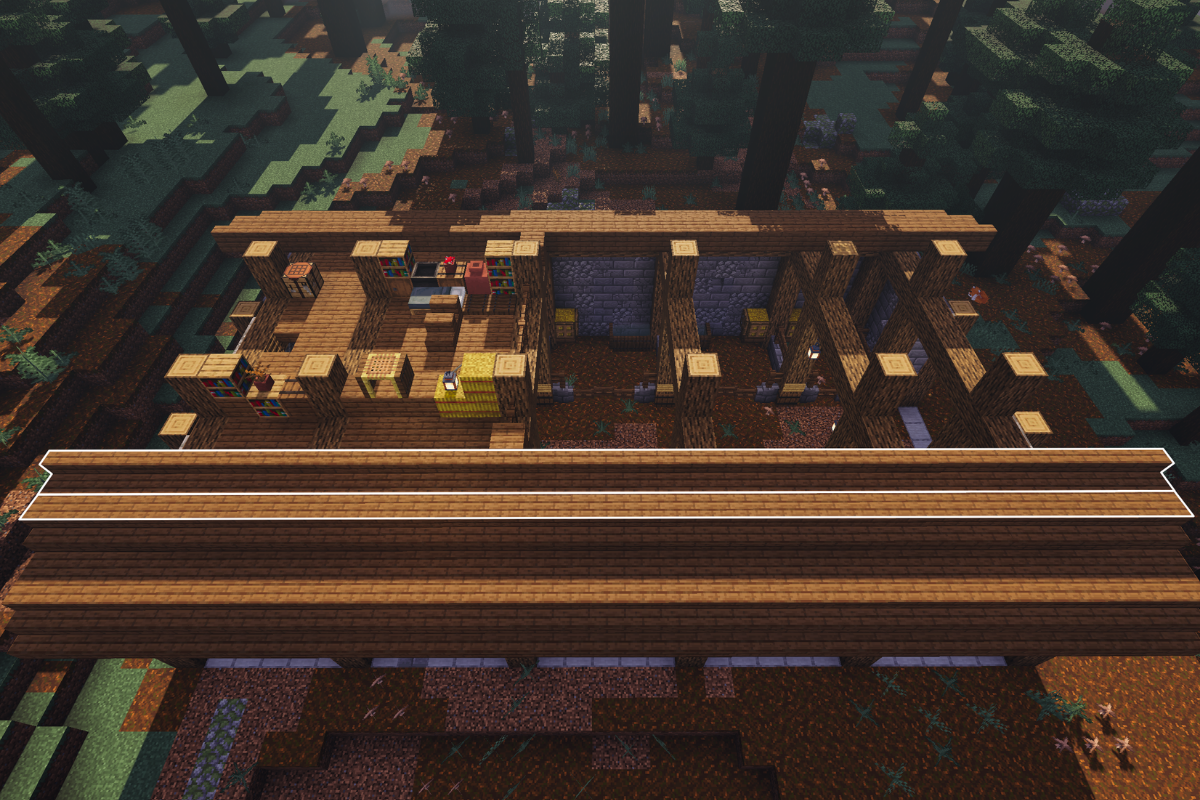
Add 2 oak logs on the top of the beams in the center of the barn.

  • Icon
    x 24
STEP 33 / 56

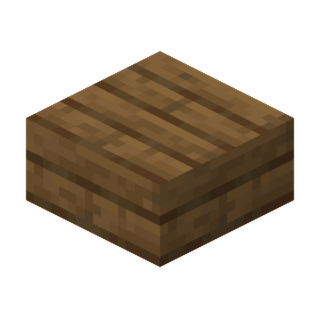
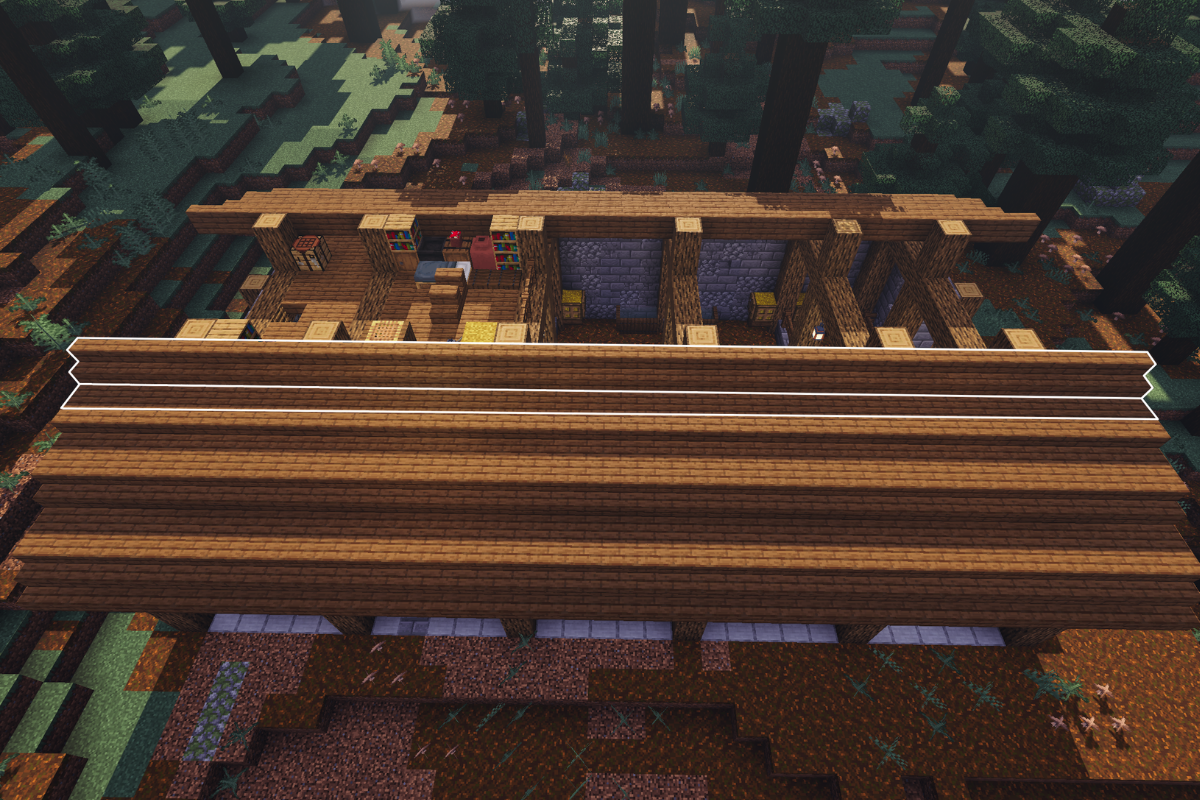
Fill in this section of the roof with spruce slabs.

  • Icon
    x 53
STEP 34 / 56

Add 5 spruce fences.

  • Icon
    x 5
STEP 35 / 56

Add 2 spruce fence gates.

  • Icon
    x 2
STEP 36 / 56

Add 2 spruce planks.

  • Icon
    x 2
STEP 37 / 56

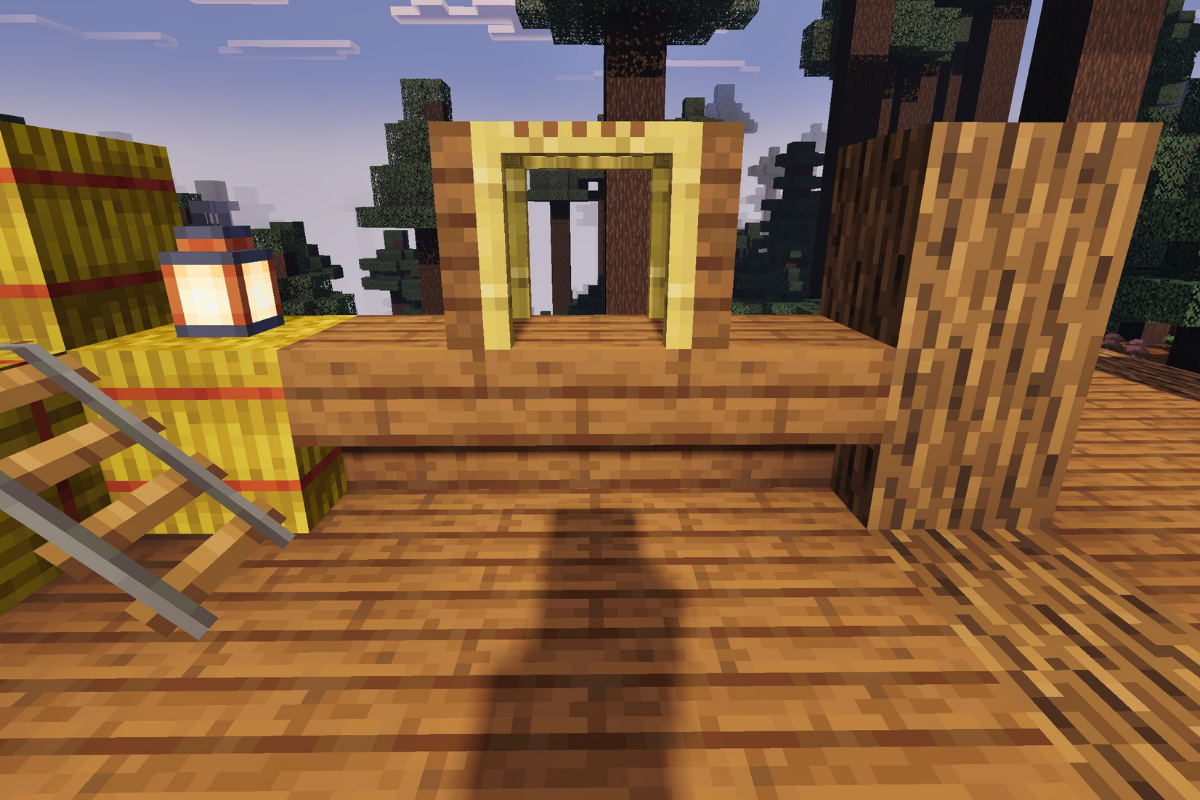
Place haybale decor.

  • Icon
    x 4
  • Icon
    x 2
  • Icon
    x 1
STEP 38 / 56

Create desk area.

  • Icon
    x 3
  • Icon
    x 2
  • Icon
    x 1
STEP 39 / 56

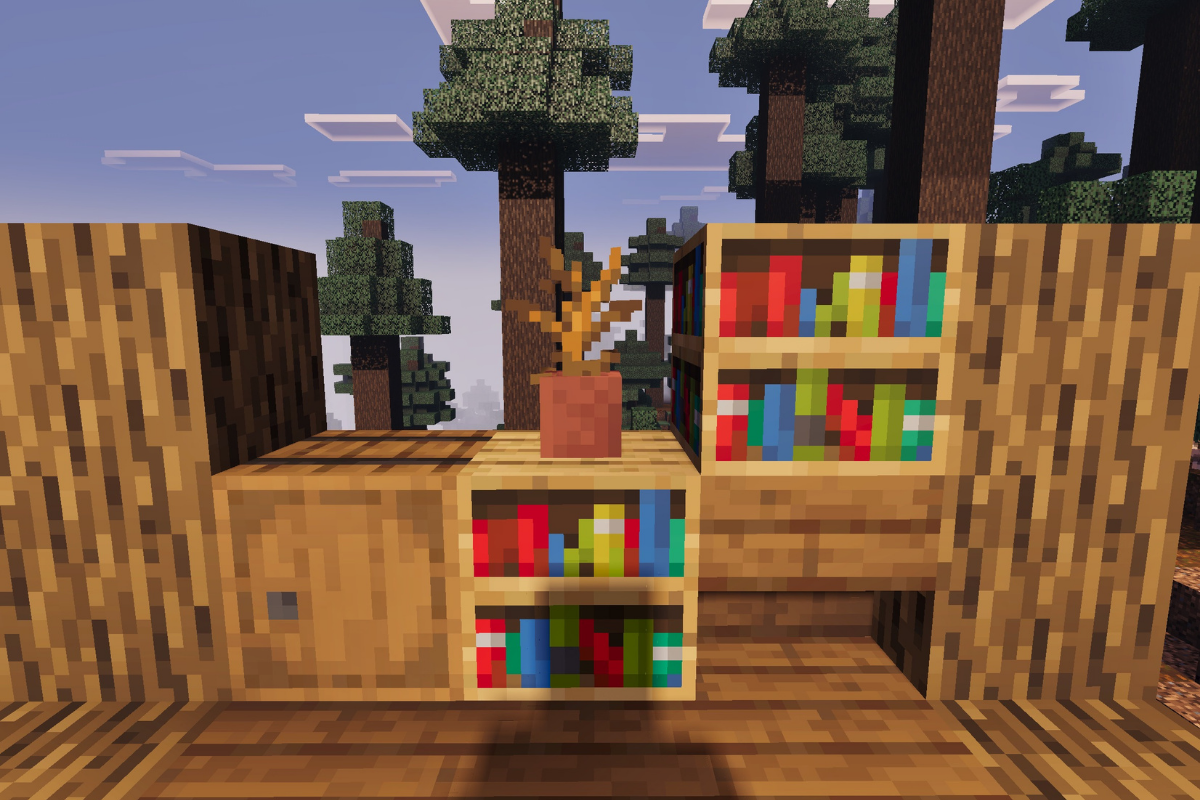
Create reading area.

  • Icon
    x 1
  • Icon
    x 2
  • Icon
    x 1
  • Icon
    x 1
STEP 40 / 56

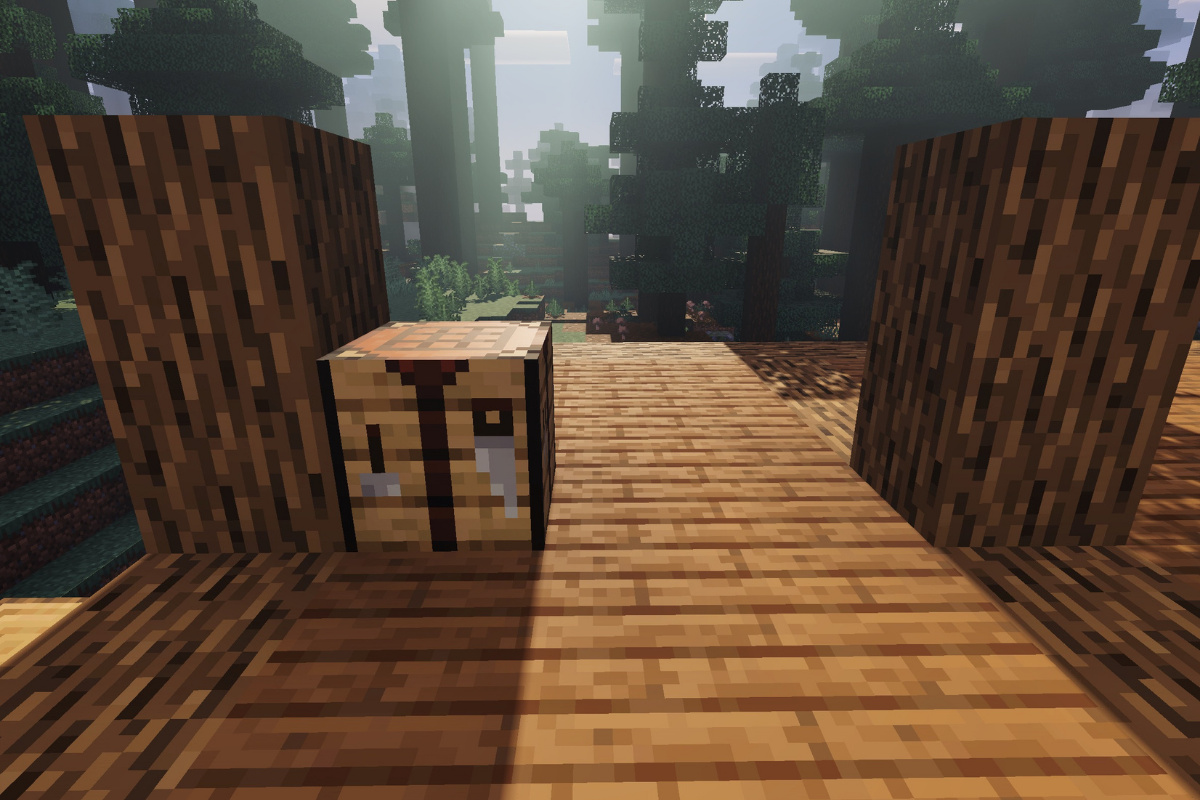
Place crafting table.

  • Icon
    x 1
STEP 41 / 56

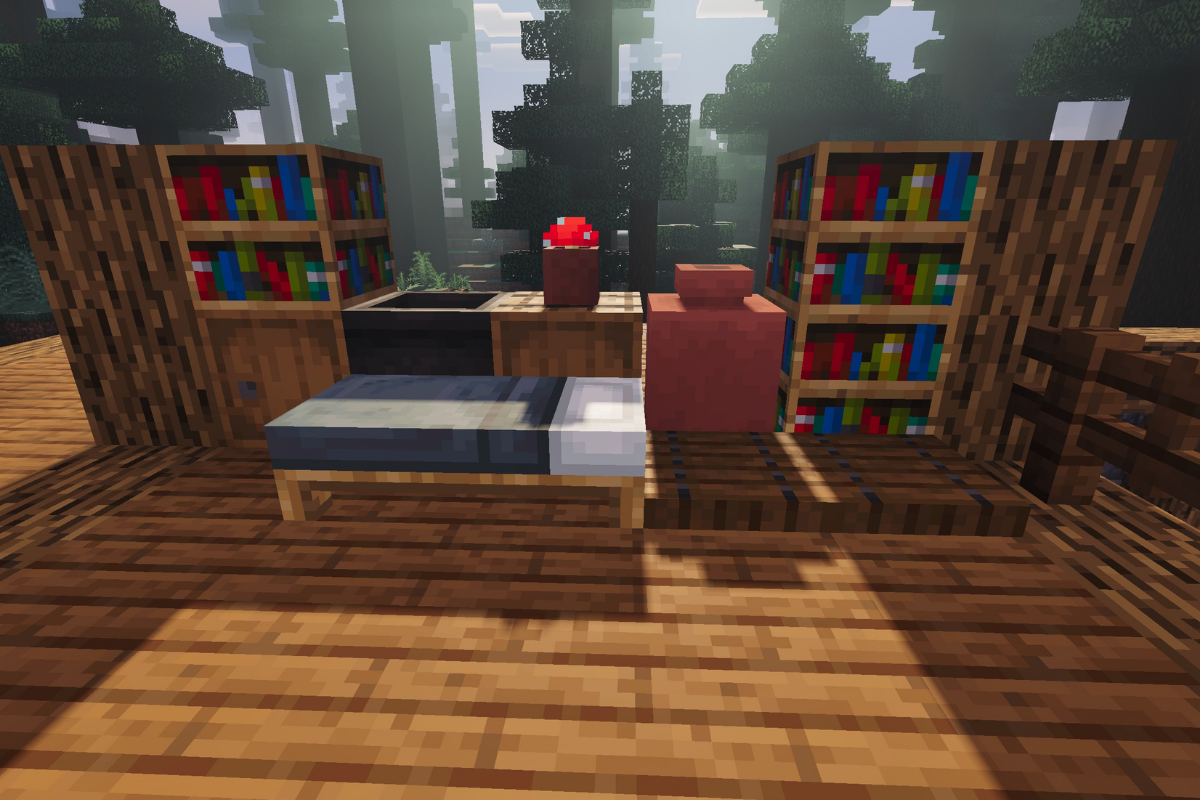
Create sleeping area.

  • Icon
    x 2
  • Icon
    x 3
  • Icon
    x 1
  • Icon
    x 1
  • Icon
    x 1
  • Icon
    x 1
  • Icon
    x 2
  • Icon
    x 1
STEP 42 / 56

Add supporting beams between the outer posts add a row of spruce stairs to the roof on both sides.

  • Icon
    x 50
  • Icon
    x 76
STEP 43 / 56

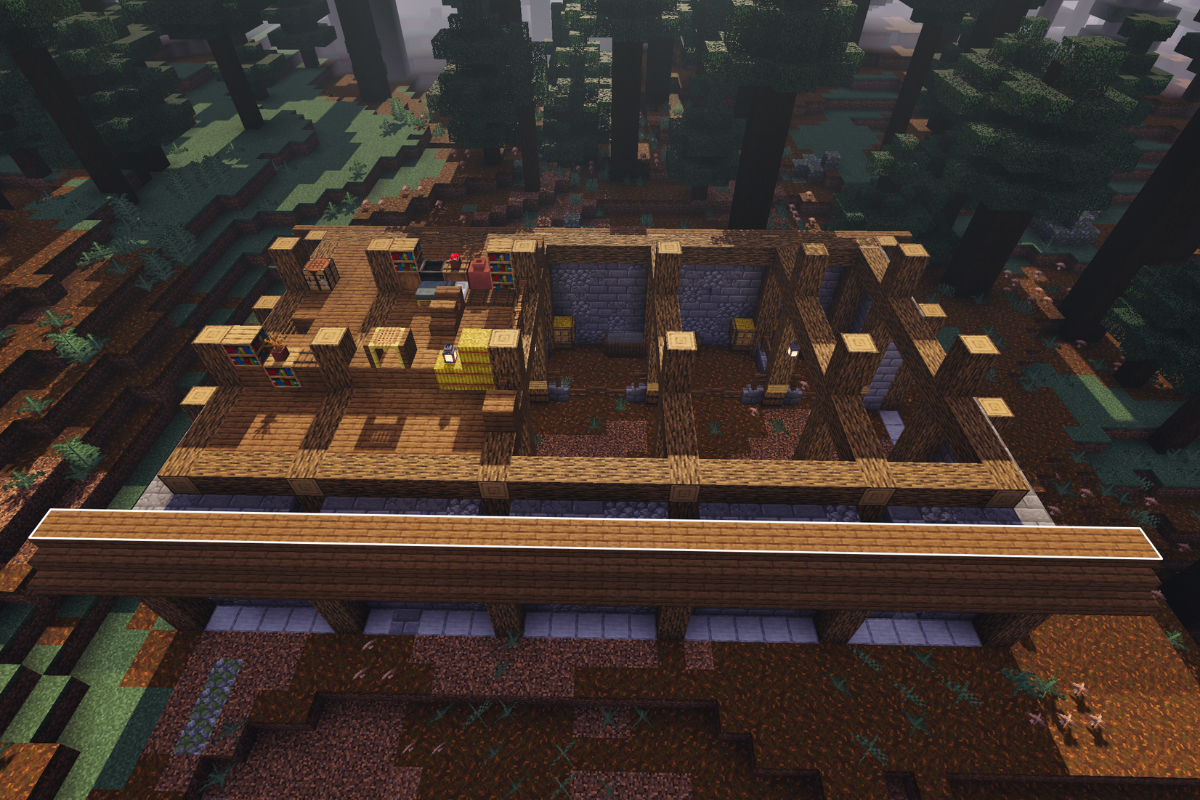
Add a row of spruce slabs on the oak beams on both side of the roof.

  • Icon
    x 76
STEP 44 / 56

Add a row of spruce stairs on the top of the barn walls on both sides of the roof.

  • Icon
    x 76
STEP 45 / 56

Add a row of spruce slab and stairs on the top of the barn walls on both sides of the roof.

  • Icon
    x 152
  • Icon
    x 152
STEP 46 / 56

Add a row of spruce slab and stairs on the top of the barn walls on both sides of the roof.

  • Icon
    x 150
  • Icon
    x 152
STEP 47 / 56

Add a supporting bean to front and back of the barn.

  • Icon
    x 30
STEP 48 / 56

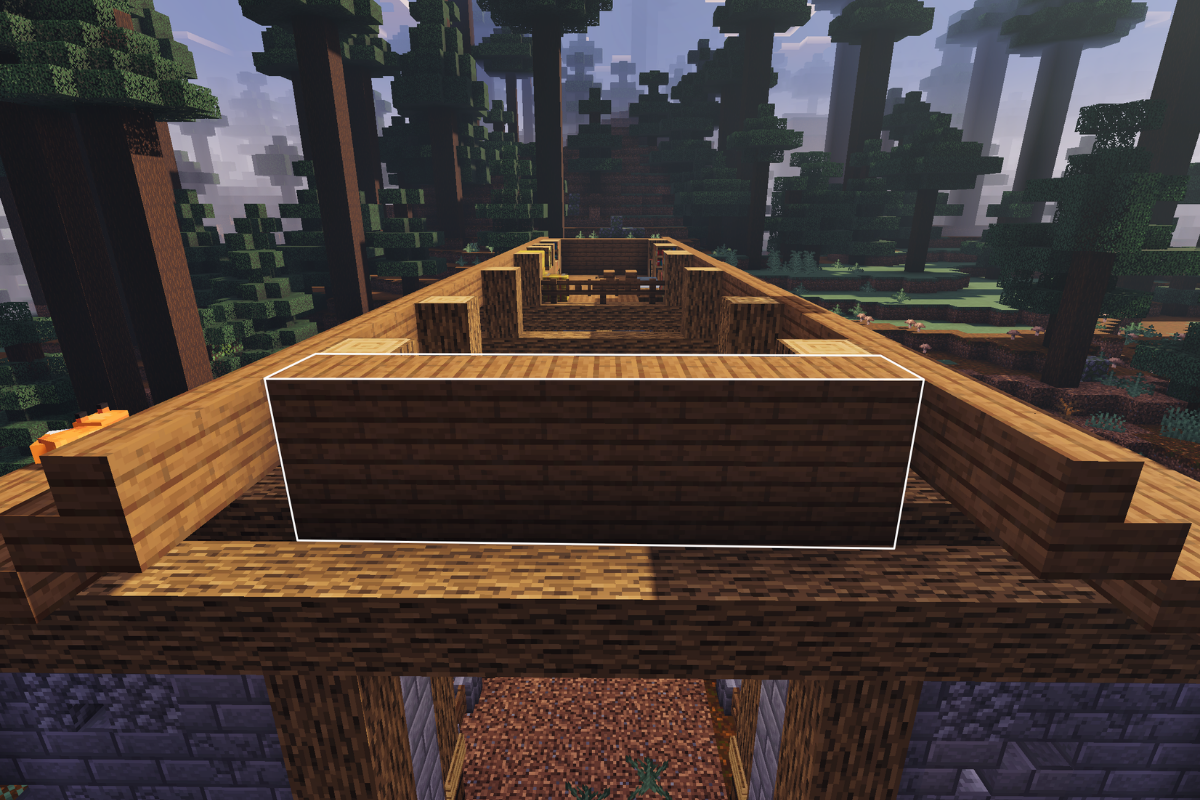
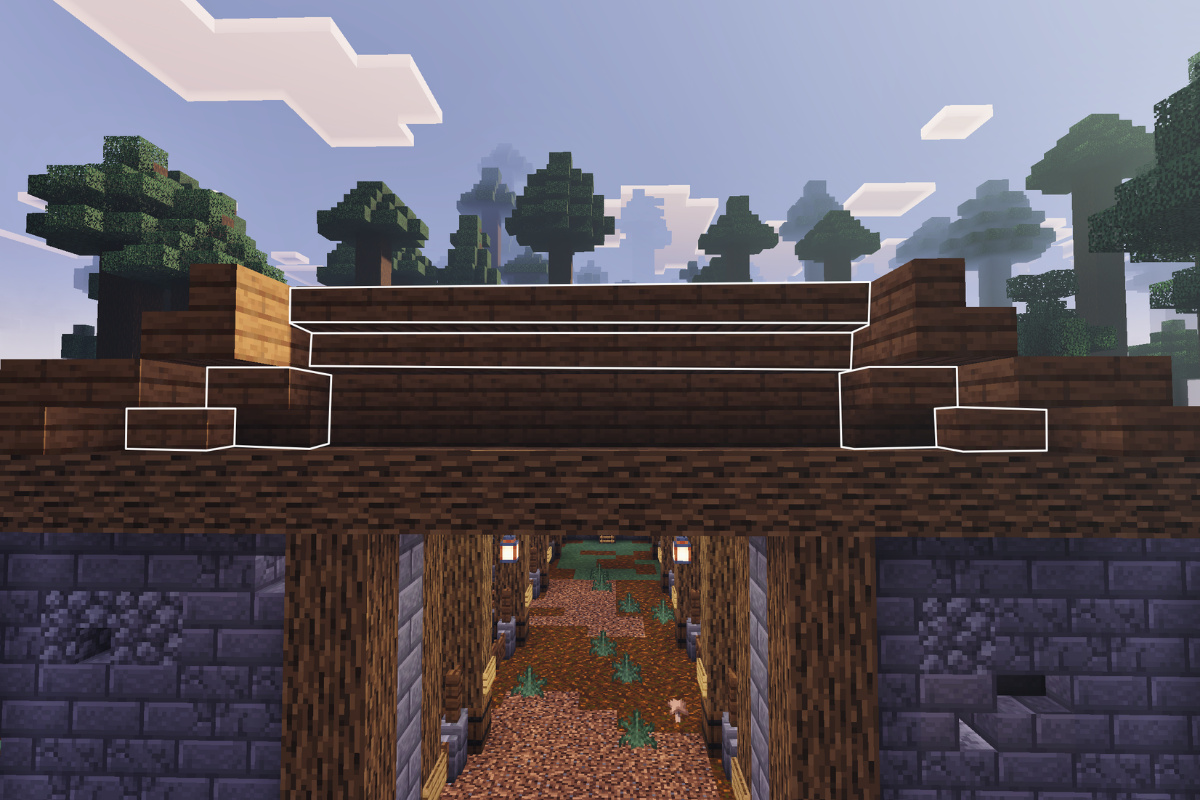
Place 21 spruce planks in this position on the front and back of the barn.

  • Icon
    x 42
STEP 49 / 56

Place 9 upside down spruce stairs and 2 slabs at the front and front and back of the barn.

  • Icon
    x 18
  • Icon
    x 4
STEP 50 / 56

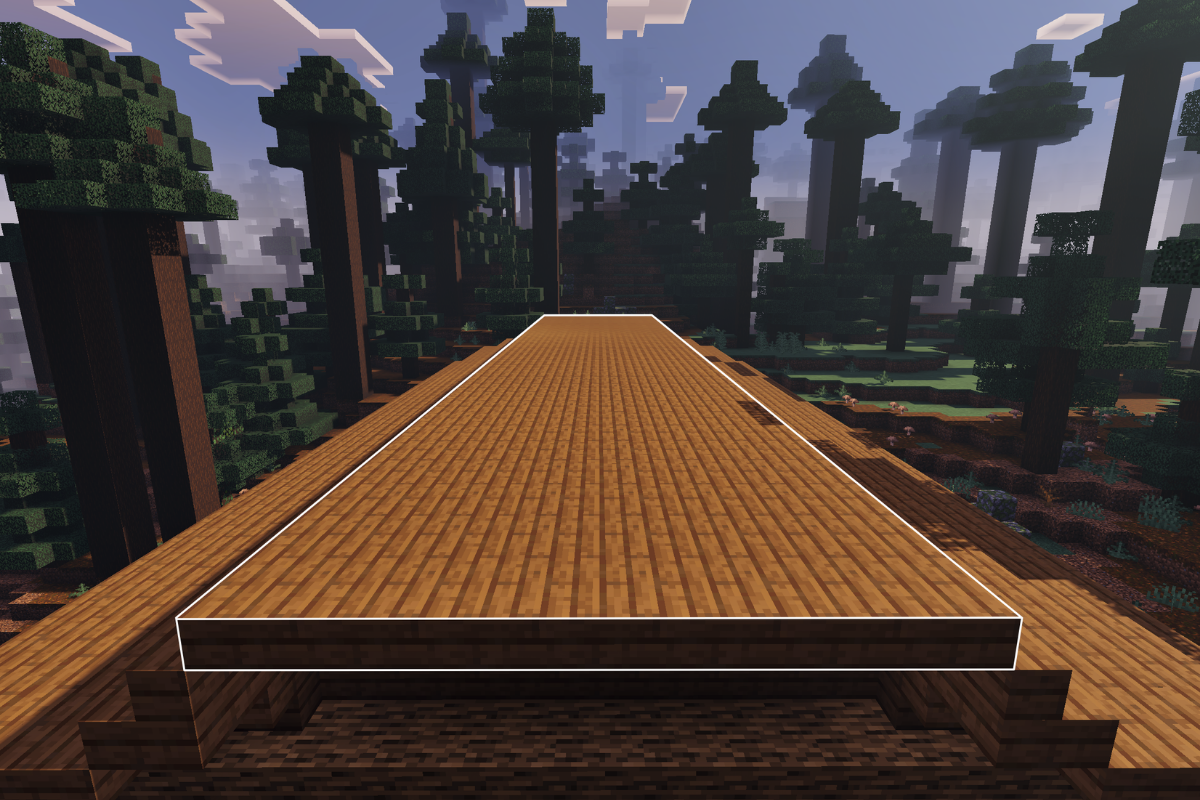
Finish the roof with spruce slabs.

  • Icon
    x 266
STEP 51 / 56

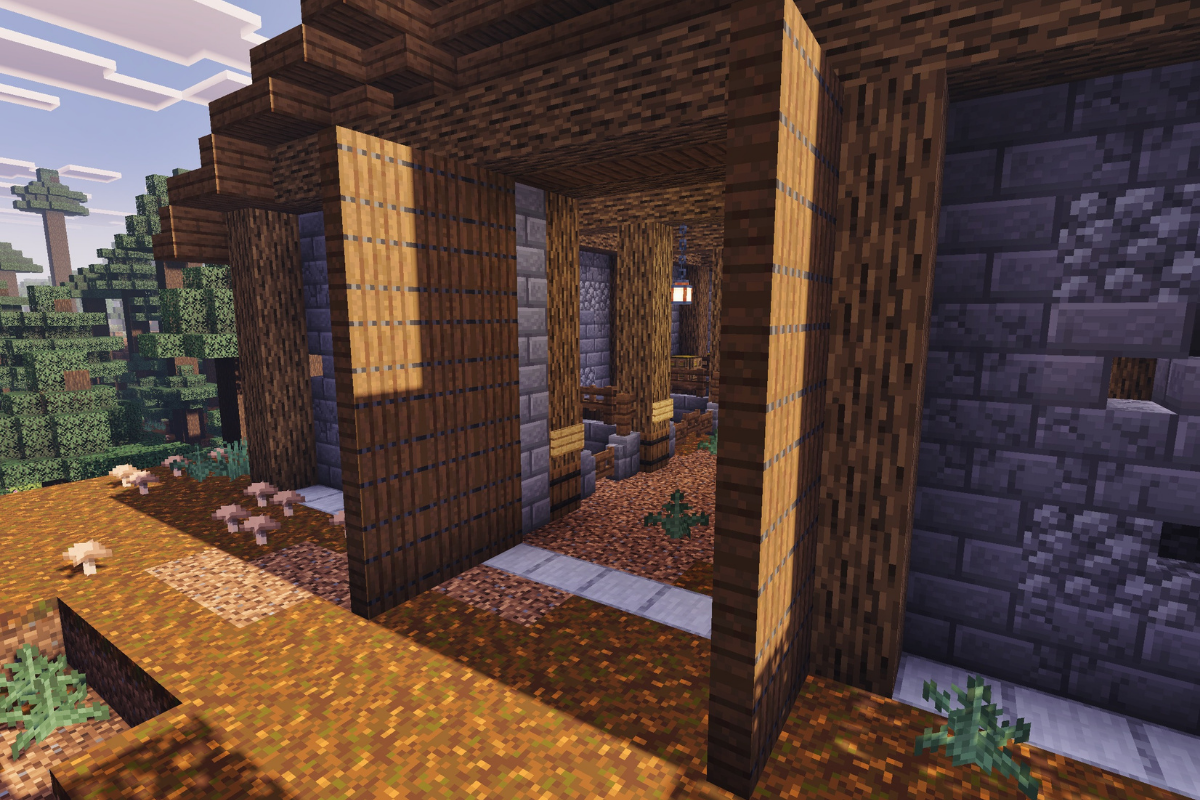
Create 2 large doors at the entrance of barn using spruce trap doors.

  • Icon
    x 60
STEP 52 / 56

Add a chain and lantern to each section of the wall on the entire barn.

  • Icon
    x 15
  • Icon
    x 15
STEP 53 / 56

Create small garden and storage area at the front of the barn on both sides.

  • Icon
    x 4
  • Icon
    x 12
  • Icon
    x 8
  • Icon
    x 6
  • Icon
    x 6
STEP 54 / 56

Remove all blocks used for outlining.

STEP 55 / 56

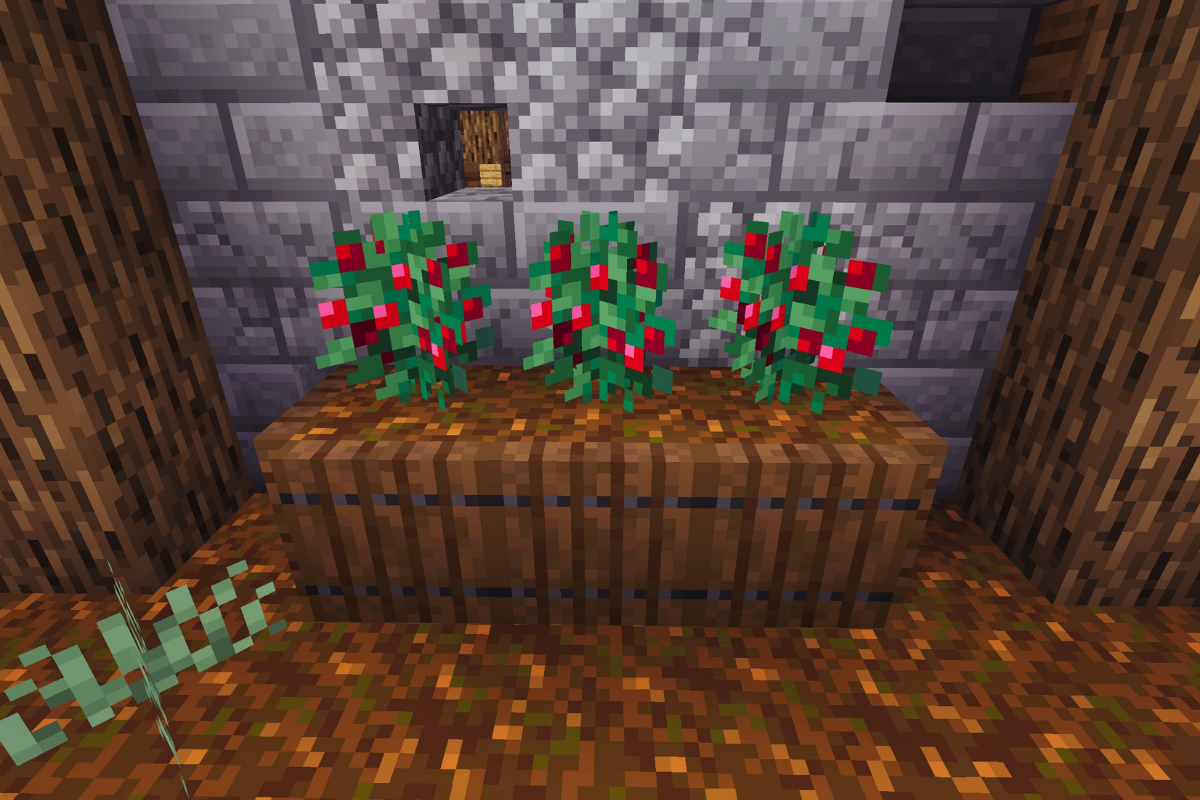
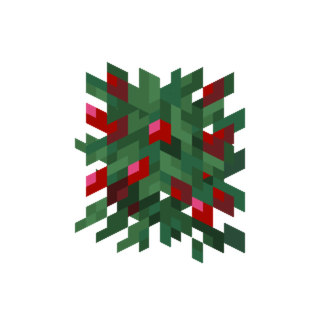
Create berry garden in each section of the wall on the entire barn.

  • Icon
    x 65
  • Icon
    x 39
  • Icon
    x 39
STEP 56 / 56

Add two upside downstairs to the 4 corners of the barn.

  • Icon
    x 8

Conclusion

With your rustic medieval barn complete, your survival farm is now more organized, efficient, and visually impressive.

The 10 animal pens make managing your livestock simple, while the loft adds both function and character to the build.

Feel free to customize the design, expand the area, or add more details to match your world. Happy building.

Leave a Reply

Your email address will not be published. Required fields are marked *

document.addEventListener("DOMContentLoaded", function() { const lists = document.querySelectorAll(".elementor-widget-icon-list"); lists.forEach((list, listIndex) => { const items = list.querySelectorAll("li"); items.forEach((item, itemIndex) => { const key = "checklist-" + listIndex + "-" + itemIndex; if (localStorage.getItem(key) === "true") { item.classList.add("checked"); } item.addEventListener("click", function() { item.classList.toggle("checked"); if (item.classList.contains("checked")) { localStorage.setItem(key, "true"); } else { localStorage.removeItem(key); } }); }); }); });