...

... Search Here ...

Top Build Ideas This Month For Minecraft

CONTACT US

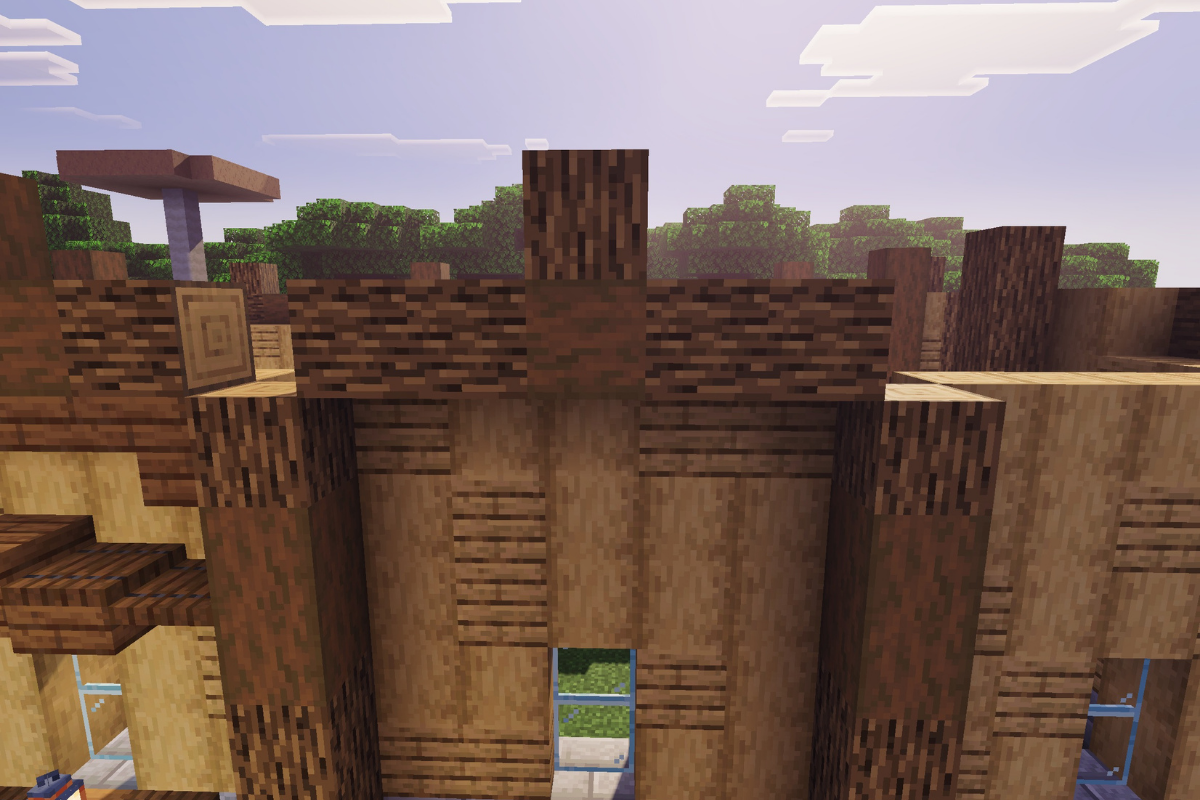
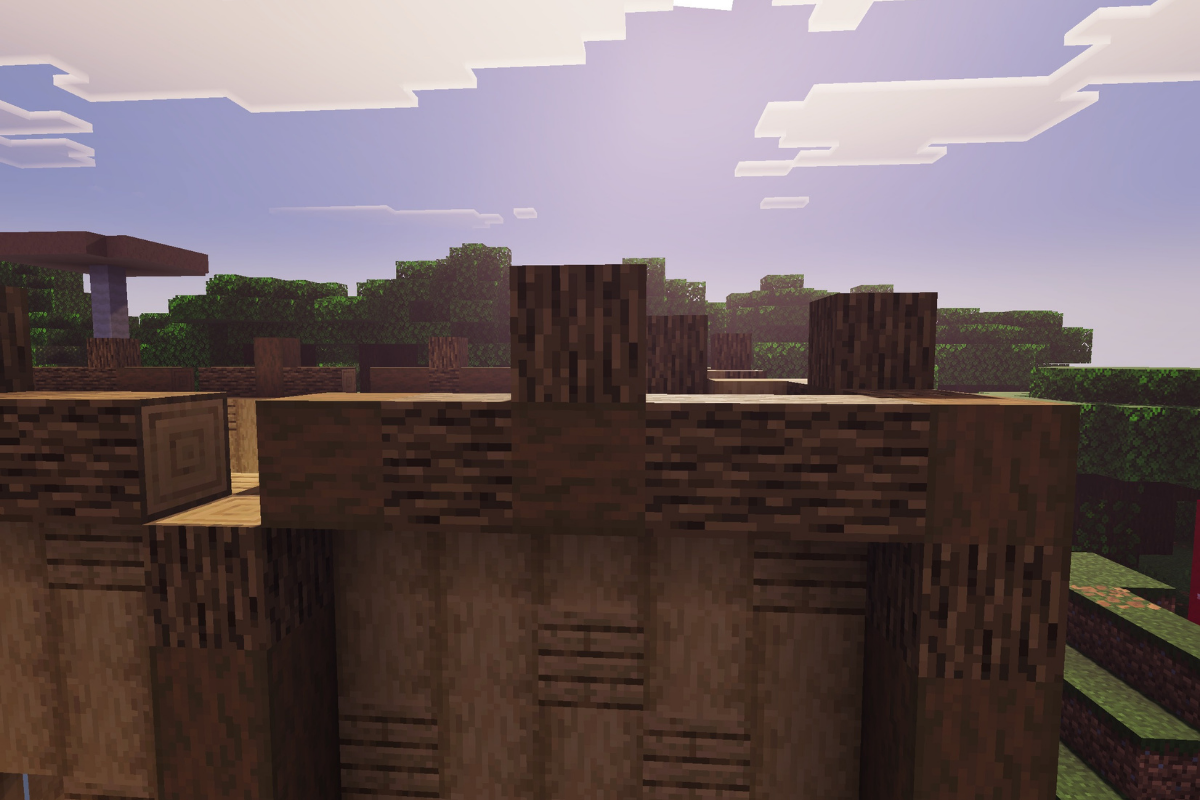
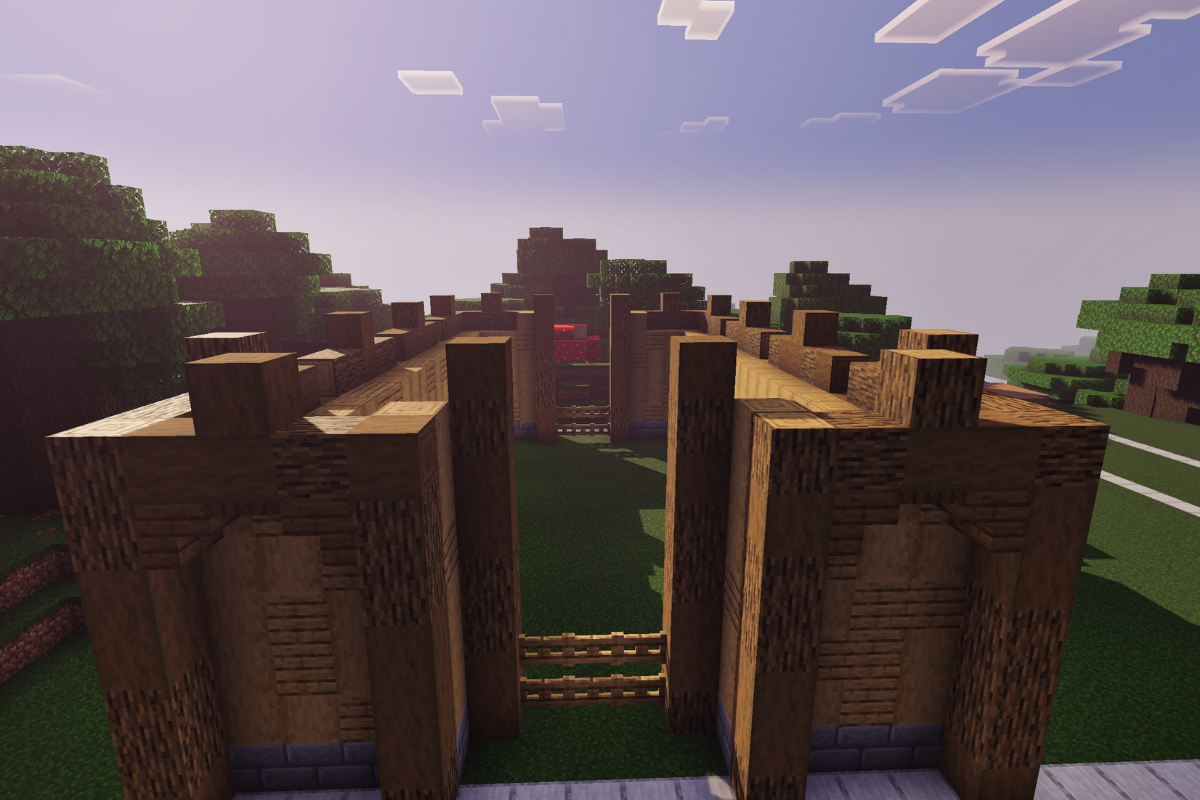
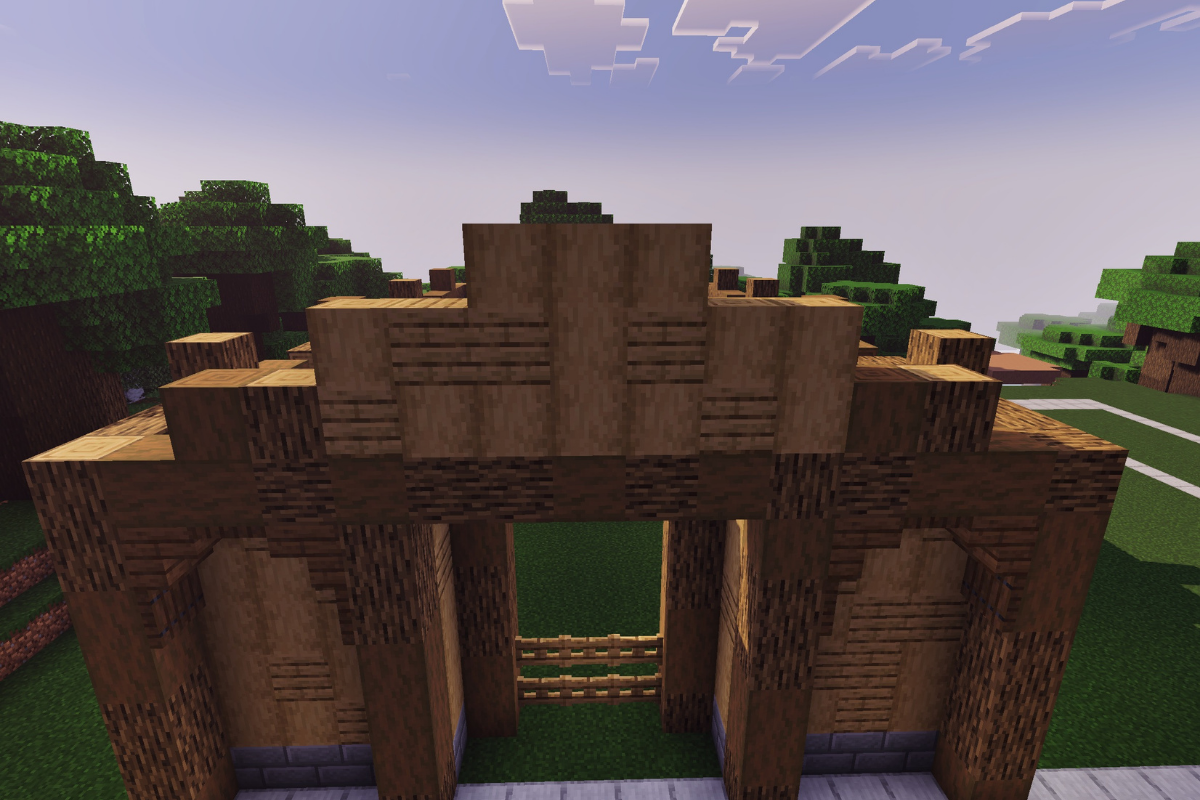
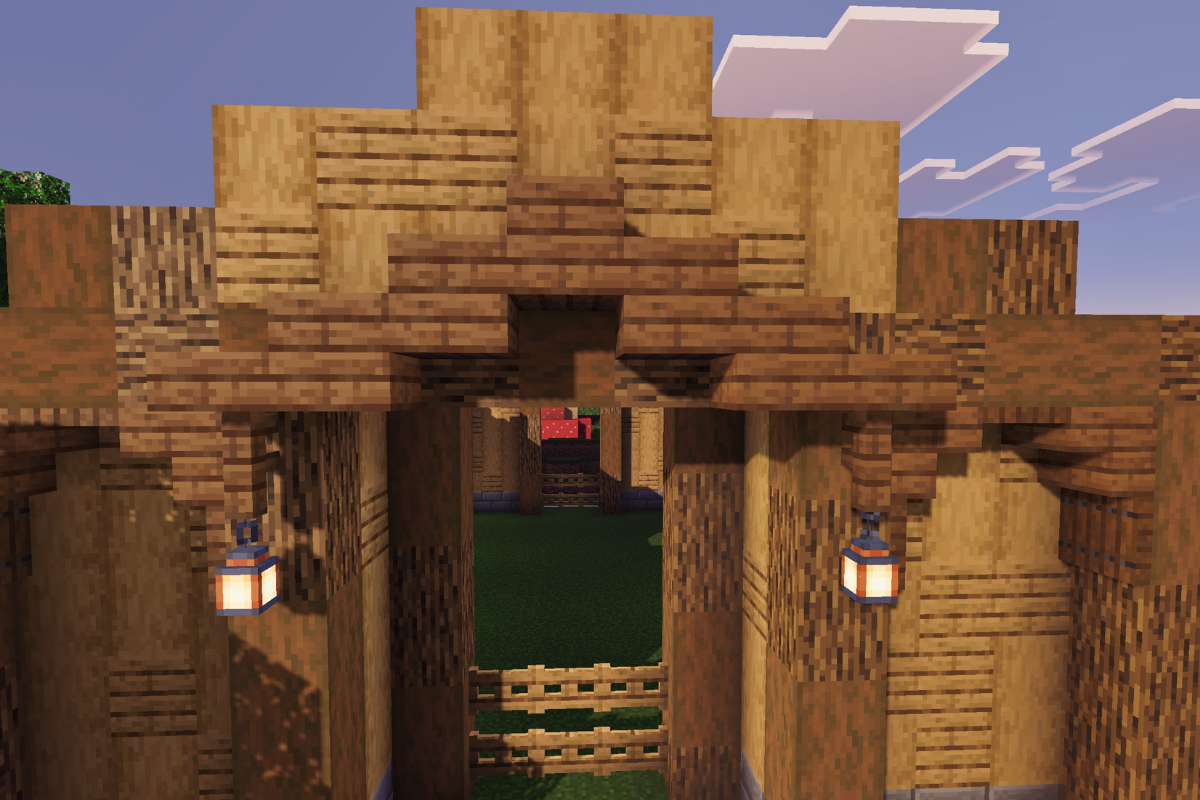
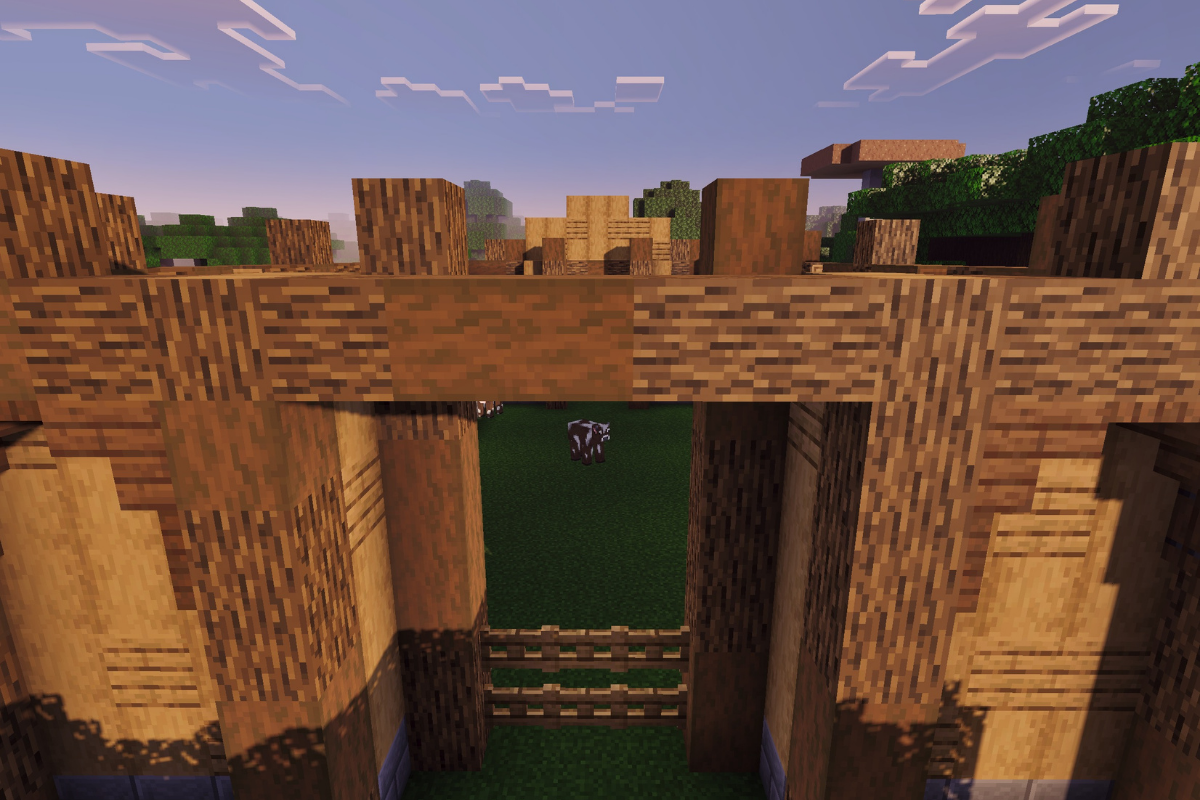
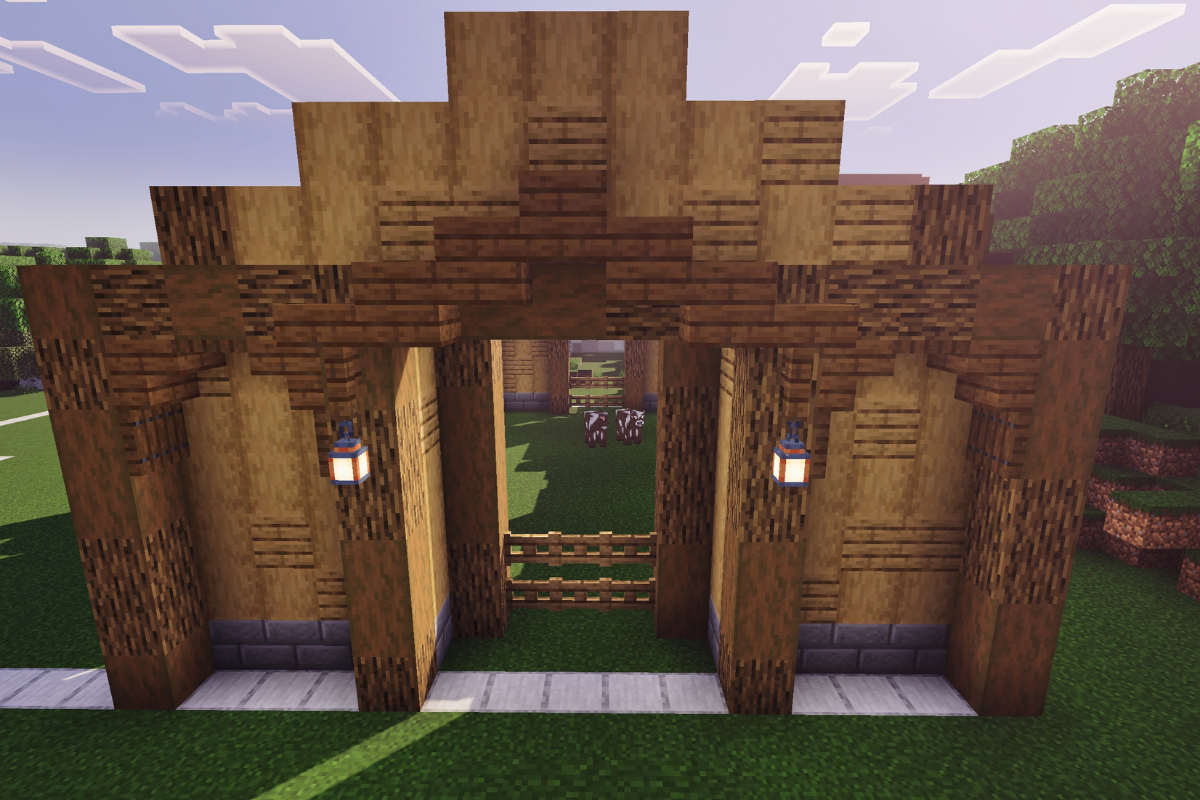
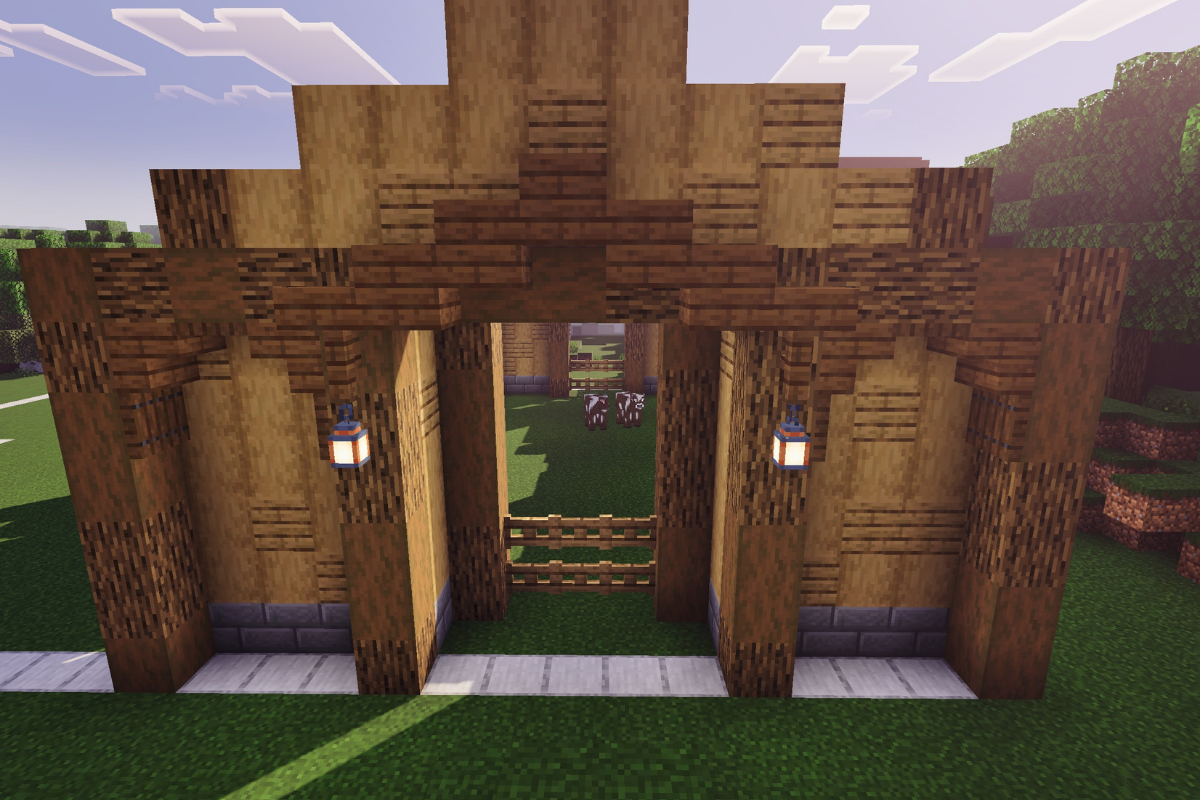
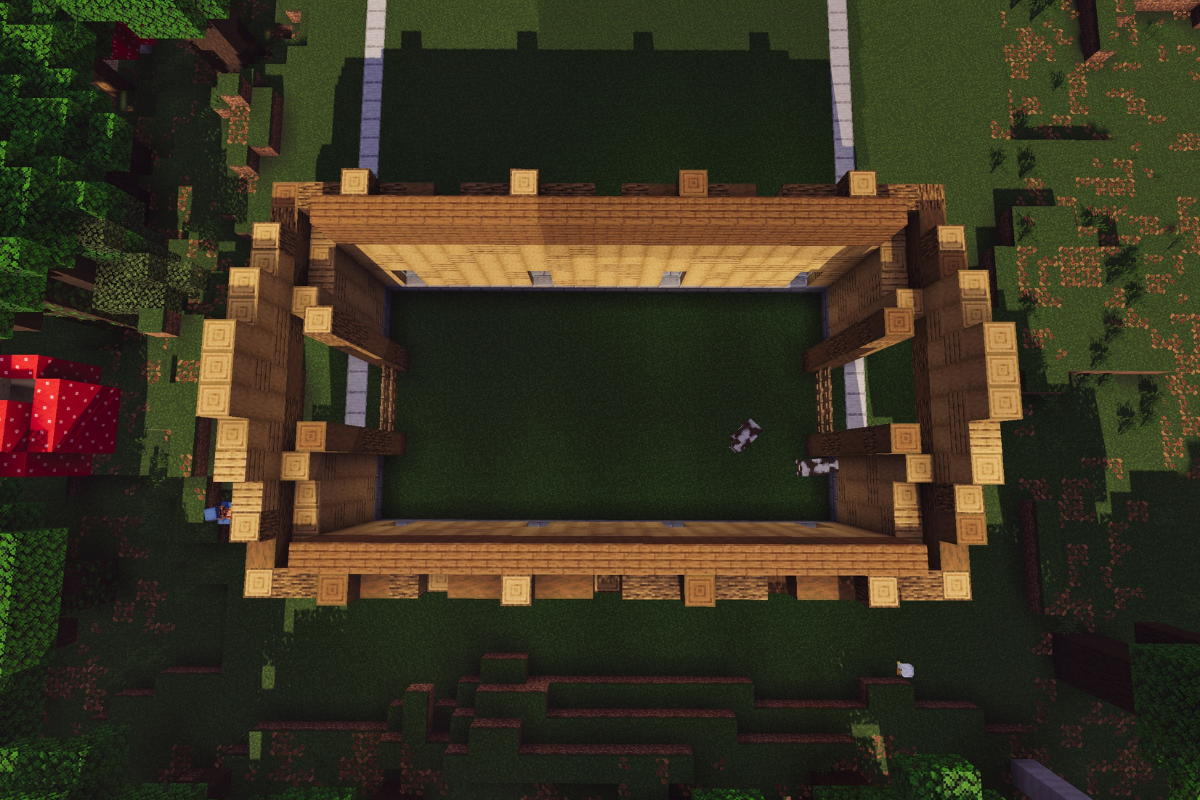
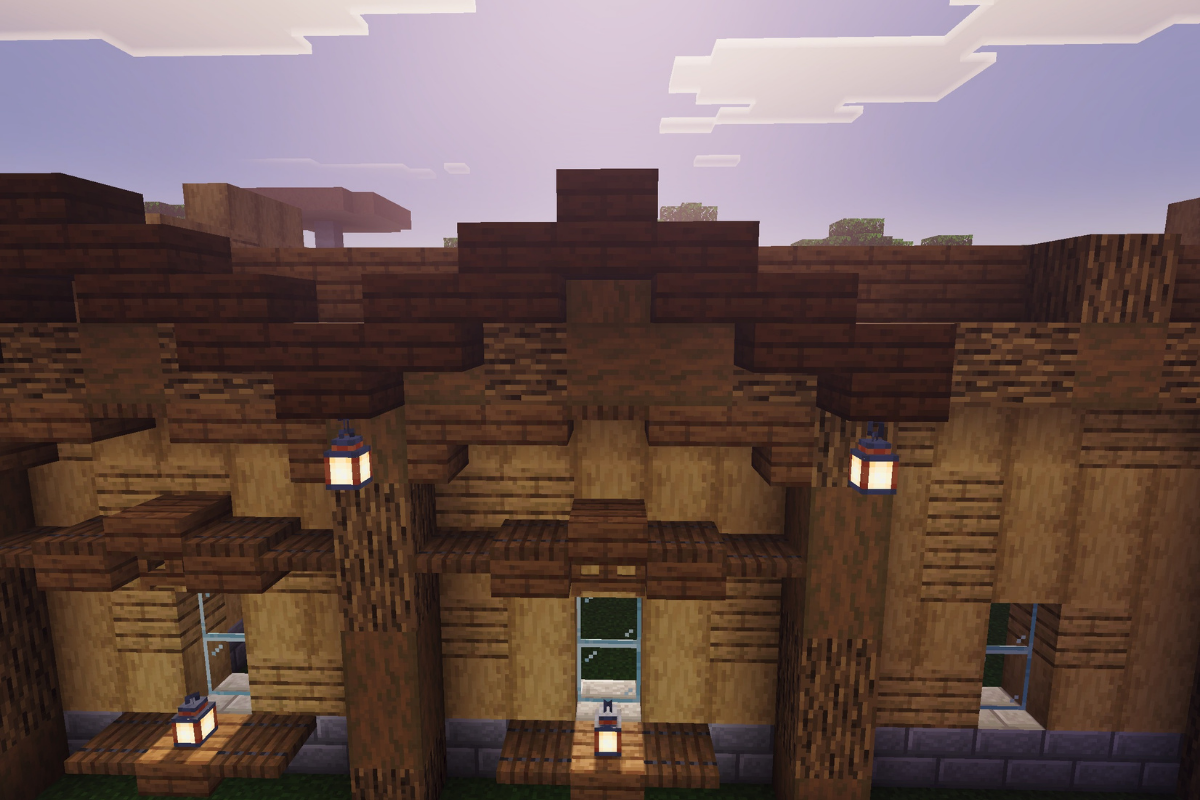
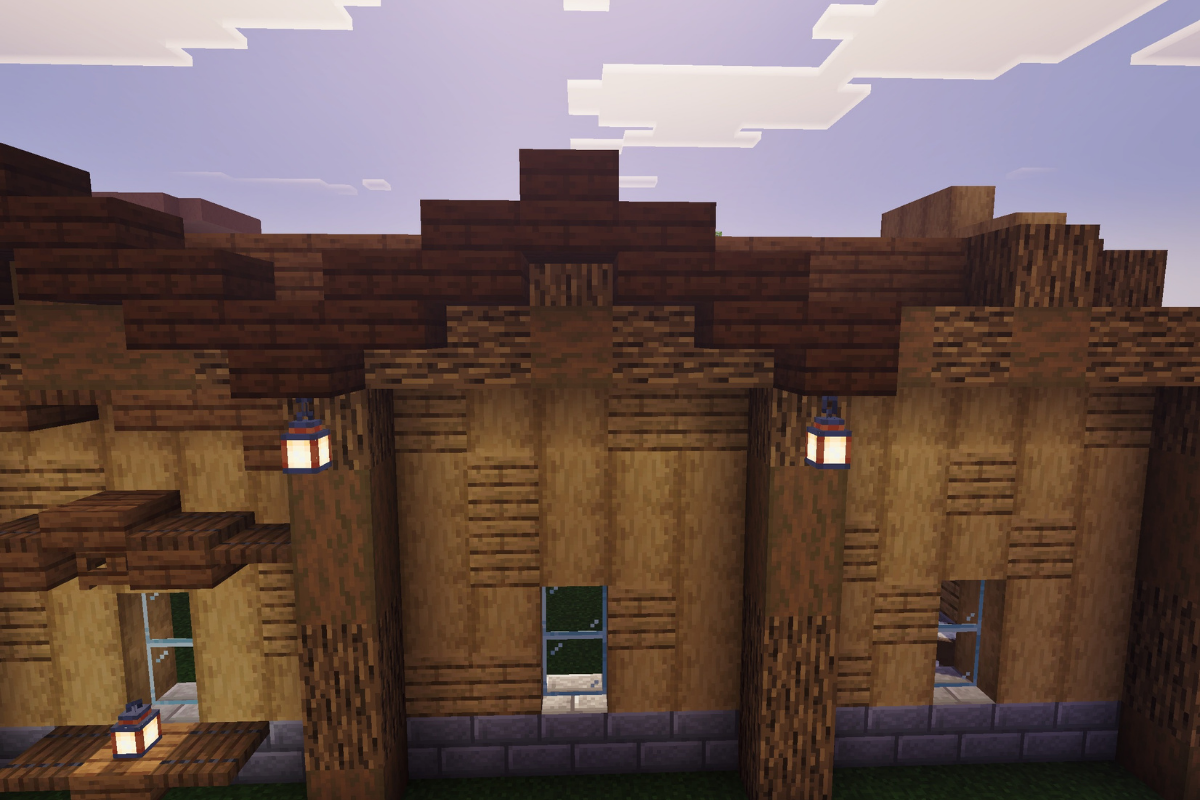
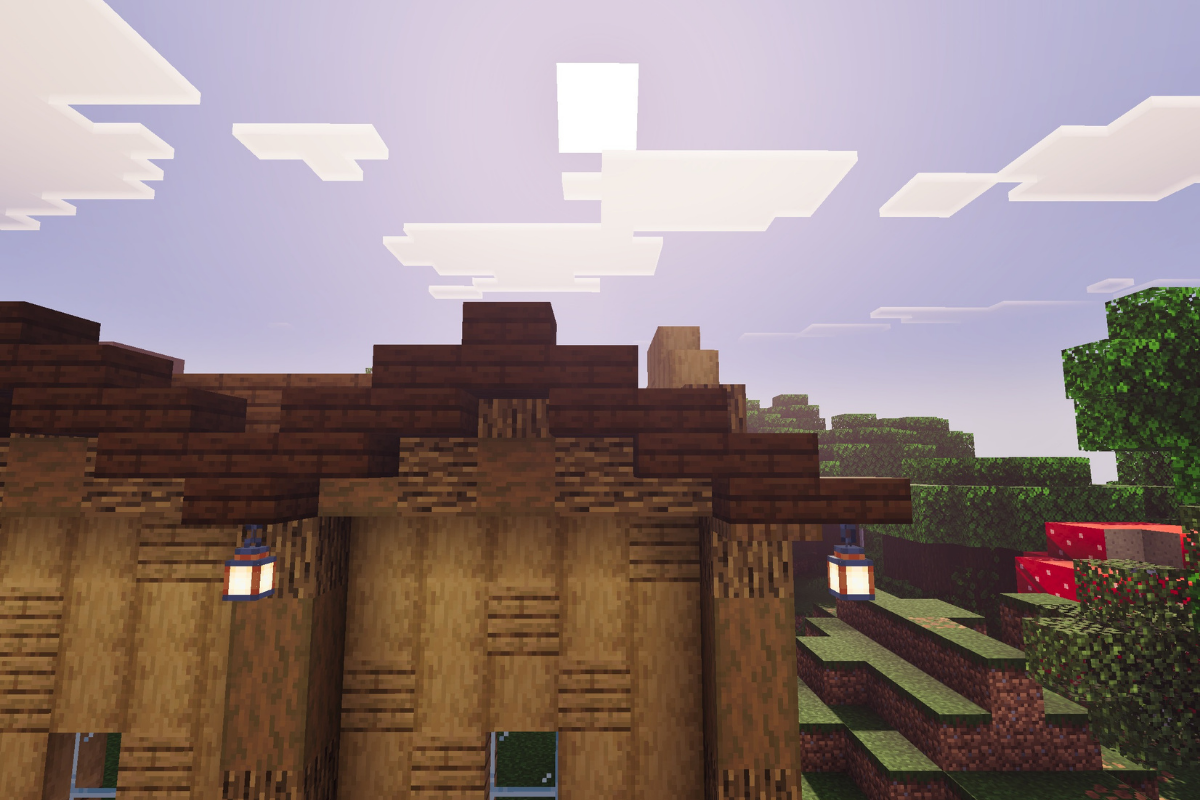
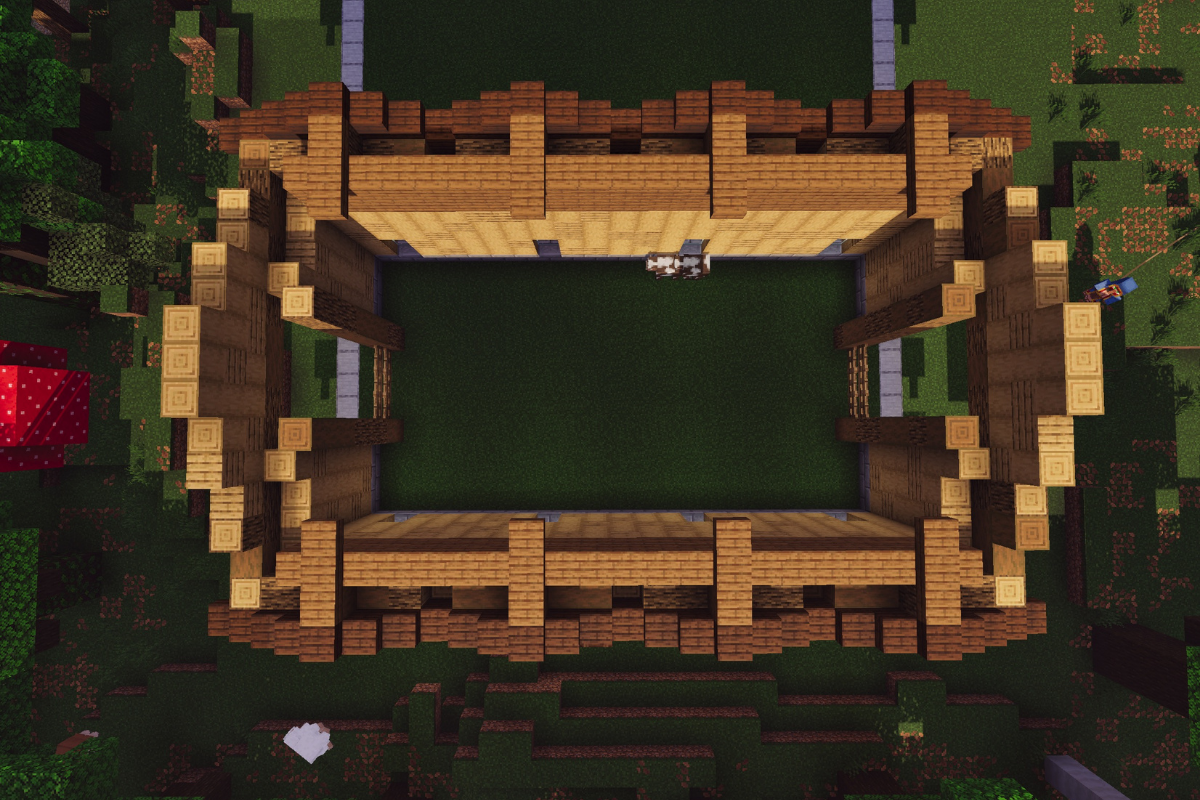
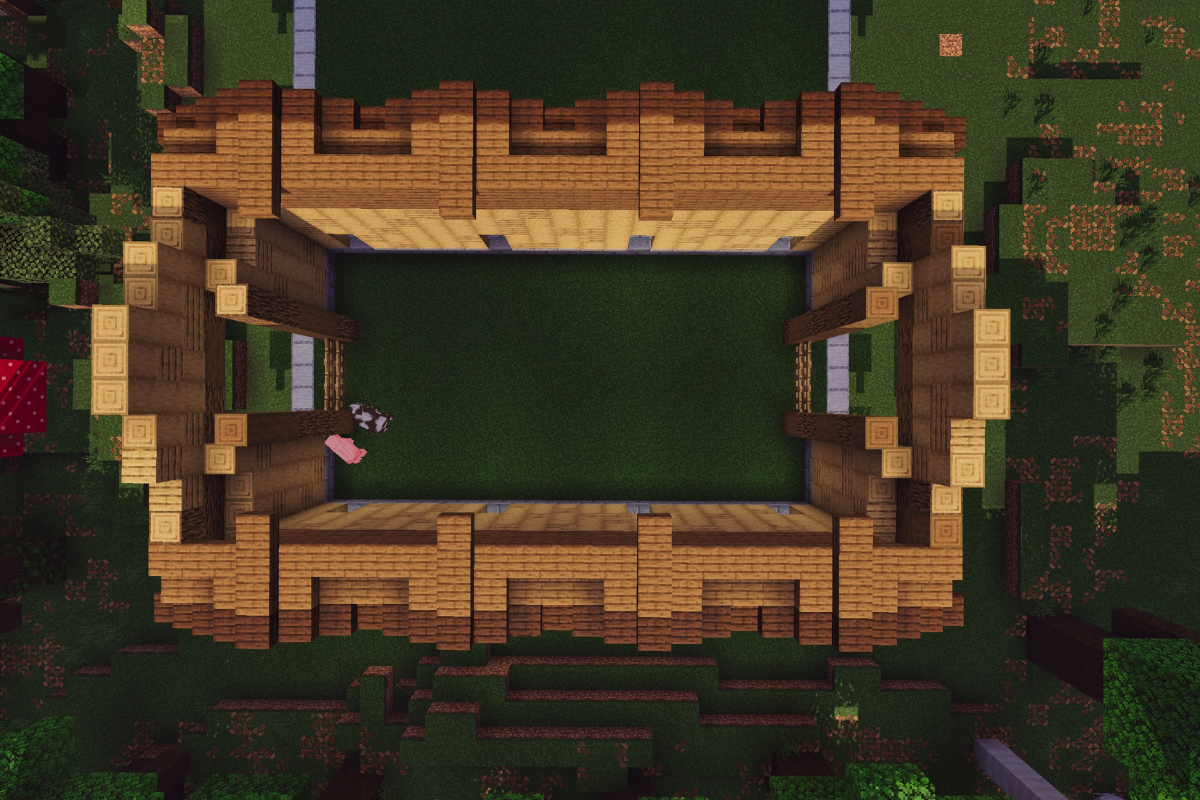
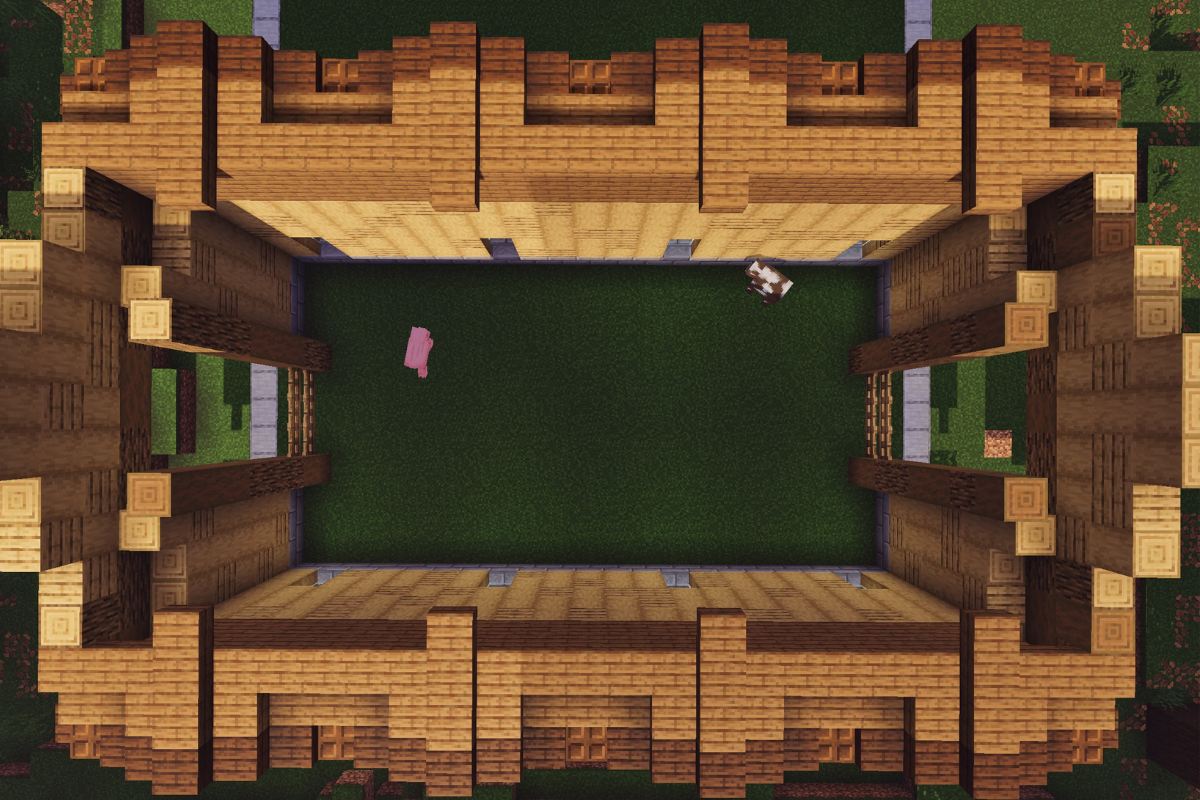
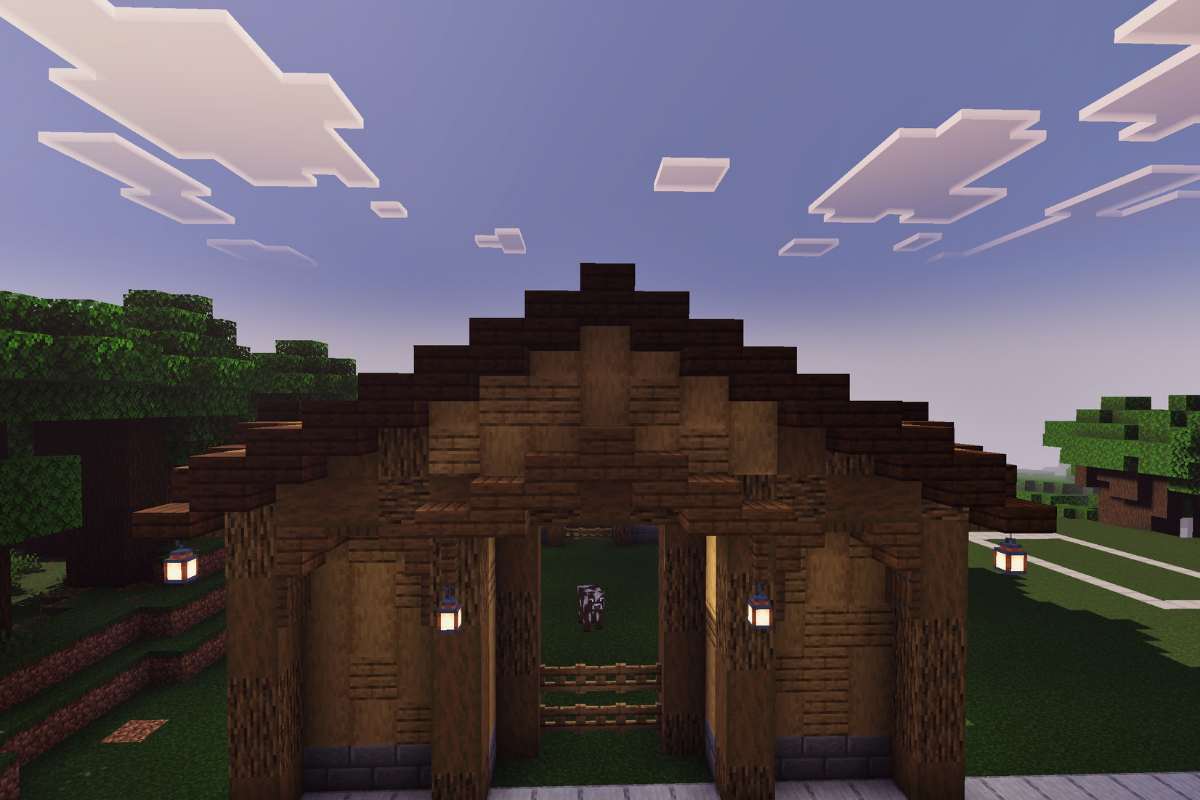
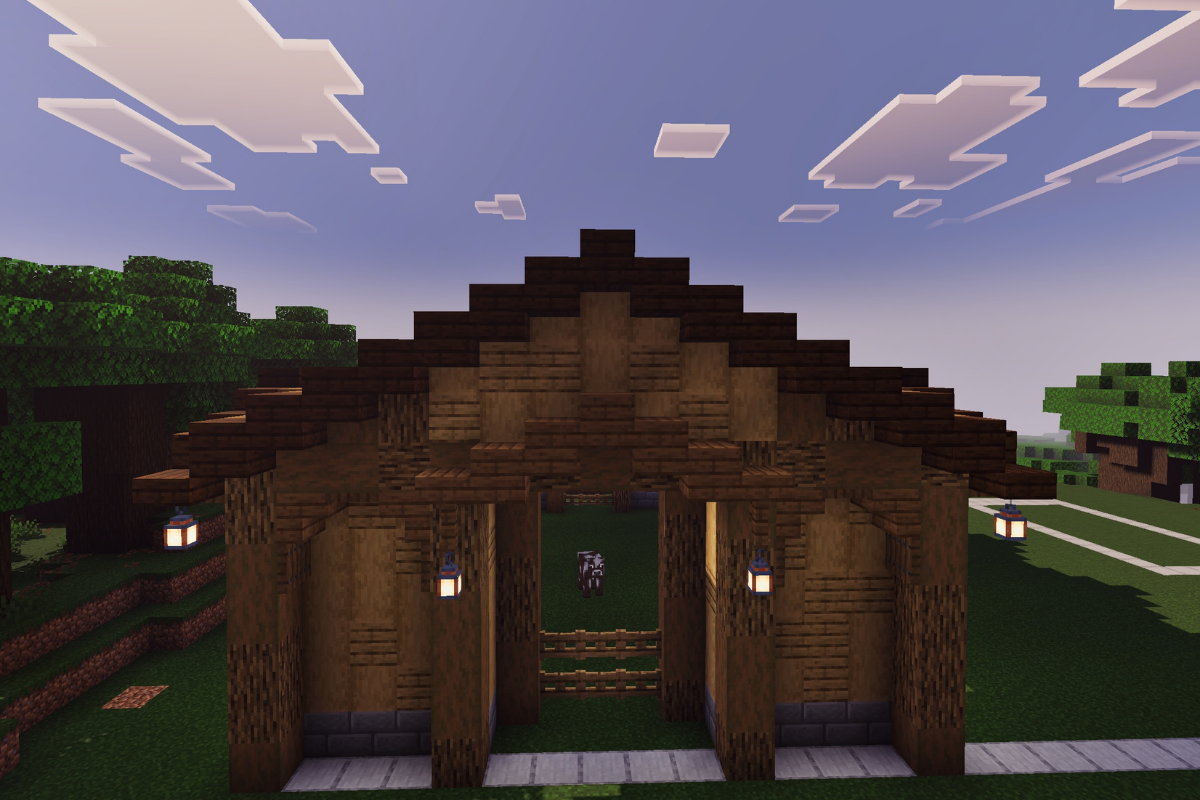
If you’re looking to build a large spruce barn in Minecraft, you’re in the right place. This spruce barn Minecraft tutorial is part of a detailed 3-part build series that walks you through the entire process step-by-step without making it feel too complicated.

In this first section, you’ll focus on building the base layout and main structure of the barn while creating a design that feels natural in survival mode. The overall style works especially well alongside rustic farming areas, medieval animal pens, and other cozy survival builds.

Whether you’re expanding your world or following ideas from our Minecraft survival guide, this build is designed to be both practical and visually impressive.

Make sure to follow along carefully and don’t worry, you’ll find the next part of the build linked at the end of this page. Let’s get started

Material List
Click each material to check them off
STEP 1 / 235

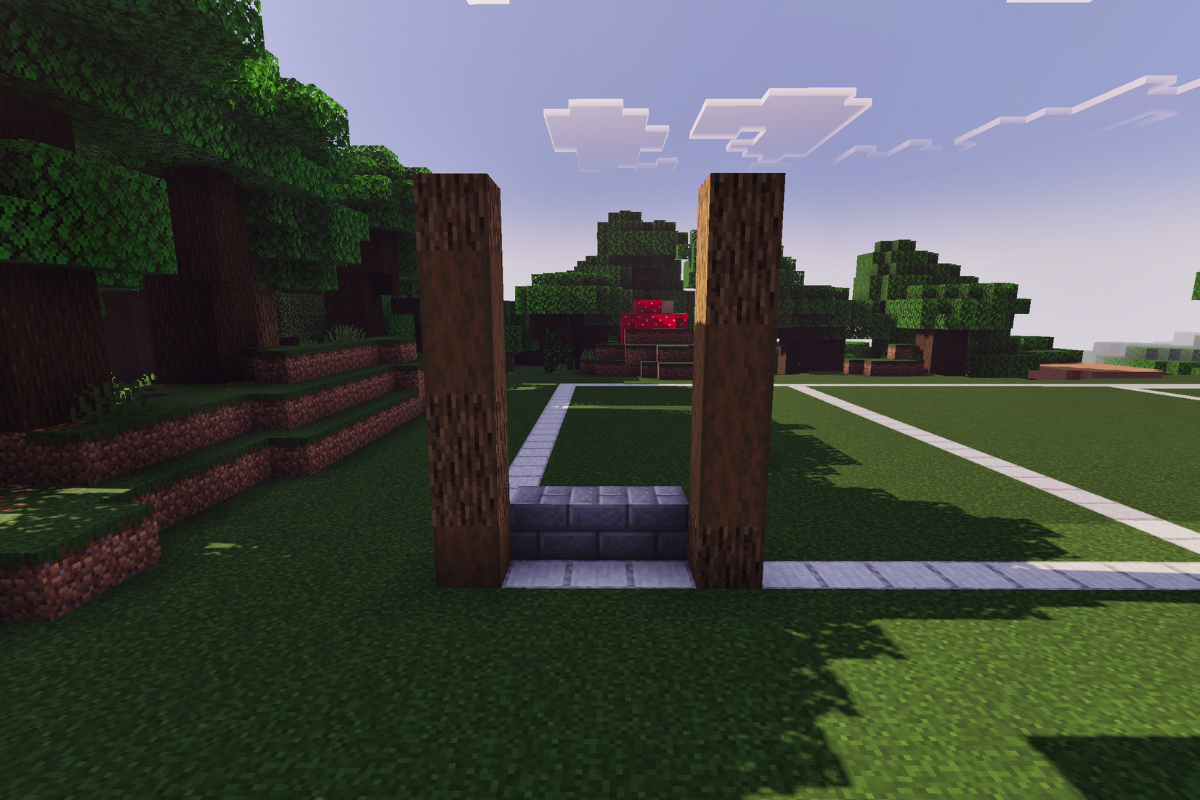
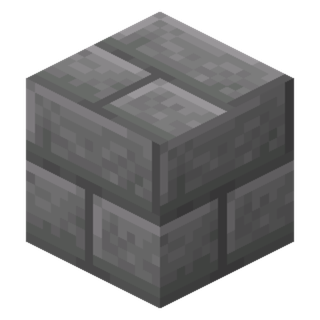
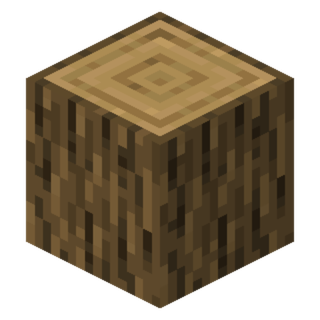
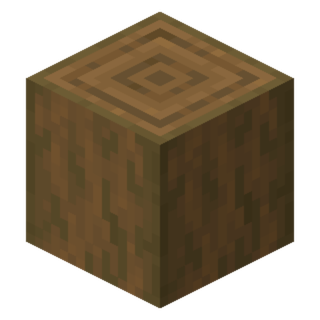
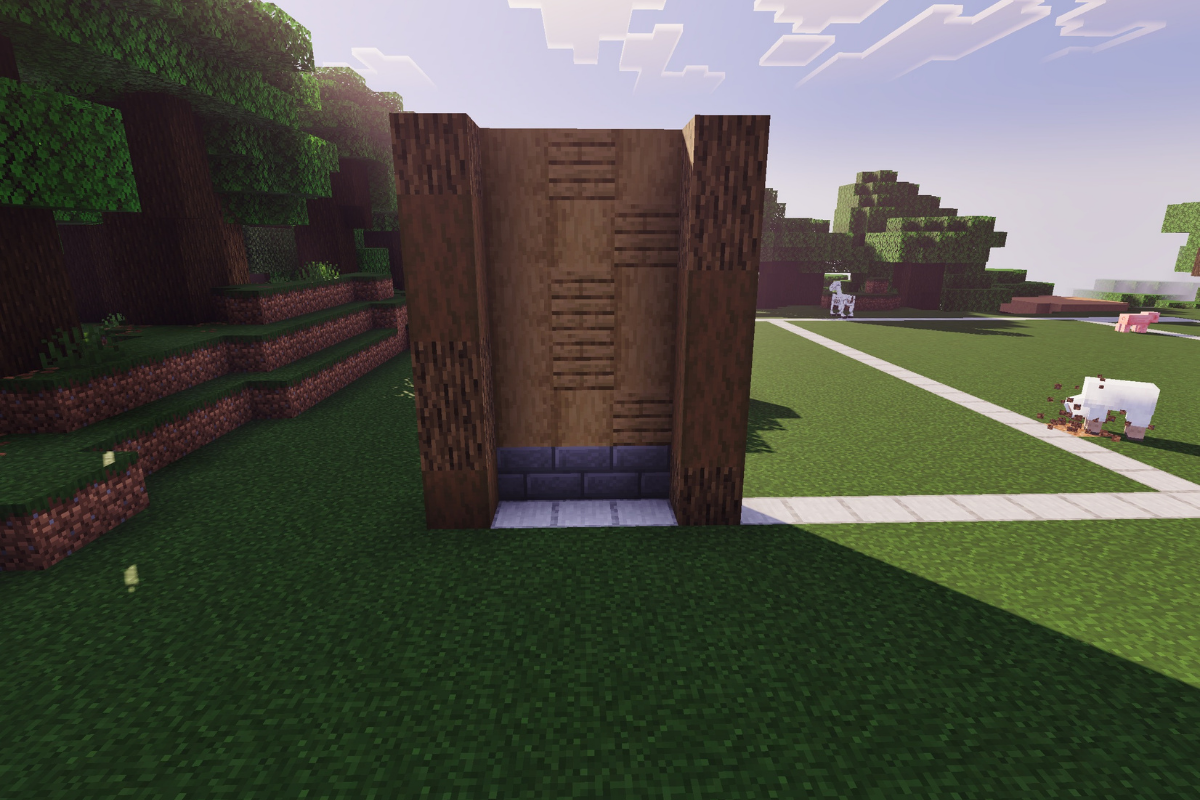
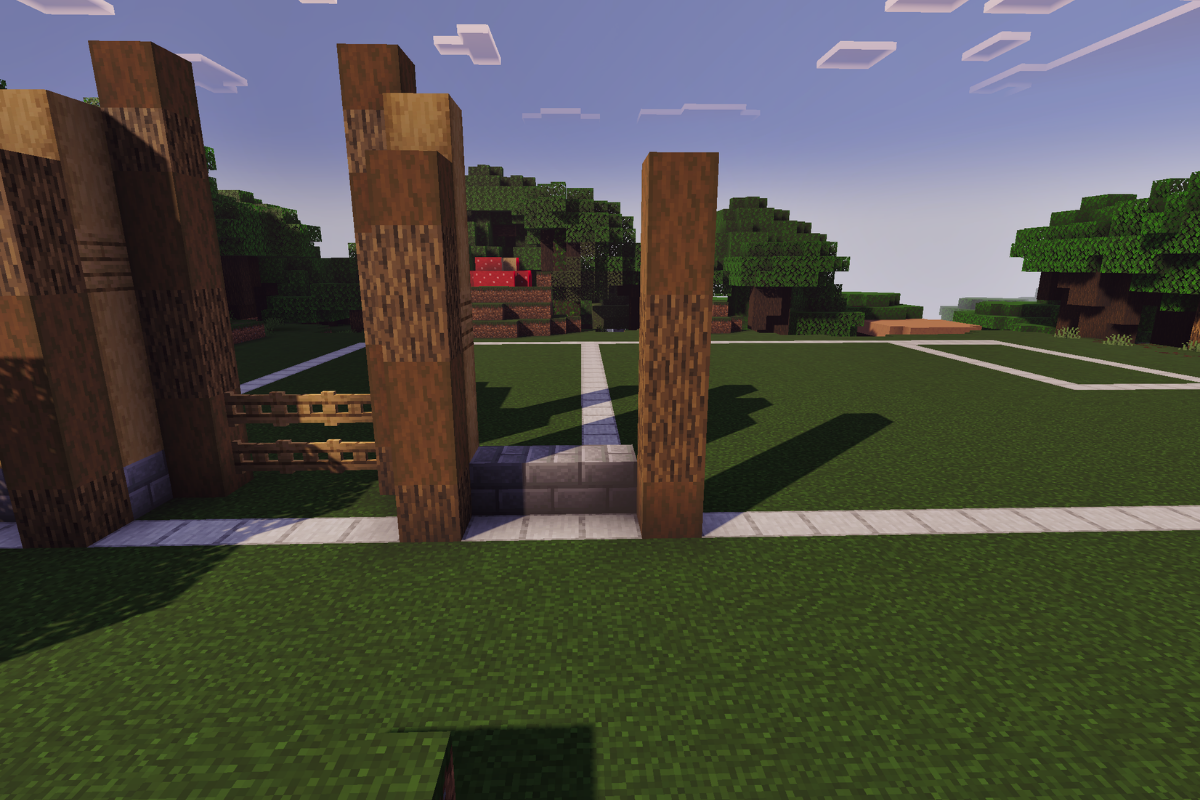
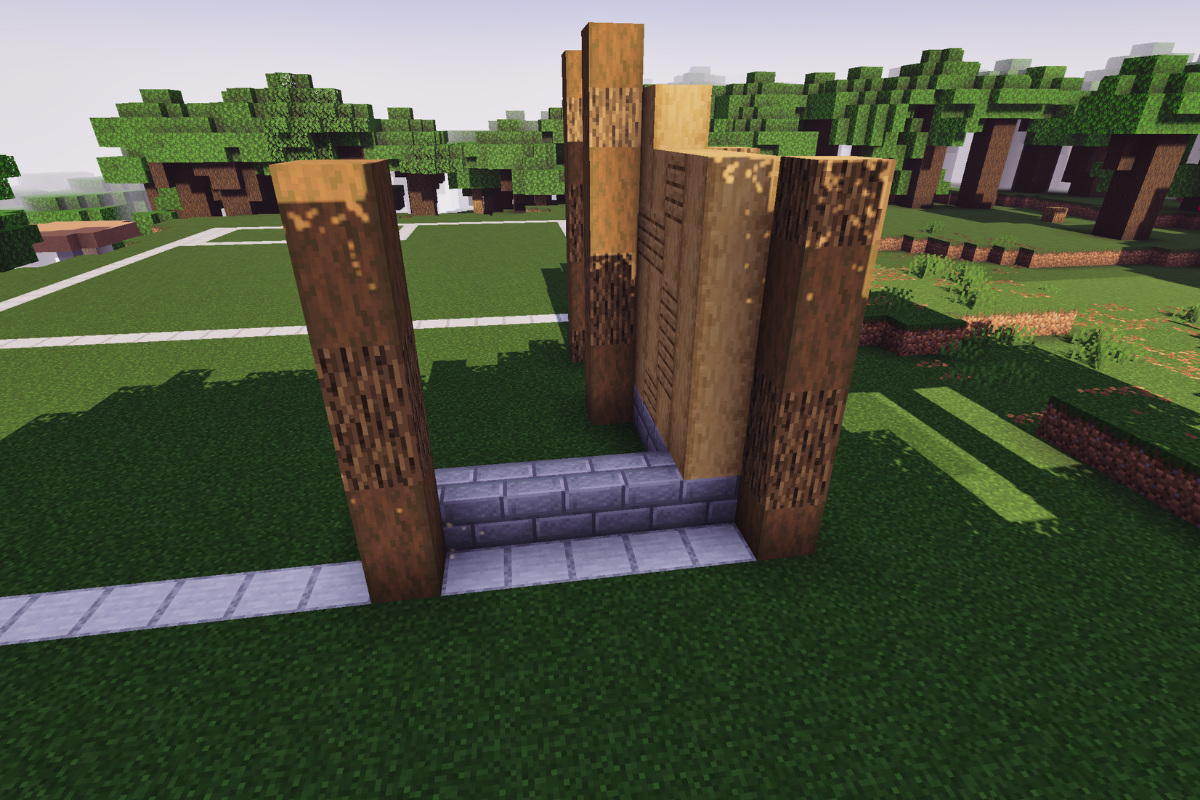
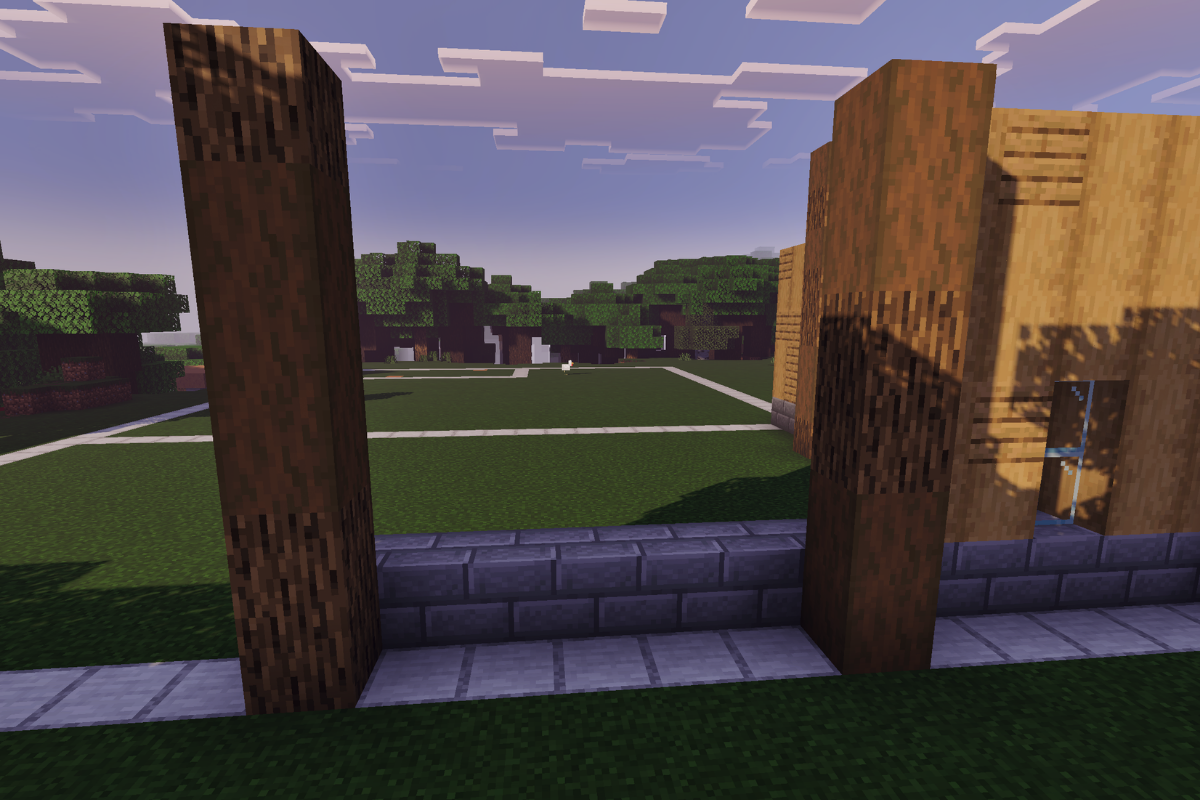
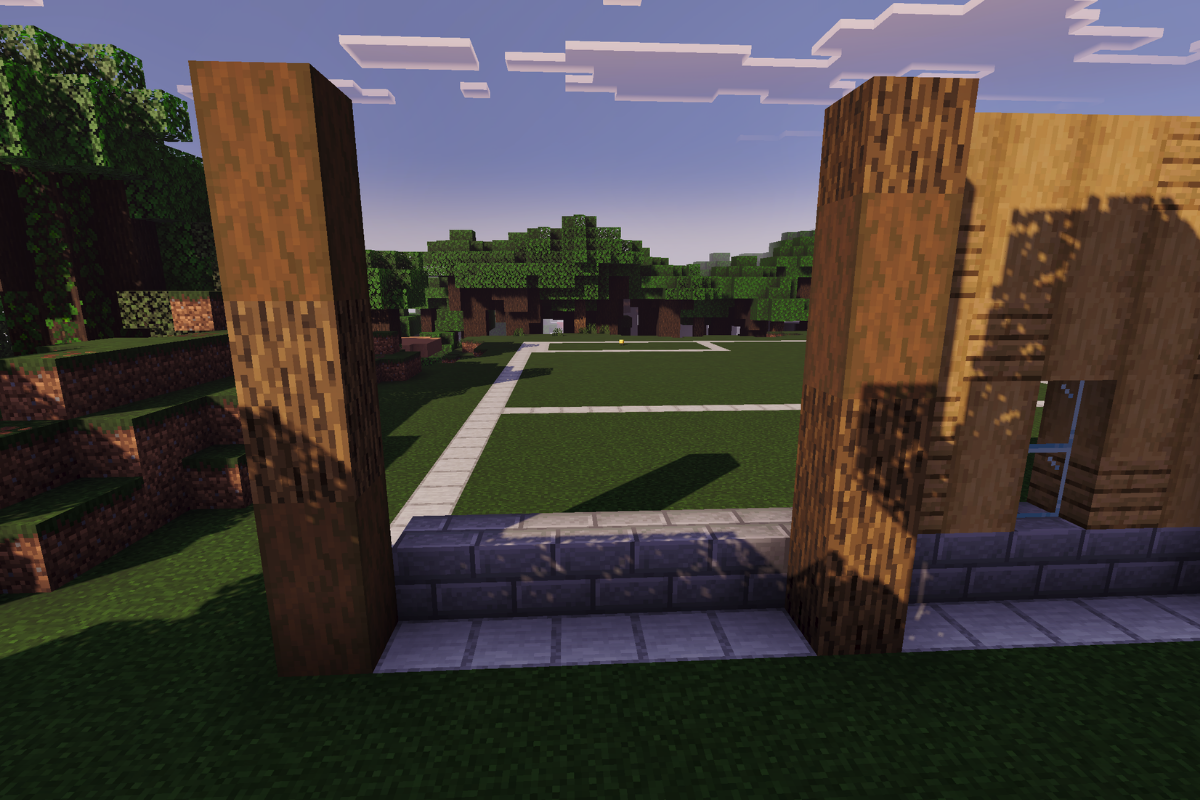
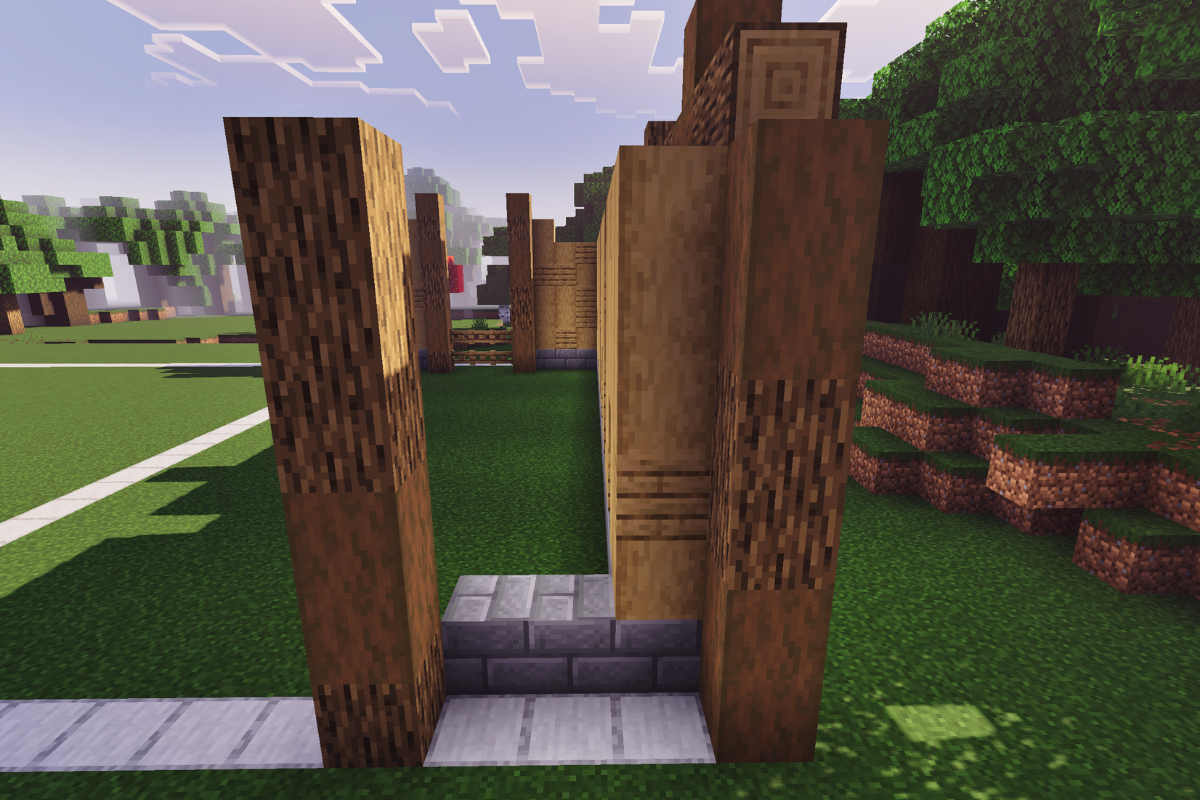
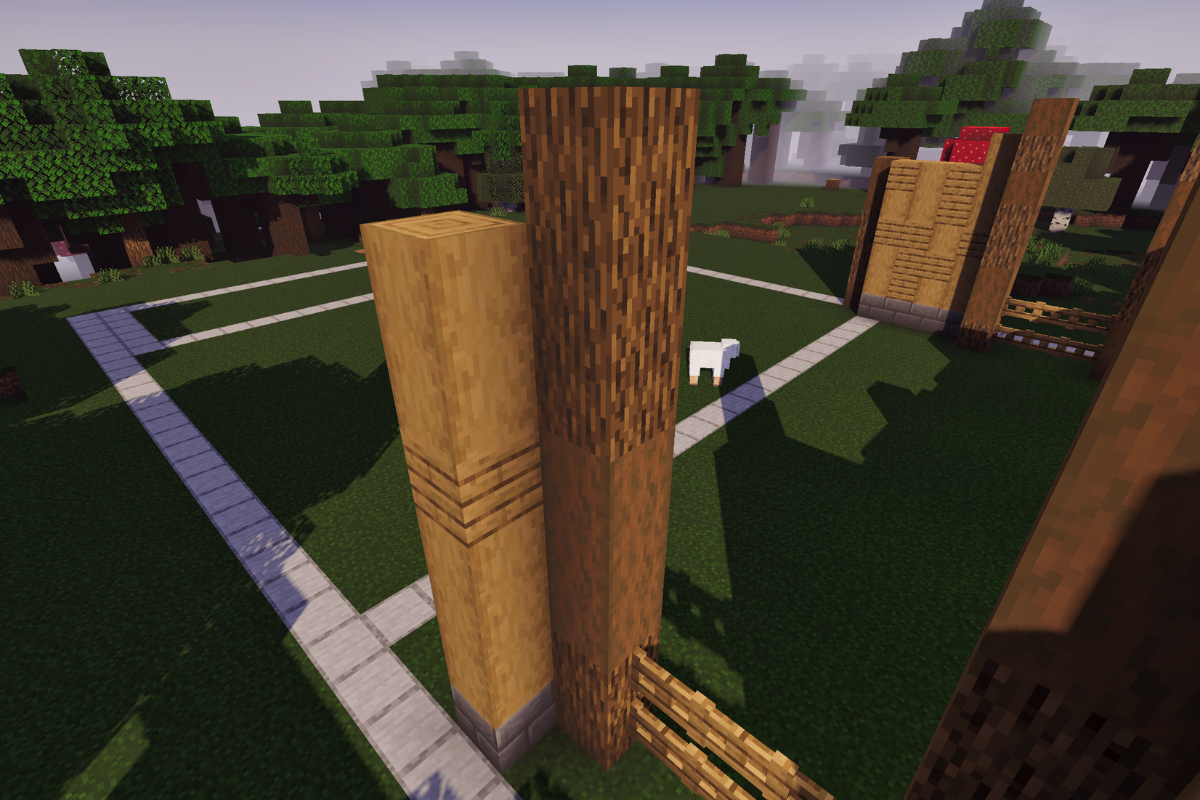
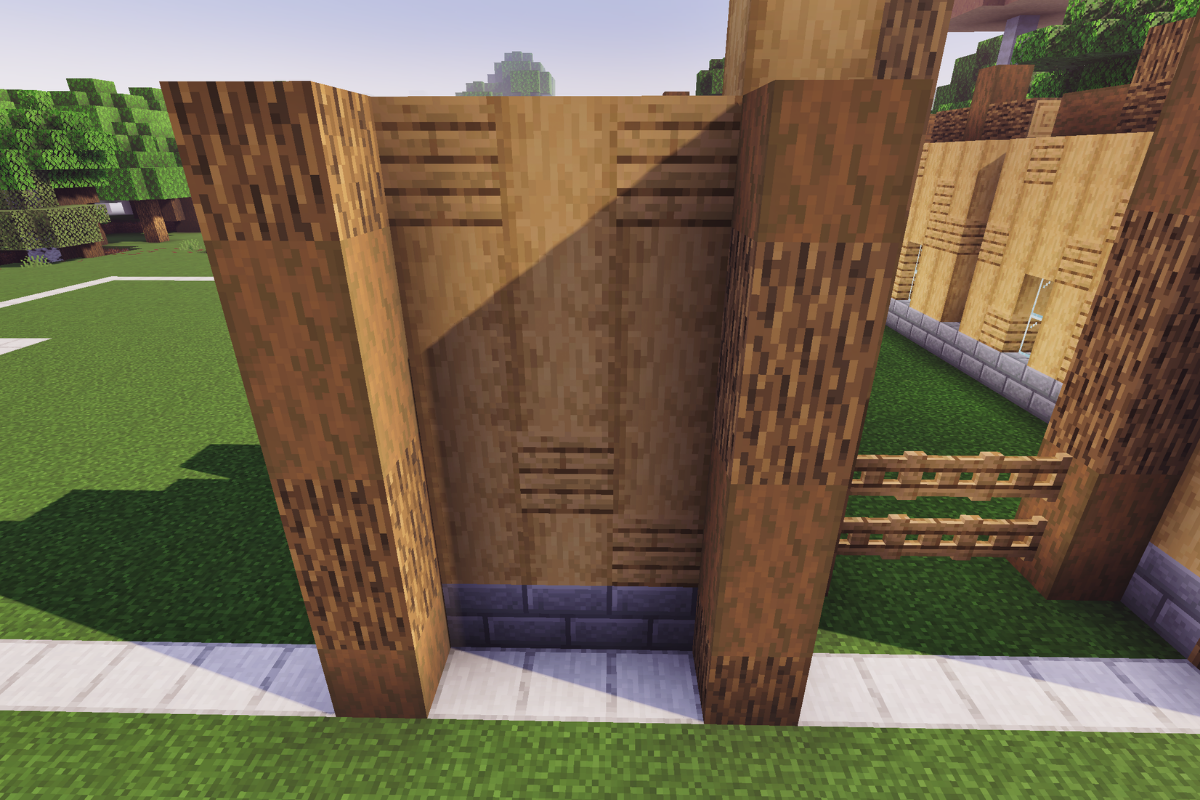
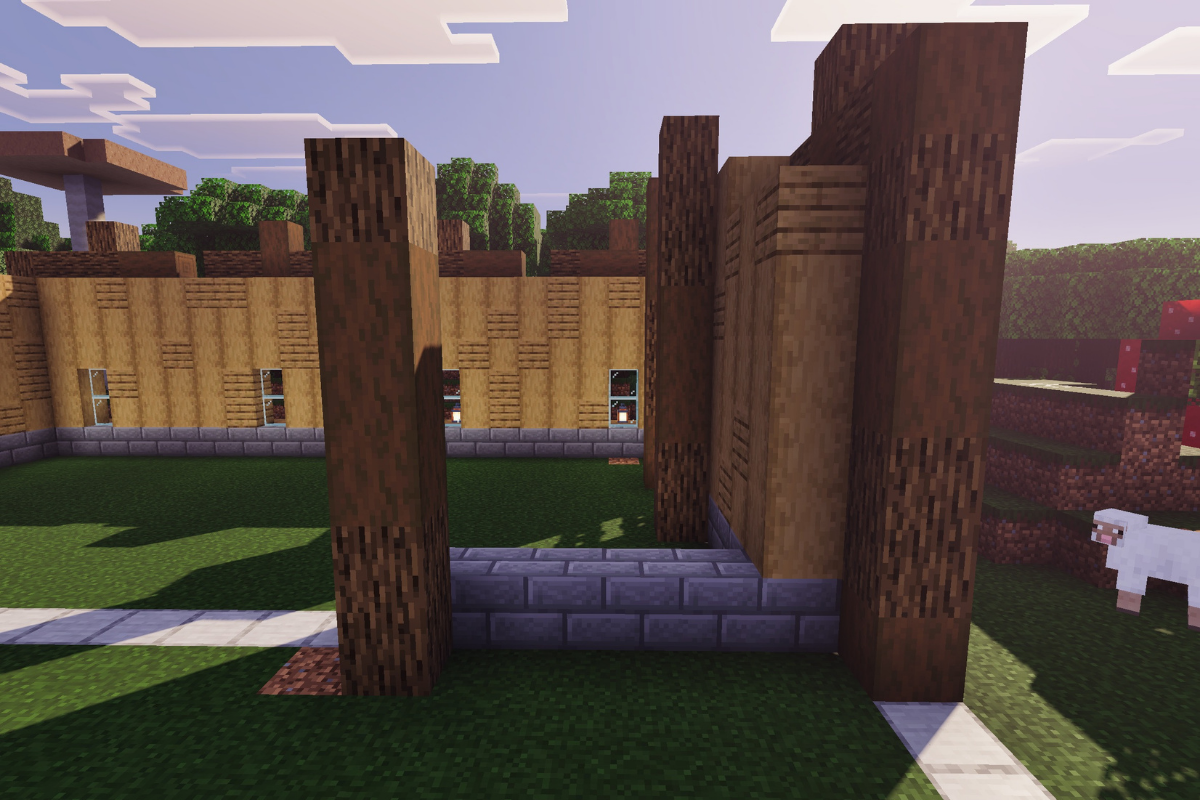
Place 3 stone bricks base and 2 texture pillars both 6 block tall.

  • Icon
    x 3
  • Icon
    x 6
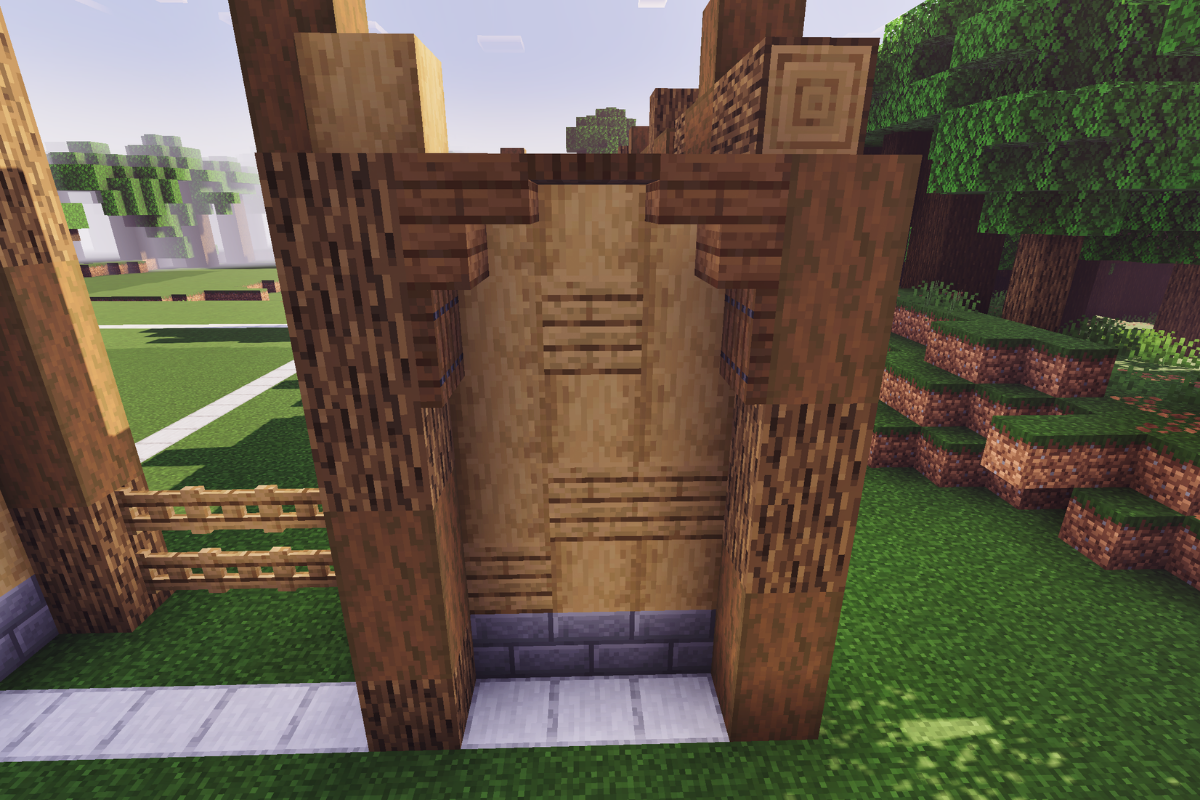
  • Icon
    x 6
STEP 2 / 235
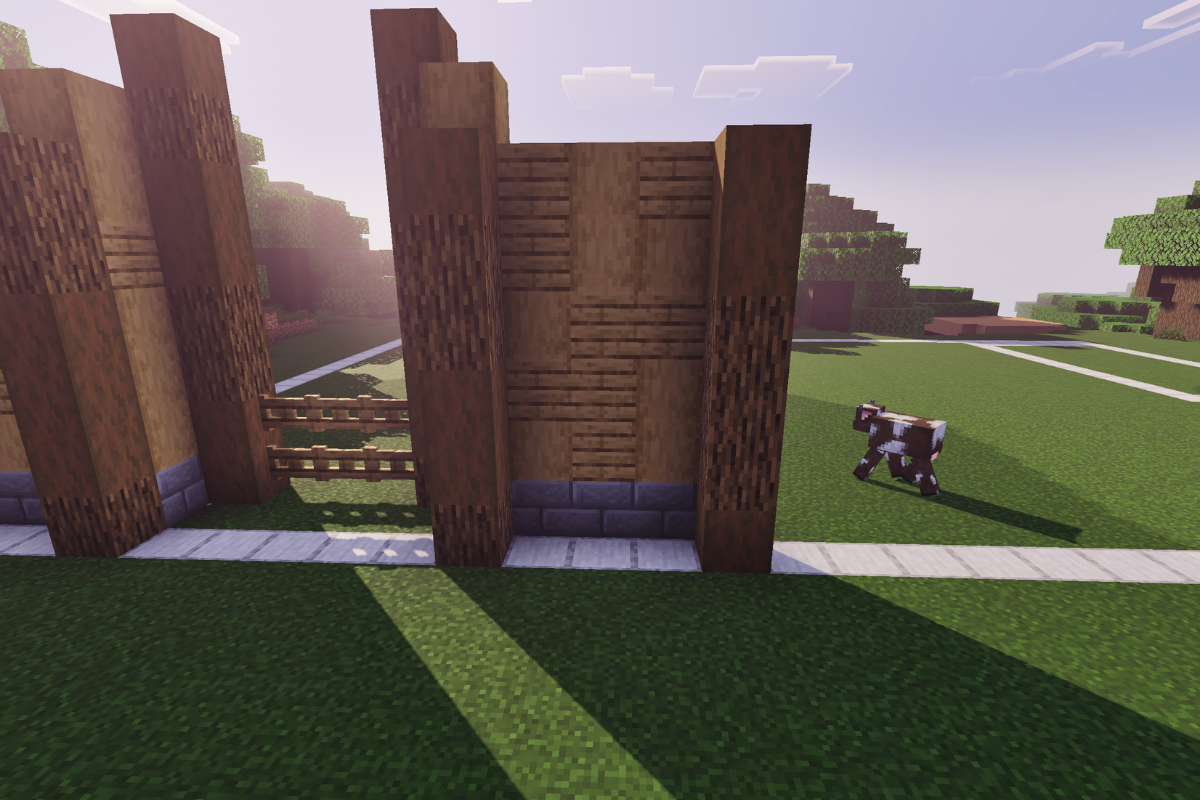
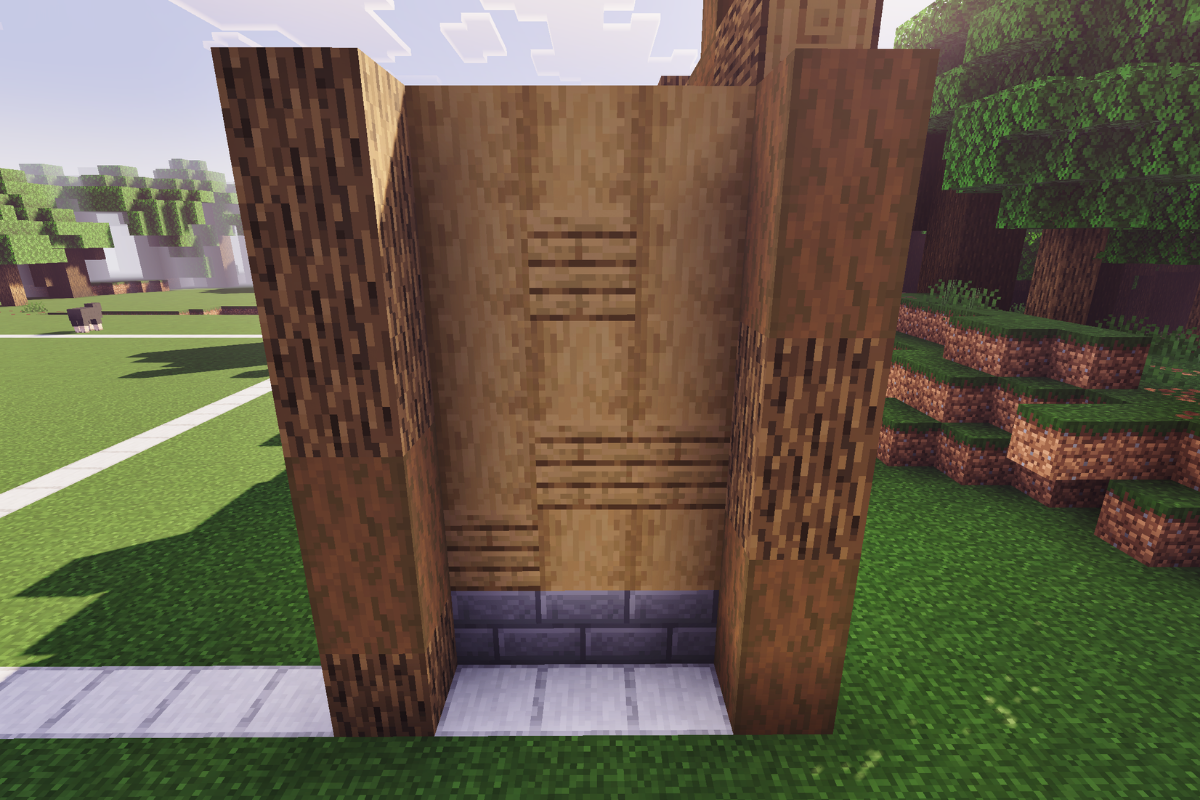
Add the textured wall between both pillars.
  • Icon
    x 10
  • Icon
    x 5
STEP 3 / 235
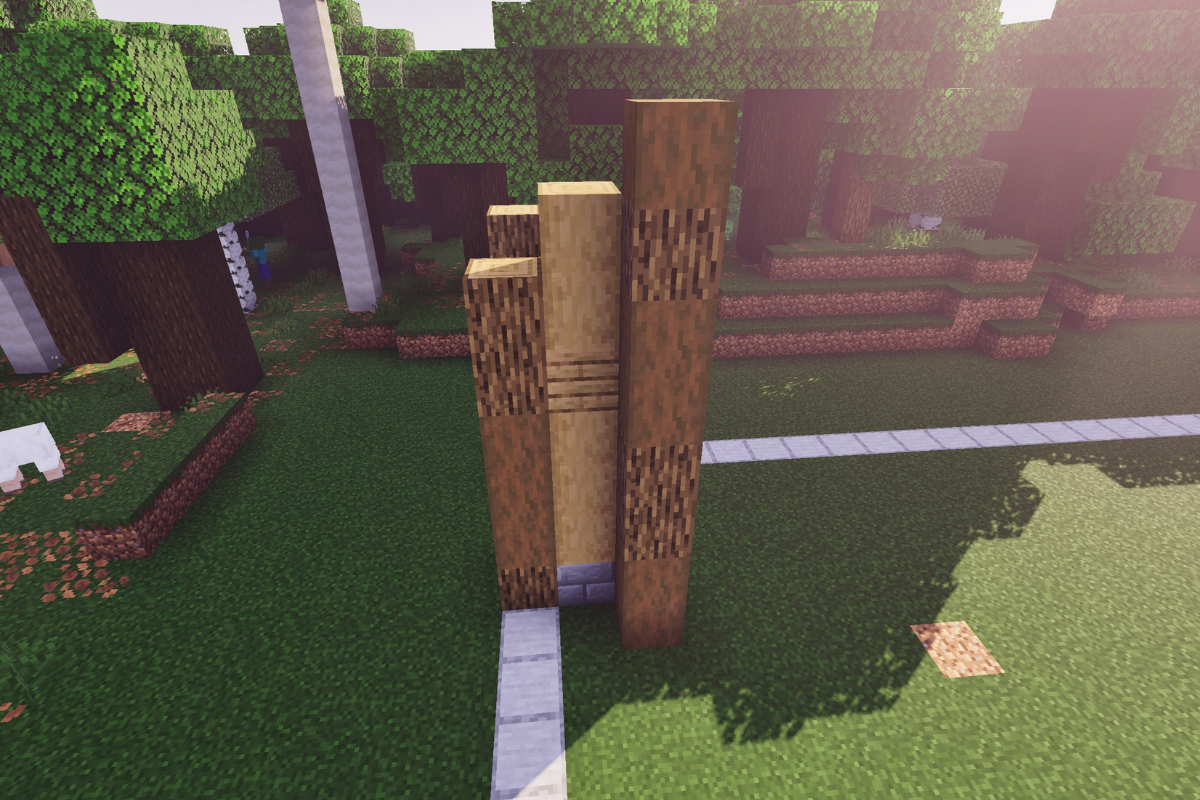
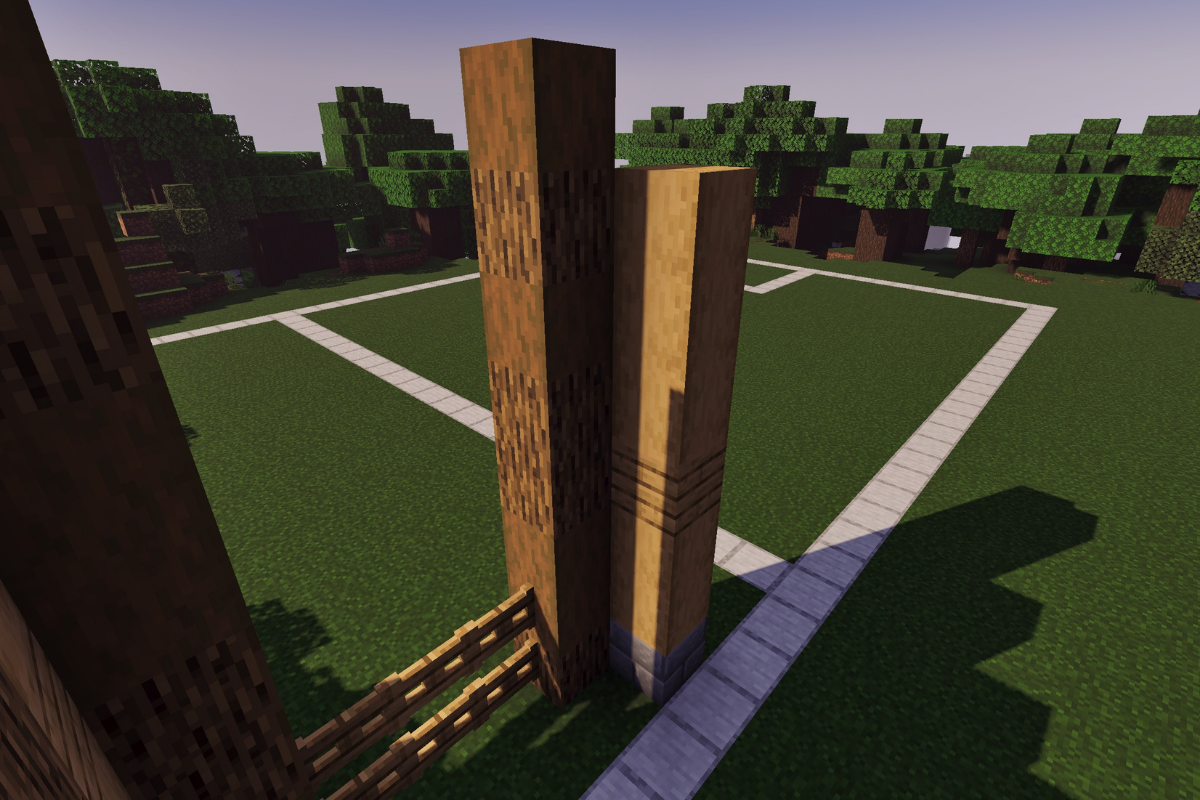
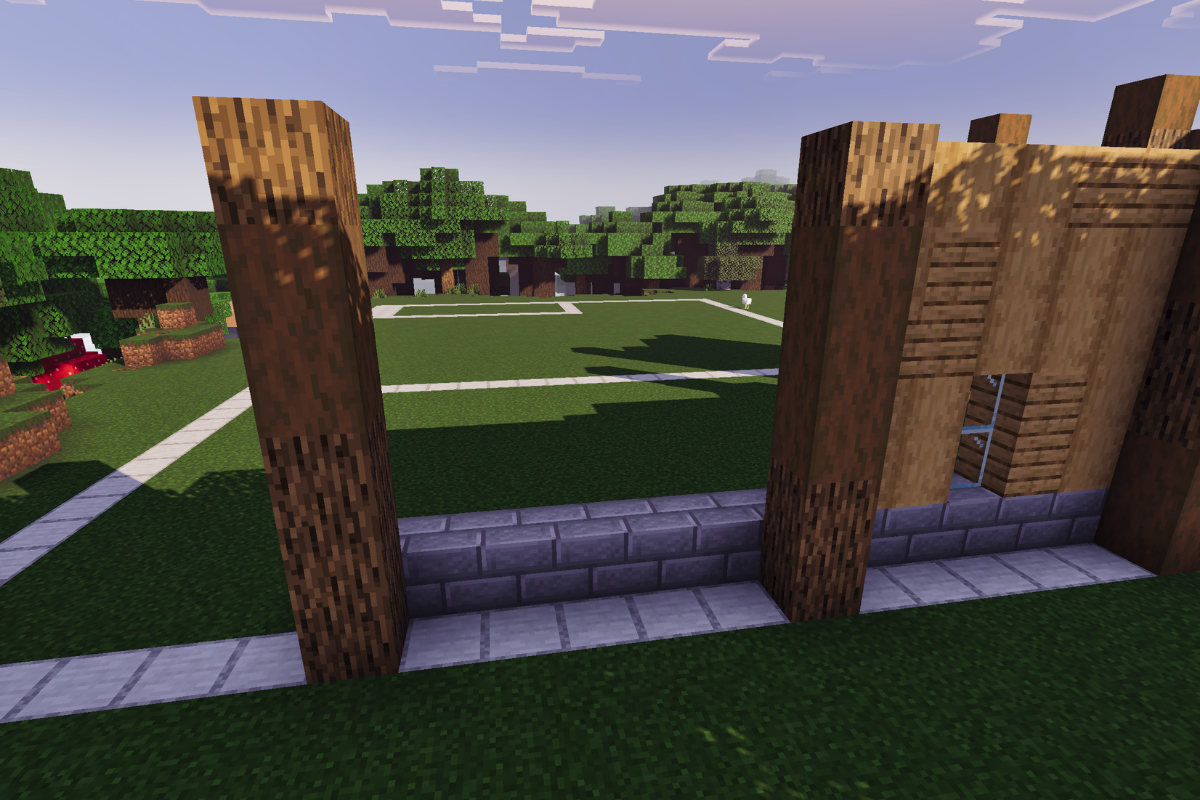
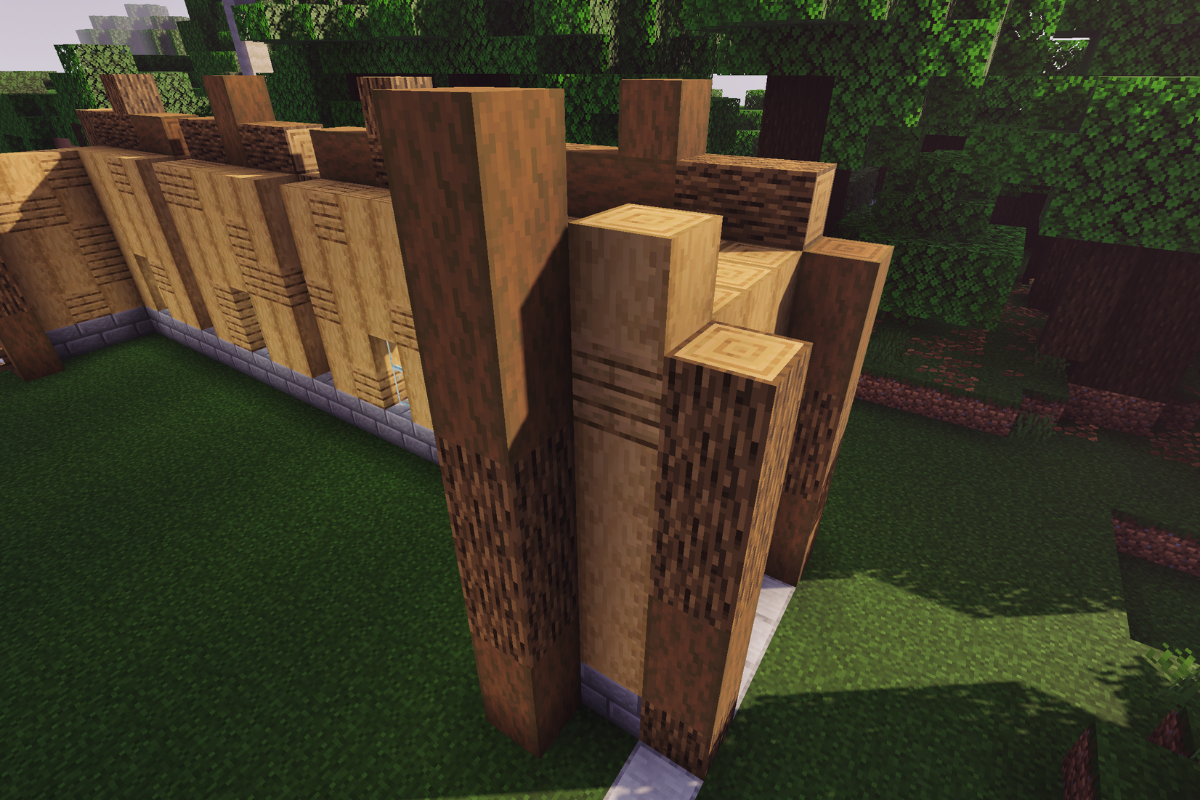
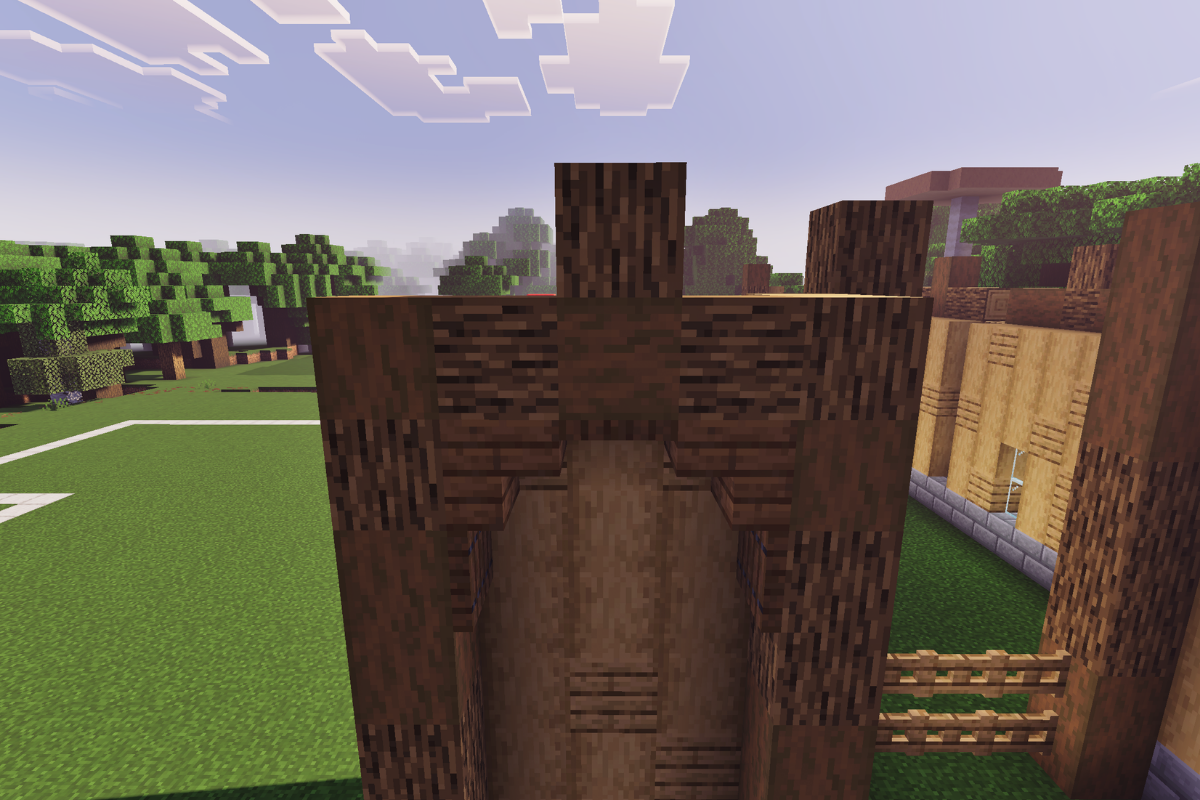
Add 2 textured pillars 7 and 8 block tall respectively.
  • Icon
    x 10
  • Icon
    x 4
  • Icon
    x 1
STEP 4 / 235
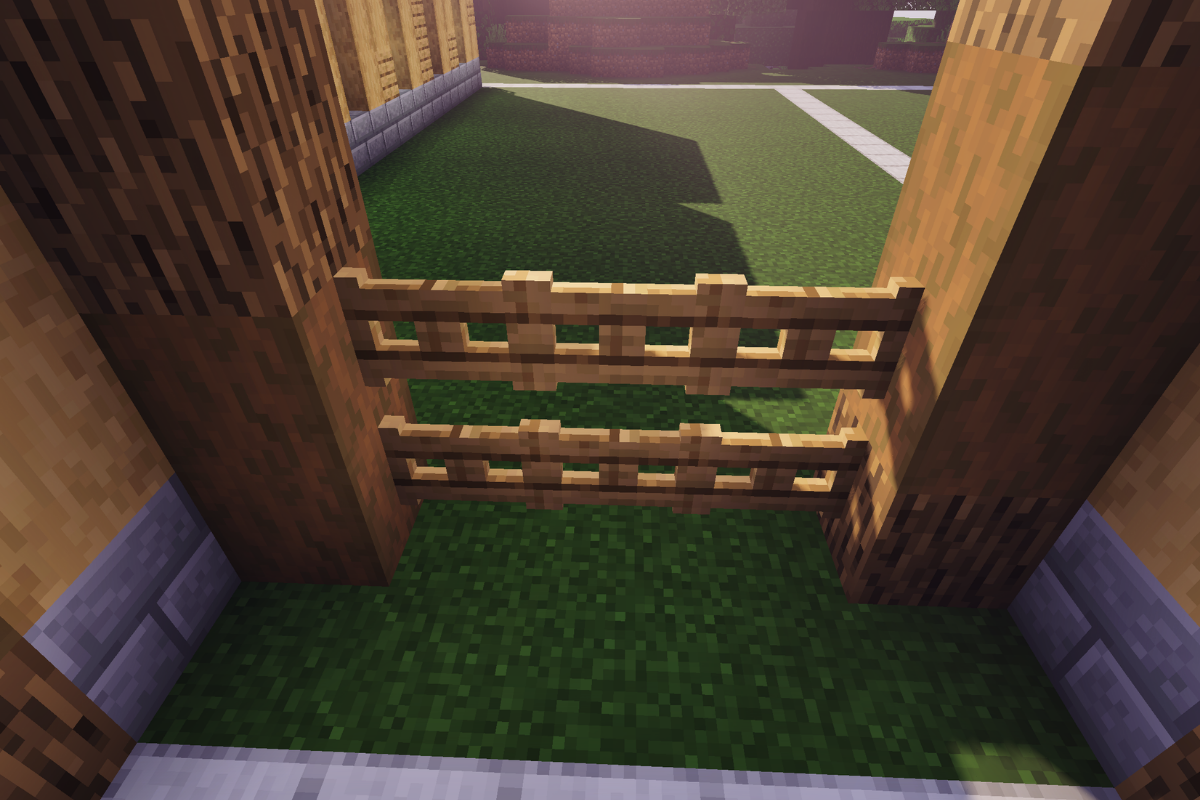
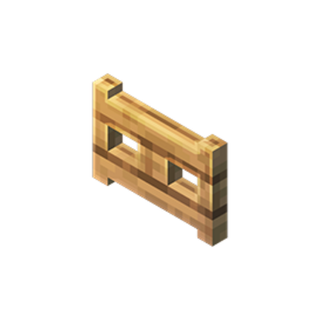
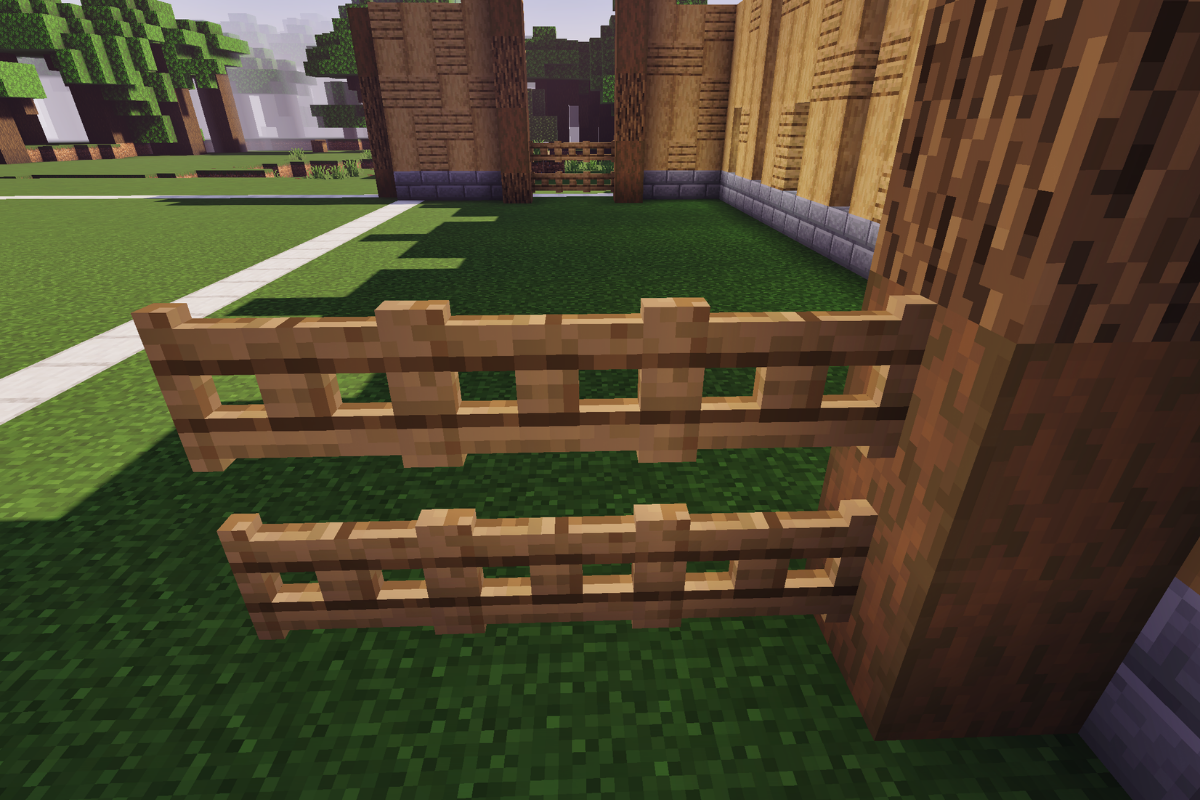
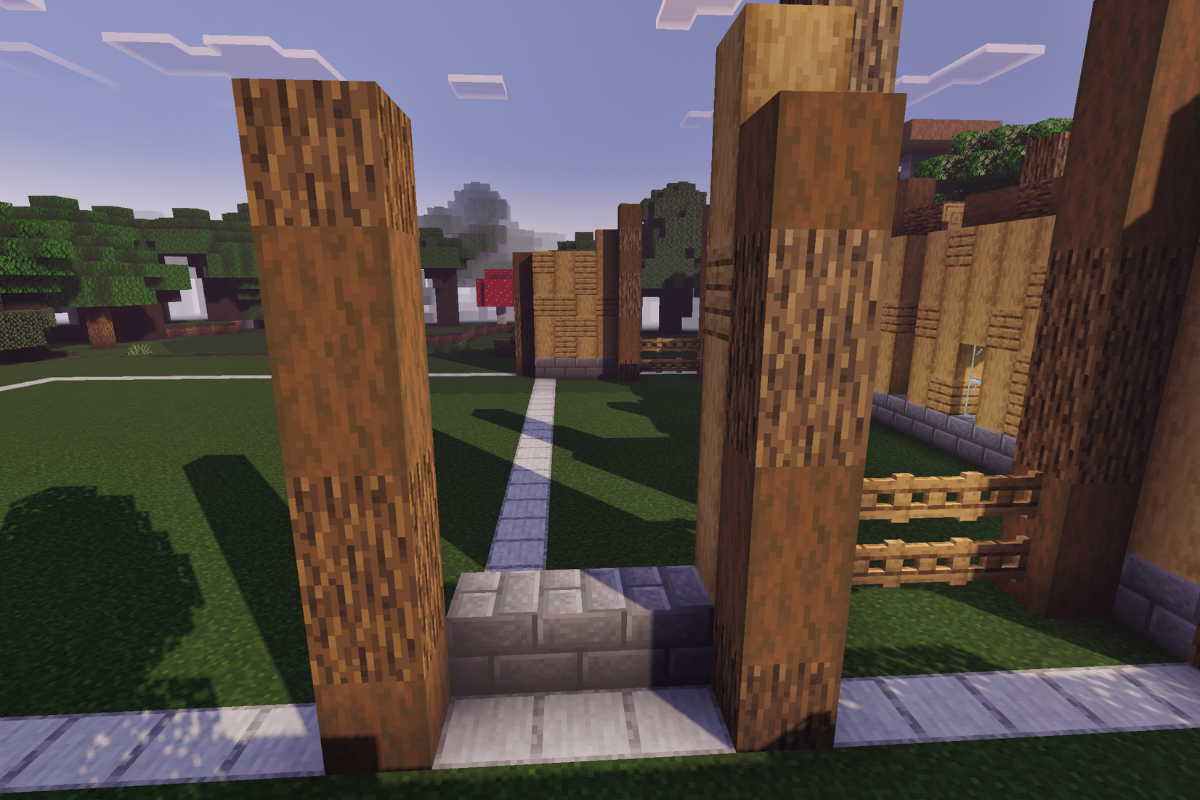
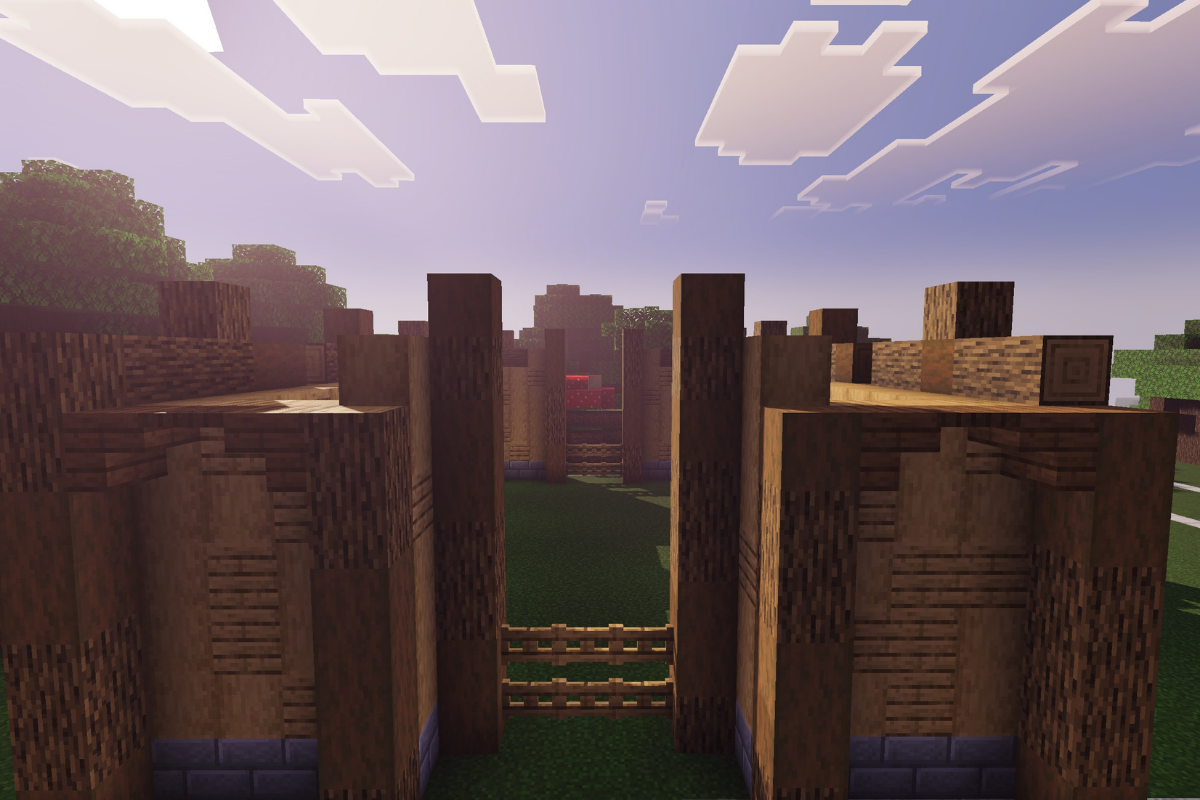
Add 6 oak gate 3 blocks wide and 2 blocks tall.
  • Icon
    x 6
STEP 5 / 235
Add 2 textured pillars 8 and 7 blocks tall respectively.
  • Icon
    x 5
  • Icon
    x 1
  • Icon
    x 1
  • Icon
    x 4
  • Icon
    x 4
STEP 6 / 235
Place 3 stone bricks base and 2 texture pillars both 6 block tall.
  • Icon
    x 3
  • Icon
    x 6
  • Icon
    x 6
STEP 7 / 235
Add the textured wall between both pillars.
  • Icon
    x 8
  • Icon
    x 7
STEP 8 / 235
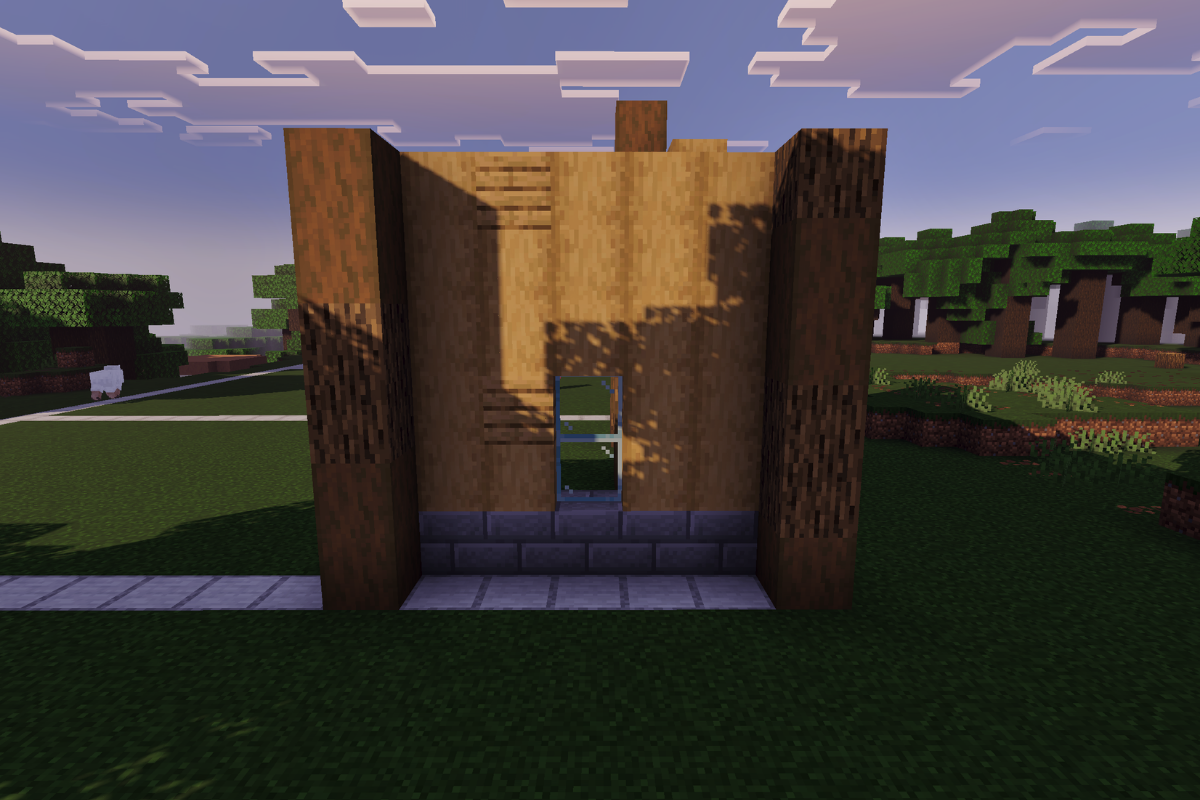
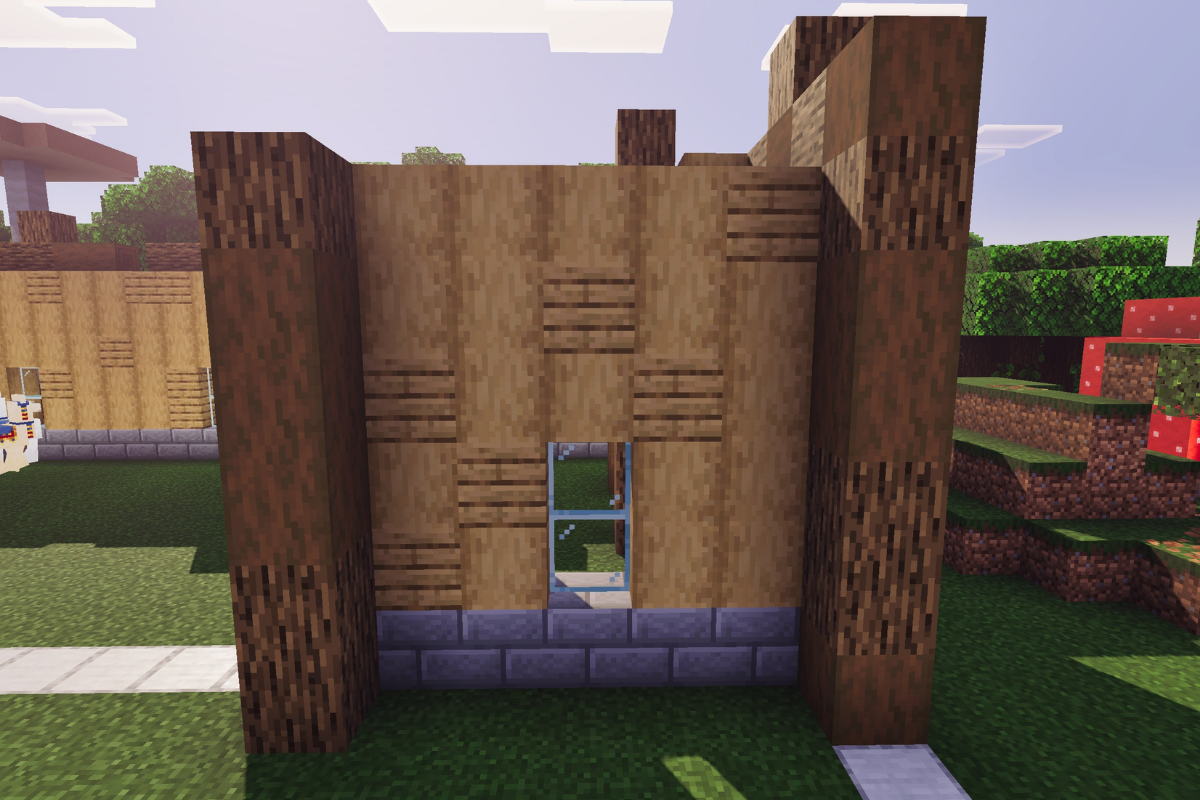
Place 5 stone bricks base and a textured pillar both 6 blocks tall.
  • Icon
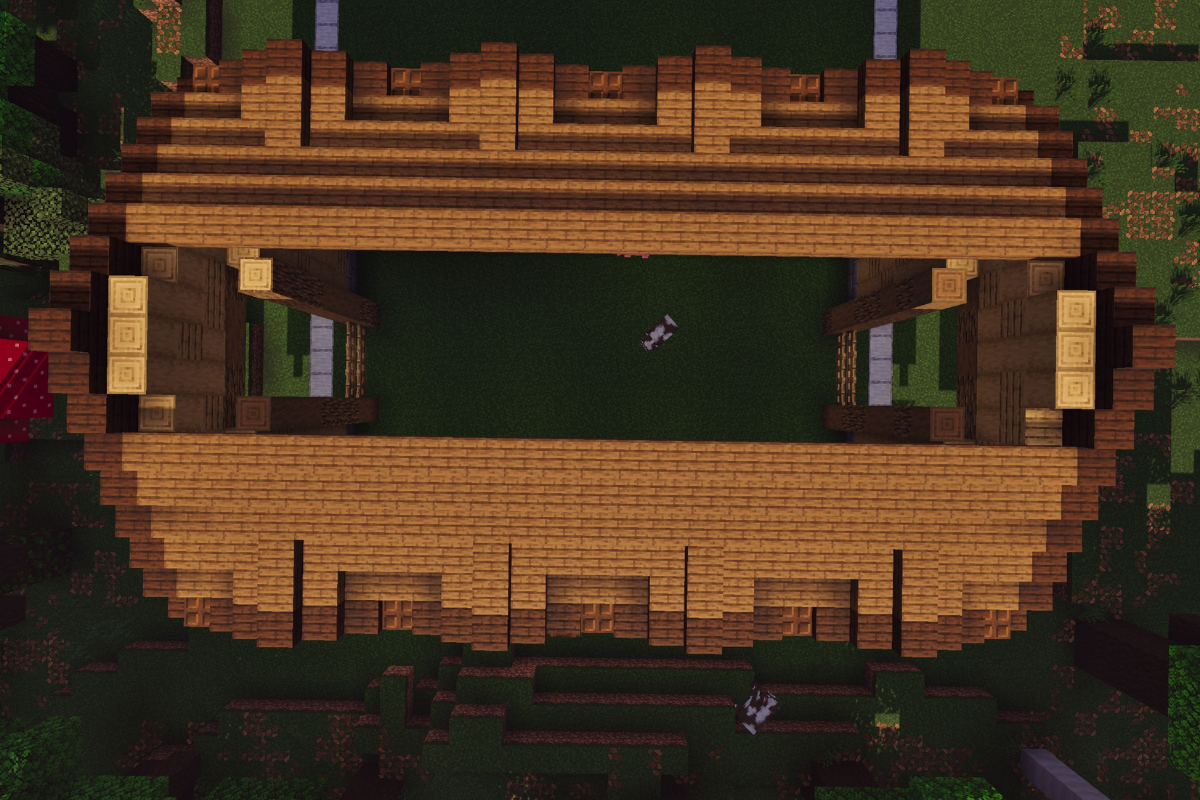
    x 4
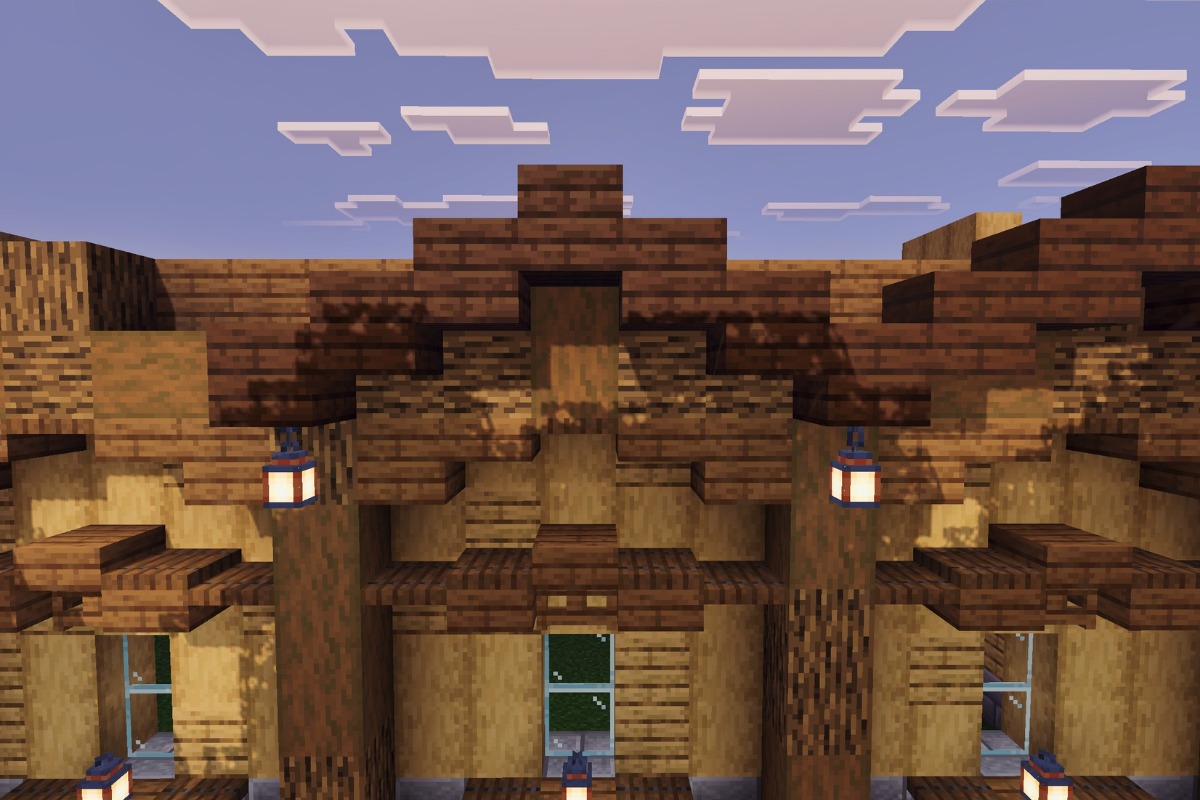
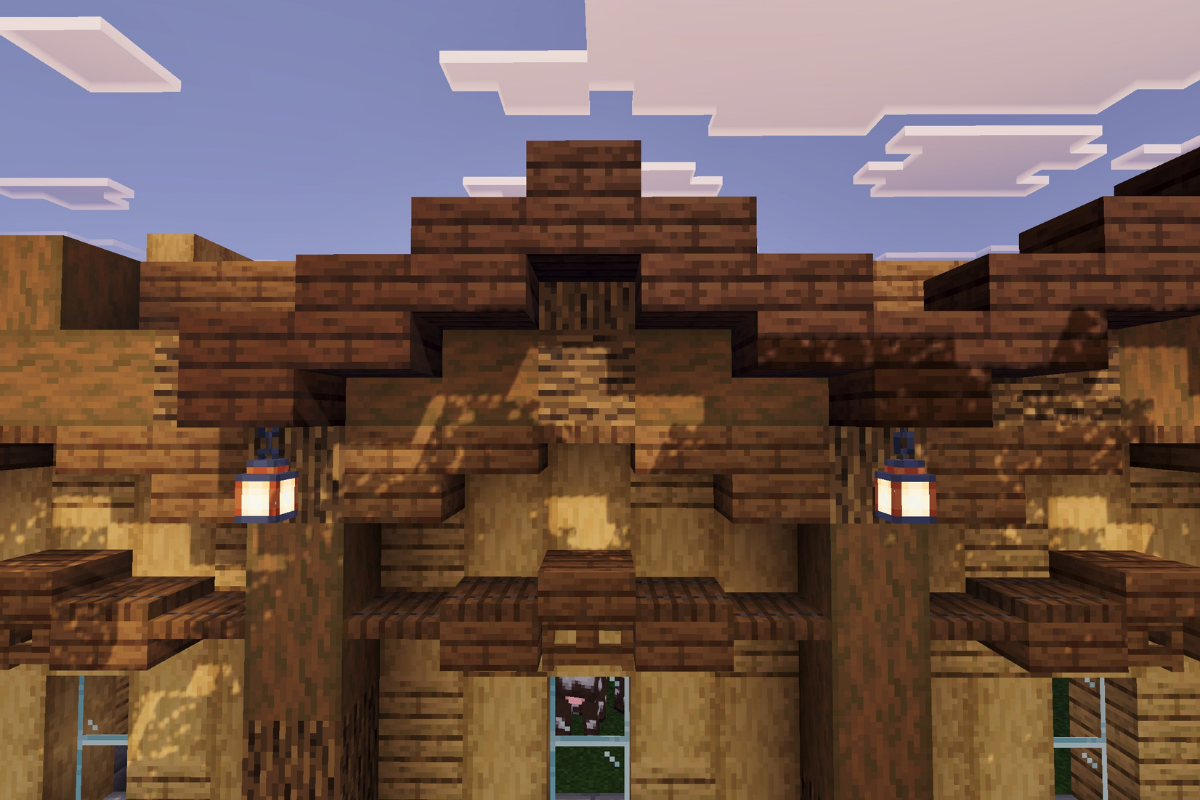
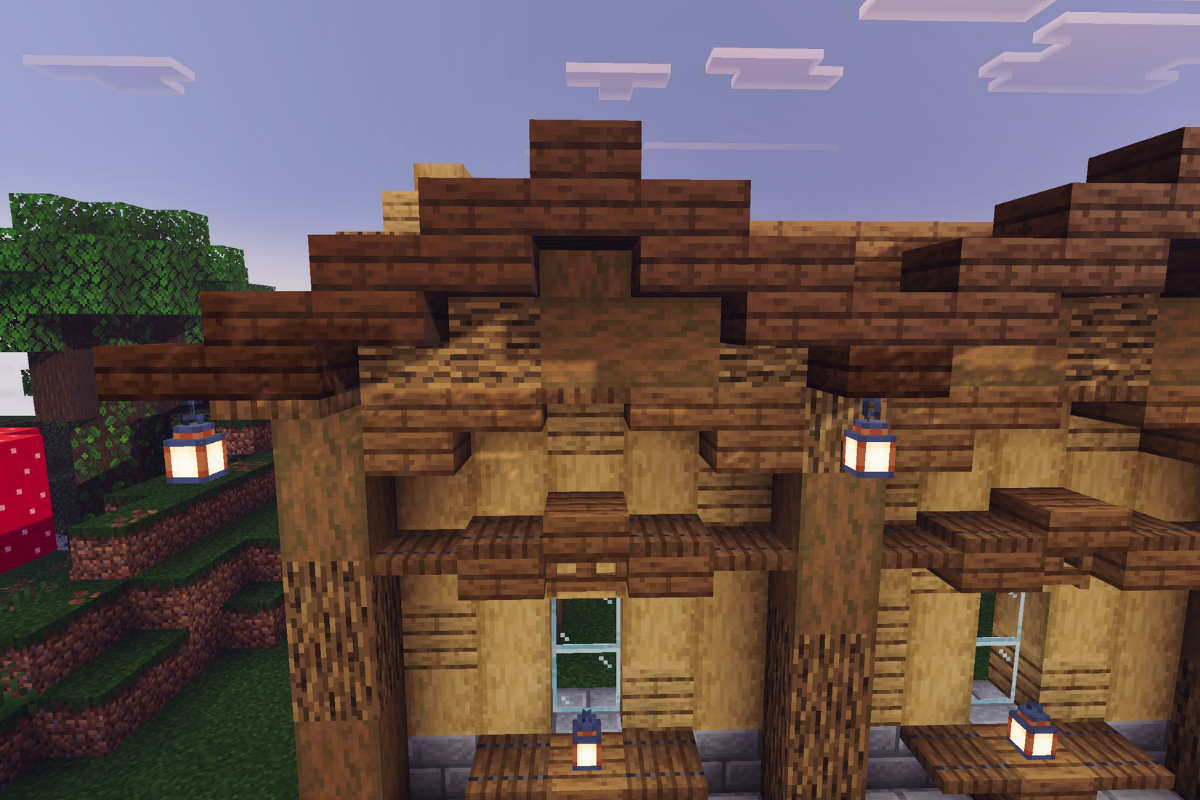
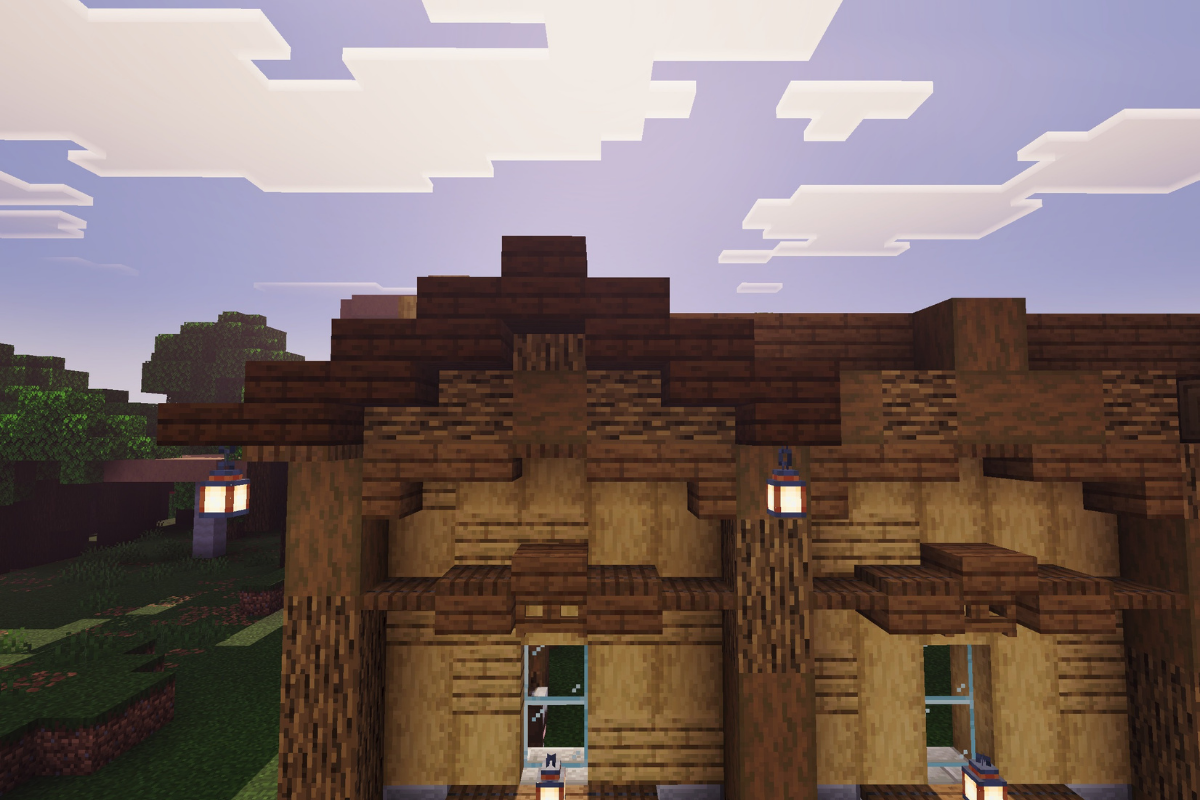
  • Icon
    x 2
STEP 9 / 235
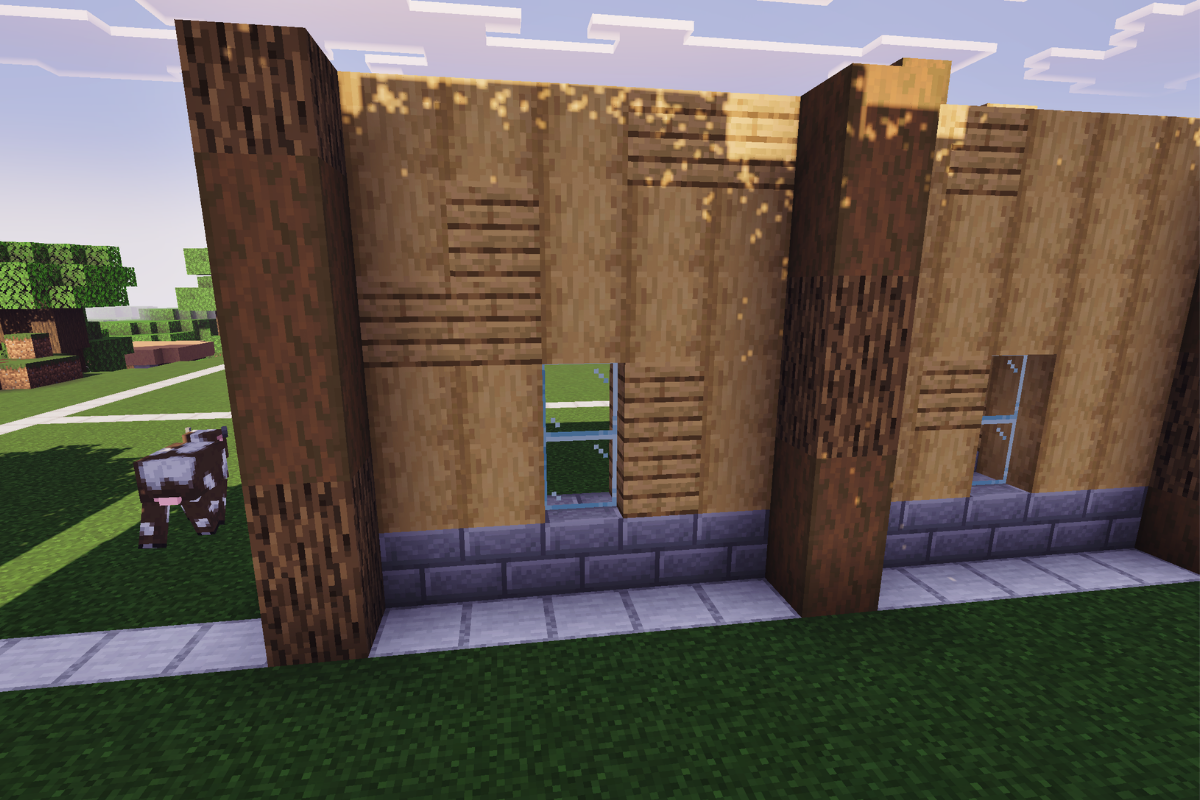
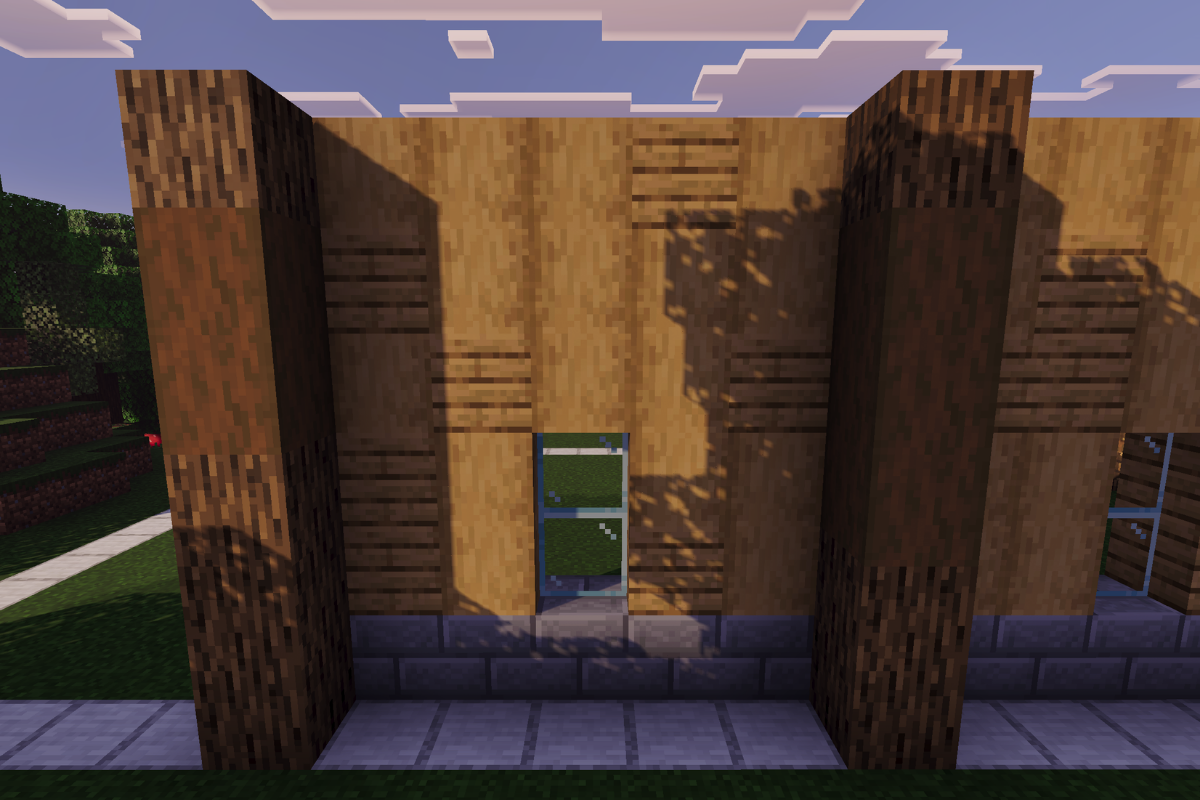
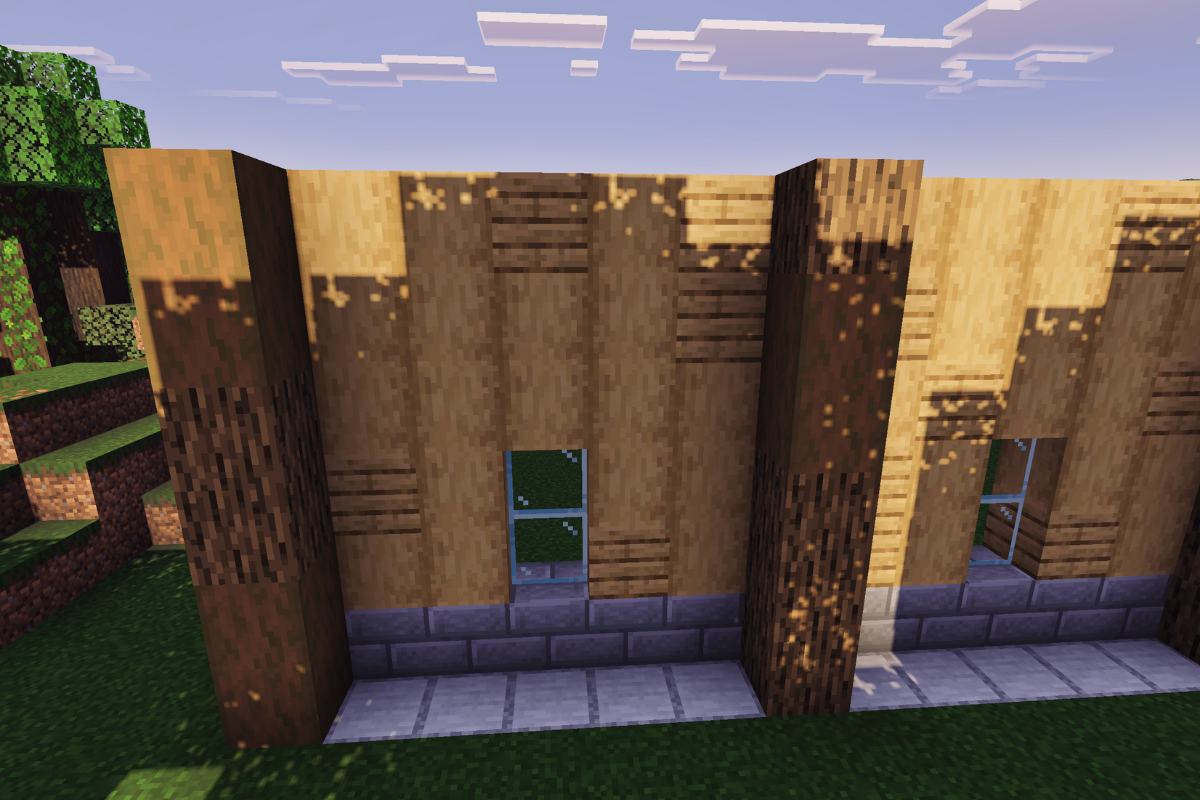
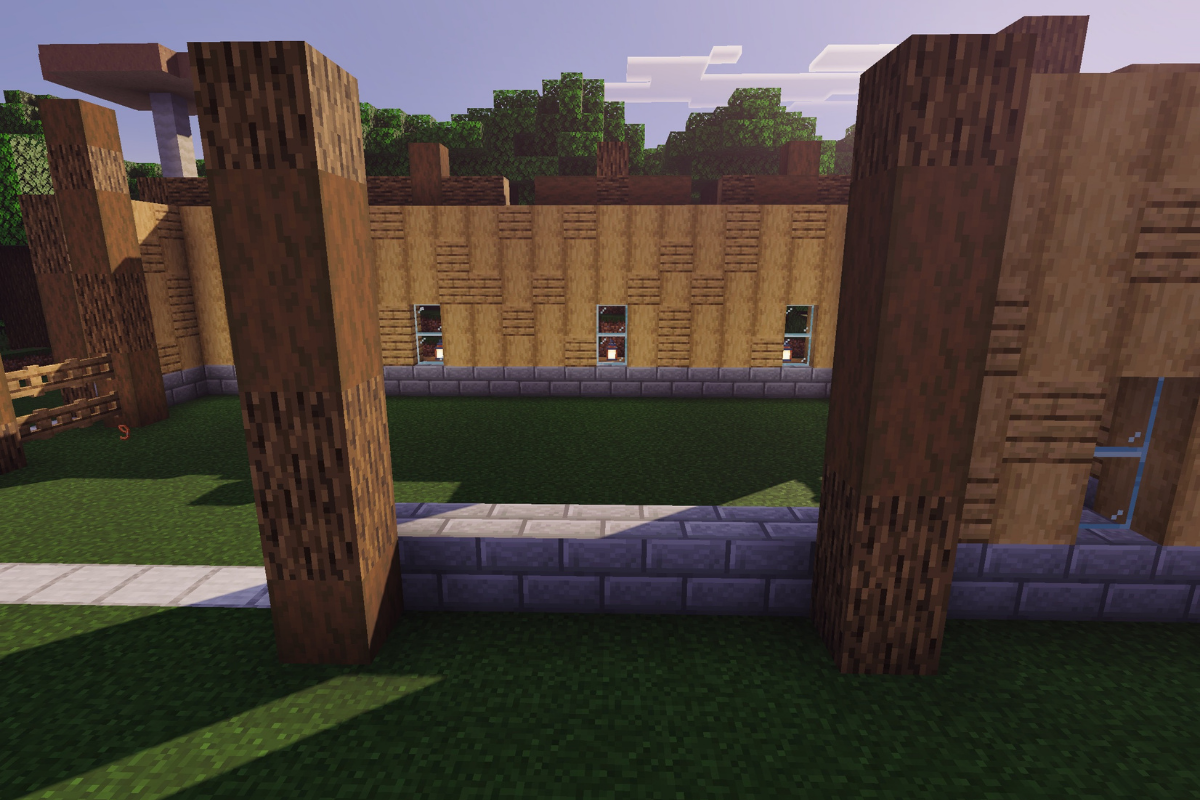
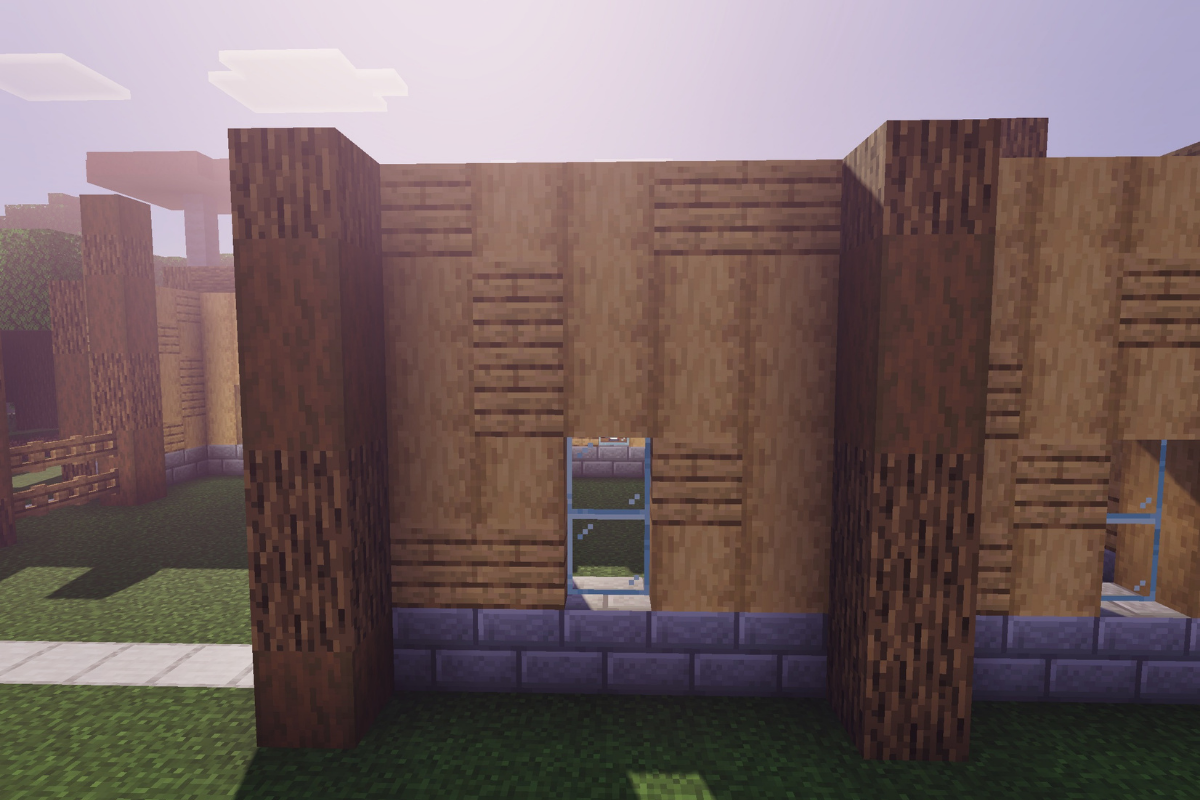
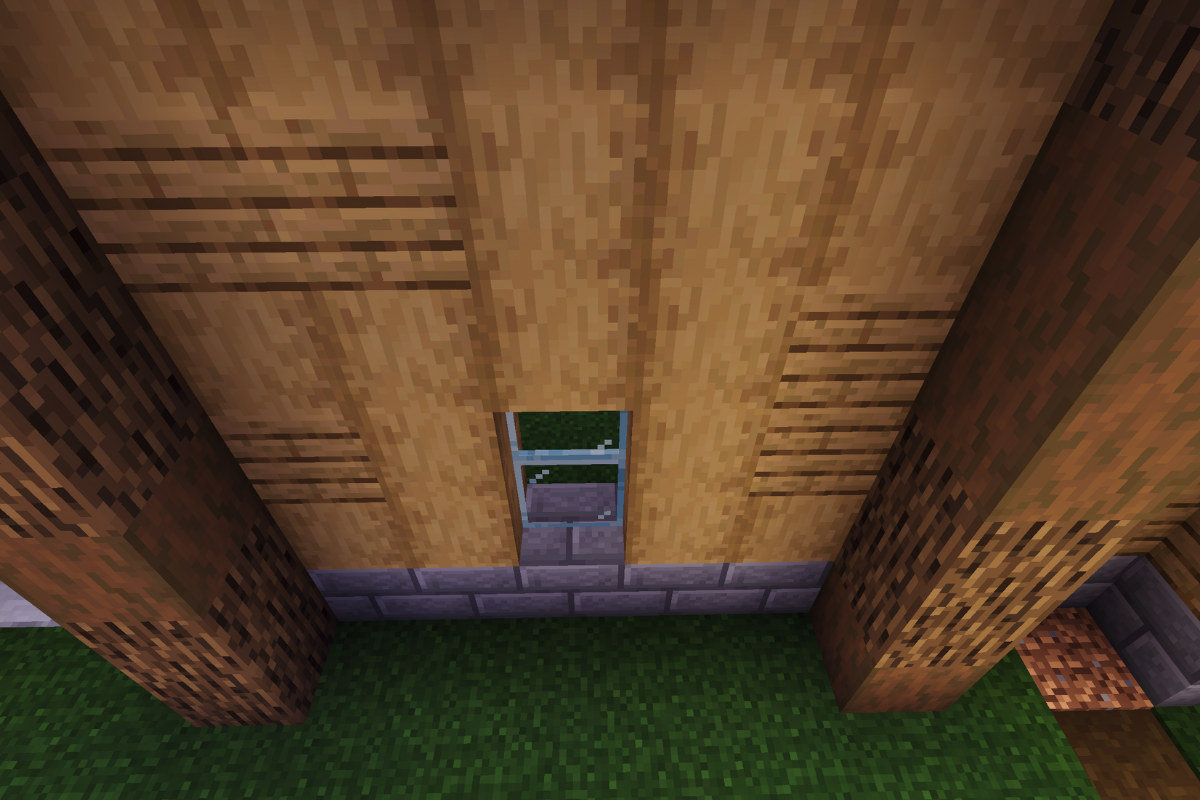
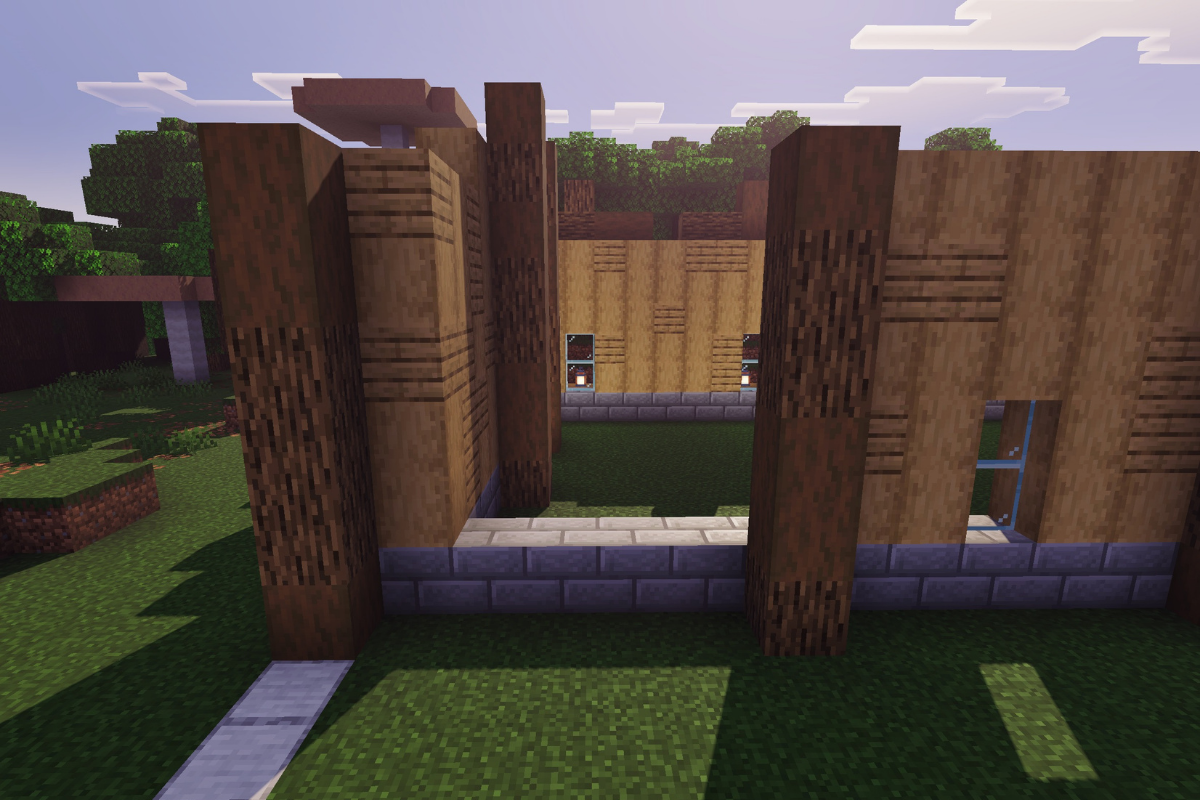
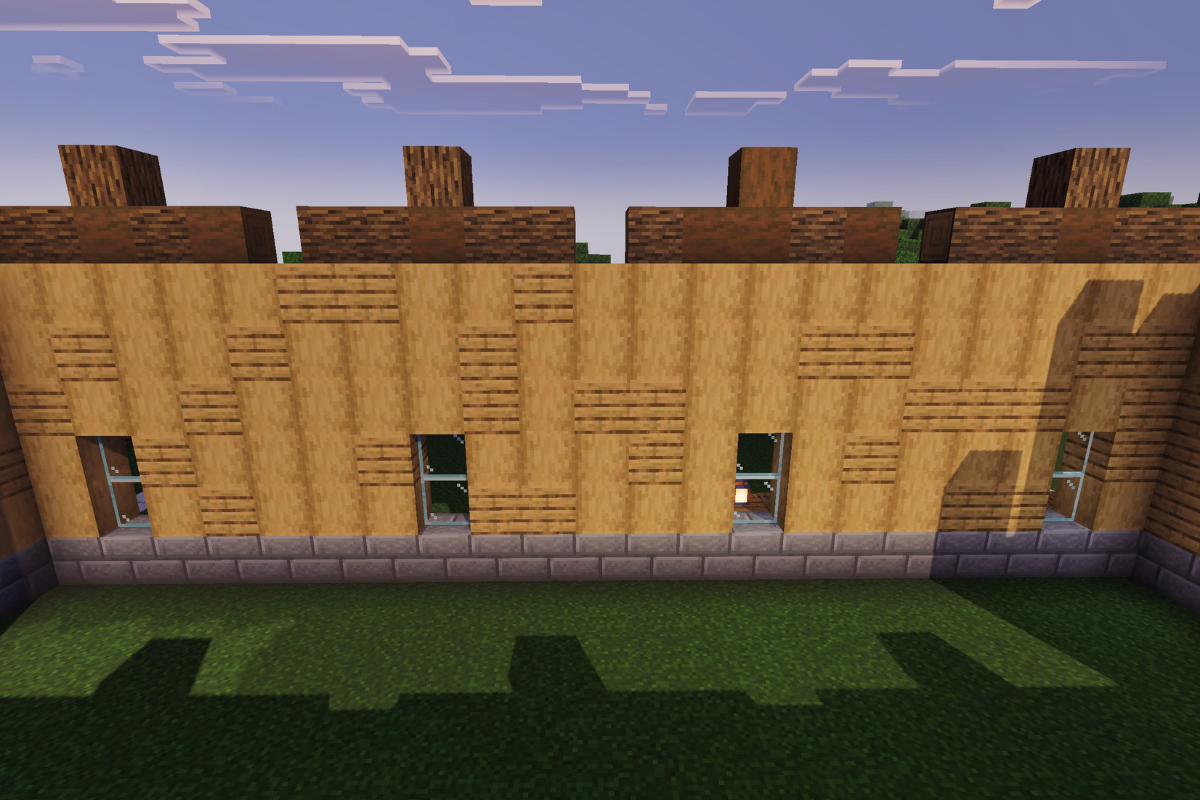
Fill in the wall between both posts, leaving a window two blocks tall in the middle.
  • Icon
    x 16
  • Icon
    x 2
  • Icon
    x 2
STEP 10 / 235
Place 6 stone bricks base and a textured pillar both 6 blocks tall.
  • Icon
    x 6
  • Icon
    x 3
  • Icon
    x 2
STEP 11 / 235
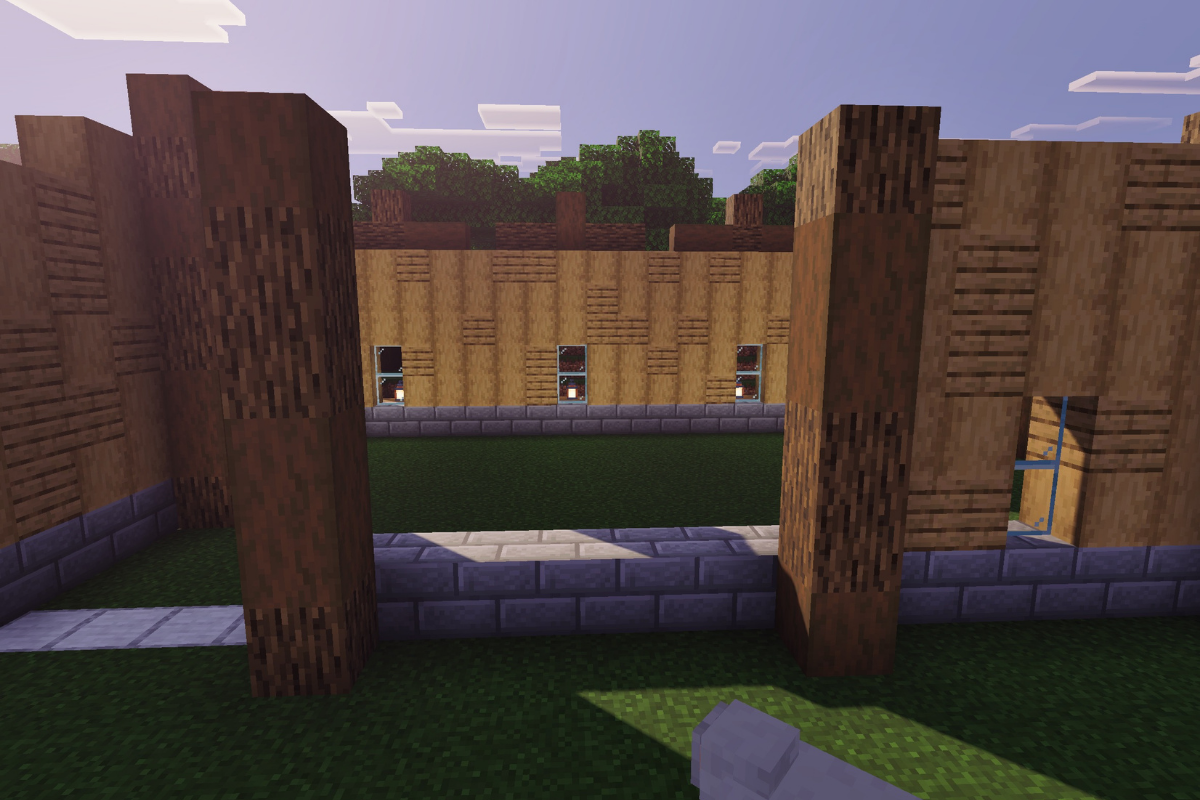
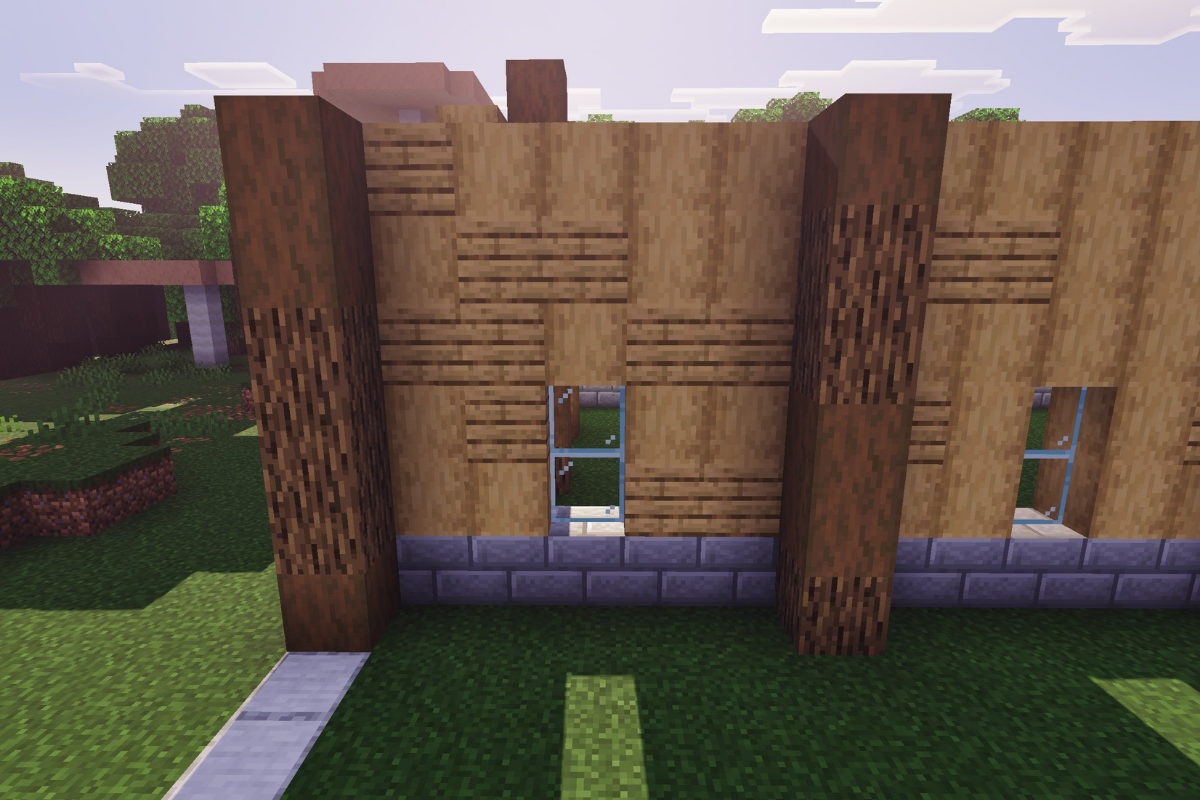
Fill in the wall between both posts, leaving a window two blocks tall in the middle.
  • Icon
    x 16
  • Icon
    x 7
  • Icon
    x 2
STEP 12 / 235
Place 6 stone bricks base and a textured pillar both 6 blocks tall.
  • Icon
    x 6
  • Icon
    x 4
  • Icon
    x 2
STEP 13 / 235
Fill in the wall between both posts, leaving a window two blocks tall in the middle.
  • Icon
    x 16
  • Icon
    x 7
  • Icon
    x 2
STEP 14 / 235
Place 5 stone bricks base and a textured pillar both 6 blocks tall.
  • Icon
    x 5
  • Icon
    x 2
  • Icon
    x 4
STEP 15 / 235
Fill in the wall between both posts, leaving a window two blocks tall in the middle.
  • Icon
    x 5
  • Icon
    x 18
  • Icon
    x 2
STEP 16 / 235

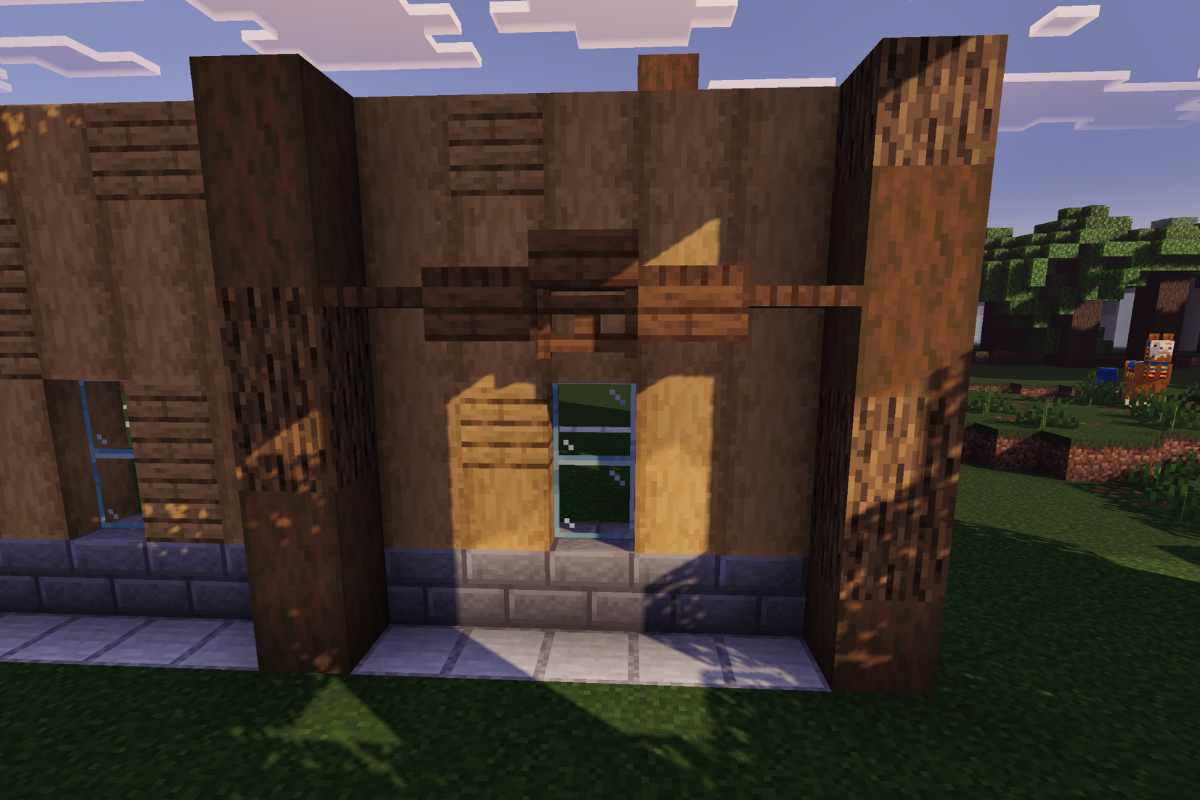
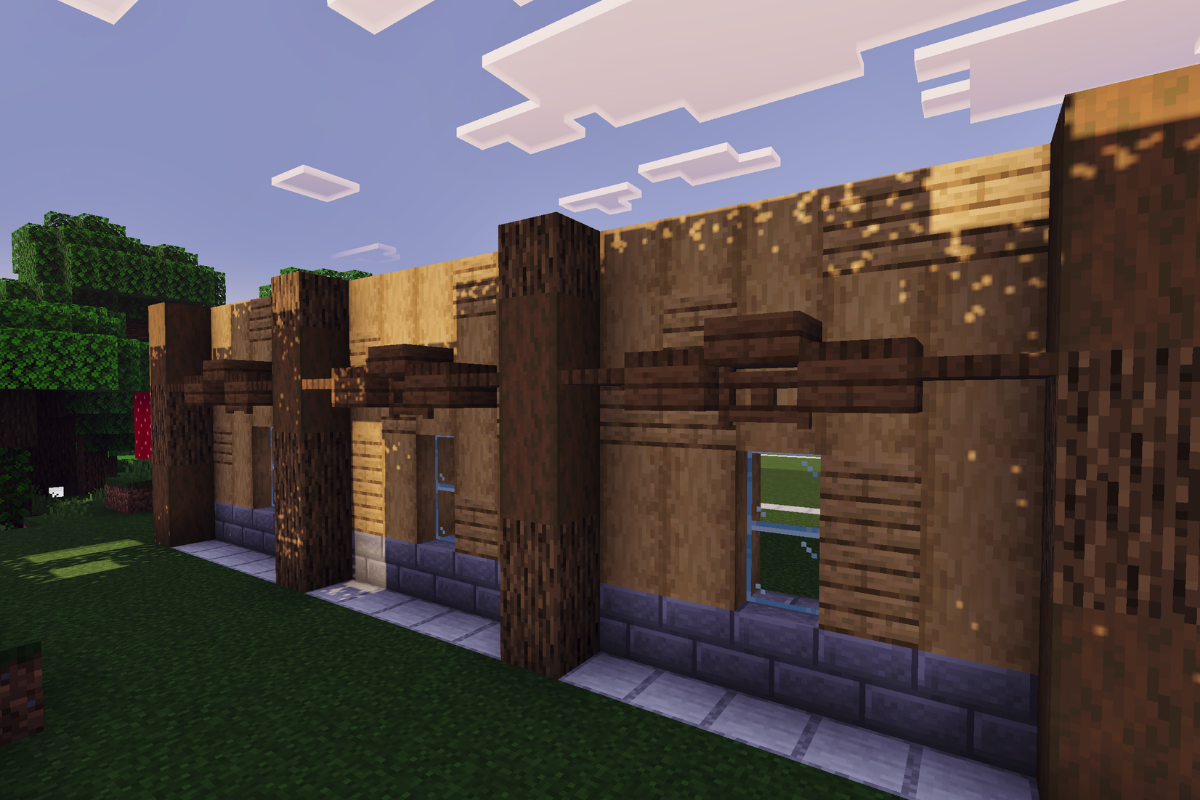
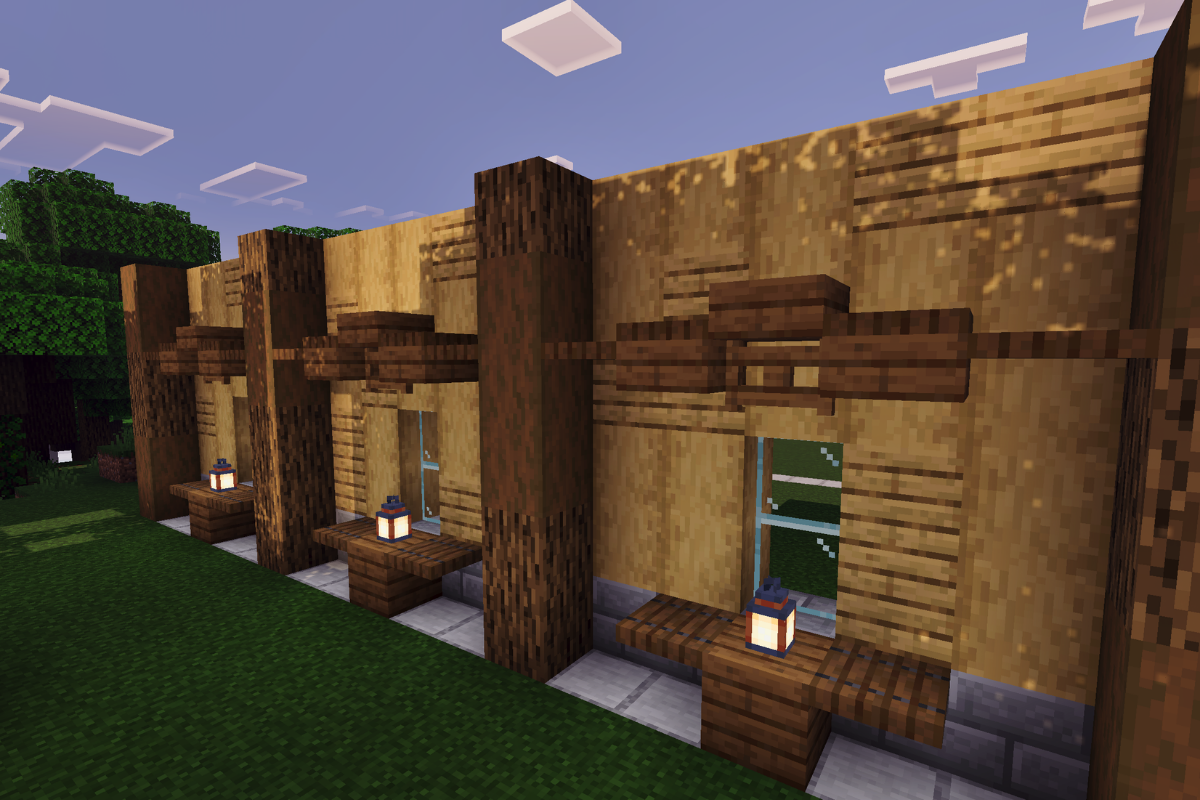
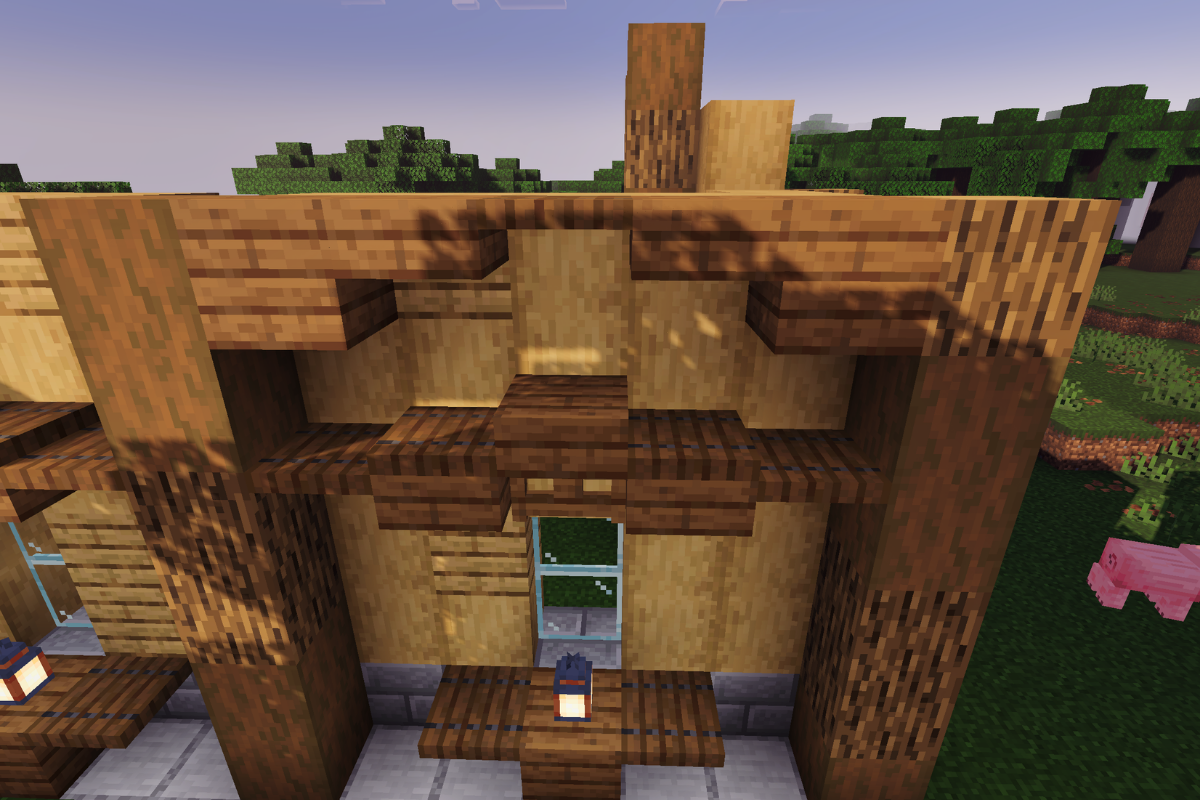
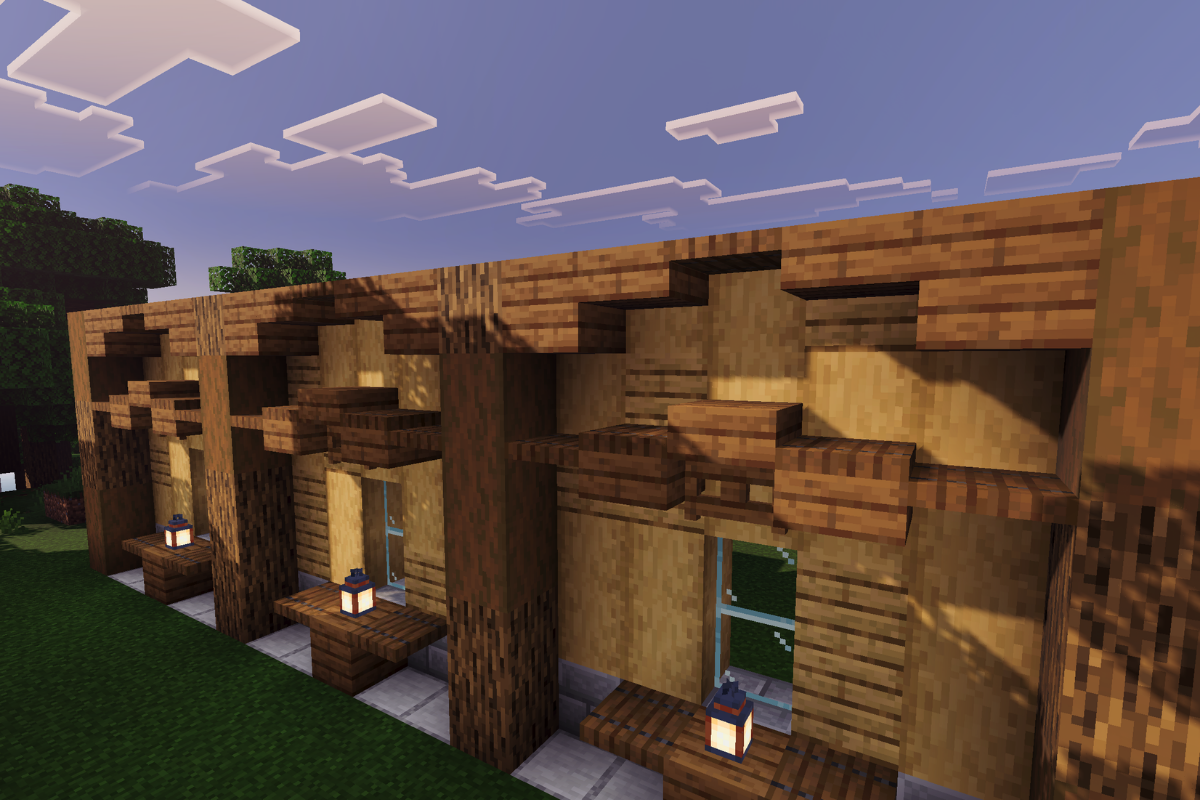
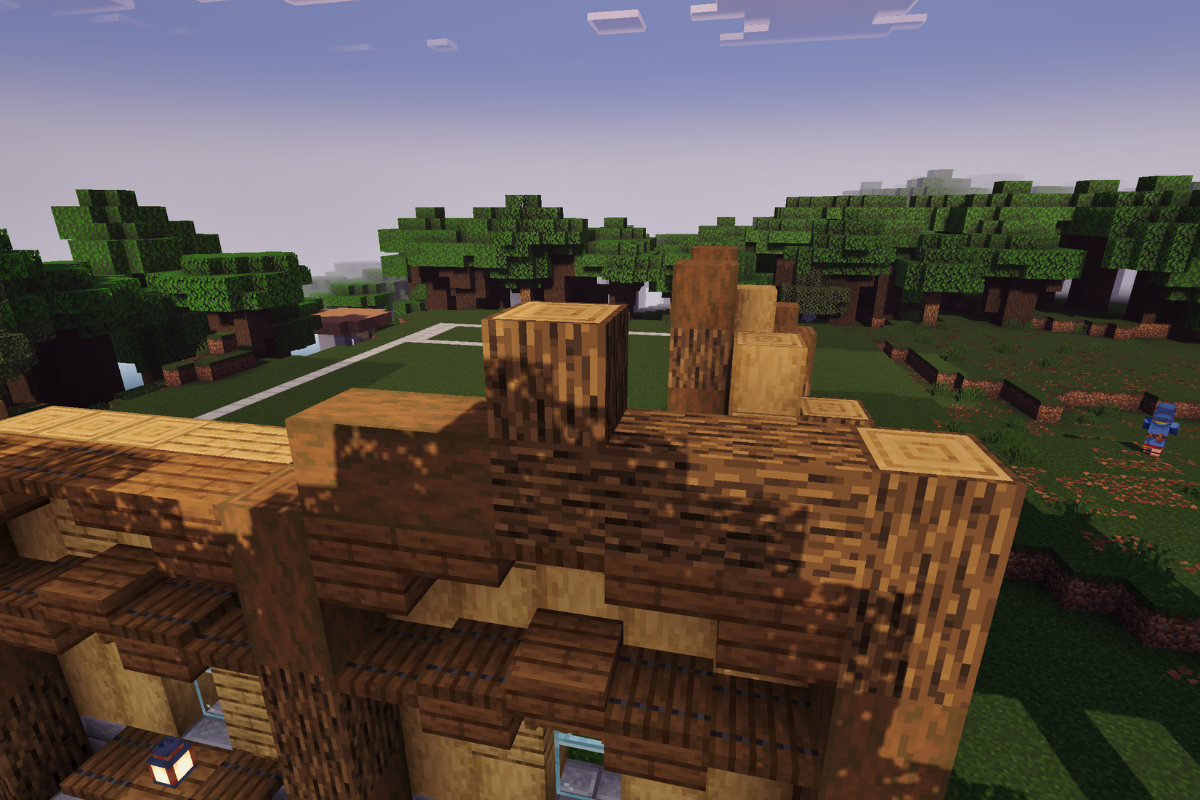
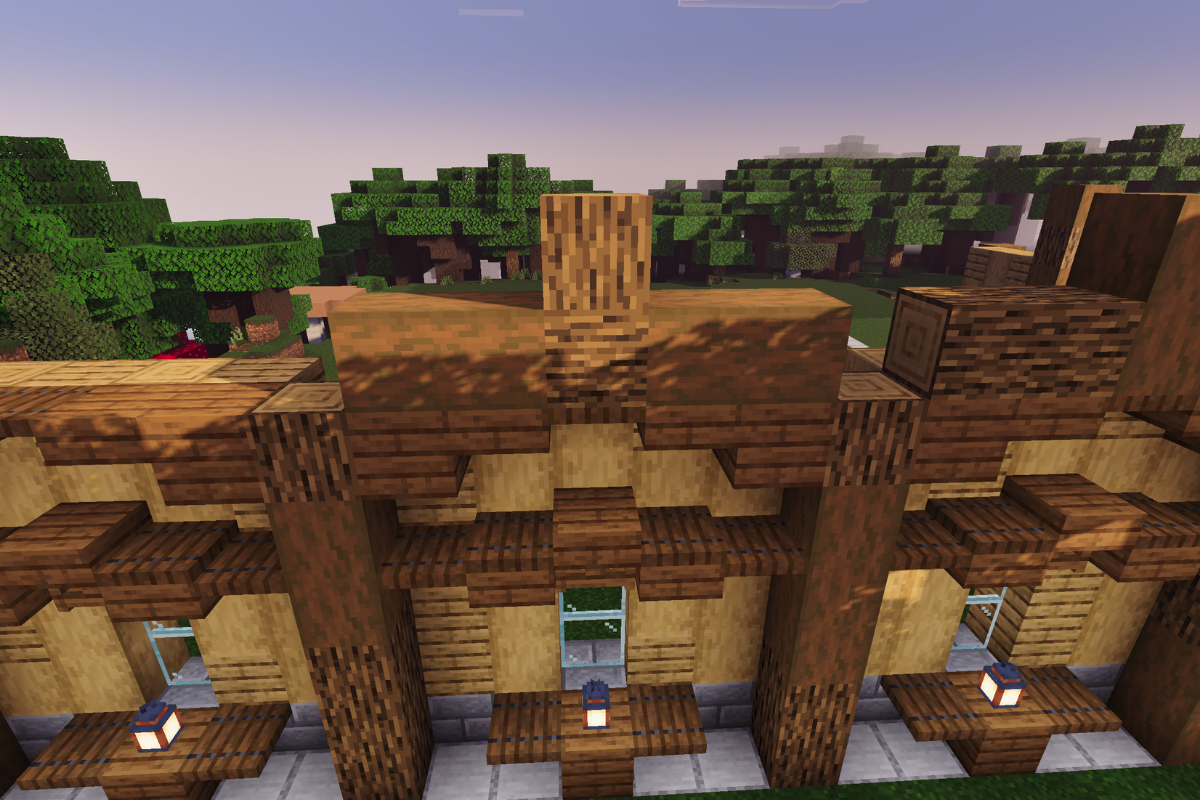
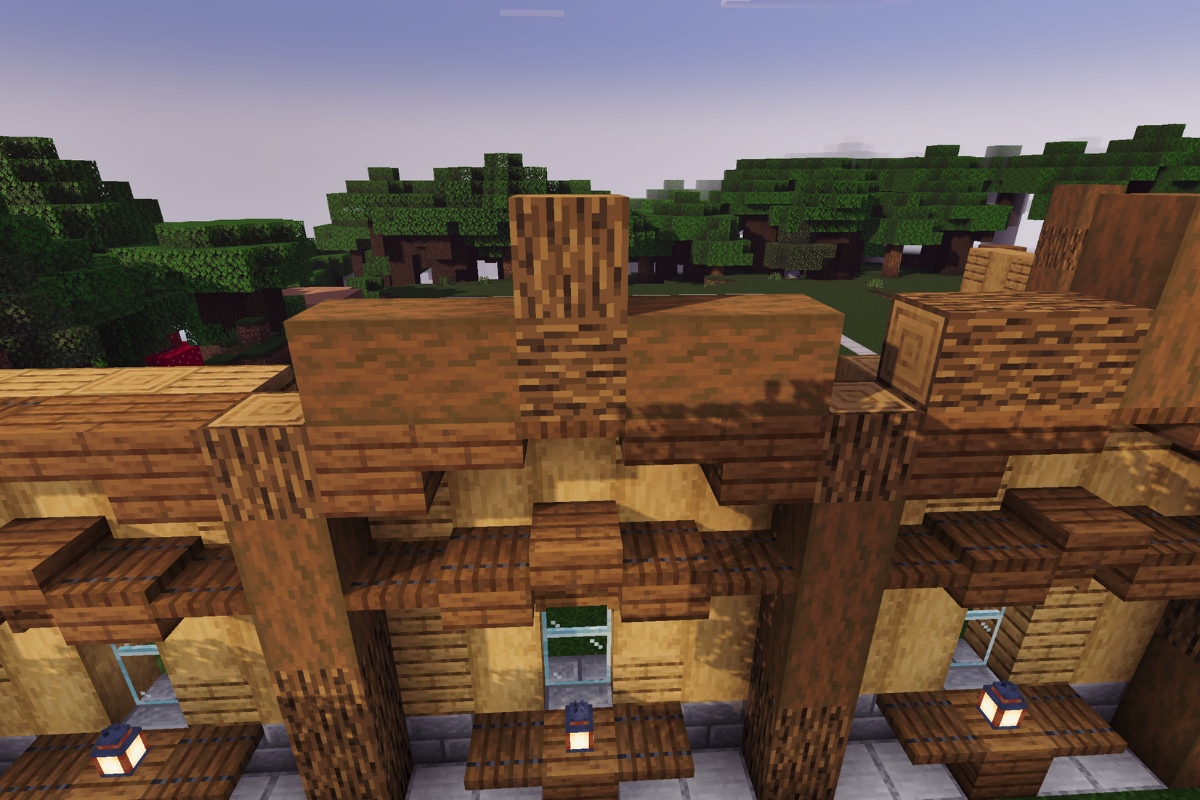
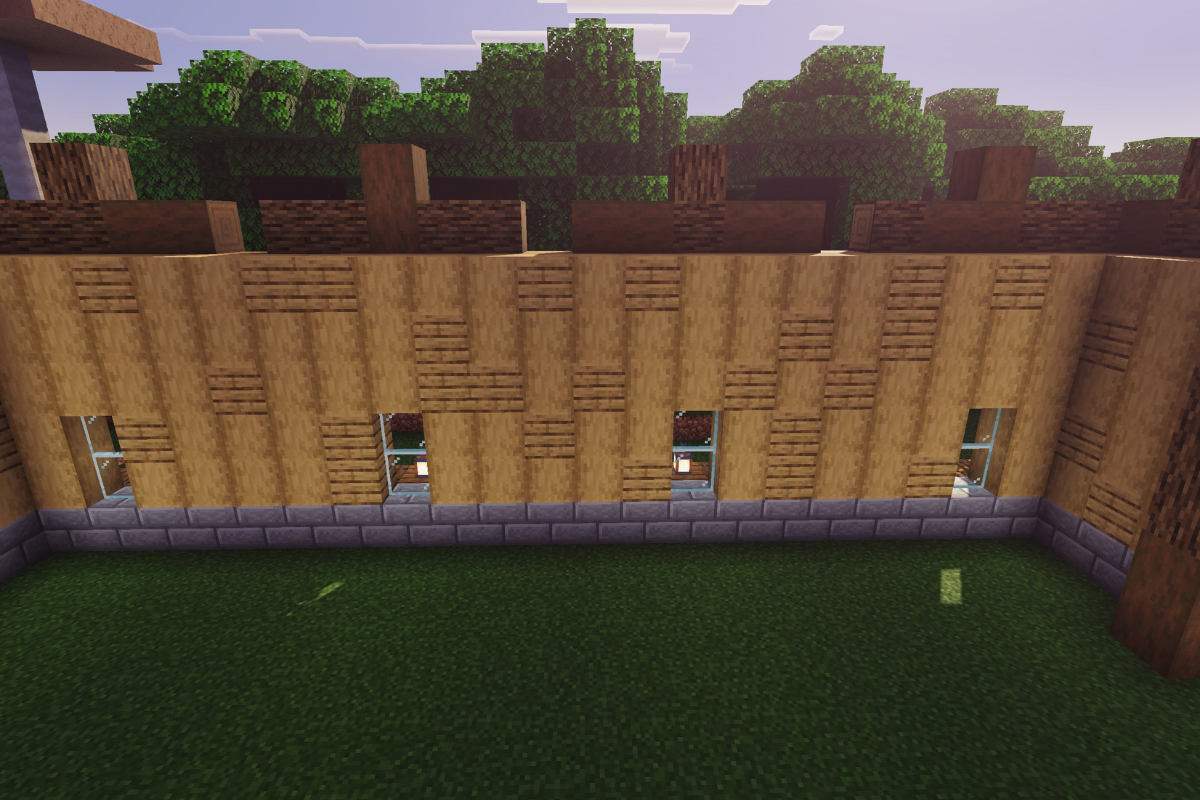
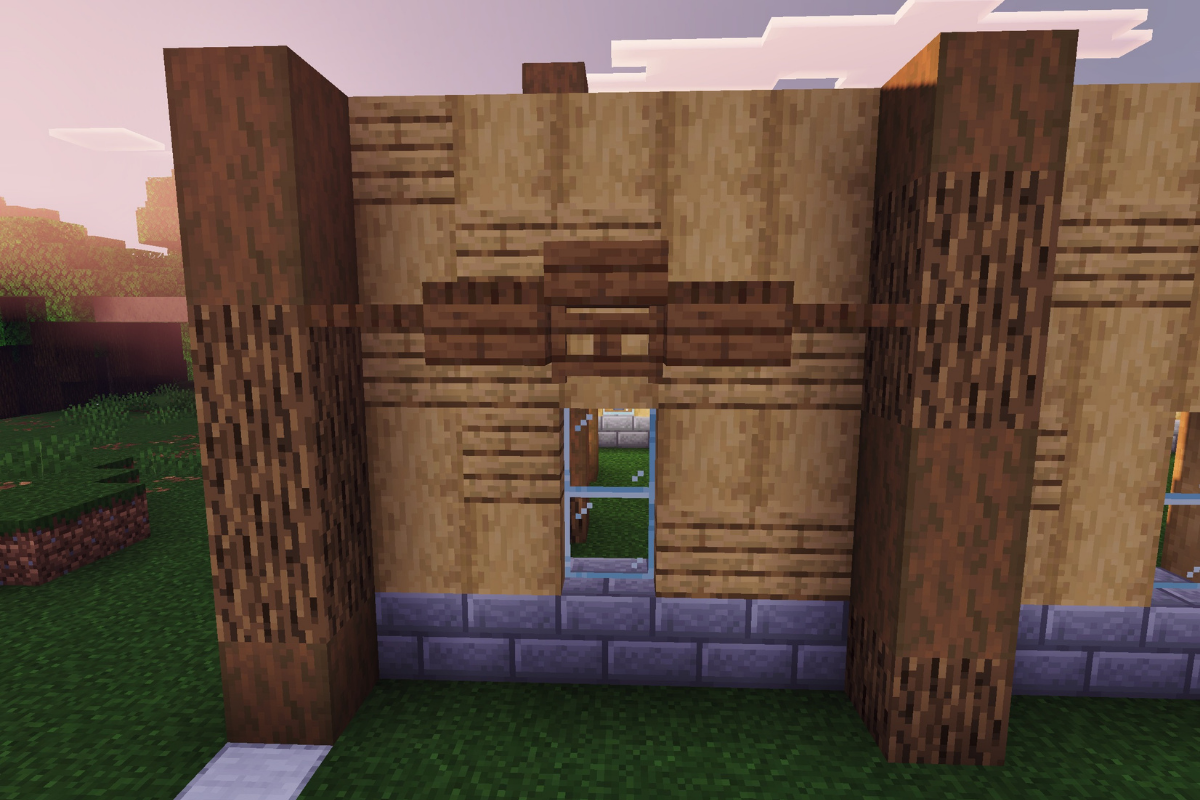
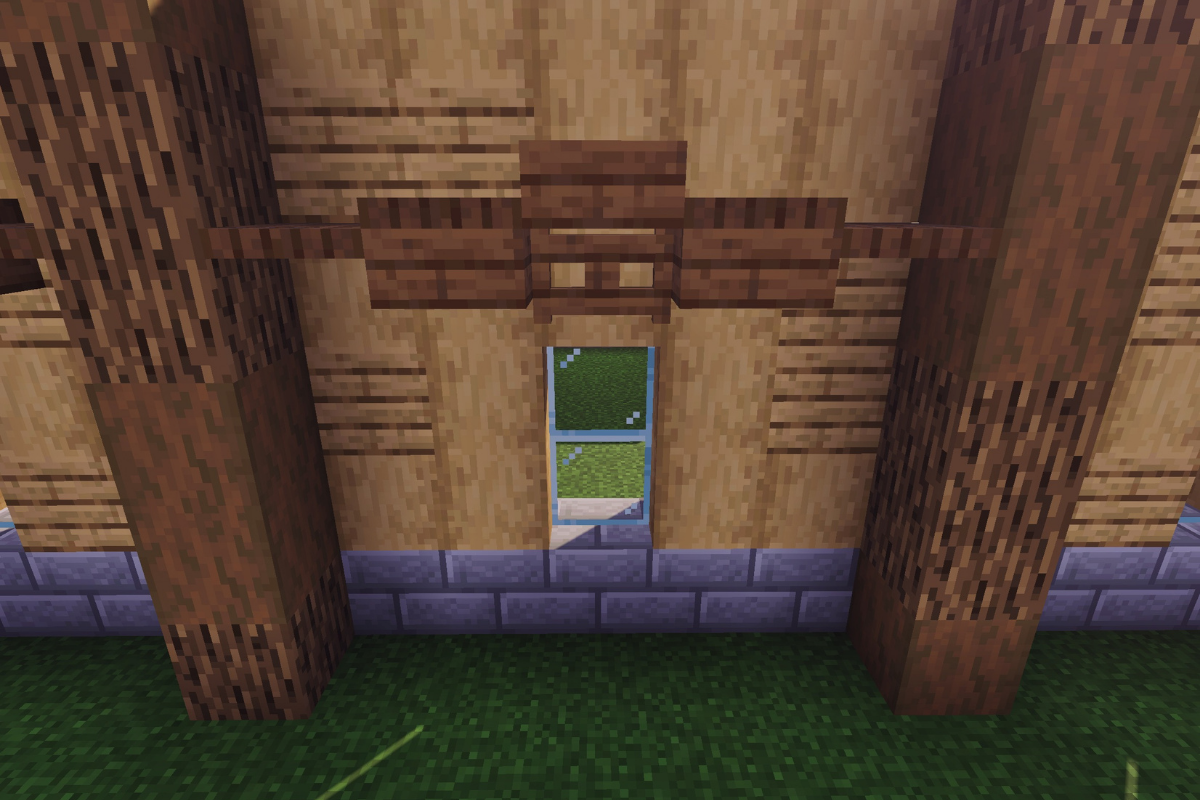
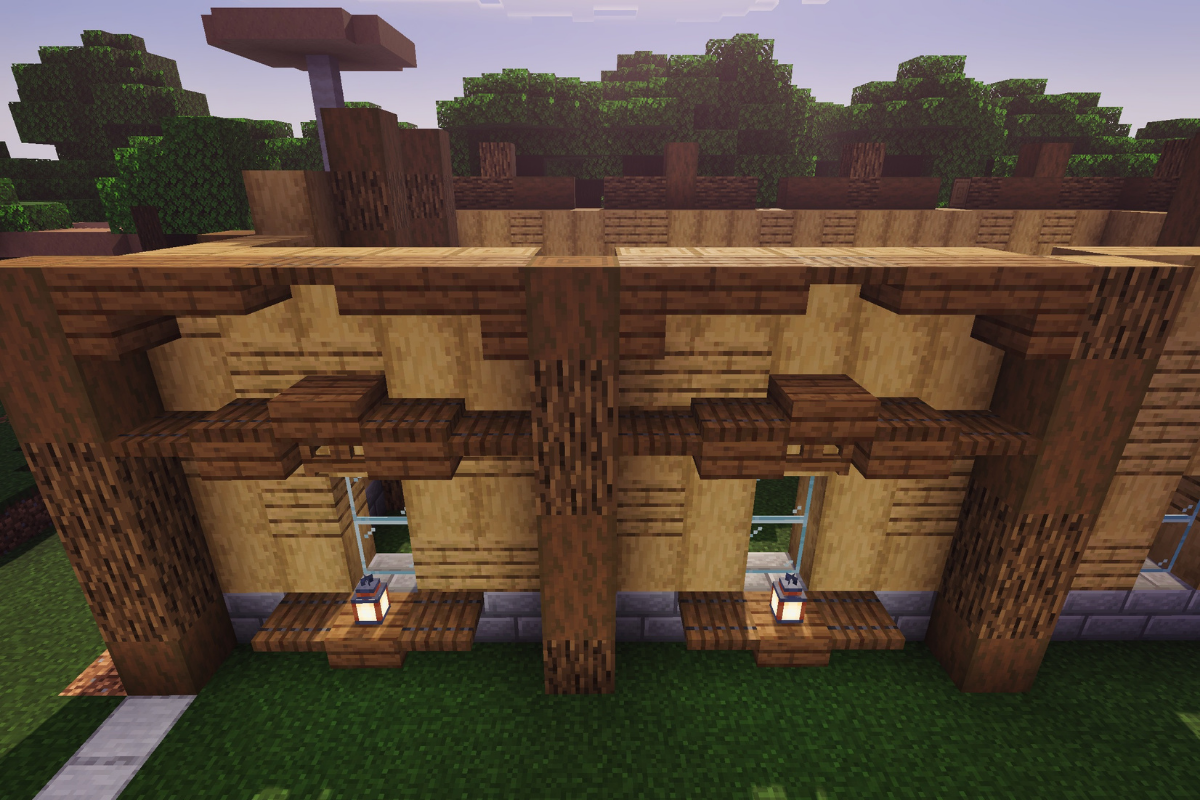
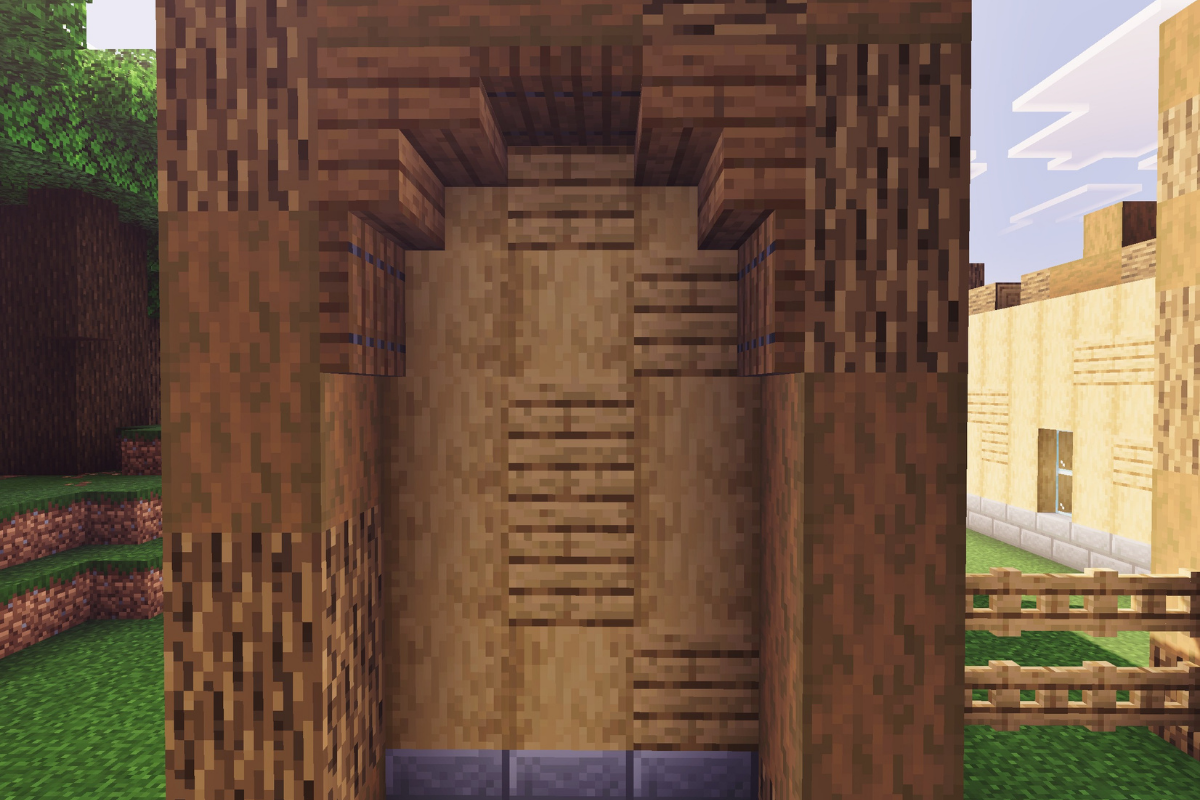
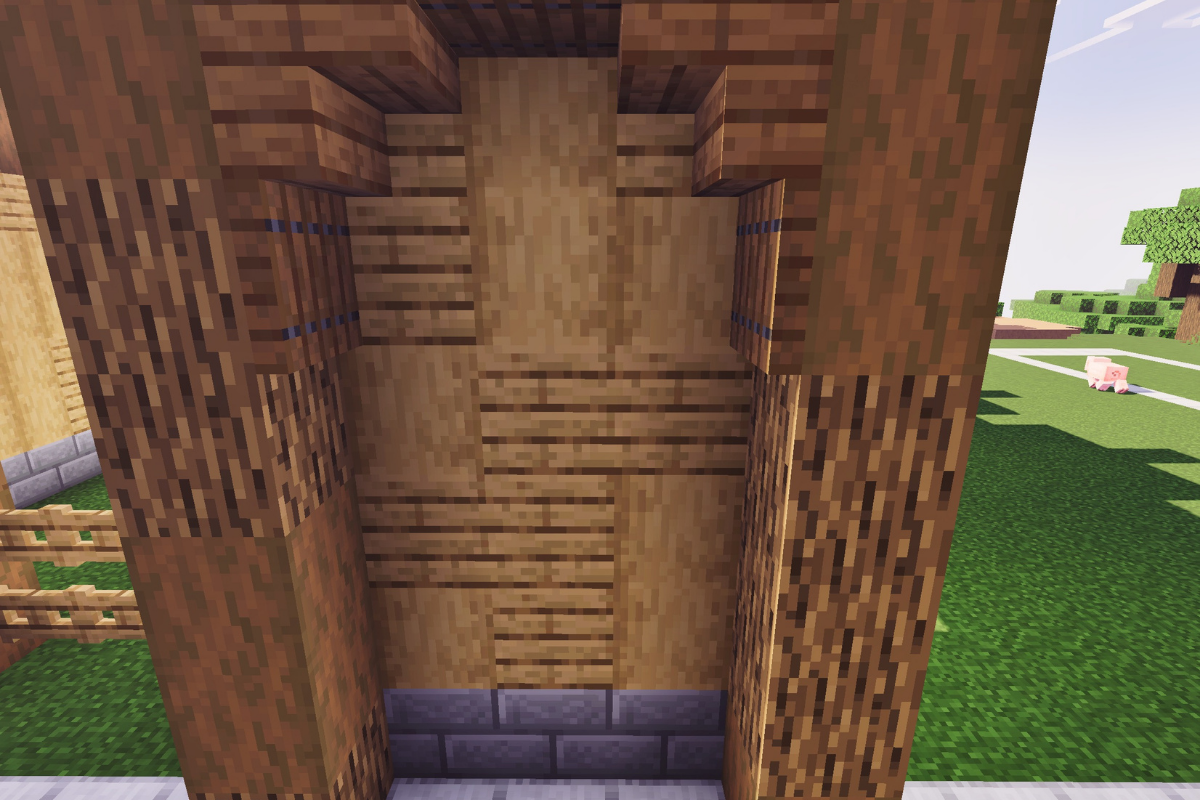
Create awning above the windows using various spruce blocks to give the large spruce barn in Minecraft a more detailed survival look.

  • Icon
    x 4
  • Icon
    x 3
  • Icon
    x 1
STEP 17 / 235
Replicate awing on the other 3 windows.
  • Icon
    x 12
  • Icon
    x 9
  • Icon
    x 3
STEP 18 / 235
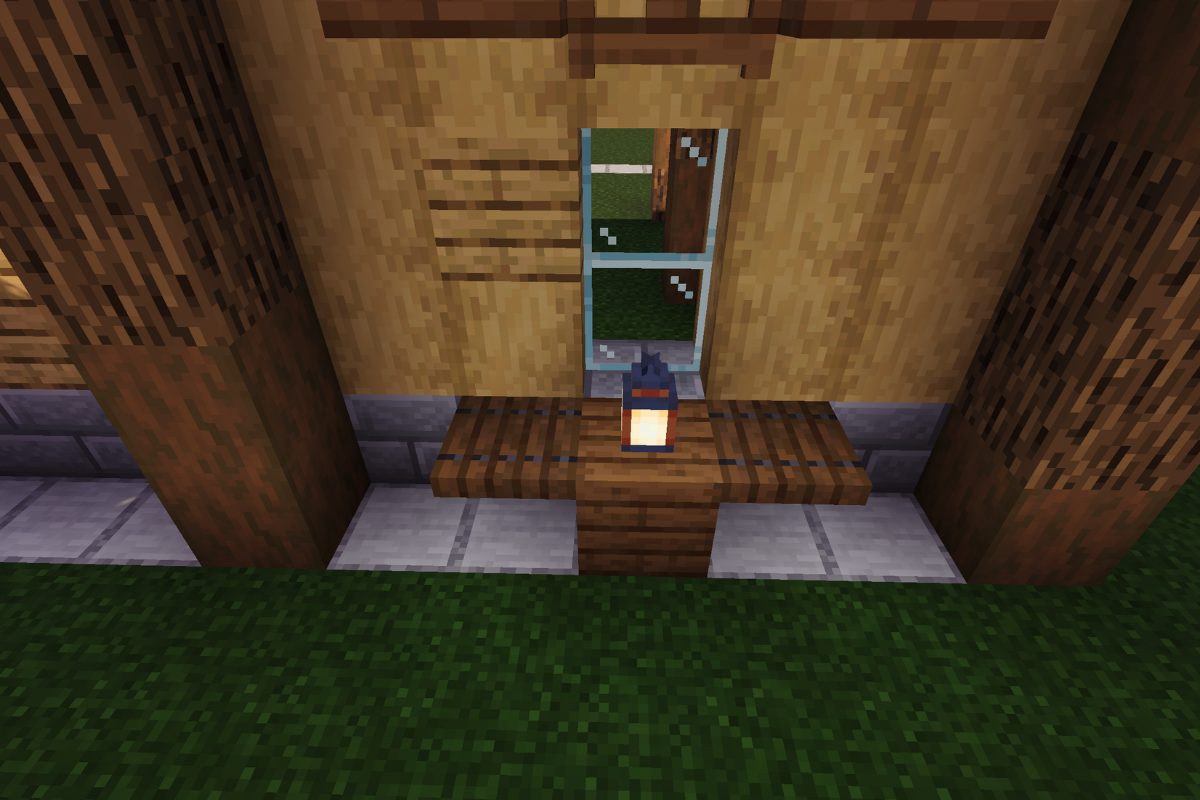
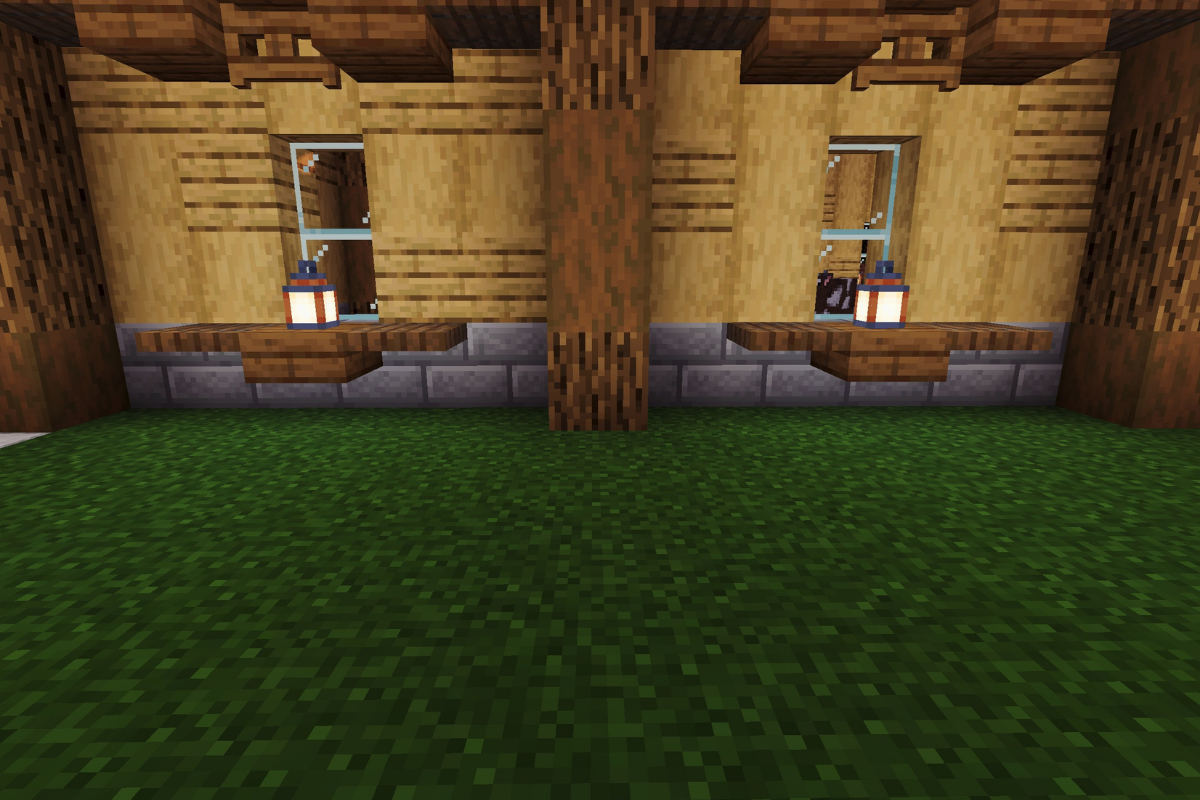
Add lantern holder under the window.
  • Icon
    x 2
  • Icon
    x 1
  • Icon
    x 1
STEP 19 / 235
Replicate the lantern holder under the window of the other 3 windows.
  • Icon
    x 6
  • Icon
    x 3
  • Icon
    x 3
STEP 20 / 235
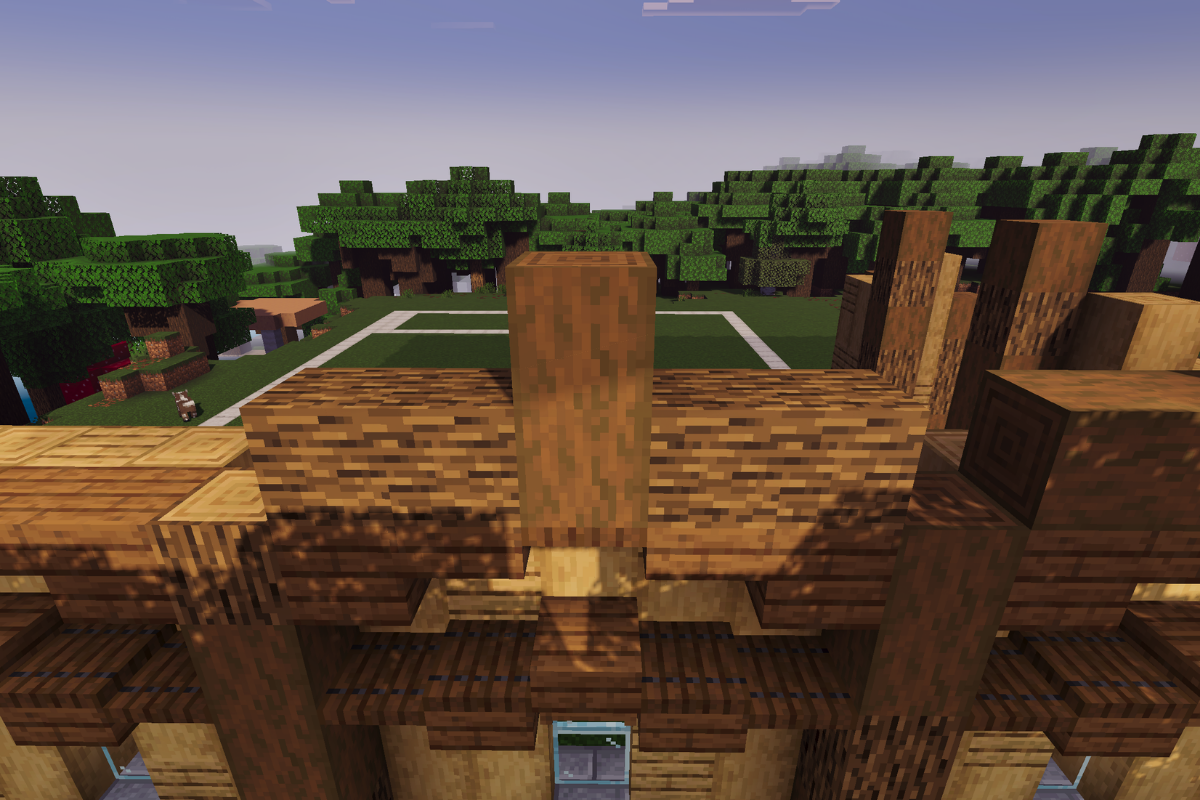
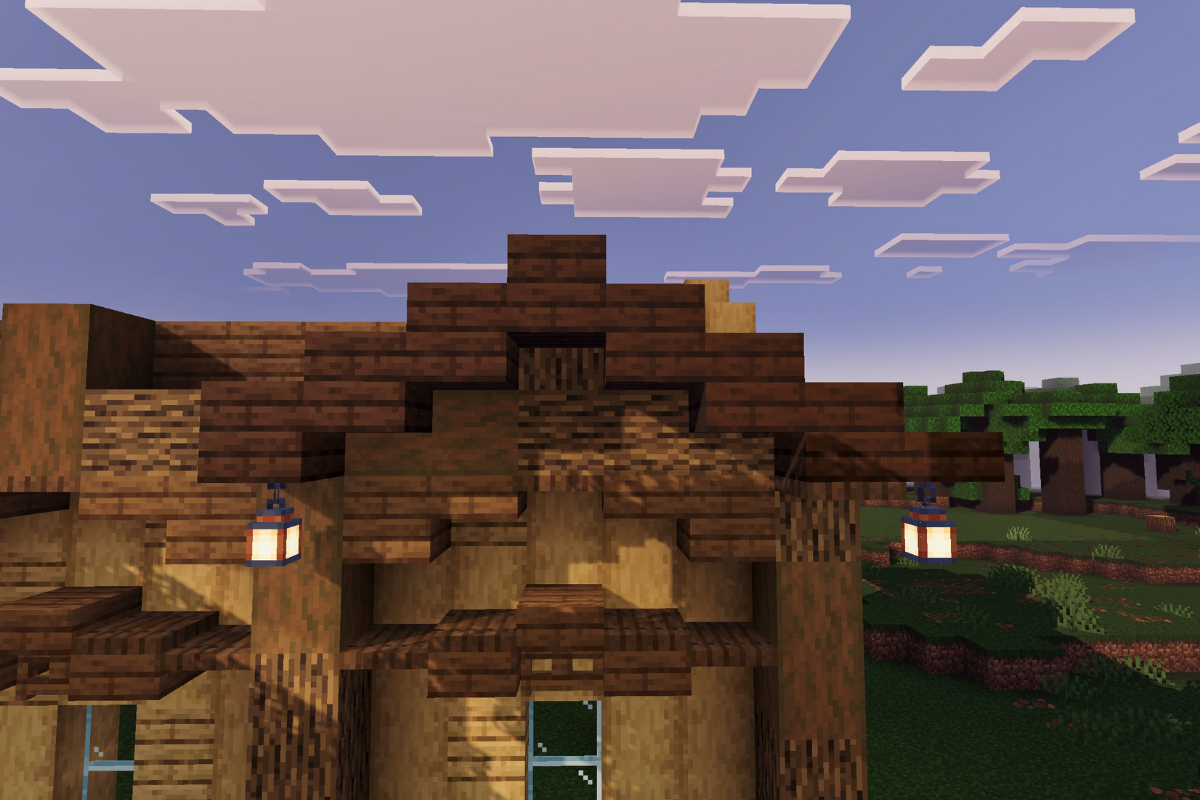
Create a roof trim with various spruce blocks.
  • Icon
    x 4
  • Icon
    x 2
  • Icon
    x 2
STEP 21 / 235
Recreate the roof trim with the other 3 windows.
  • Icon
    x 3
  • Icon
    x 6
  • Icon
    x 6
STEP 22 / 235
Add the first roof support, with oak and spruce logs.
  • Icon
    x 4
  • Icon
    x 2
STEP 23 / 235
Add the second roof support, with oak and spruce logs.
  • Icon
    x 4
  • Icon
    x 2
STEP 24 / 235
Add the third roof support, with oak and spruce logs.
  • Icon
    x 4
  • Icon
    x 2
STEP 25 / 235
Add the Fourth roof support, with oak and spruce logs
  • Icon
    x 2
  • Icon
    x 4
STEP 26 / 235
Add stone brick base and textured pillar six block high
  • Icon
    x 2
  • Icon
    x 4
  • Icon
    x 2
STEP 27 / 235
Add the textured wall between both posts
  • Icon
    x 7
  • Icon
    x 3
STEP 28 / 235
Add 2 textured pillars 8 and 7 blocks tall respectively
  • Icon
    x 5
  • Icon
    x 3
  • Icon
    x 1
  • Icon
    x 5
  • Icon
    x 1
STEP 29 / 235
Add 6 oak gate 3 blocks wide and 3 blocks tall
  • Icon
    x 6
STEP 30 / 235
Add 2 textured pillars 7 and 8 blocks tall respectively
  • Icon
    x 5
  • Icon
    x 5
  • Icon
    x 1
  • Icon
    x 3
  • Icon
    x 1
STEP 31 / 235
Place 3 stone bricks base and 2 texture pillars both 6 block tall.
  • Icon
    x 3
  • Icon
    x 6
  • Icon
    x 6
STEP 32 / 235
Add the textured wall between both pillars.
  • Icon
    x 4
  • Icon
    x 11
STEP 33 / 235

Add the first roof trim using various spruce blocks to shape the main spruce barn Minecraft roof design.

  • Icon
    x 3
  • Icon
    x 2
STEP 34 / 235
Add the second roof trim using various spruce blocks.
  • Icon
    x 3
  • Icon
    x 2
STEP 35 / 235
Add the first roof support, with oak and spruce logs.
  • Icon
    x 5
  • Icon
    x 1
STEP 36 / 235
Add the second roof support, with oak and spruce logs.
  • Icon
    x 4
  • Icon
    x 2
STEP 37 / 235
Fill the 3 gaps from inside.
  • Icon
    x 12
  • Icon
    x 4
STEP 38 / 235
Add 5 stone brick base and a textured pillar 6 blocks tall.
  • Icon
    x 5
  • Icon
    x 3
  • Icon
    x 3
STEP 39 / 235
Fill in the wall between both posts, leaving a window two blocks tall in the middle.
  • Icon
    x 17
  • Icon
    x 6
  • Icon
    x 2
STEP 40 / 235
Place 6 stone bricks base an a textured pillar both 6 blocks tall.
  • Icon
    x 6
  • Icon
    x 3
  • Icon
    x 3
STEP 41 / 235
Fill in the wall between both posts, leaving a window two blocks tall in the middle.
  • Icon
    x 15
  • Icon
    x 8
  • Icon
    x 2
STEP 42 / 235
Place 6 stone bricks base and a textured pillar both 6 blocks tall.
  • Icon
    x 6
  • Icon
    x 3
  • Icon
    x 3
STEP 43 / 235
Fill in the wall between both posts, leaving a window two blocks tall in the middle.
  • Icon
    x 18
  • Icon
    x 5
  • Icon
    x 2
STEP 44 / 235
Place 4 stone bricks base.
  • Icon
    x 4
STEP 45 / 235
Fill in the wall between both posts, leaving a window two blocks tall in the middle.
  • Icon
    x 13
  • Icon
    x 10
  • Icon
    x 2
STEP 46 / 235
Create awning above the first windows using various spruce blocks.
  • Icon
    x 4
  • Icon
    x 3
  • Icon
    x 1
STEP 47 / 235
Create awning above the second windows using various spruce blocks.
  • Icon
    x 4
  • Icon
    x 3
  • Icon
    x 1
STEP 48 / 235
Add lantern holder under both windows.
  • Icon
    x 4
  • Icon
    x 2
  • Icon
    x 2
STEP 49 / 235
Create roof trim with various spruce blocks on both windows.
  • Icon
    x 2
  • Icon
    x 4
  • Icon
    x 4
STEP 50 / 235
Add the first roof support, with oak and spruce logs.
  • Icon
    x 5
  • Icon
    x 1
STEP 51 / 235
Add the second roof support, with oak and spruce logs.
  • Icon
    x 2
  • Icon
    x 4
STEP 52 / 235
Add the third roof support, with oak and spruce logs.
  • Icon
    x 5
  • Icon
    x 1
STEP 53 / 235
Add the Fourth roof support, with oak and spruce logs.
  • Icon
    x 4
  • Icon
    x 2
STEP 54 / 235
Fill the 3 gaps from inside.
  • Icon
    x 12
  • Icon
    x 3
STEP 55 / 235
Create 2 roof trim with various spruce blocks.
  • Icon
    x 2
  • Icon
    x 4
STEP 56 / 235
Add the two, roof support, with oak and spruce logs.
  • Icon
    x 6
  • Icon
    x 5
STEP 57 / 235
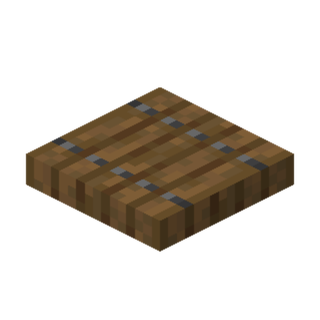
Add trap doors below the first roof trim.
  • Icon
    x 2
STEP 58 / 235
Add trap doors below the second roof trim.
  • Icon
    x 2
STEP 59 / 235
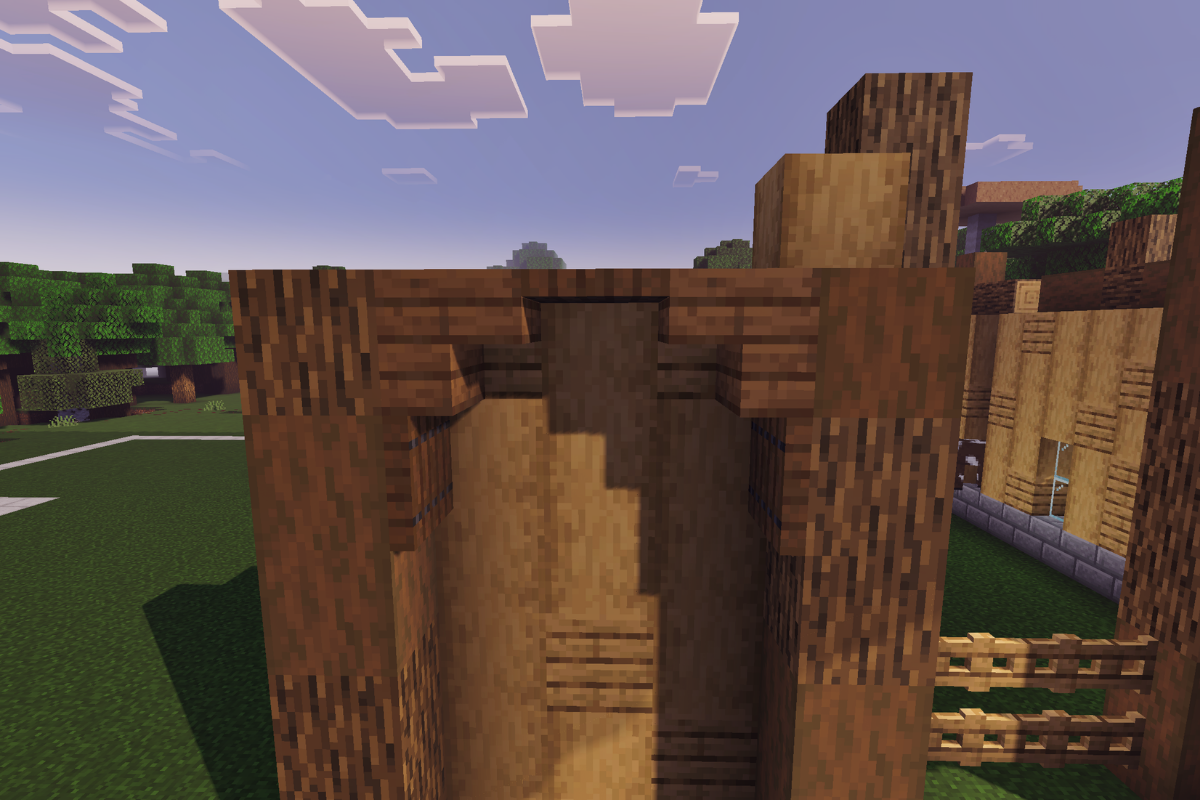
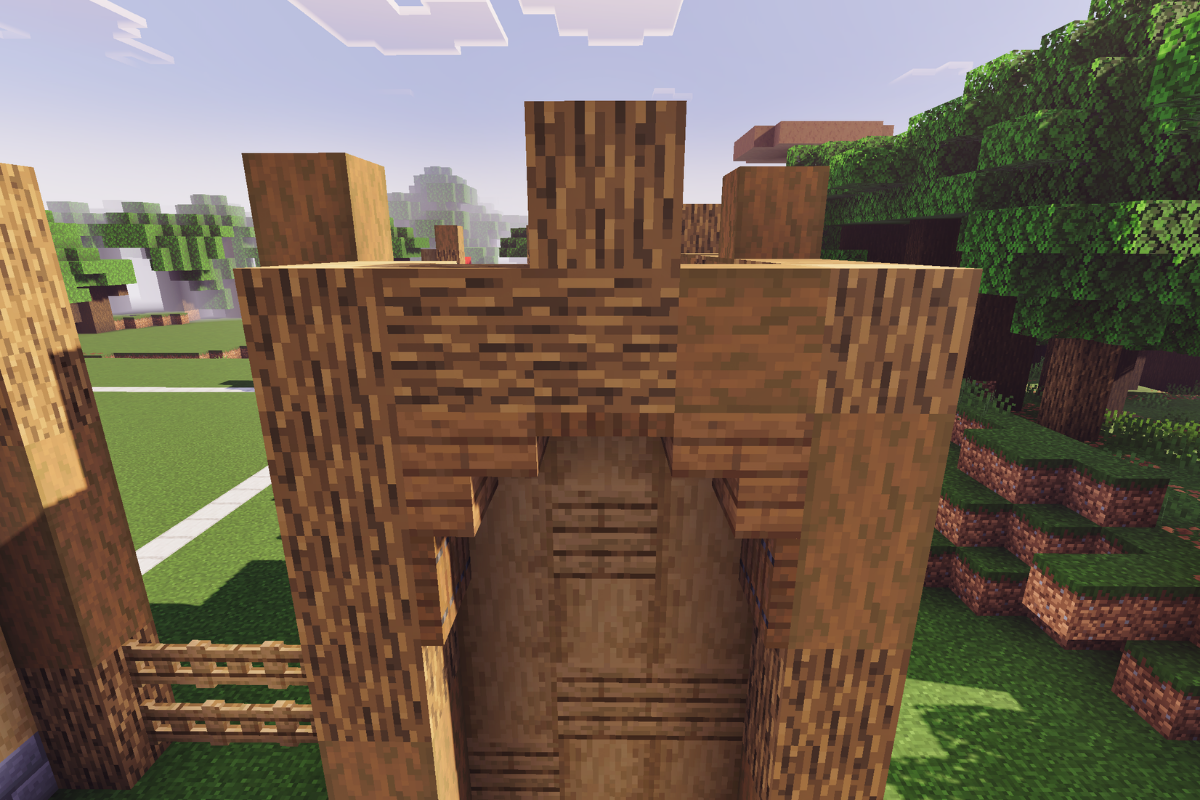
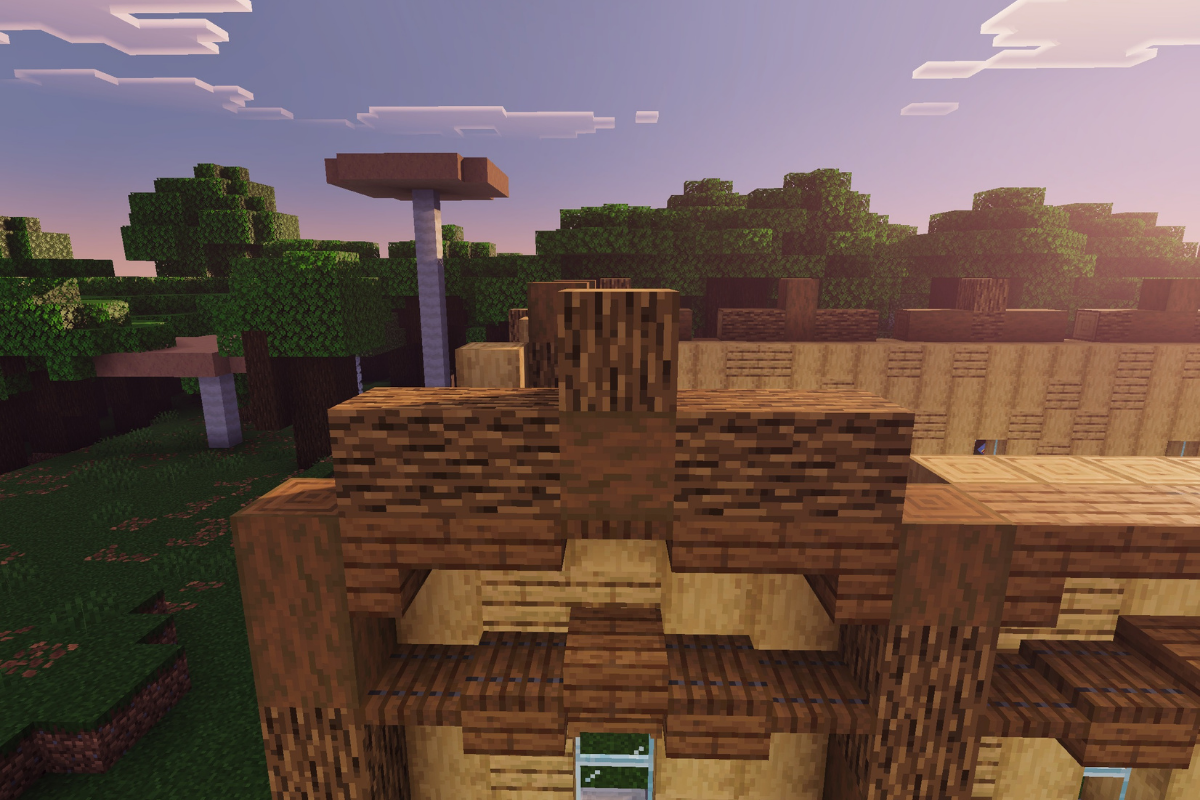
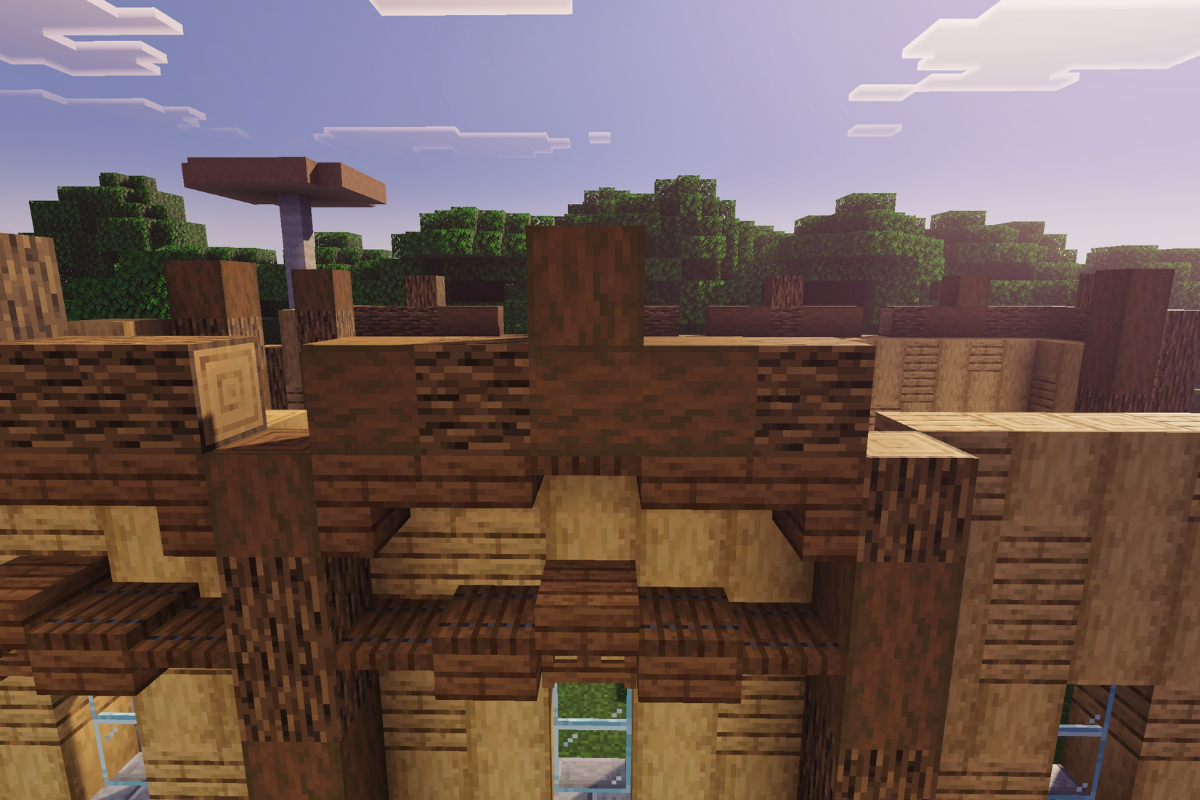
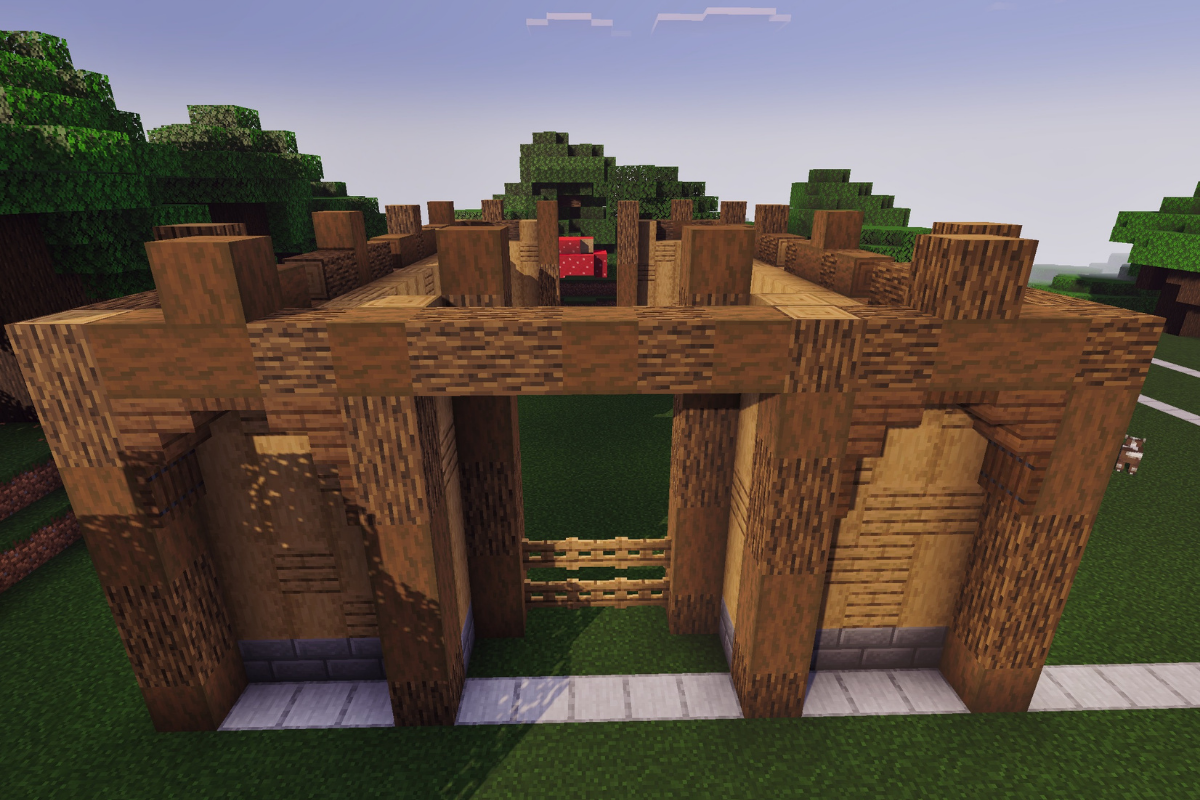
Create a supporting beam above the two front pillars.
  • Icon
    x 3
  • Icon
    x 2
STEP 60 / 235

Create a larger roof support above the front entrance to make the spruce barn feel more grand and realistic.

  • Icon
    x 1
  • Icon
    x 12
  • Icon
    x 5
  • Icon
    x 1
STEP 61 / 235
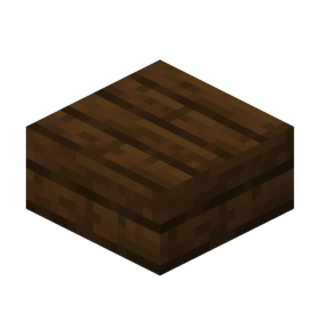
Add awning about the front entrance using spruce slabs.
  • Icon
    x 12
  • Icon
    x 2
  • Icon
    x 2
STEP 62 / 235
Create a beam above the two back pillars.
  • Icon
    x 3
  • Icon
    x 2
STEP 63 / 235
Create larger roof support about back entrance.
  • Icon
    x 13
  • Icon
    x 6
STEP 64 / 235
Add awning about the front entrance using spruce slabs
  • Icon
    x 12
  • Icon
    x 2
  • Icon
    x 2
STEP 65 / 235

Add two layers of spruce planks on both sides of the roof to begin forming the massive spruce barn Minecraft roofline, 21 blocks long on each side.

  • Icon
    x 84
STEP 66 / 235
Add awing on the first roof support along with decor and lantern.
  • Icon
    x 15
  • Icon
    x 2
  • Icon
    x 1
STEP 67 / 235
Add awing on the Second roof support along with and lantern.
  • Icon
    x 12
  • Icon
    x 1
STEP 68 / 235
Add awing on the third roof support along with and lantern.
  • Icon
    x 12
  • Icon
    x 1
STEP 69 / 235
Add awing on the first roof support along with decor and lantern.
  • Icon
    x 13
  • Icon
    x 1
  • Icon
    x 1
STEP 70 / 235
Add awing on the first roof support along with decor and lantern.
  • Icon
    x 15
  • Icon
    x 2
  • Icon
    x 1
STEP 71 / 235
Add awing on the second roof support along a lantern.
  • Icon
    x 12
  • Icon
    x 1
STEP 72 / 235
Add awing on the third roof support along with and lantern.
  • Icon
    x 12
  • Icon
    x 1
STEP 73 / 235
Add awing on the fourth roof support along with decor and lantern.
  • Icon
    x 13
  • Icon
    x 1
  • Icon
    x 1
STEP 74 / 235
Add 3 spruce slabs behind the highest dark oak slab of each of the 8 roof awnings.
  • Icon
    x 24
STEP 75 / 235
Fill out the spaces behind the dark oak with spruce slabs.
  • Icon
    x 70
STEP 76 / 235
Add dark oak trap doors on the middle slabs on the roof.
  • Icon
    x 10
STEP 77 / 235

Add trimmings to the front of the roof using dark oak slabs for extra detail on your large spruce barn in Minecraft.

  • Icon
    x 30
STEP 78 / 235
Add trimmings to the back of the roof using dark oak slabs.
  • Icon
    x 30
STEP 79 / 235
Fill in the space between the spruce slabs that are hanging out.
  • Icon
    x 42
STEP 80 / 235
Add two more row of spruce slabs to each of the roof in line with their trimmings of dark oak slabs.
  • Icon
    x 104

Conclusion

Great progress! You’ve now completed step 80 out of 235 for this large spruce barn in Minecraft.

The structure is already starting to take shape, and the finished build will look amazing in any survival world, farming district, or rustic village setup. In the next section, we’ll continue adding more detail and begin shaping the barn into a much larger finished structure.

If you’ve been enjoying this spruce barn Minecraft tutorial so far, be sure to continue on to Part 2 to keep building. You’re getting closer to completing a massive survival barn that fits perfectly into larger medieval and countryside-style projects.

Leave a Reply

Your email address will not be published. Required fields are marked *

document.addEventListener("DOMContentLoaded", function() { const lists = document.querySelectorAll(".elementor-widget-icon-list"); lists.forEach((list, listIndex) => { const items = list.querySelectorAll("li"); items.forEach((item, itemIndex) => { const key = "checklist-" + listIndex + "-" + itemIndex; if (localStorage.getItem(key) === "true") { item.classList.add("checked"); } item.addEventListener("click", function() { item.classList.toggle("checked"); if (item.classList.contains("checked")) { localStorage.setItem(key, "true"); } else { localStorage.removeItem(key); } }); }); }); });